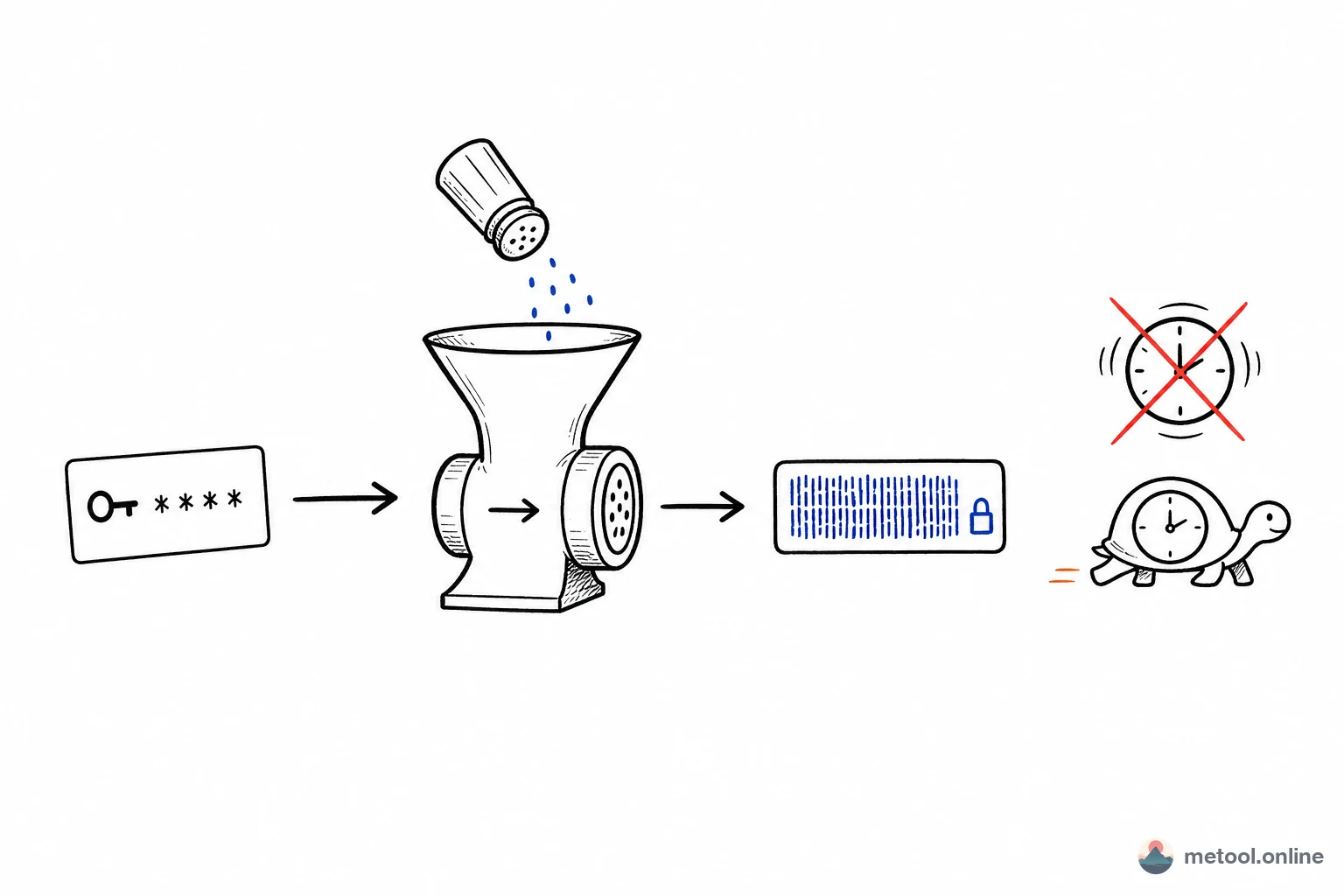
Hash Generator in 2026 — The First Line of Defense for Data Integrity
Hashing is an algorithm that maps data of arbitrary length to a fixed-length string, playing an irreplaceable role in cybersecurity, data verification, and cryptography. Whether you are verifying the integrity of downloaded files, comparing password hashes in databases, or ensuring immutability of blockchain transaction records, hash algorithms are the foundational technology.
In 2026, as data security awareness continues to grow, developers frequently need hash functionality for data verification, digest generation, and secure signing. A convenient online hash generator eliminates the need to write throwaway scripts, letting you quickly obtain hash values for text or files.
MeTool's Hash Generator supports mainstream algorithms including MD5, SHA-1, SHA-256, and SHA-512. It handles both text and file hashing, with all computations running locally in your browser — your data never leaves your device.
Key Features of MeTool Hash Generator
Multiple Hash Algorithms
Supports MD5, SHA-1, SHA-256, and SHA-512 simultaneously. View the hash value of the same data under different algorithms in a single operation, making it easy to compare and choose the right one for your use case.
Text Hashing
Type or paste text to get instant hash results. Perfect for quickly generating API signatures, verifying password hashes, or creating data fingerprints.
File Hash Verification
Hash local files without uploading them to any server. Use it to verify download integrity — simply drag a file into the tool and compare the result against the official hash value provided by the source.
Pure Browser-Side Computation
All hashing operations are performed in your browser via the Web Crypto API, with no dependency on external services. This means you can use the hash functionality even offline, as long as the page is already loaded.
How to Generate Hash Values with MeTool
- Open the Tool: Navigate to MeTool's Hash Generator page — no software installation needed.
- Choose Input Mode: Select "Text Mode" to enter text directly, or "File Mode" to drag and drop a local file.
- Select Algorithms: Check the hash algorithms you need (MD5, SHA-1, SHA-256, SHA-512) — multiple selections are supported for simultaneous generation.
- Get Results: Hash values appear instantly. Click the copy button to use the results for verification, storage, or further development work.