

In 2026, We Wanted Drumming to Be One Tap Away in the Browser
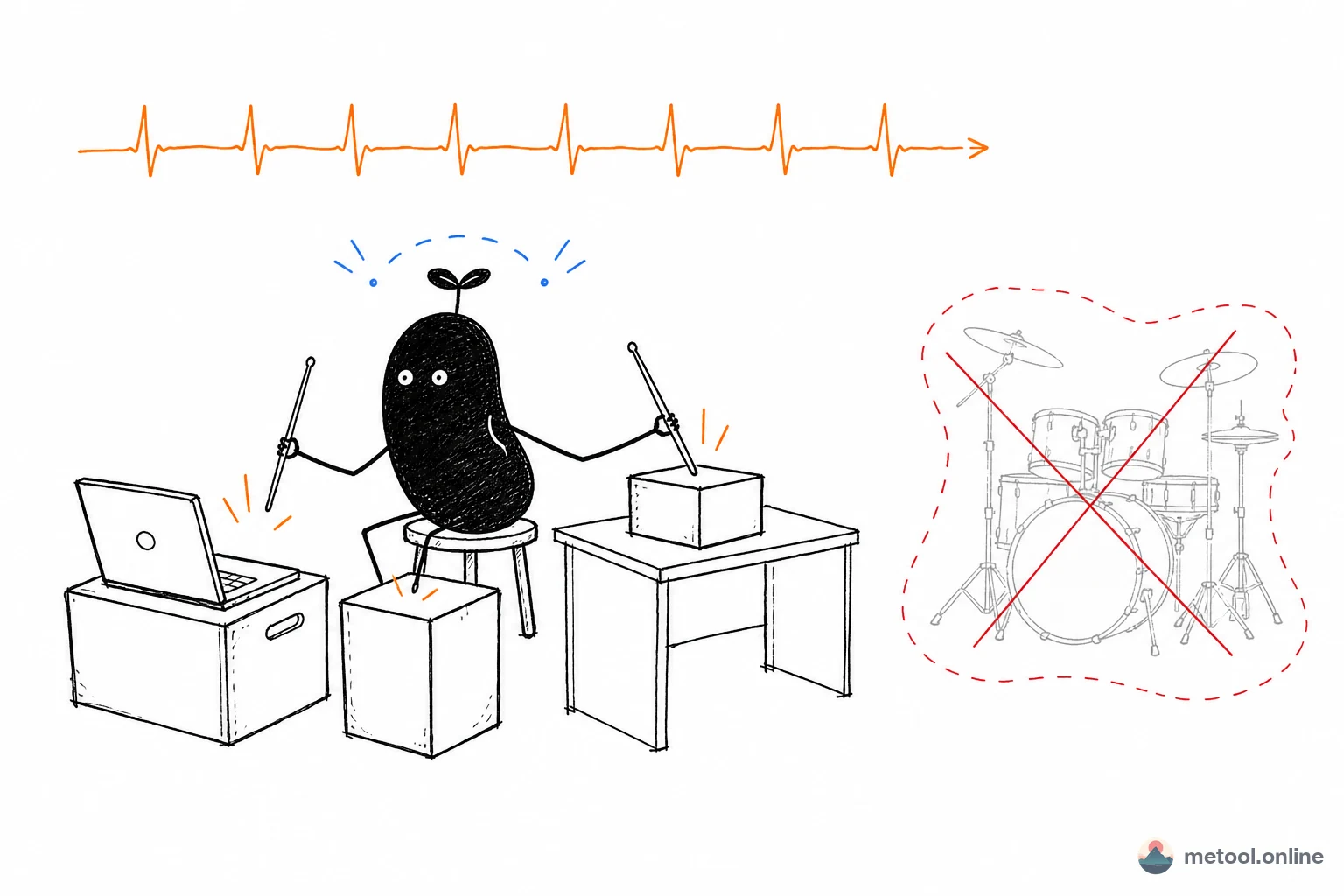
A real drum kit is expensive, takes up space, and annoys the neighbors; drumming apps on your phone are either stuffed with ads or lock the good sounds behind in-app purchases. We built this online drum kit to remove all of that friction: open the page, put on headphones, and tap with your finger or keyboard to get sound.
To make it feel as close to a real kit as possible, we use real recorded open-source drum samples (kick, snare, hi-hats, toms, crash, ride) played back with low latency through the browser's Web Audio API — there's almost no delay between your hit and the sound. The whole kit is shown as a single top-down image where every drum is a big tappable hot zone: whatever you touch squashes, bounces, or sways, and with optional haptic feedback it feels genuinely responsive.
What Makes This Online Drum Kit Different
Real recorded samples: Not synthetic "beep" sounds, but full, natural drum tones recorded in a studio — especially noticeable on headphones.
Touch + keyboard input: Tap with your fingers on phones and tablets (iPad), with multi-touch support for hitting several drums at once; on desktop every drum is mapped to a key (A crash, S/D closed/open hi-hat, E/R high/mid tom, F snare, J floor tom, L ride, Space kick) for lower latency and tighter rhythm practice.
Hi-hat choke: Just like a real kit, hitting the closed hi-hat chokes the ringing open hi-hat, recreating the muting feel of the foot pedal.
Record & loop playback: Record every hit and its timing with one tap, then play it back or loop it to refine a groove. Recordings live only in the current page's memory and clear on refresh — your data never leaves the browser.
One-tap sharing: Generate a portrait achievement card with a QR code to share your "drummer" title and total hit count with friends.
How to Build a Groove with Touch or Keyboard
The classic starter beat is the "boom-tss": kick (Space) on beats 1 and 3, snare on 2 and 4, with a steady stream of eighth notes on the closed hi-hat underneath. Practice the three parts separately and slowly, then layer them — and you'll have the foundation of nearly every pop song.
To level up, try adding a "ghost note" (a soft snare or hi-hat tap) just before the snare, or end every four bars with a fill rolling from high to mid to floor tom and capping it with a crash — that's a complete musical phrase. Hit "Record," loop it back, and you'll instantly hear where you're rushing or dragging.
What Playing a Drum Kit Simulator Trains
① Rhythm and steadiness: Holding a steady hi-hat line is the bedrock skill for every drummer. Long-term practice sharpens your internal sense of the beat, making your timing steadier in singing, dancing, even typing.
② Limb coordination: A real kit asks each hand and foot to do something different; multi-touch plus keyboard here simulates that "independent limbs" challenge — great cross-hemisphere brain training.
③ Instant feedback and stress relief: Sound, animation, and vibration land the moment you hit. That strong immediate feedback is wonderfully cathartic — better than popping bubble wrap when you're stressed.
④ Musical introduction: For kids or complete beginners, it's the lowest-cost way to learn the names and tones of each drum and get into percussion.