MeTool Blog
Scenario-driven guides, comparisons and technical deep-dives that help you find and get the most out of the right online tool.
Solutions
Start from a real-life or work pain point and solve it step by step with the right tool.
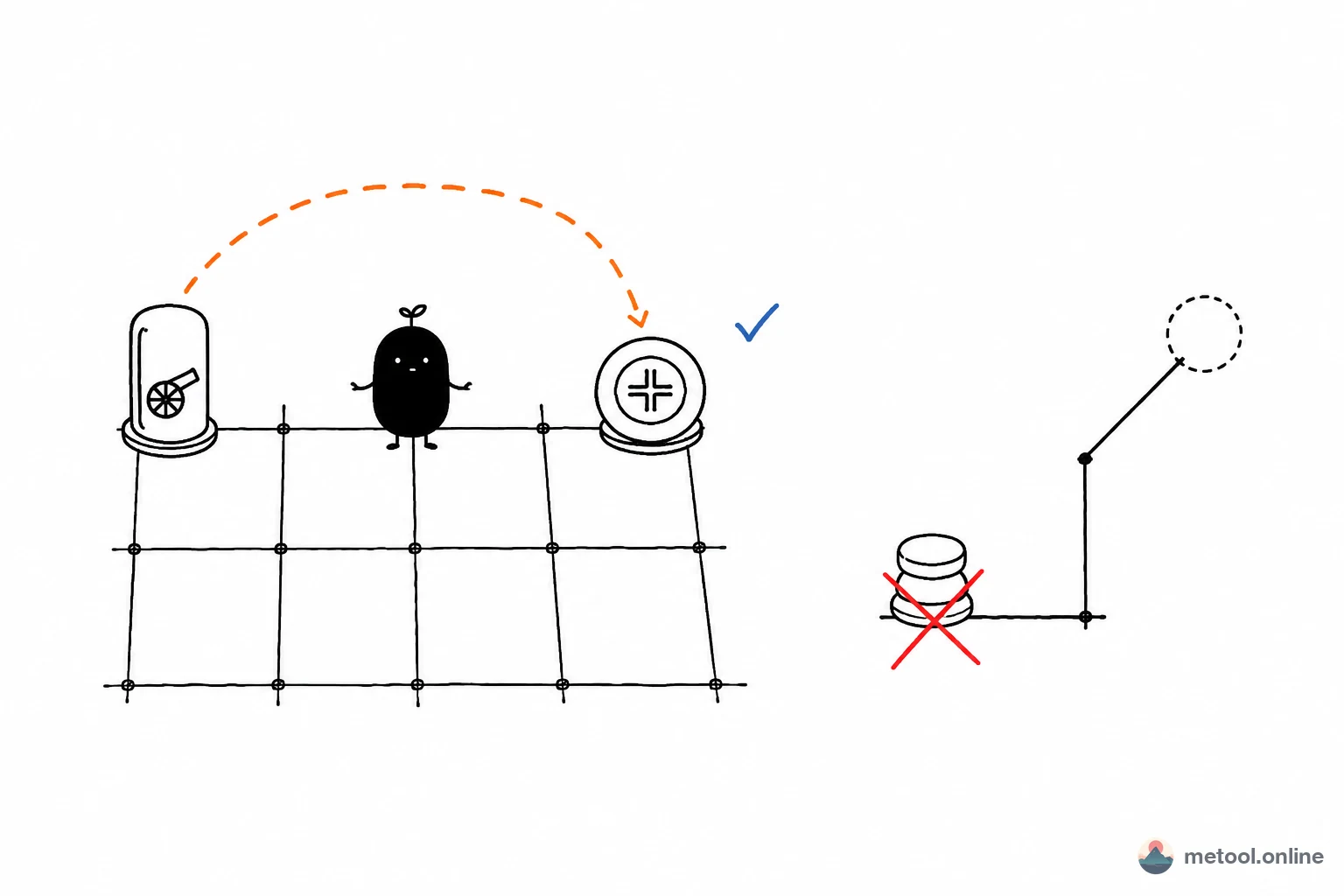
Horse-behind-Cannon, the hobbled Horse, and the Cannon platform
The three Xiangqi rules players mix up most: a Cannon captures only with exactly one piece in between, a Horse can be blocked on its first step, and why Horse-behind-Cannon sometimes mates. Includes a check table and a layout sequence.
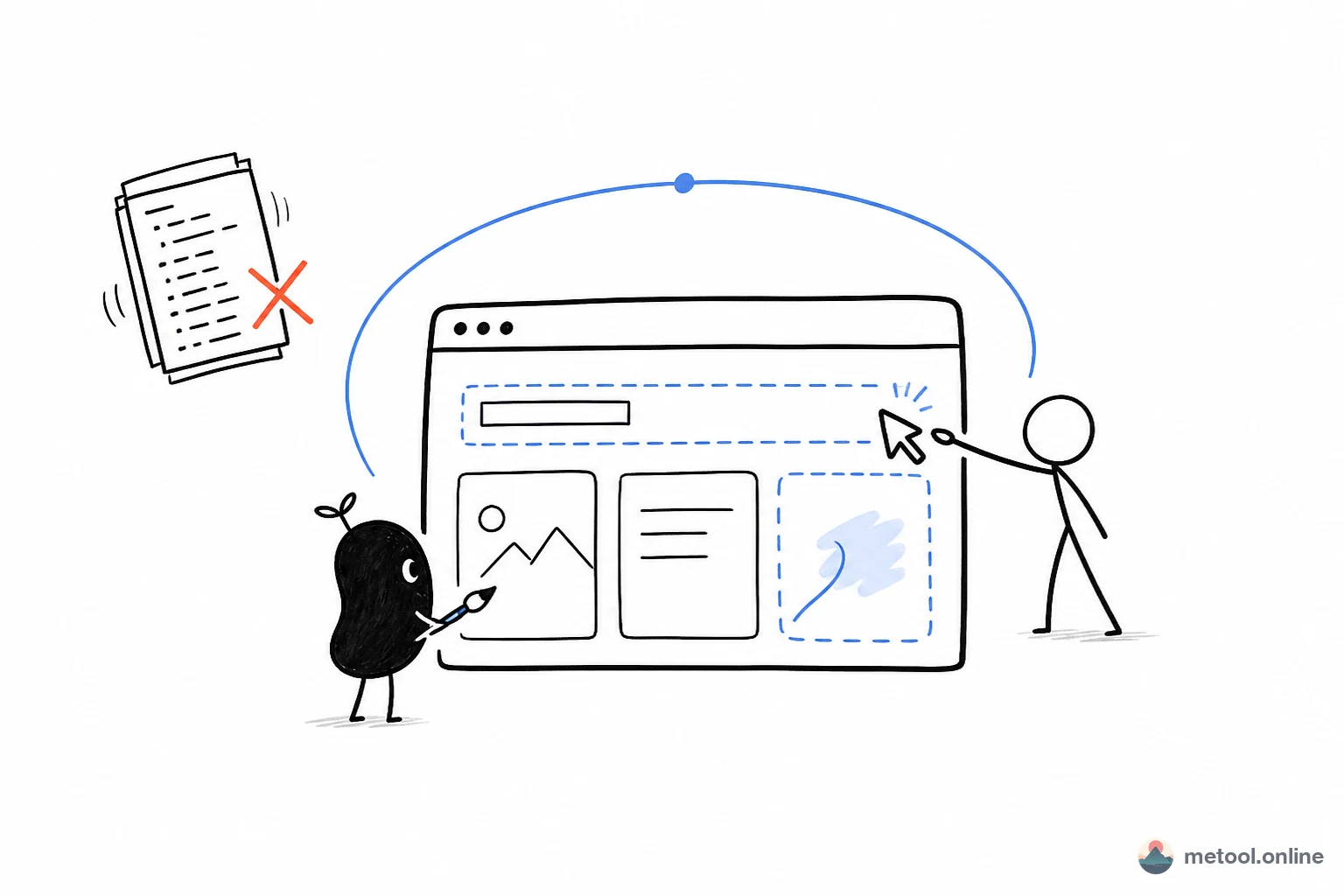
How do I let AI change a webpage and see the result as it writes?
Large HTML edits that only live as source in chat hide layout until round N. This article covers how your current AI writes into the visual editor you have open, why changes should be batched into as few writes as possible, and when to click small edits versus cowrite structure.
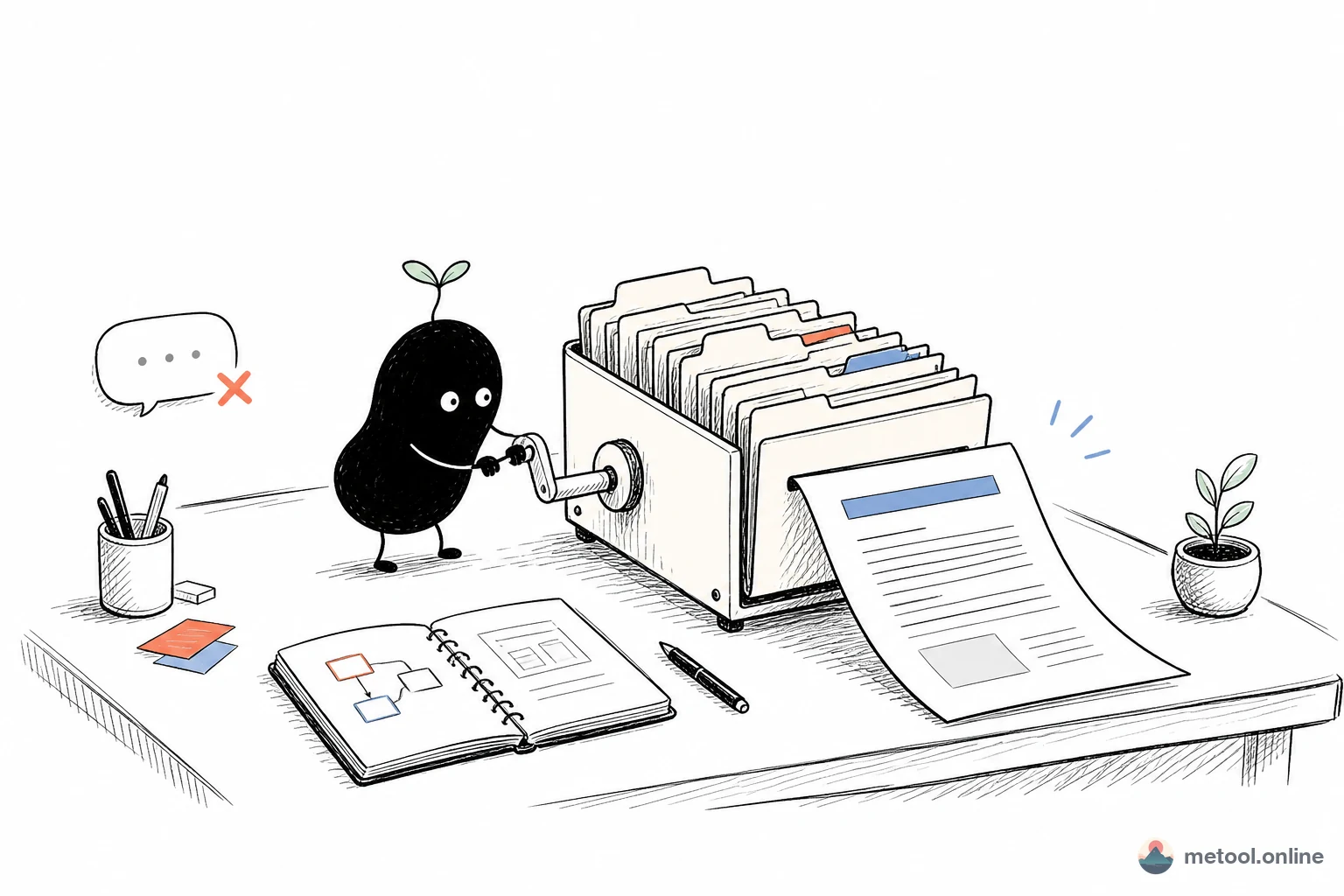
How do I let AI edit a LaTeX paper and compile it on the same page?
A paper is a multi-file project: body, bibliography, template each in place. This article covers how your current AI edits the open .tex project, when to trigger compile, why binary images cannot travel through chat, and where online cowriting stops and local TeX Live begins.
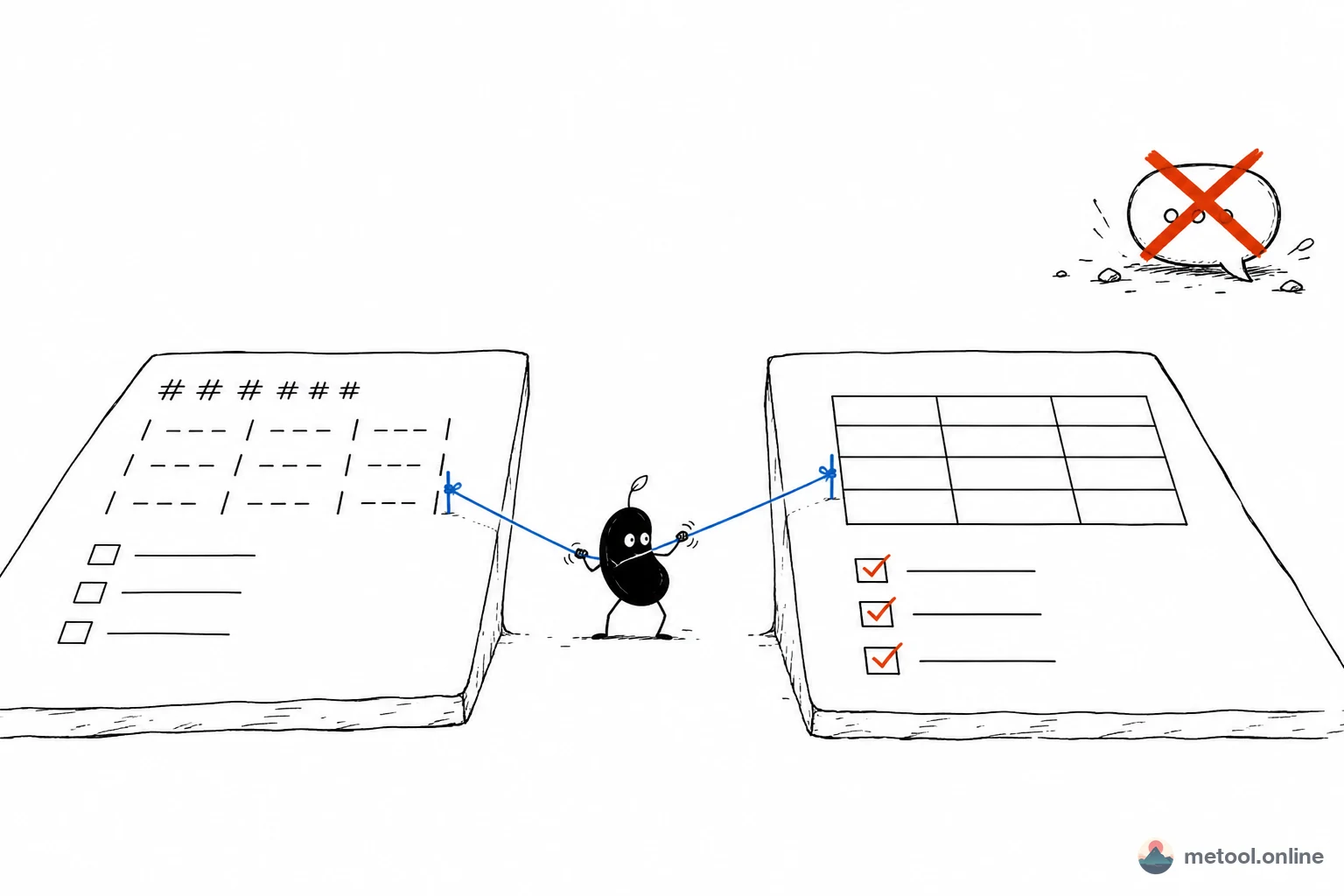
How do I let AI write Markdown and see the layout at the same time?
Tables, task lists, and code fences are only symbols in chat. You only know if they break after they hit an editor. This article covers why you cowrite the same .md in a live preview, and why a local replace beats overwriting the whole draft.
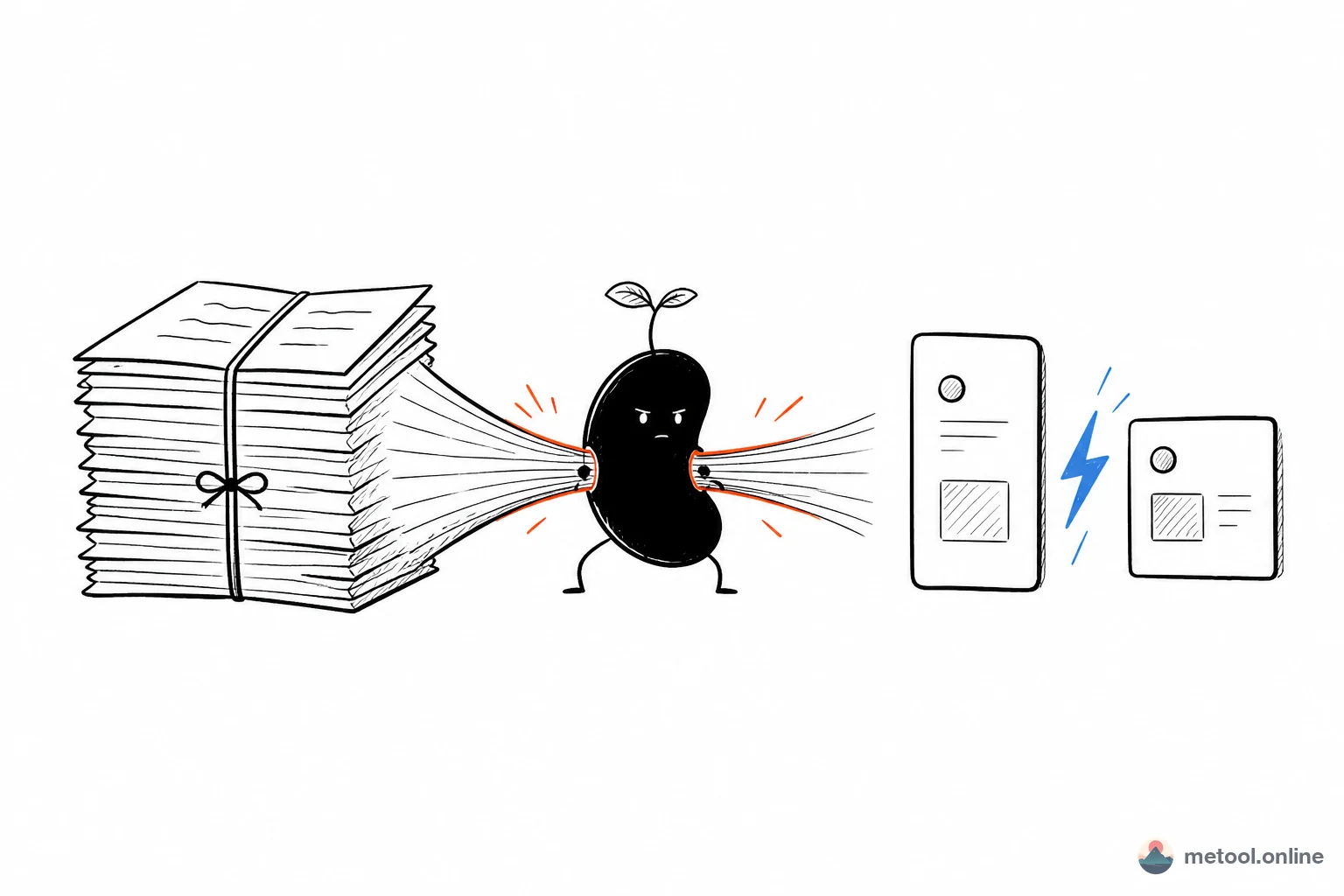
How do I turn a Markdown doc into knowledge cards with AI?
SOPs, tutorials, and meeting notes are already structured — posting them still means a redesign. This article covers which card ratios fit explainer docs, and how your current AI lays out the preview page while you sign off on each card.
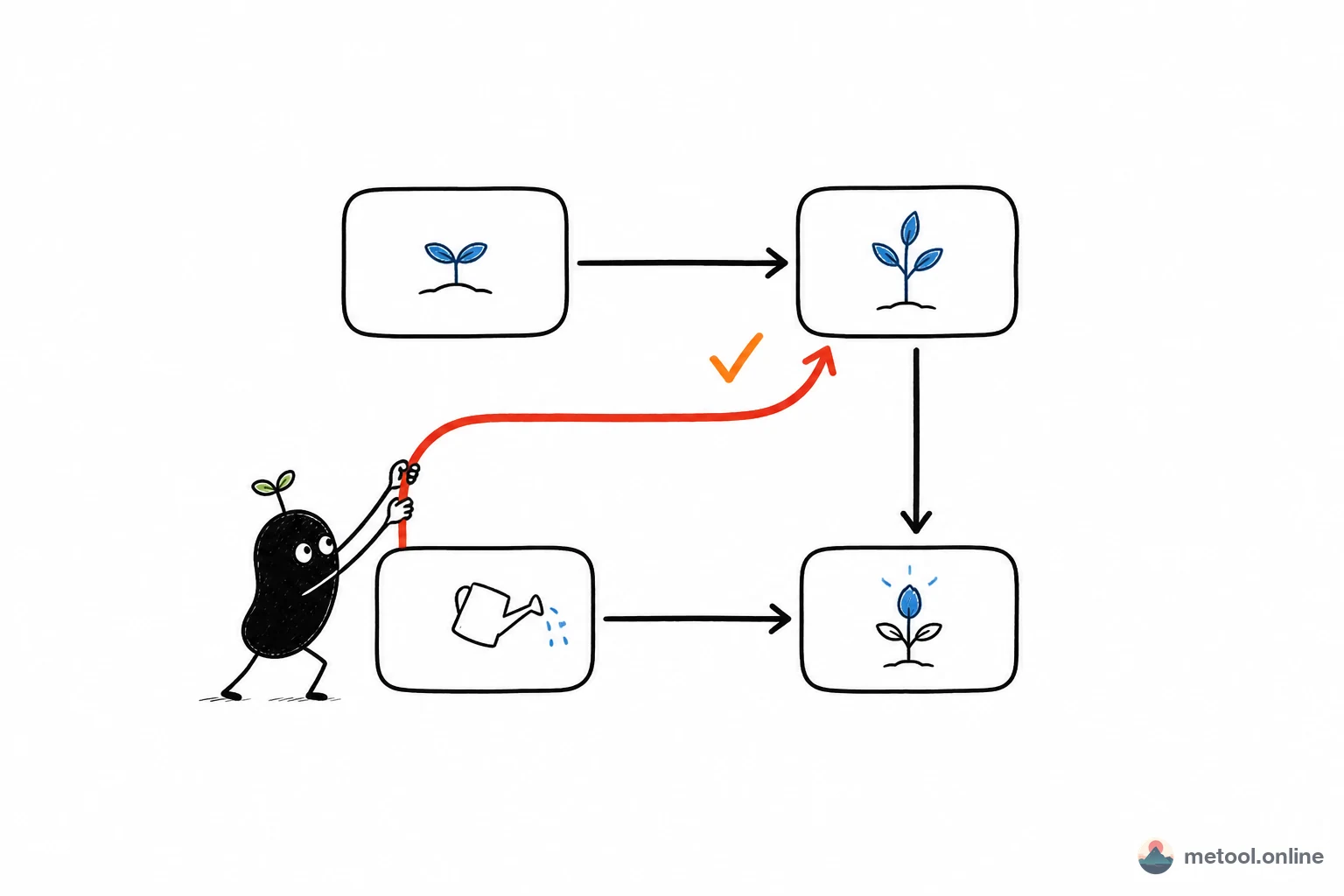
The AI flowchart is wrong — how do I fix it against the preview?
Models often emit Mermaid that parses, then arrows wrap the wrong way and nodes pile up. This article covers why a flowchart has to be edited against the render, how your current AI should change only one stretch of source, and which diagrams should not go to auto-layout.
Comparisons
Side-by-side comparisons of approaches, tools and formats to help you choose.
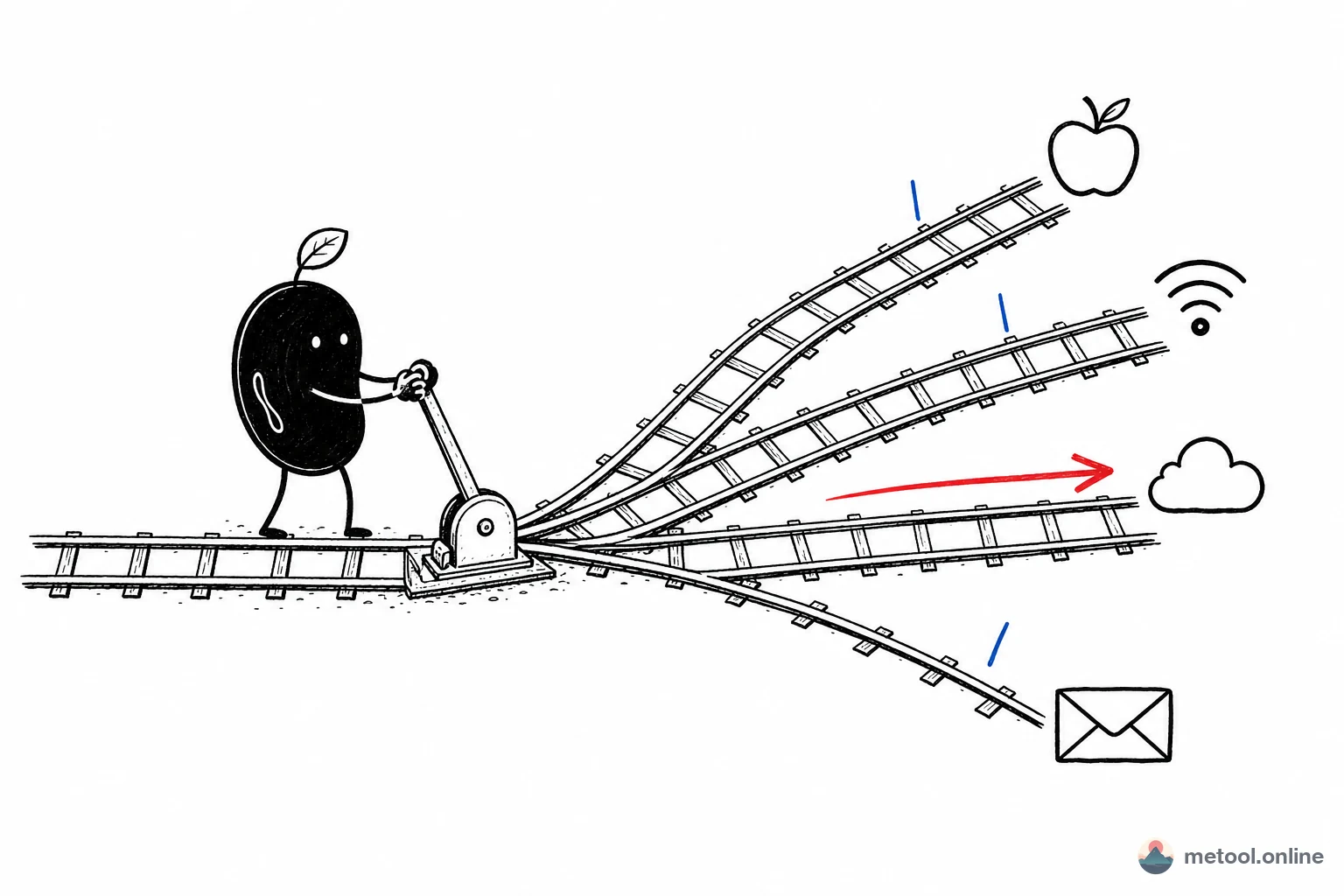
AirDrop, Messaging Apps, Cloud, or LAN Transfer: How to Choose
AirDrop, messaging file transfer, cloud storage, and LAN direct transfer are not replacements for each other—they fit different scenes. This article compares cross-platform support, speed, quality, privacy, and account requirements, with a decision framework.
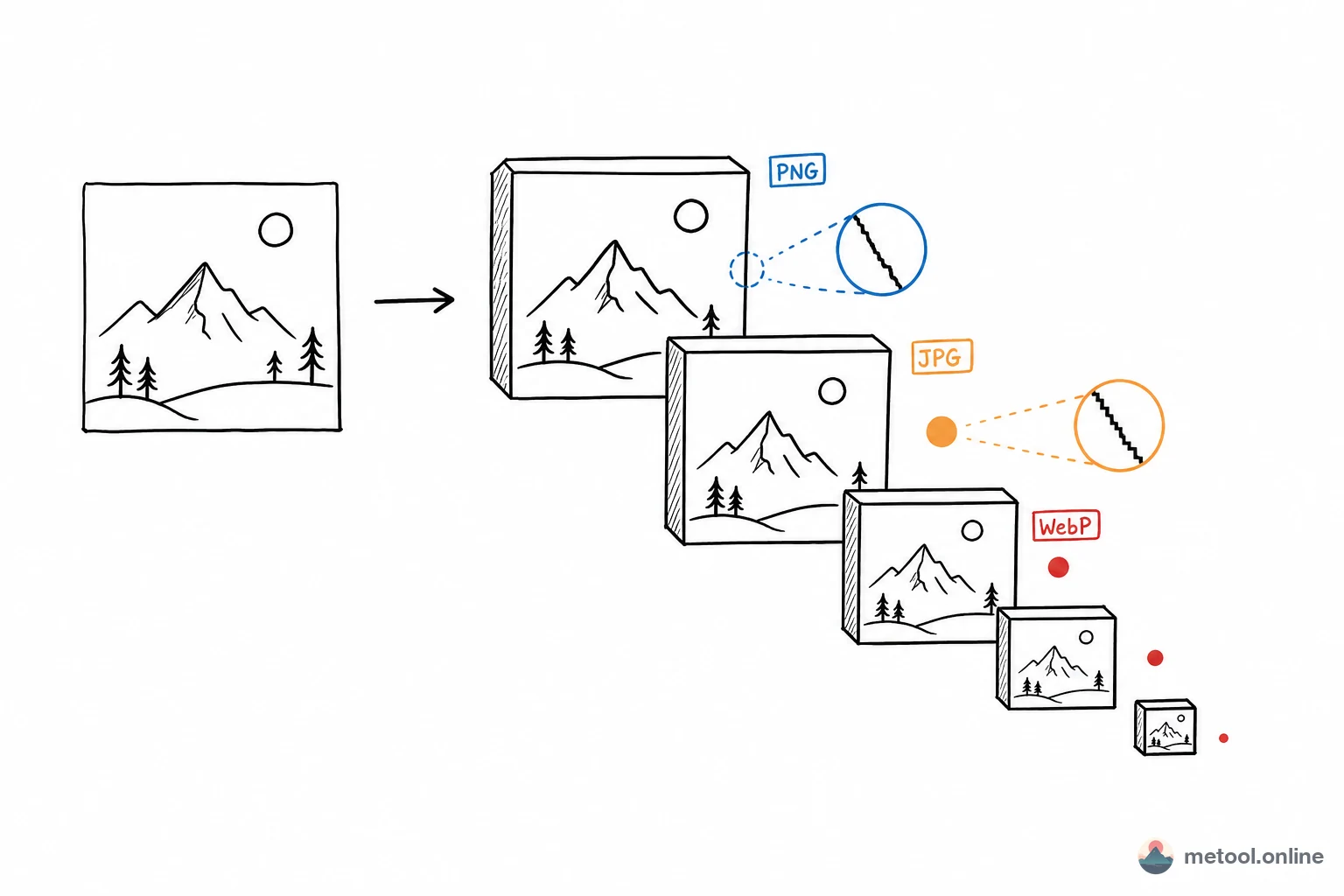
What Does Image Compression Remove? Choosing JPG, PNG, WebP, and AVIF
The same image as JPG, PNG, WebP, or AVIF can differ in size by several times. This article explains lossy vs. lossless, what each format excels at, and a decision table for screenshots, photos, and illustrations.
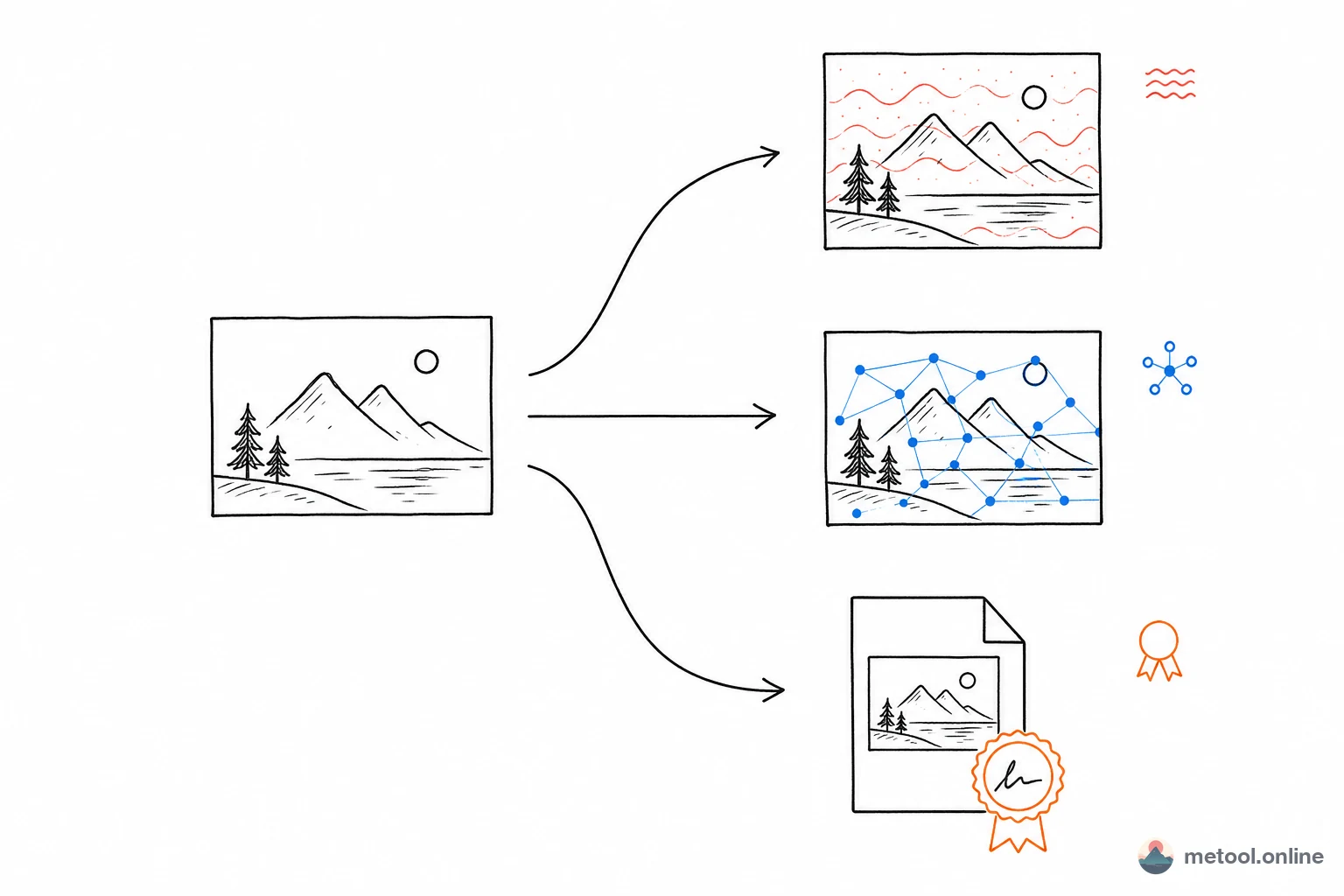
Choosing Invisible Watermarking: Frequency-Domain vs. SynthID vs. C2PA
Invisible watermarks for anti-theft and provenance differ widely: classic frequency-domain blind watermarks, deep-learning watermarks (SynthID/Pixel Seal), and C2PA metadata signatures. This comparison covers robustness, customization, and use cases.
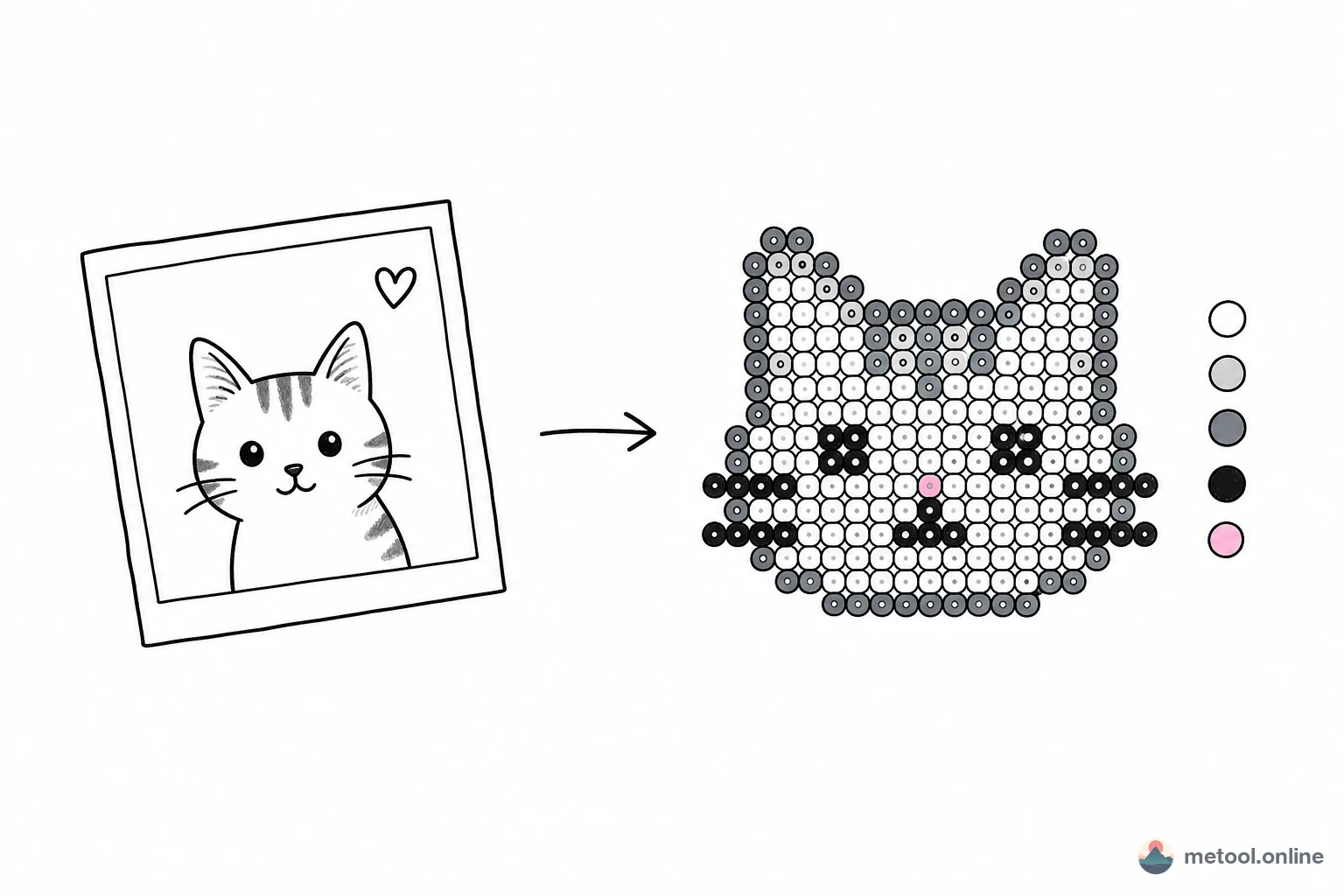
Choosing Perler Bead Pattern Tools: Color Charts, Kit Alignment, and Editing
Converting images to fuse-bead patterns differs less in 'can it convert' than in whether exported color codes match beads you actually own. This compares MeTool, Pixelbead, and 拼豆酱 on MARD charts, kit alignment, brush editing, and color counts.
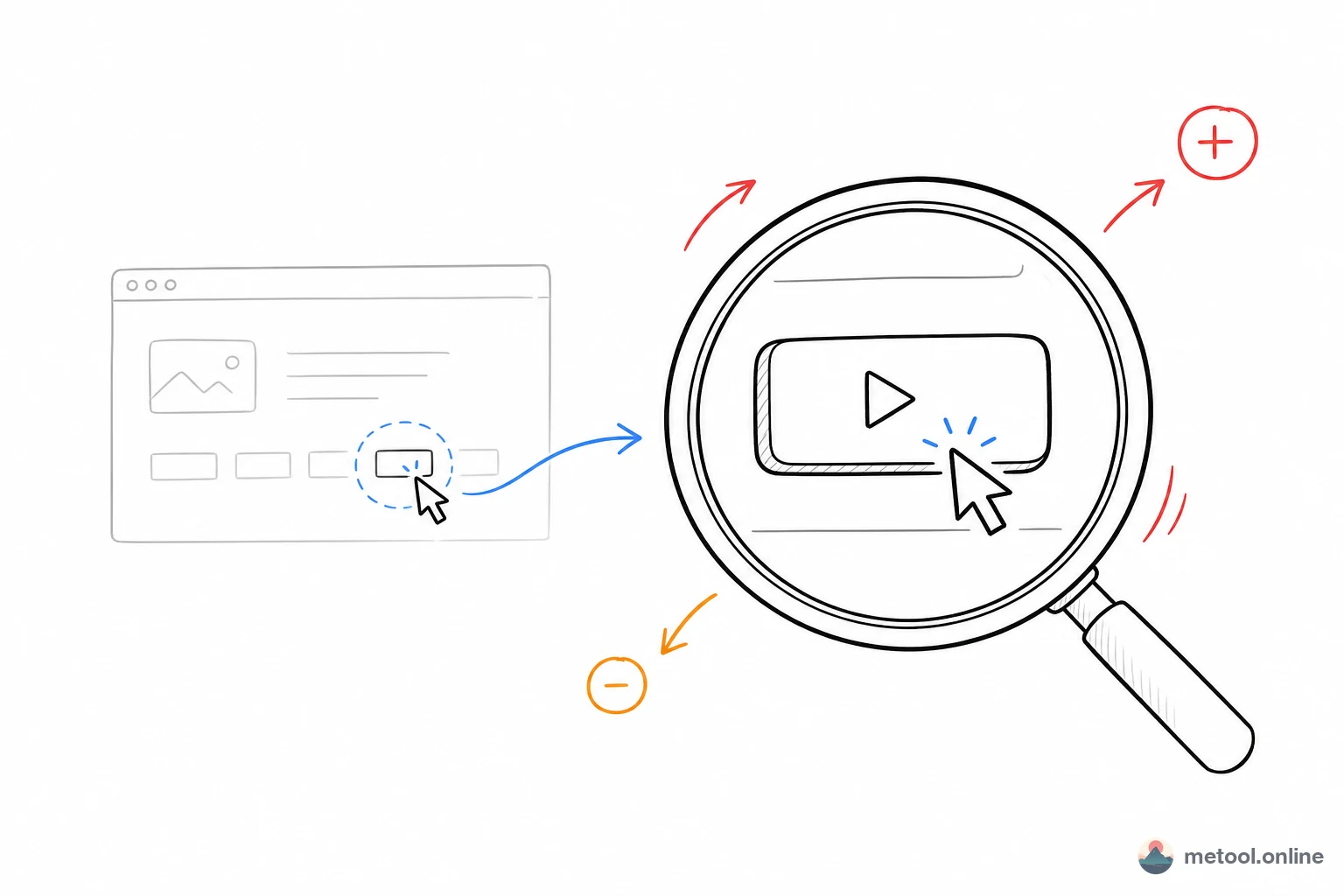
Choosing Screen Recording Zoom Tools: Screen Studio, Cap, and Online Editors Compared
Viewers can't find the action in screen recordings—dynamic focus (auto zoom) is the fix. This compares Screen Studio, OpenScreen, Cap, CapCut/iMovie, and online editors on zoom, platform, price, and editing workflow.
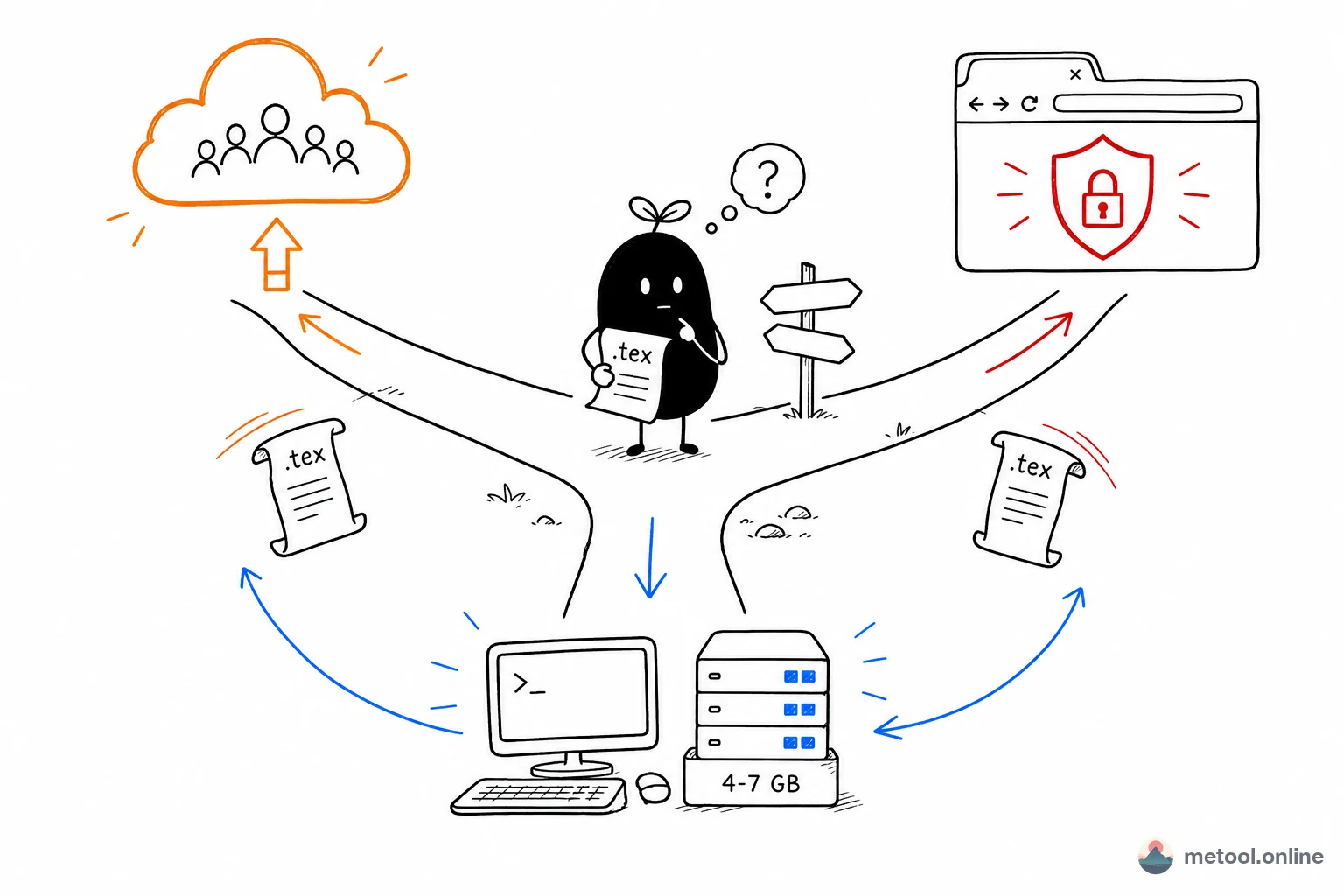
Overleaf, Local TeX, or Online Tools? A Decision Guide for Writing LaTeX
Overleaf, local TeX Live, and lightweight online tools are not ranked good vs bad—they fit different tasks. This article compares collaboration, privacy, packages, offline use, and cost, with a decision framework.
Tech Deep-Dives
How the tools work under the hood — principles, implementation and limits.
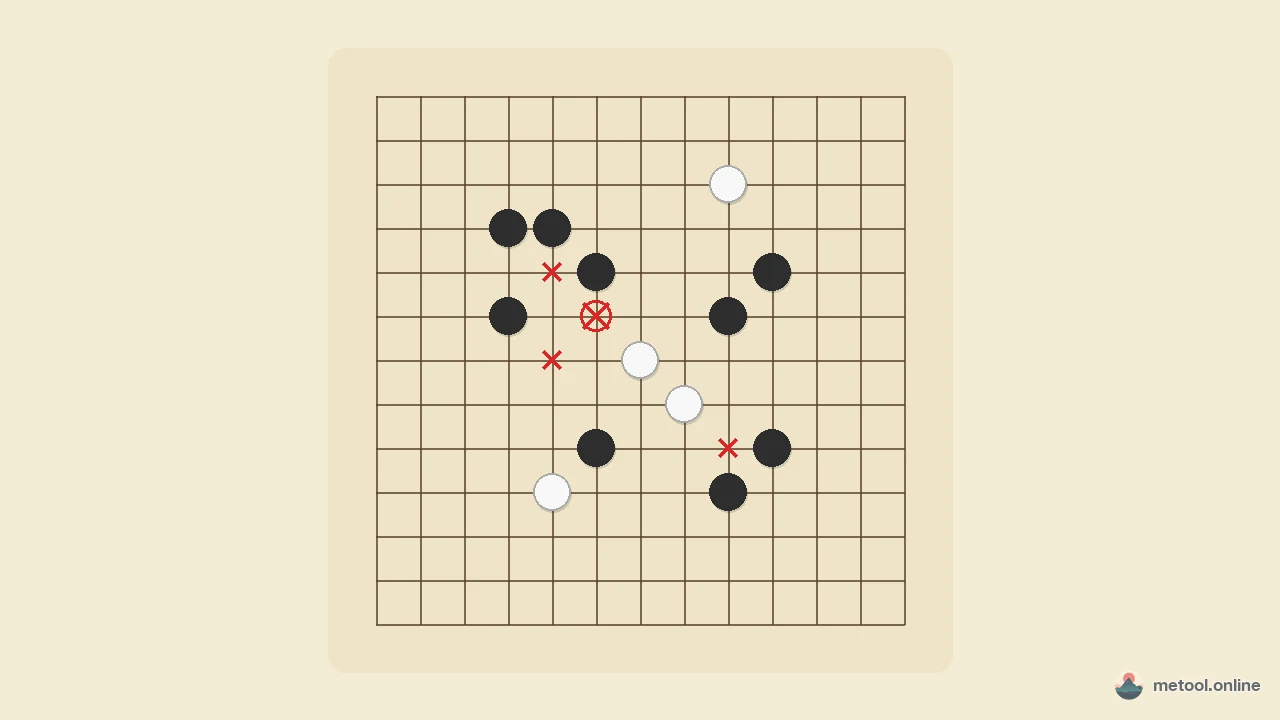
What Are Gomoku Forbidden Moves? Double-Three, Double-Four, Overline
A clear guide to Renju’s three black-only fouls—double-three, double-four, and overline—with diagrams showing why one move that creates two threats loses, how that differs from freestyle Gomoku and an exact five-in-a-row win, plus how to practice in the browser.
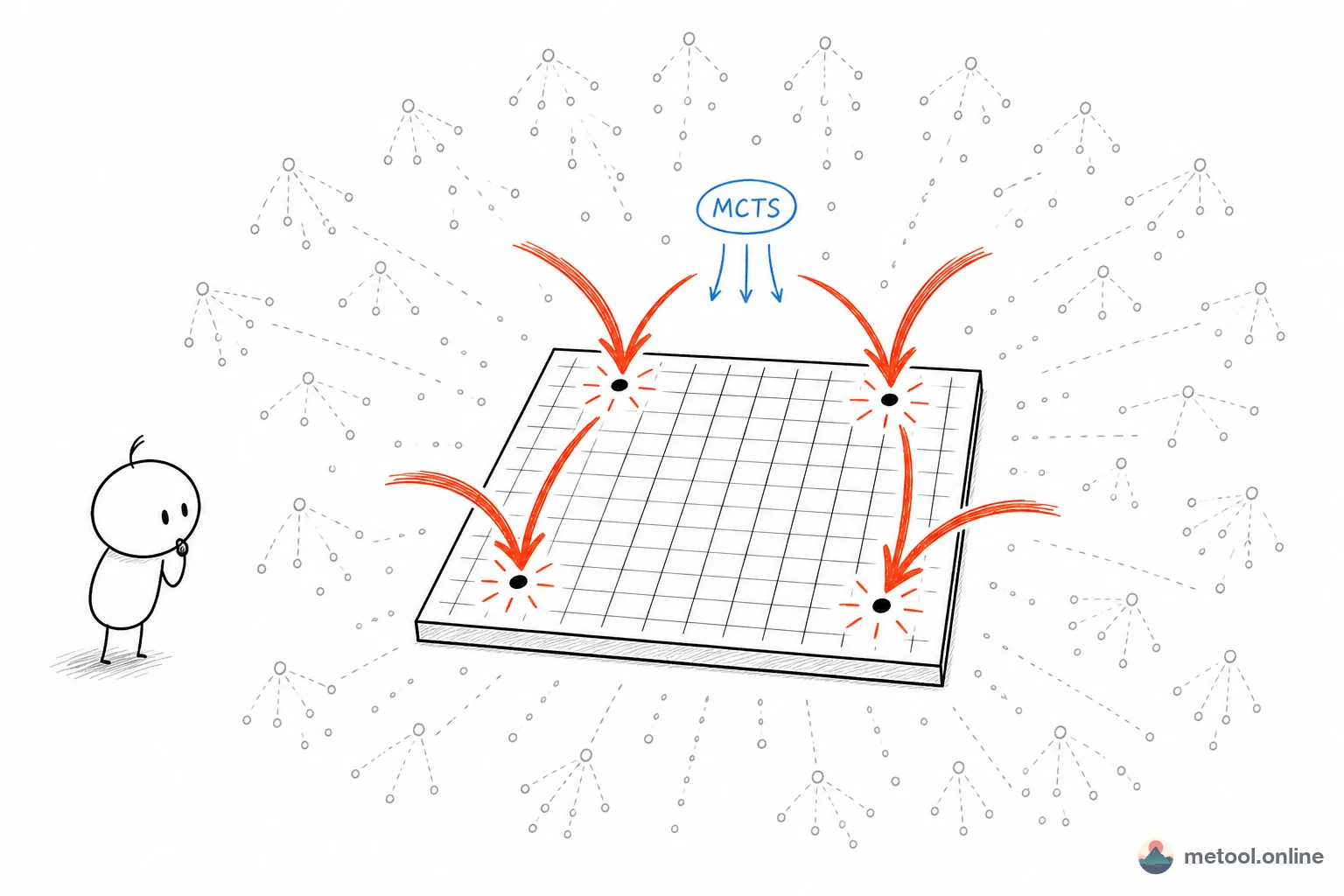
How Does a Go AI Choose Moves? An Intro to MCTS
Why Go needs Monte Carlo Tree Search, the four steps of selection/expansion/simulation/backprop, and real engineering trade-offs under browser simulation budgets: UCB1 constants, visit distributions, opening narrowing, and eye-filling in the endgame.
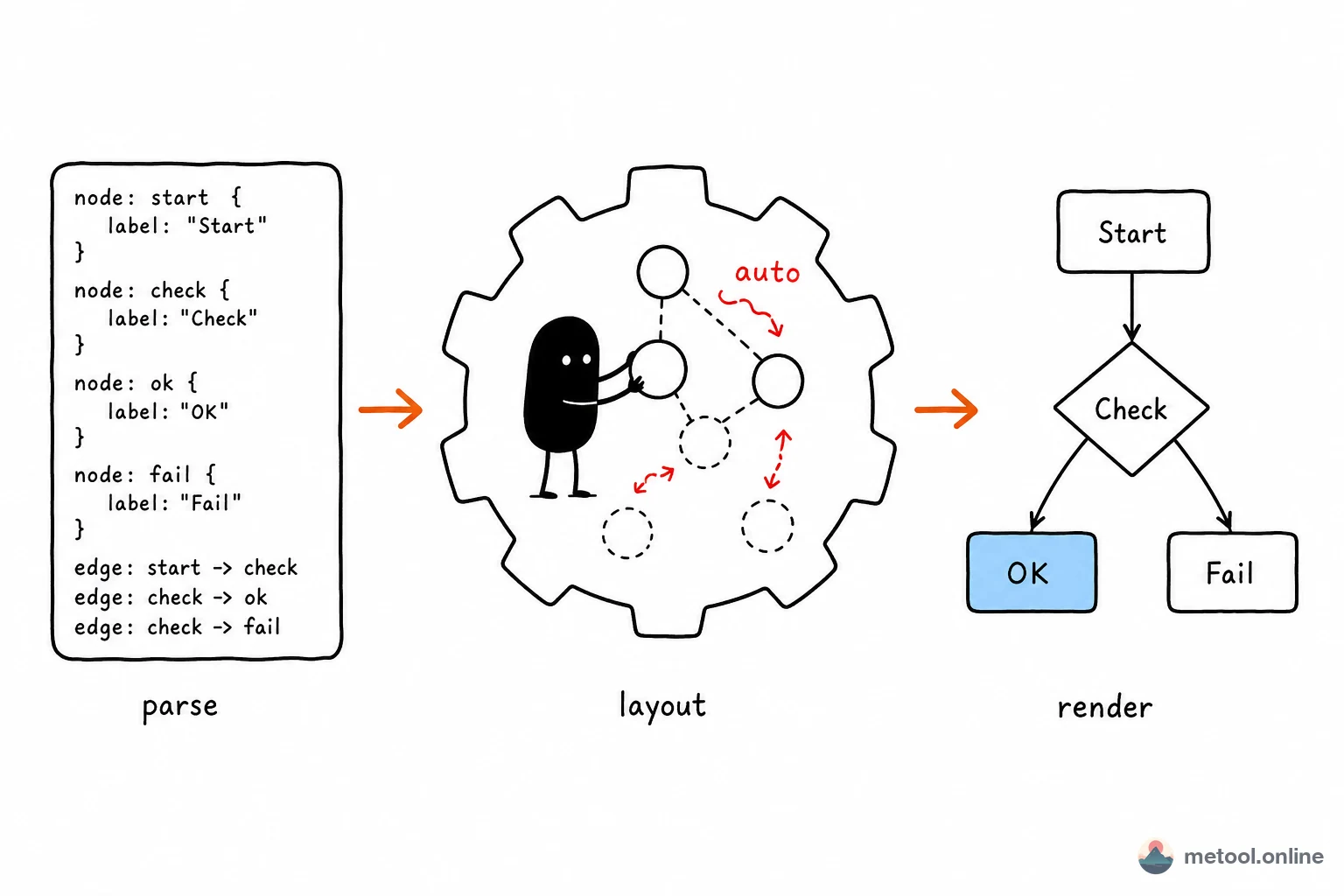
Diagram-as-Code: How Text Becomes Graphics, Engines, and Limits
How do Mermaid, PlantUML, and Graphviz turn text descriptions into diagrams? This article covers the parse–layout–render pipeline, trade-offs between engines, and where automatic layout stops working.
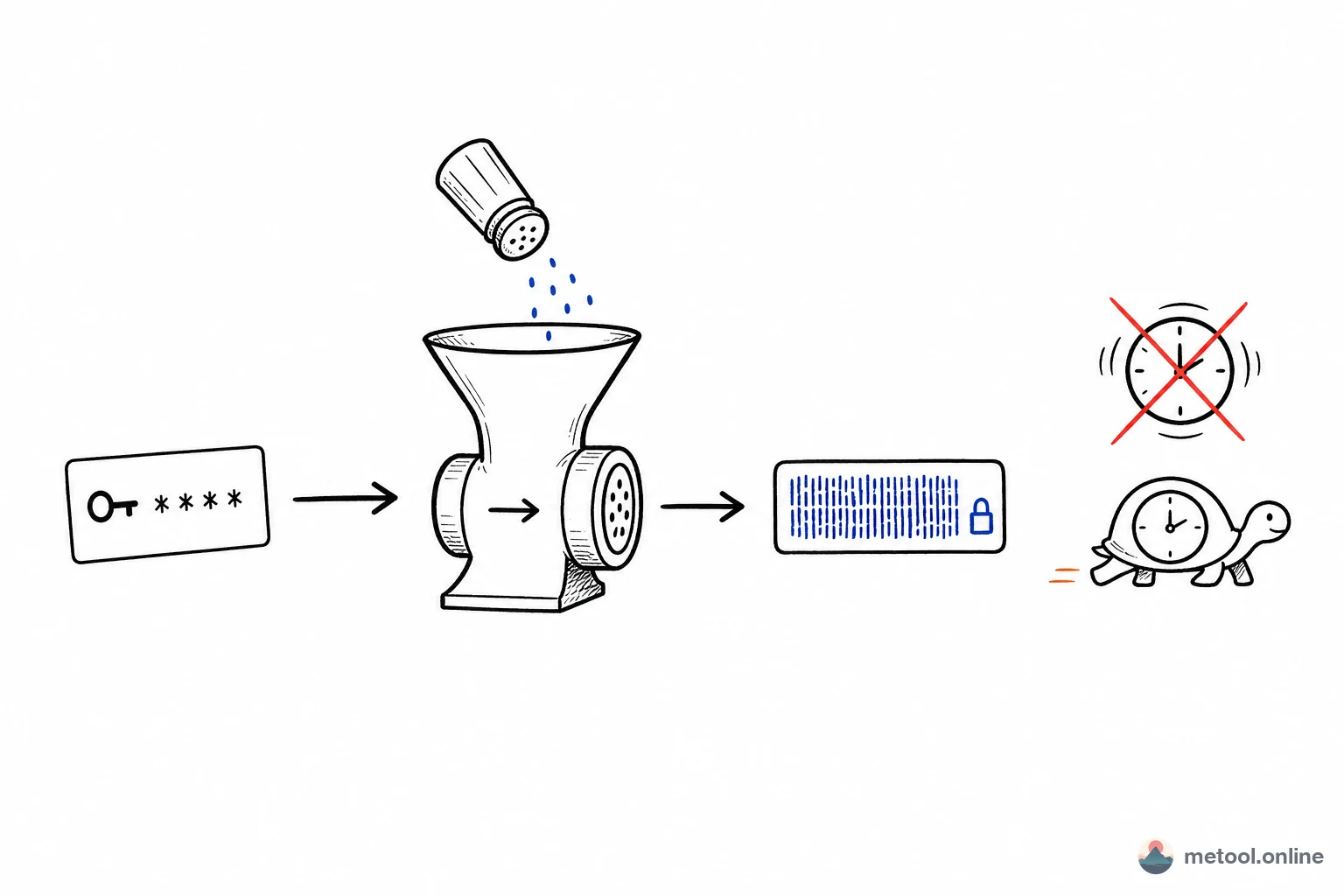
Don't Store Passwords with MD5: Hash, Salt, and Password Hashing Explained
MD5 and SHA-256 are hash algorithms, but using them directly for passwords is wrong. This article clarifies hash vs. salt vs. password hashing (bcrypt/Argon2), and why file checksums use SHA-256 while passwords need slow hashes.
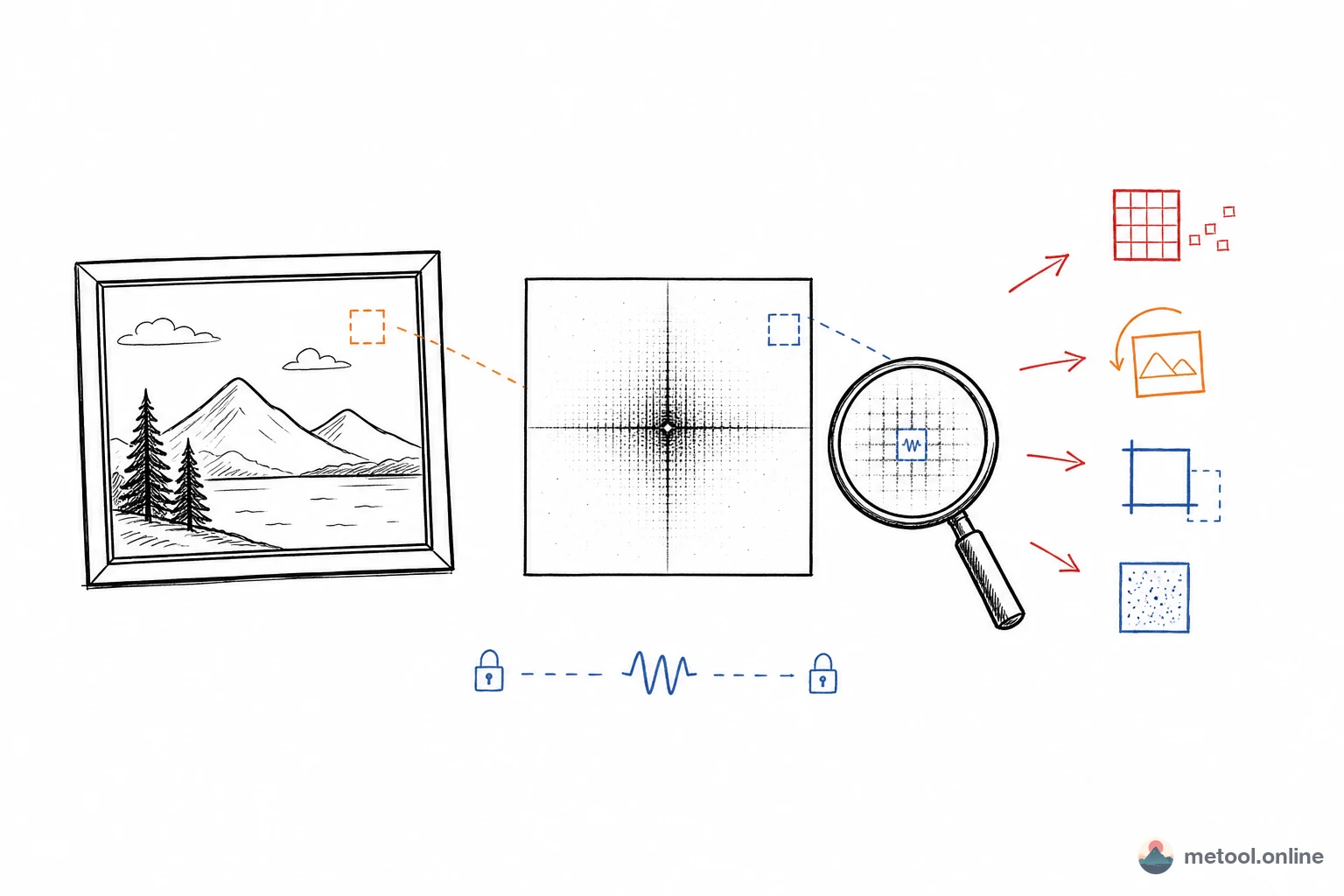
Can Blind Watermarks Survive Screenshot, Compression, and Rotation?
Blind watermarks hide information in image frequency domain—invisible to the eye. But do they survive WeChat compression, screenshots, and rotation? This article covers spatial vs. frequency domain, DCT/DWT, geometric attack resistance, and limits.
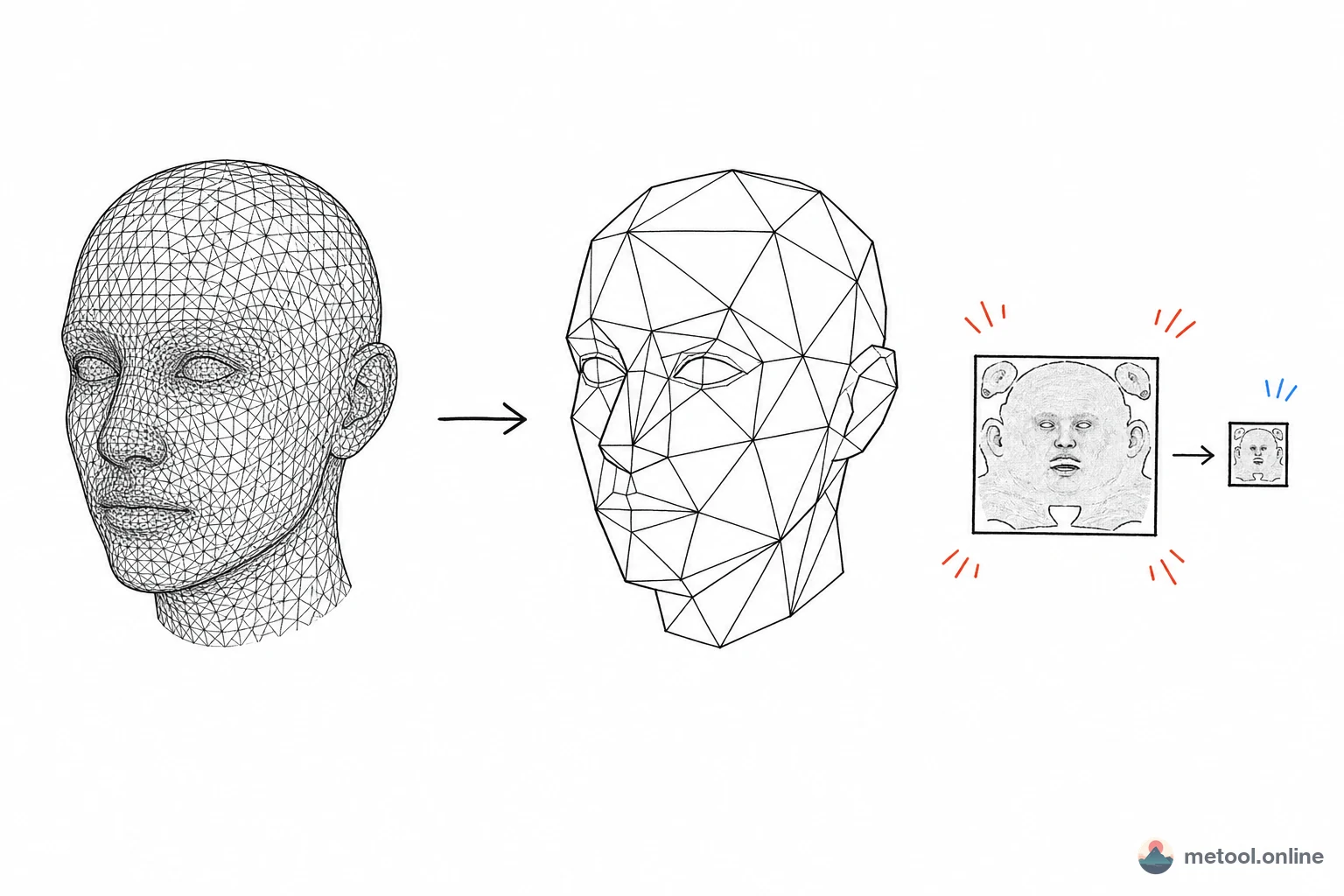
Why Is the 3D Model in My Web Page So Laggy? Decimation, Vertex Welding, and Texture Compression
Smooth in Blender, sluggish on the web with long loads. This article covers triangle count, duplicate vertices, and texture size—the principles, tradeoffs, and limits of Web 3D optimization.
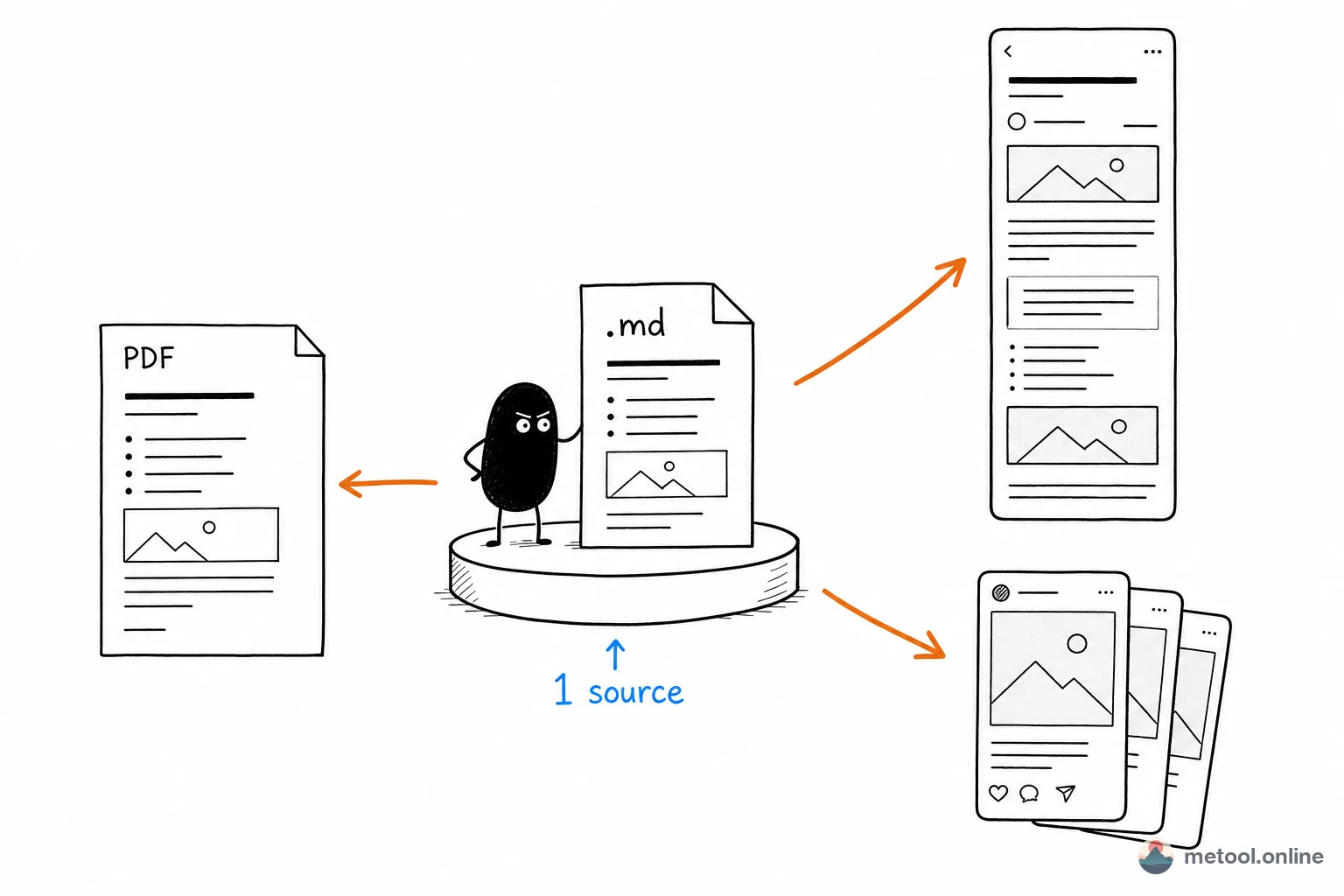
One Markdown Draft, Many Channels: WeChat, Xiaohongshu, and PDF
The same piece for WeChat, Xiaohongshu, and PDF should not be reformatted three times. This article only covers a four-step pipeline from one .md; paste-and-style and Word delivery live in their own posts.
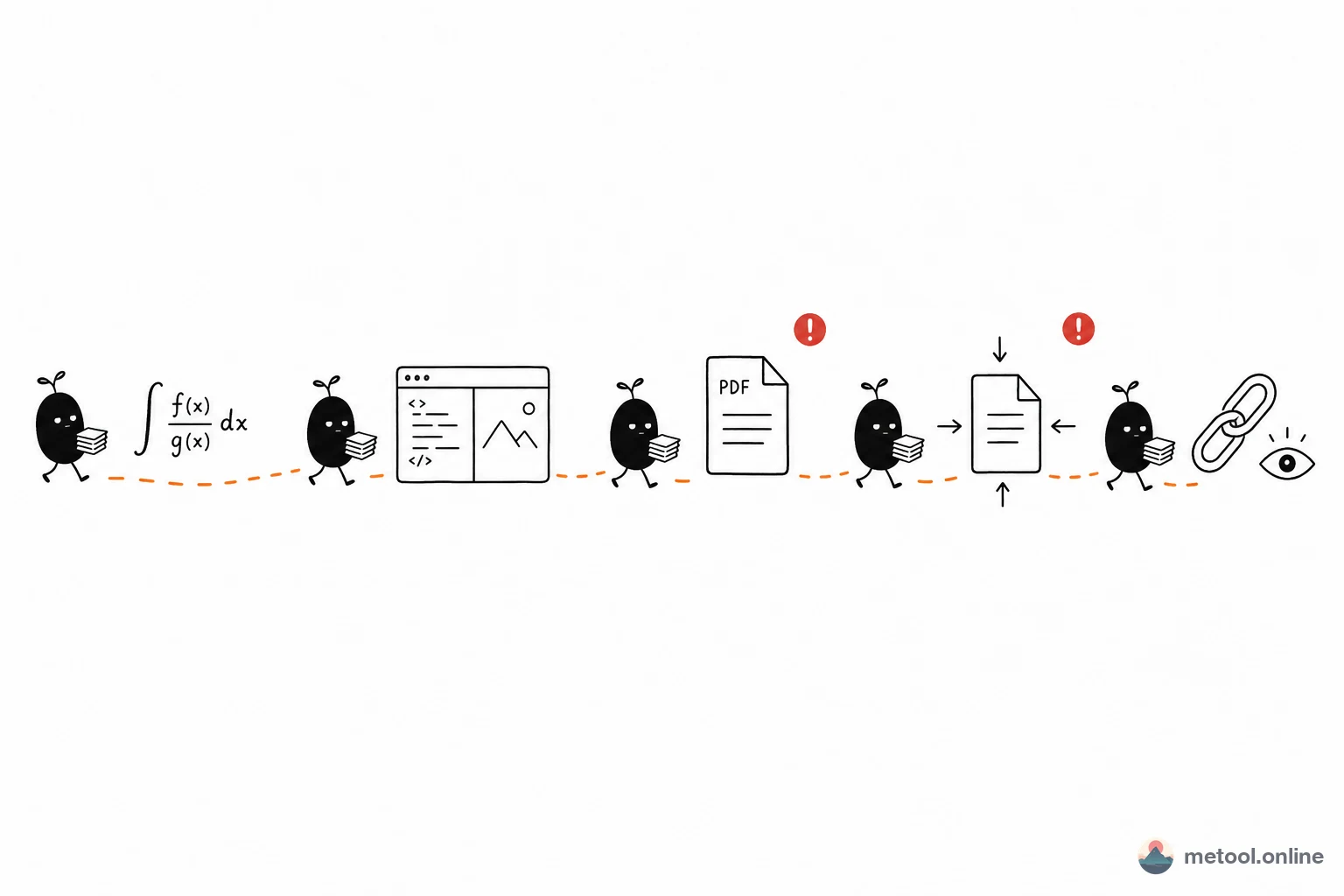
From Formulas to Submission: A LaTeX Paper Pipeline
Formulas, body text, PDF export, compression, and showing an advisor—each step fails differently. This article splits a five-step handoff and leaves “how to open .tex” and “online PDF limits” to their own posts.