Screen recordings' main problem isn't resolution—viewers can't find the action. Cursor clicks, menu choices, terminal output drown in pixels. Dynamic focus (auto zoom) is the dividing capability—but tools differ on platform, price, install, and editing flow. This article helps you pick by scenario.
What Is Dynamic Focus, and Why Is It Core to Screen Tools?
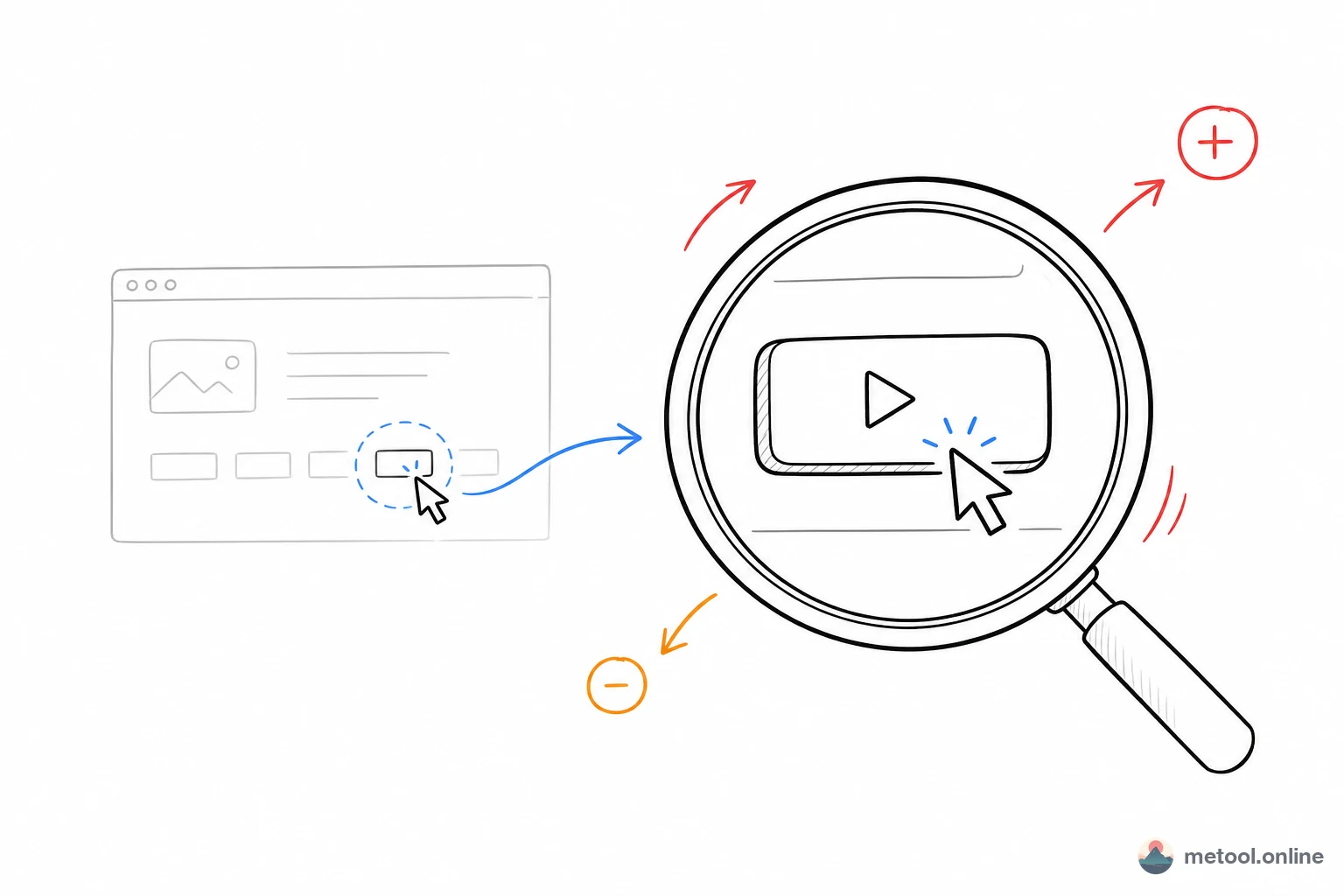
Dynamic focus smoothly zooms to a region at key actions, holds, then returns to full view—guiding attention. It's the divider because general editors simulate this with manual keyframes; dedicated screen tools make it "draw box → generate." For product demos, coding tutorials, bug repros—dynamic focus separates raw capture from professional demo.
Judge screen tools on: native vs. manual zoom, platform support, and post workflow. Below by those dimensions.
Screen Studio, Cap, CapCut, Online Editor—What's the Difference?
Essentially positioning: some record, some edit post, some are full editors with zoom as add-on. Overview:
| Tool | Platform | Install? | Dynamic focus | Recording | Price |
|---|---|---|---|---|---|
| Screen Studio | macOS only | Yes | Auto+manual, quality benchmark | Included | ~$29/mo |
| OpenScreen | Desktop (Electron) | Yes | Supported | Included | Open source free |
| Cap (Cap.so) | Desktop/Web | Yes/partial Web | Basic | Strong (Loom-style) | Open/free tier |
| CapCut / iMovie | Desktop/mobile | Yes | Manual keyframes | Partial | Free/subscription |
| Online screen editor | Browser (all) | No | Native box-select | No (post only) | Free |
No single winner: Screen Studio record+zoom quality high but macOS + paid; Cap strong on record/share, lighter edit; CapCut full but manual zoom; online editor zero install, post-focused, no recording.
Do Cross-Platform and Zero Install Matter?
They matter for Windows/Linux users and anyone avoiding another desktop app. Screen Studio's zoom is benchmark-quality but macOS-only; Windows users want alternatives or manual work in full editors.
Browser online editors run on Chrome/Edge/Safari—Windows, macOS, Linux—open page, edit, no disk space or updates. Tradeoff: no recording—capture first with system tools (macOS Screenshot, Windows Xbox Game Bar, OBS), upload MP4/MOV for post. Fits "already have recording, want polish."
How to Compare Post-Production Workflow?
Smooth post hinges on shortcuts and whether zoom is first-class. OpenScreen has its own shortcut set—learning curve; CapCut/iMovie familiar but zoom is per-segment keyframes.
Online editors aligned with CapCut logic: playhead → ⌘B/Ctrl+B split → trim drag → Z to box-select zoom. Beyond zoom, common screen post needs:
| Capability | Purpose |
|---|---|
| Speed 0.25x–4x | Slow key steps, fast-forward boilerplate |
| One-click remove silence | Auto-detect quiet, keep voiced segments |
| Volume 0–200% | Per-clip level |
| macOS wallpaper background | Rounded corners, shadow, padding, blur—polished look |
| Edit persistence | IndexedDB—re-upload same video restores project |
Together, 3–15 minute screen post often 3–5× faster than general editors—cuts manual zoom keyframes and repeated visual tuning.
Which Scenario, Which Tool?
- macOS, record+zoom integrated, willing to pay: Screen Studio remains quality benchmark.
- Windows/Linux, have recording, free post + dynamic focus: browser online screen editor—zero install, cross-platform.
- Record and share fast: Cap; edit later if needed.
- Fully open source, OK with desktop + custom shortcuts: OpenScreen.
- Heavy CapCut/iMovie user, rare zoom: manual keyframes in existing tool—no switch needed.
Summary
Dynamic focus is the screen-tool divider— frees viewers from hunting the action. Screen Studio highest quality but macOS + paid; Cap record/share; CapCut/iMovie full but manual zoom; browser online screen editor zero install, CapCut-like flow, for "have recording, polish post." Decide record vs. post-only, platform, zoom frequency—choice follows.