The #1 Problem with Product Demo Videos in 2026: Viewers Can't See What You're Clicking
In 2026, screen recordings drive product marketing and technical education. Indie devs record Product Hunt demos, SaaS teams create landing-page walkthroughs, YouTube/TikTok creators produce coding tutorials, PMs film bug reproductions. Yet nearly all these recordings share the same fatal flaw: viewers can't find the action on a full-screen capture.
Where did the cursor click? Which menu item was selected? What did that terminal output say? On a 1080p or 2K full-screen recording, these critical details drown in pixels. Viewers aren't "watching" your demo — they're "searching" for what you just clicked.
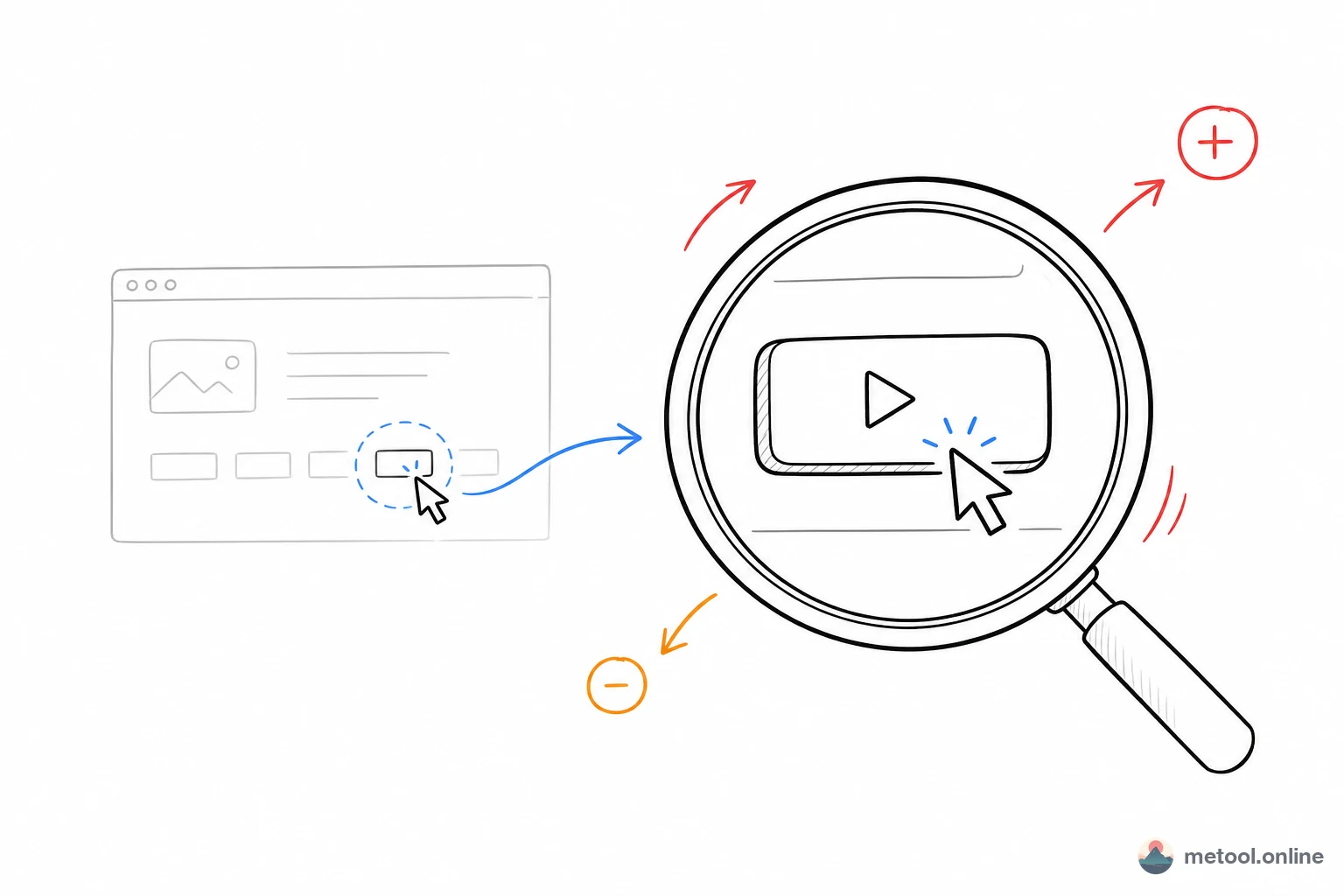
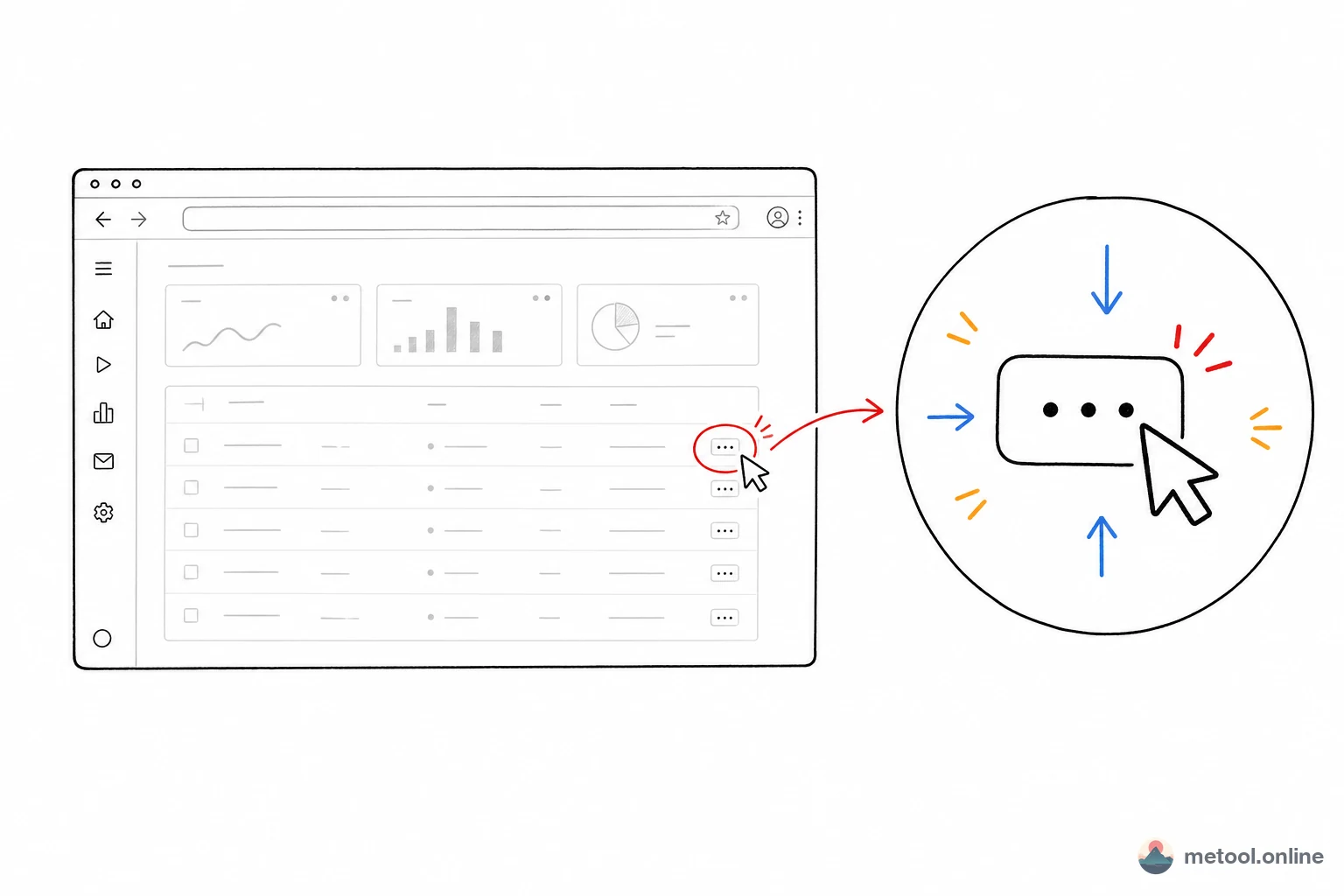
Dynamic Focus solves this. MeTool's screen recording editor features Smooth Zoom Dynamic Focus: at any point in the timeline, the video silkily zooms into a region you select, holds, then eases back to full view. Viewers' eyes are naturally guided to your key actions — no red arrows, no "look at the top-right corner" narration needed.
This isn't a new concept — Screen Studio ($29/mo) and OpenScreen offer similar features. But MeTool is the first to deliver Dynamic Focus in a 100% browser-based, free, cross-platform editor with CapCut/iMovie-style editing UX.
How Dynamic Focus Transforms Product Demo Videos
SaaS Feature Walkthroughs
You've recorded a 5-minute new-feature demo. Without Dynamic Focus, viewers stare at a full screen watching your cursor "travel." With it: clicking "New Project" → zoom to the button → filling a form → zoom to the input → showing results → zoom back to overview. Each step is crystal clear, and information delivery improves by orders of magnitude.
Coding Tutorials & IDE Screencasts
IDEs are information-dense — sidebar, editor, terminal, debug panel all visible. Dynamic Focus zooms into the key code line when you type, switches to the terminal when you run commands, and highlights the debug panel when you inspect variables. Pair with 0.25x slow-mo for key steps and 2x–4x fast-forward for boilerplate to produce tight, focused tutorials.
Bug Reproduction Reports
PMs record a bug: Dynamic Focus pinpoints "I clicked this button and the modal didn't appear." Trim the rest. Developers locate the issue in 5 seconds — 10x more efficient than screenshots + text.
Social Media Product Teasers
TikTok/YouTube Shorts product intros with Dynamic Focus + macOS wallpaper backgrounds + rounded shadows turn raw recordings into polished product reels. Speed ramp for pacing, volume control for narration — professional-grade short videos in minutes.
Enterprise Training & App Guides
Zoom into each key step, split into chapters, adjust speed pacing. One recording session yields multiple standalone training segments where every step is impossible to miss.
Dynamic Focus Editor vs Screen Studio / OpenScreen / Cap / CapCut
vs Screen Studio
Screen Studio is macOS's gold-standard recording tool at $29/mo, famous for its auto/manual Zoom. MeTool brings equivalent Dynamic Focus quality to the browser — completely free, cross-platform. Screen Studio bundles recording and richer animation options; MeTool focuses on post-recording editing with a CapCut/iMovie-aligned workflow. MeTool additionally offers speed ramp (0.25x–4x), one-click silence removal, volume control (0–200%), adjustable shadow intensity, blur BG, and padding.
vs OpenScreen
Open-source Screen Studio alternative requiring an Electron desktop install. MeTool is zero-install with mainstream editor shortcuts (⌘B split, Z for Zoom, drag-to-trim) — zero learning curve.
vs Cap (Cap.so)
Open-source Loom alternative focused on record + share. MeTool goes deeper on editing: precise Dynamic Focus keyframe control, multi-clip timeline, speed ramp, silence removal, volume control, 16 macOS wallpaper presets.
vs CapCut / iMovie
General-purpose editors that are powerful but slow for screen recording workflows. MeTool is purpose-built for recordings: Dynamic Focus is a first-class feature (not a manual-keyframe workaround), wallpaper backgrounds and rounded shadows are one-click. For 3–15 minute recordings, MeTool's post-production workflow is 3–5x faster.
Full Feature List: MeTool Dynamic Focus Editor
Dynamic Focus (Smooth Zoom)
The core differentiator. Press Z, draw a region on the preview — the video silkily zooms in with ease-in-out animation, holds, then zooms back. Transition in/out times are adjustable (default 1s); the system auto-adapts when duration is too short. Drag Zoom keyframes directly on the timeline to adjust position and duration.
CapCut-Style Timeline Editing
Playhead → ⌘B/Ctrl+B split → drag edges to trim → drag to reorder. 0.25x–4x speed ramp with quick presets. One-click silence removal auto-detects silent gaps in the audio track and splits the timeline to keep only speech segments. 0–200% volume control per clip. Matches CapCut/iMovie conventions — zero learning curve.
macOS Wallpaper Backgrounds + Visual Effects
16 macOS-style wallpapers (deep space, sunset, ocean blue, aurora green…) + gradients + solid colors. Adjustable roundness (0–120px), shadow intensity (0–100%), padding (0–30%), blur BG slider (0–20px). Instantly achieves Apple-keynote-level visual quality.
Persistent Auto-Save
Auto-saves to IndexedDB. Re-upload the same video to restore everything — clips, Zoom keyframes, speed, volume, styles.
WebCodecs GPU-Accelerated Export
Browser-native WebCodecs API + H.264 video + AAC audio encoding. Supports original/1080p/720p/480p (including 2K+). Frame-by-frame Dynamic Focus rendering with full audio export at adjusted volume levels.
5 Steps to a Professional Product Demo Video
- Upload: Open MeTool's Dynamic Focus Editor. Select your MP4/MOV/M4V recording. Previously edited videos auto-prompt for session restore.
- Cut & Speed: Use ⌘B to split out excess footage, drag edges to trim precisely, adjust speed (slow-mo key steps) and volume per clip. Or use the Cut Silence quick action to auto-remove dead air from your recording.
- Add Dynamic Focus: Press Z and draw a region over each key action area. Fine-tune duration and transition speed in the right panel. This single step transforms a raw recording into a professional demo.
- Style: Pick a macOS wallpaper background, set roundness (try 60px), shadow (try 20%), padding, and blur BG. Instant visual upgrade.
- Export: Choose resolution, hit export. WebCodecs GPU acceleration renders every frame with Dynamic Focus effects and encodes video + audio. Download or preview — your professional product demo is ready.