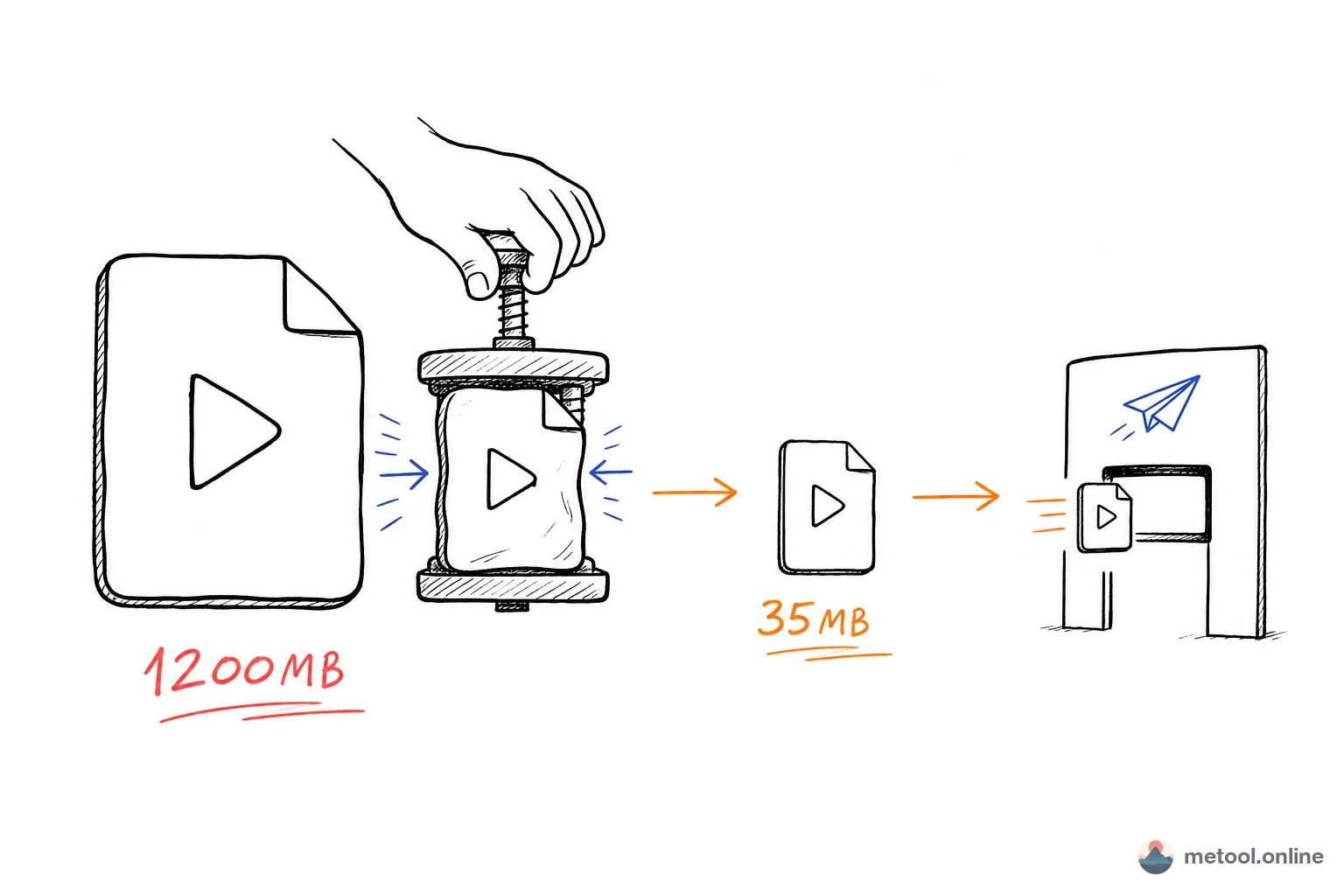
Videos fail to send for one reason: size exceeds the platform's hard cap—WeChat ~25 MB, email attachments often 10 MB. The fix isn't resending; it's compressing to fit. The key is knowing how small and what quality you can accept—pick resolution and compression ratio by scenario and get it right the first time.
Why Are Videos Hundreds of MB?
Videos are large because they're dozens of high-res frames per second—size comes from resolution, frame rate, bitrate, and duration. A 5-minute 1080p clip can easily hit hundreds of MB; 4K is measured in GB. Bitrate (data per second of footage) is the main driver: same resolution and length, higher bitrate means finer detail and bigger files.
Phones and editors default to generous bitrates for quality—so originals are often oversized. That's fine until distribution: WeChat, email, and platforms have caps. Compression means lowering bitrate/resolution to acceptable quality loss and fitting the target size.
How Small Does Video Need to Be to Send?
Start with where you're sending—target size is fixed: WeChat ~25 MB, email ~10 MB, social platforms vary but are usually looser. Treat target size as a hard constraint, then work backward. Recommended combos by scenario:
| Scenario | Resolution | Compression ratio | Expected result |
|---|---|---|---|
| WeChat/DingTalk (~25 MB) | 720p | 30% | ~15–20 MB for 5 min |
| Email attachment (~10 MB) | 480p | 20% | ~5–8 MB for 5 min |
| Weibo/Xiaohongshu upload | 1080p | 50% | Good quality, half size |
| TikTok/Bilibili upload | 1080p | 70% | Platforms re-compress anyway |
| PPT/meeting screen share | 720p | 40% | Clear enough, moderate size |
Often overlooked: TikTok, Bilibili, and Xiaohongshu re-compress uploads—your high bitrate gets squeezed again. No need to over-preserve; ~70% is enough—faster upload, no worse final quality.
Will Compression Ruin Quality? How to Balance?
Quality loss depends on compression ratio and content type. Same ratio: static footage compresses far better than heavy motion—adjacent frames differ little, so the encoder reuses data efficiently.
- Mostly static (PPT recordings, tutorials, talking heads): 20–30% is safe—tiny quality loss, big size drop.
- Heavy motion (sports, games, fast cuts): keep 50%+ or blockiness and trailing appear.
- Afraid of over-compressing: start from the table, check size and preview, bump ratio up if quality suffers, down if still too large. Two or three tries usually find the balance.
Also, adjust resolution and ratio together. Dropping ratio alone on 1080p forces low bitrate and often looks worse than 720p + moderate ratio.
Online Compressor, HandBrake, or Editor—which to Use?
No single best—pick by need:
| Tool | Strengths | Limits | Best for |
|---|---|---|---|
| Browser online compression | No install, local processing | Large files hit browser memory | Occasional compress, privacy-sensitive |
| HandBrake | Full features, batch, extreme compression | Install required, complex params | Bulk jobs, smallest size |
| CapCut / iMovie | Integrated with editing | Re-export takes time | Compress while exporting edits |
| Third-party upload sites | No install | Video goes to their servers | Public content only |
Selection logic: occasional or private video—browser-local online tools are simplest; video never leaves the device. MeTool's video compression tool uses the browser's WebCodecs API with GPU H.264 encoding, often shrinking to ~20% of original, all locally. Bulk or extreme compression—HandBrake/FFmpeg on desktop. Already editing—lower bitrate on export instead of compressing again.
When Compression Won't Help
Compression isn't universal—switch approach in these cases. Unsupported format—many browser tools only take MP4/MOV/M4V; for AVI, MKV, WebM, use video format conversion to MP4 first. Very long video (e.g. 1-hour meeting)—even aggressive compression may not fit 25 MB; split, drop to 480p, or share via cloud link instead of attachment. Huge files (1 GB+)—browser memory makes this slow; lower resolution or split first; heavy batch jobs belong on desktop.
Sometimes you need format change, not smaller size—that's conversion, not compression. Don't mix the two.
Summary
Videos fail to send when size exceeds platform limits. Path is clear: know destination and target MB, pick resolution and ratio from the scenario table, compress static content aggressively and motion conservatively, tune both together. Occasional private needs: browser-local video compression; bulk extreme jobs: HandBrake; wrong format: convert to MP4 first. Anchor on target size and stop fighting send limits.