Overleaf, local TeX Live, and lightweight online tools have no absolute winner—only "fits your current task." Wrong choice means carrying a heavy environment for a simple job, or forcing a small tool through a large project. Below, five dimensions to match yourself.
What Each Option Is For
Know the positioning before trade-offs:
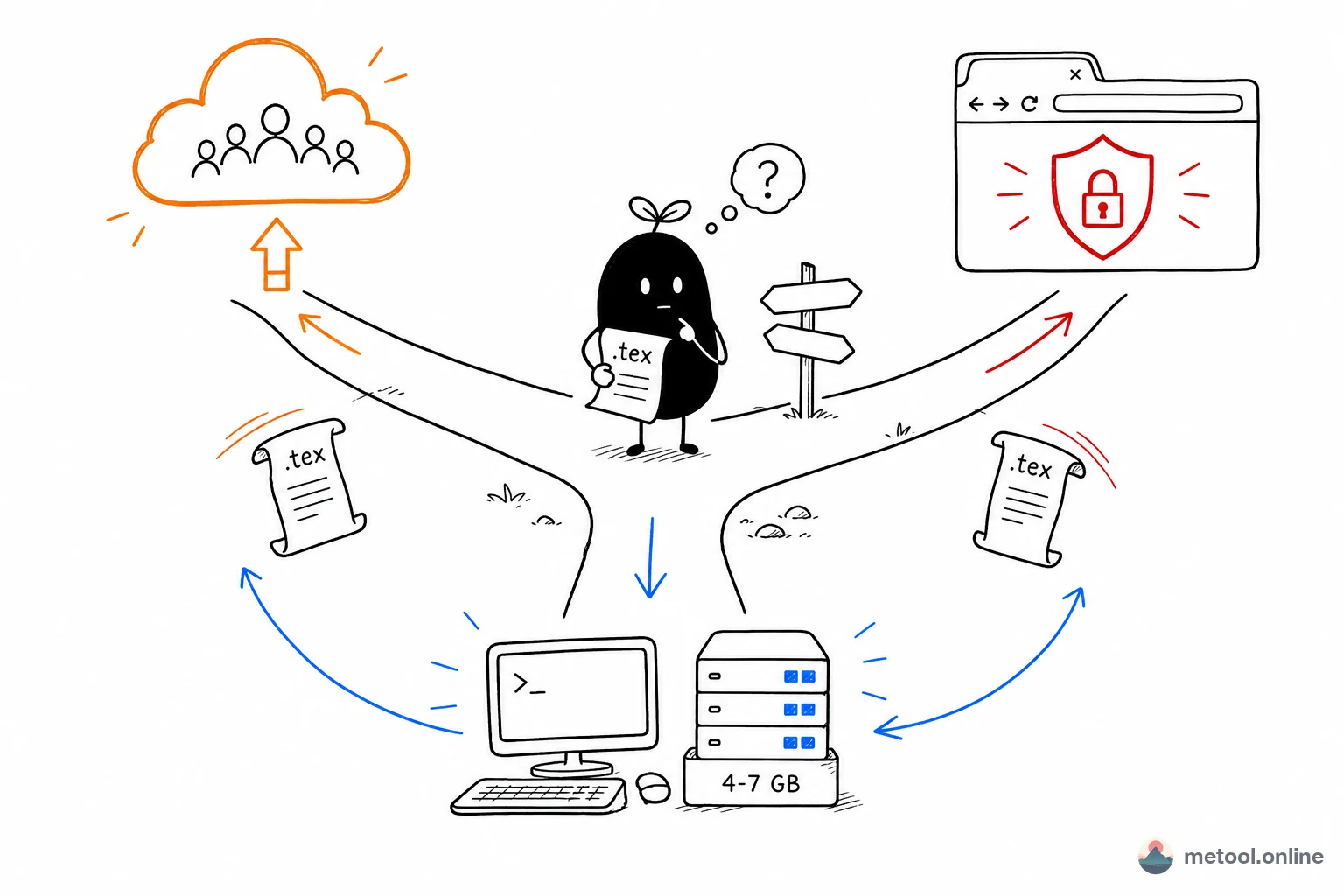
- Overleaf: cloud LaTeX collaboration—write in browser, live compile, multi-user, cloud history. Core value: collaboration and write anywhere.
- Local TeX Live / MacTeX: full TeX distribution on your machine (~4–7 GB) with VS Code, TeXstudio, etc. Core value: fullest packages, fully offline, fully controllable.
- Lightweight online tools: open
.texin browser, live preview, export PDF/images, local rendering, zero install. Core value: instant use, privacy, ad-hoc tasks.
Five-Dimension Comparison
| Dimension | Overleaf | Local TeX Live | Lightweight online |
|---|---|---|---|
| Install cost | None | ~4–7 GB + setup | None |
| Collaboration | Strong (core selling point) | Needs Git setup | Not primary |
| Offline | No (needs network) | Yes | After page load, render is local |
| Package completeness | High | Highest | Common subset |
| Source privacy | Uploaded to cloud | Not uploaded | Local render, not uploaded |
| Cost | Free tier limited, paid tiers | Free | Free |
| Best tasks | Long-term / collaborative projects | Heavy / custom projects | Temp open, edit, export |
Can Overleaf Be Used Offline?
Overleaf cannot run offline: editing, compile, and history live in the cloud; with no network the project will not open or compile. Full offline work means installing local TeX Live or MacTeX (about 4–7 GB). A lightweight browser tool that renders on-device still needs a network to load the page the first time; it only avoids a remote compile service after that. For flights, meeting rooms, or labs without a link, install a local distribution in advance—do not rely on Overleaf cache.
How to Choose: Match Your Situation
Choose Overleaf if you need multi-person collaboration, cloud version history, write from anywhere, and accept source on cloud plus paid features for advanced needs.
Choose local TeX Live if you write large long-term papers/books, rely on many packages, need full offline and full control over the compile environment, and accept several GB and setup time.
Choose lightweight online tools if you only want to open a .tex, quickly export PDF or images, care about source not leaving your device, or share rendered output with someone who does not know TeX.
Often the Most Efficient Path Is Combination
These are not mutually exclusive. A common efficient mix:
- Main project on Overleaf (collaboration) or local TeX (control);
- Ad-hoc received
.tex→ online editor to verify; - Need PDF → online conversion;
- Formulas for PPT/WeChat → dedicated formula tool for images.
The criterion is always the nature of this step, not "which tool I am used to."
An Often-Overlooked Dimension: Migration Cost
LaTeX source is standard and portable. Whether you use Overleaf or local today, .tex flows freely across all three—choice is not lifelong. You can switch by project phase: start online, collaborate on Overleaf, finish with local fine typesetting. That reduces selection anxiety.
Summary
There is no "best LaTeX setup"—only best for the current task: collaboration → Overleaf; heavy → local; ad-hoc and temporary → online tools. Use free .tex portability to combine by phase. Judge task nature first, then pick tools—far more efficient than clinging to one.