In 2026, a Full LaTeX Engine Runs in the Browser
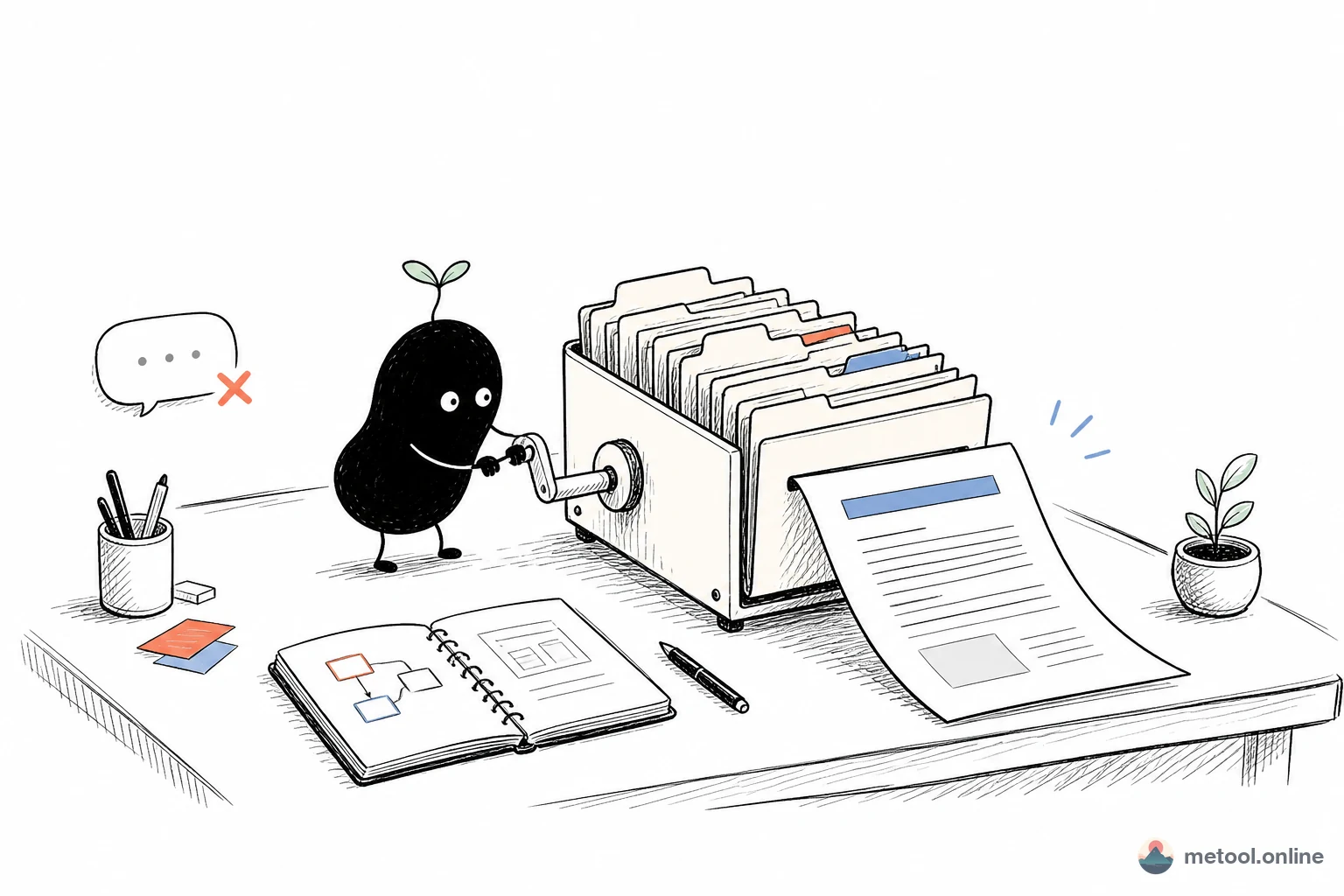
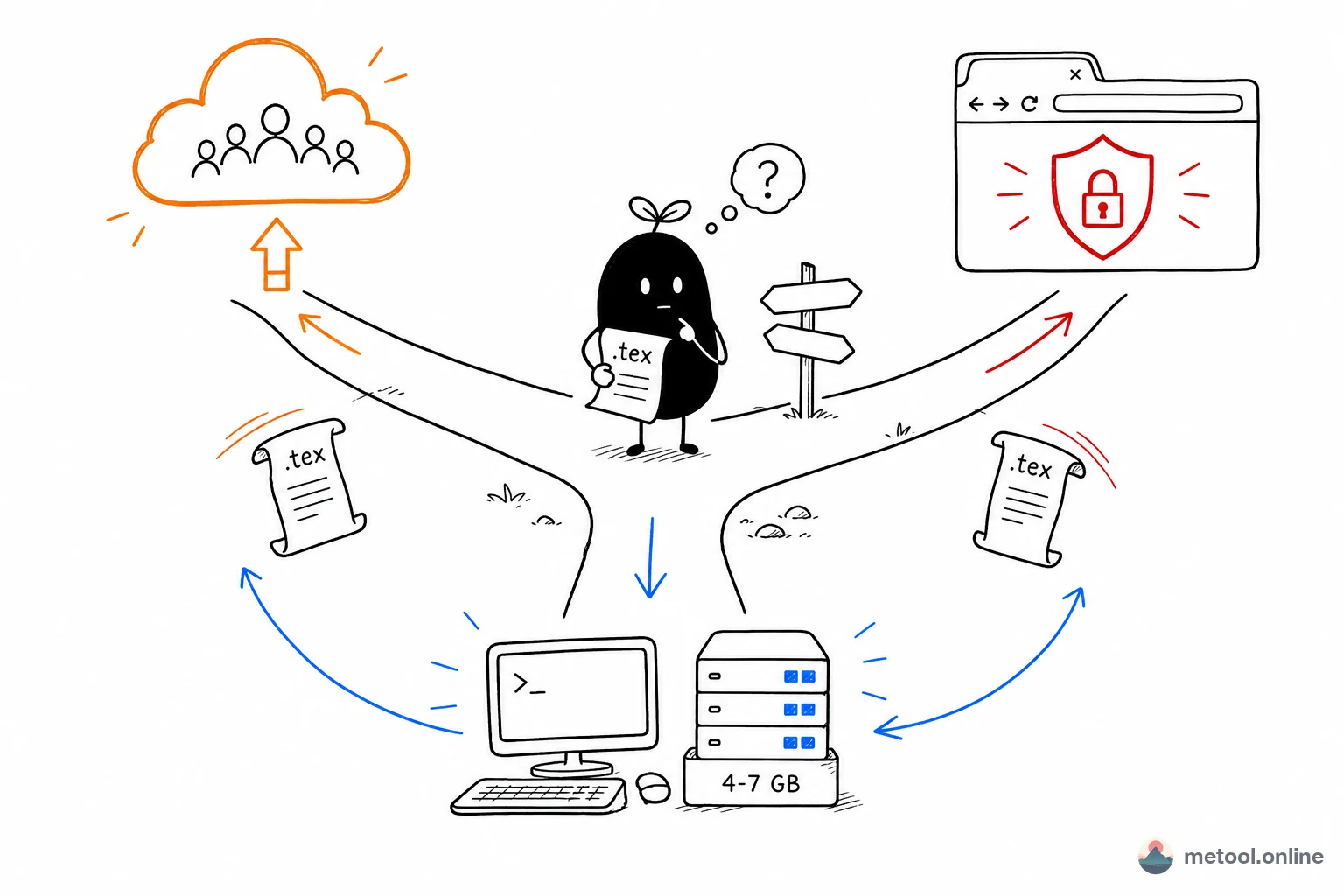
LaTeX is the standard typesetting language for academia, scientific publishing, and engineering documentation — nearly every conference paper, math textbook, and IEEE/ACM submission is set in it. The barrier has always been step one: a full distribution runs to several gigabytes, and once it is installed you still have to configure an editor, add packages, and sort out fonts. An hour can disappear before you type a single character. Which stings most when all you wanted was to look at a .tex file someone emailed you.
Online LaTeX tools have mostly sidestepped the hard part. They reimplement a subset of LaTeX in JavaScript: fast, but the illusion breaks the moment you reach for CJK text, TikZ, or a bibliography. WebAssembly changed the equation. An entire TeX Live distribution can now be compiled for the browser and run real XeLaTeX on your own machine.
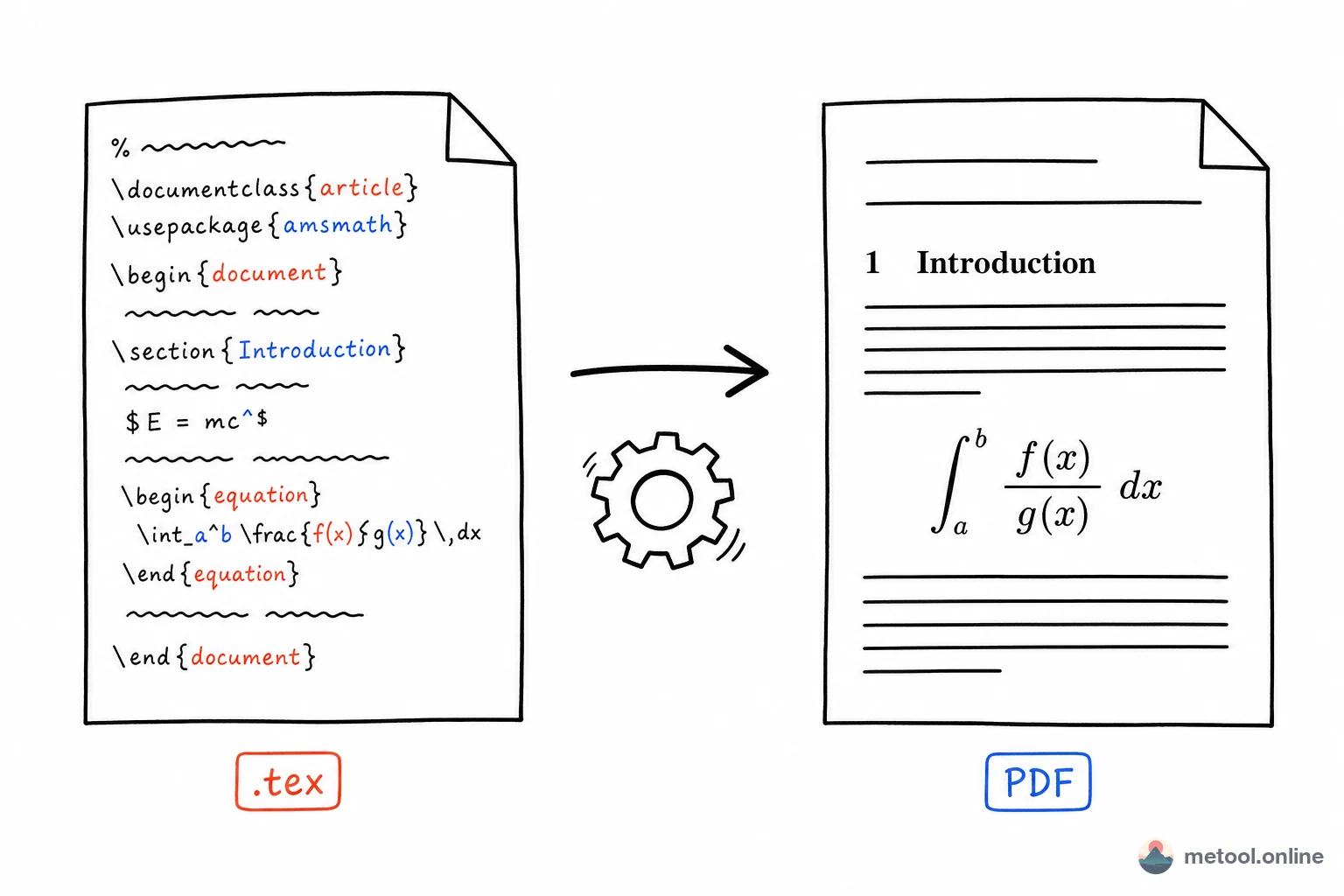
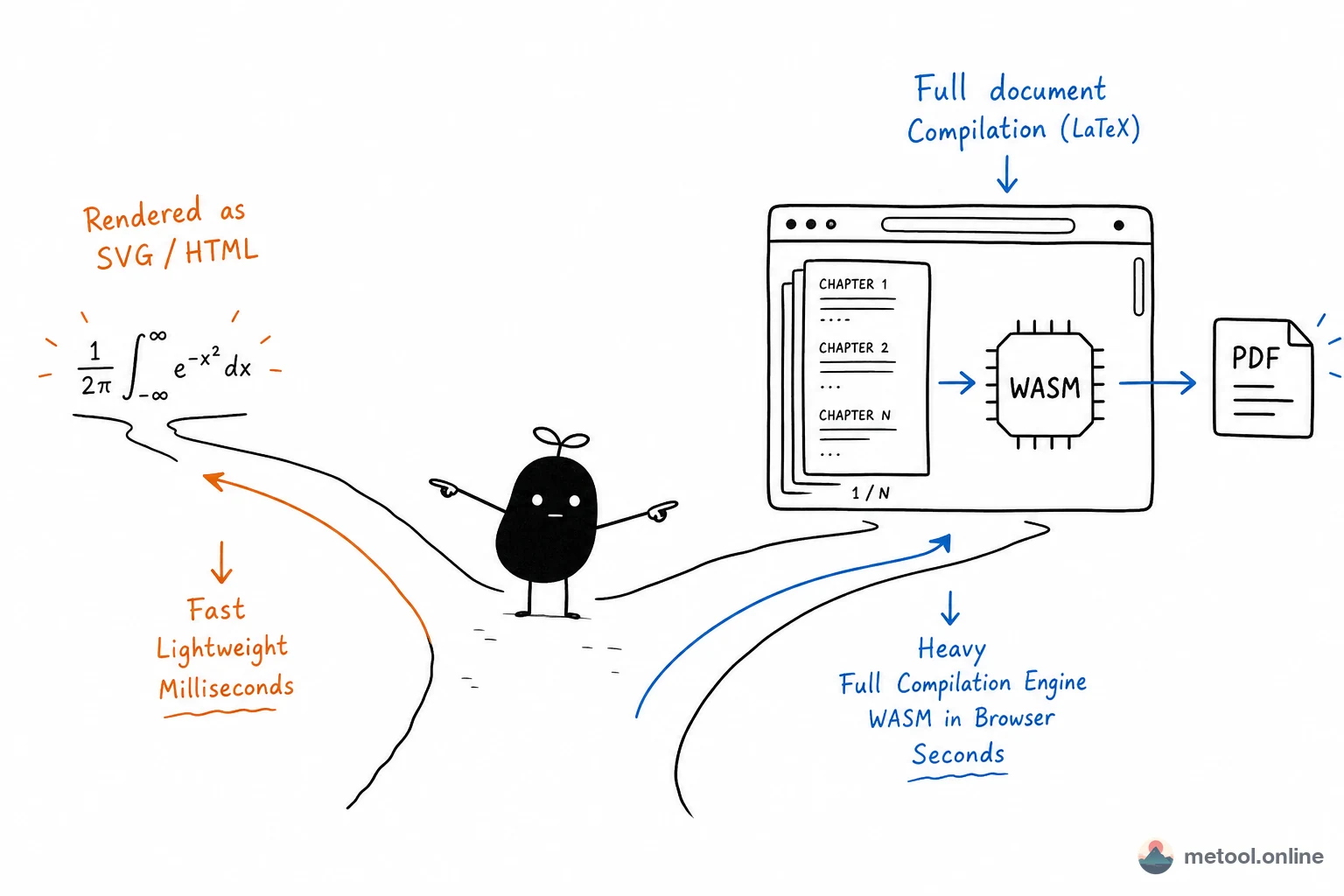
The MeTool LaTeX editor keeps both paths and lets you switch between them. Light mode uses latex.js to render as you type — good for drafting and shaking out syntax. Advanced mode is real XeLaTeX (TeX Live 2023) compiled to WebAssembly, producing output identical to running xelatex locally. Both run entirely in your browser, with no upload and no account.
What This Saves You
① A submittable PDF without installing TeX. Advanced mode produces a genuine XeLaTeX PDF — real fonts, real line breaking, real page numbers. It is the file you submit, not a screenshot of a web page stitched into a document.
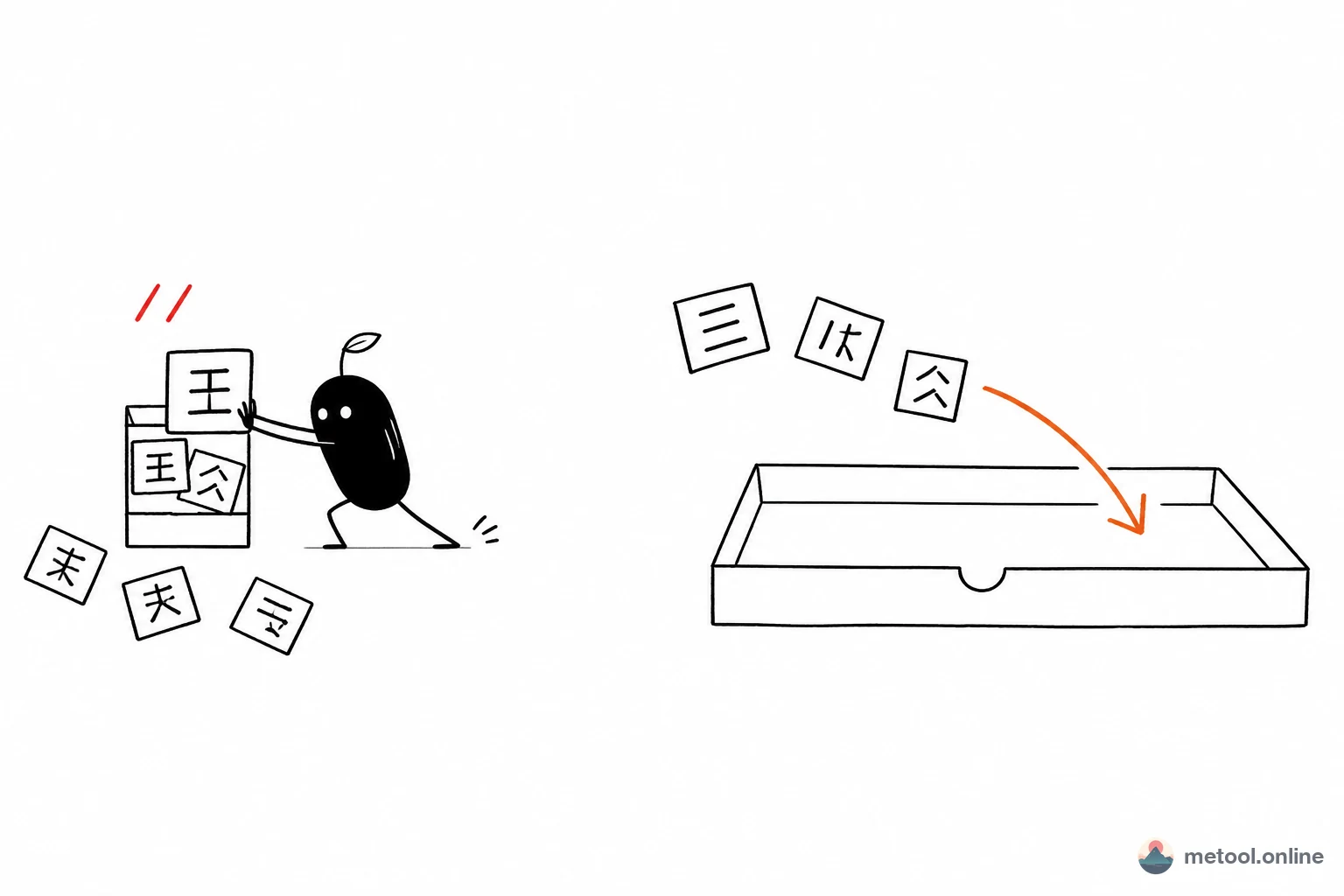
② Chinese that just compiles. The engine bundles ctex, xeCJK, and the Fandol fonts, so a \documentclass{ctexart} file compiles the moment you drop it in. The part that drives people away from local CJK LaTeX — hunting for fonts, tweaking fontset, decoding "font not found" — simply doesn't happen here.
③ Your whole project, not just one file. Papers rarely live in a single .tex. Drop in a .zip or pick an entire folder: \input and \include from subdirectories, figures, and .bib bibliographies all resolve, and a redundant wrapper folder is stripped automatically.
④ Unpublished work stays on your machine. The engine is downloaded and executed locally, so compilation happens inside your own browser process. For a paper that hasn't been submitted yet, or figures built from unreleased data, that is a meaningfully different guarantee than "upload it to a cloud compiler."
Choosing Between the Two Modes
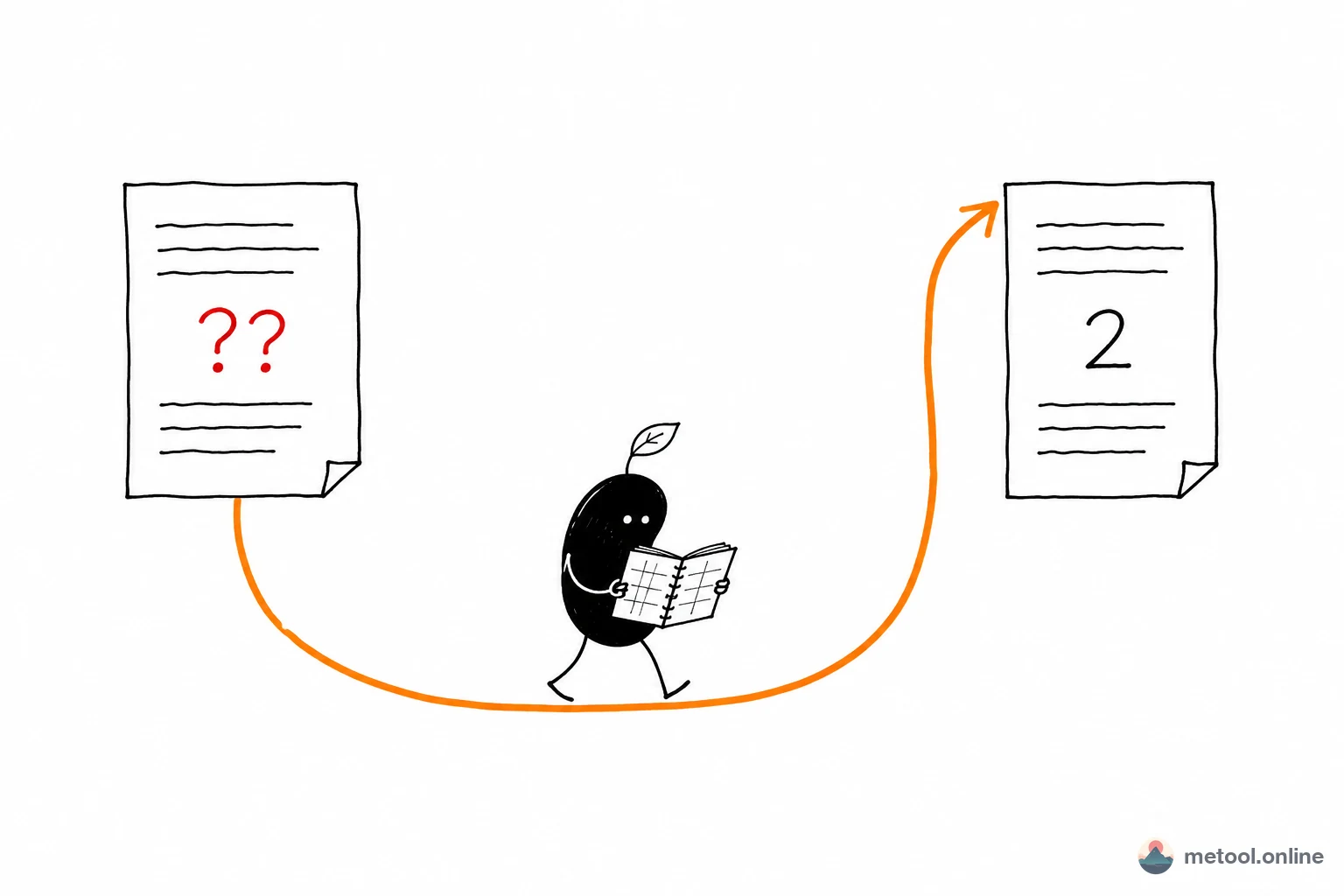
Light mode is about speed. Nothing to download, and results appear tens of milliseconds after a keystroke — ideal for laying out sections, restructuring, and spotting an unbalanced brace. The cost is coverage: it implements a subset of LaTeX, so Chinese is only approximated, TikZ drawings become placeholders, and bibliographies and custom packages aren't supported at all.
Advanced mode is about fidelity. It is XeLaTeX, so anything that compiles on your laptop compiles here. The cost is a one-time download of fonts and packages — roughly 40 MB for English-only documents, about 70 MB with Chinese, both compressed — plus a few seconds per compile.
That download happens once. Resources are cached in your browser and reused across documents and sessions, and they are split on demand: English-only work never fetches the Chinese fonts, and packages like TikZ arrive only when your source calls for them.
In practice the comfortable rhythm is: draft in Light mode, switch to Advanced when you need the final layout or a PDF. The toggle sits in the top-right corner of the editor and both modes share the same source, so there is nothing to copy across.
How It Compares
| Option | What it needs | Chinese | Where source lives | Best for |
|---|---|---|---|---|
| Local TeX Live / MacTeX | Multi-GB install plus setup | Full, once configured | Your machine only | Your day-to-day writing setup |
| Overleaf | An account; free tier caps compile time | Full | Uploaded to the cloud | Real-time co-authoring |
| JS-only online renderers | Just open a tab | Approximated | Stays in the browser | Glancing at structure |
| MeTool Advanced mode | 40–70 MB on first use | Full (ctex bundled) | Stays in the browser | Ad-hoc compiles, layout checks, machines without TeX |
To be clear about the boundaries: if you need several authors editing one paper at once, Overleaf remains the better fit — its collaboration and version history have no equivalent here. If you write papers daily, a local TeX Live installation is still the most comfortable home. MeTool targets a different moment: the machine in front of you has no TeX, and you need to see — or hand over — a correct PDF right now.
Privacy: Where Your Source Actually Goes
Worth spelling out, because academic writing is unusually sensitive to it.
Advanced mode works like this: the browser downloads a WebAssembly build of the TeX engine along with font and package resources, caches them locally, and then runs the compile inside your tab. Your .tex source, figures, and data exist only in browser memory and local cache — no network request ever carries them. Once the resources are cached you can disconnect from the network entirely and still compile, which is the most direct way to verify the claim.
Drafts are local too. Edits are saved automatically to the browser's IndexedDB, multi-file projects keep their figures, a refresh or closed tab loses nothing, and everything returns on your next visit. The trade-off of that design is that drafts don't sync across devices and disappear if you clear browser data — for anything important, use Download source in the toolbar to keep your own copy.
When you're done, download the PDF or take the whole project away as a zip. If you just want someone else to see the typeset result, LaTeX Share turns it into a preview link they can open with nothing installed.