One LaTeX Source, Multiple Output Formats
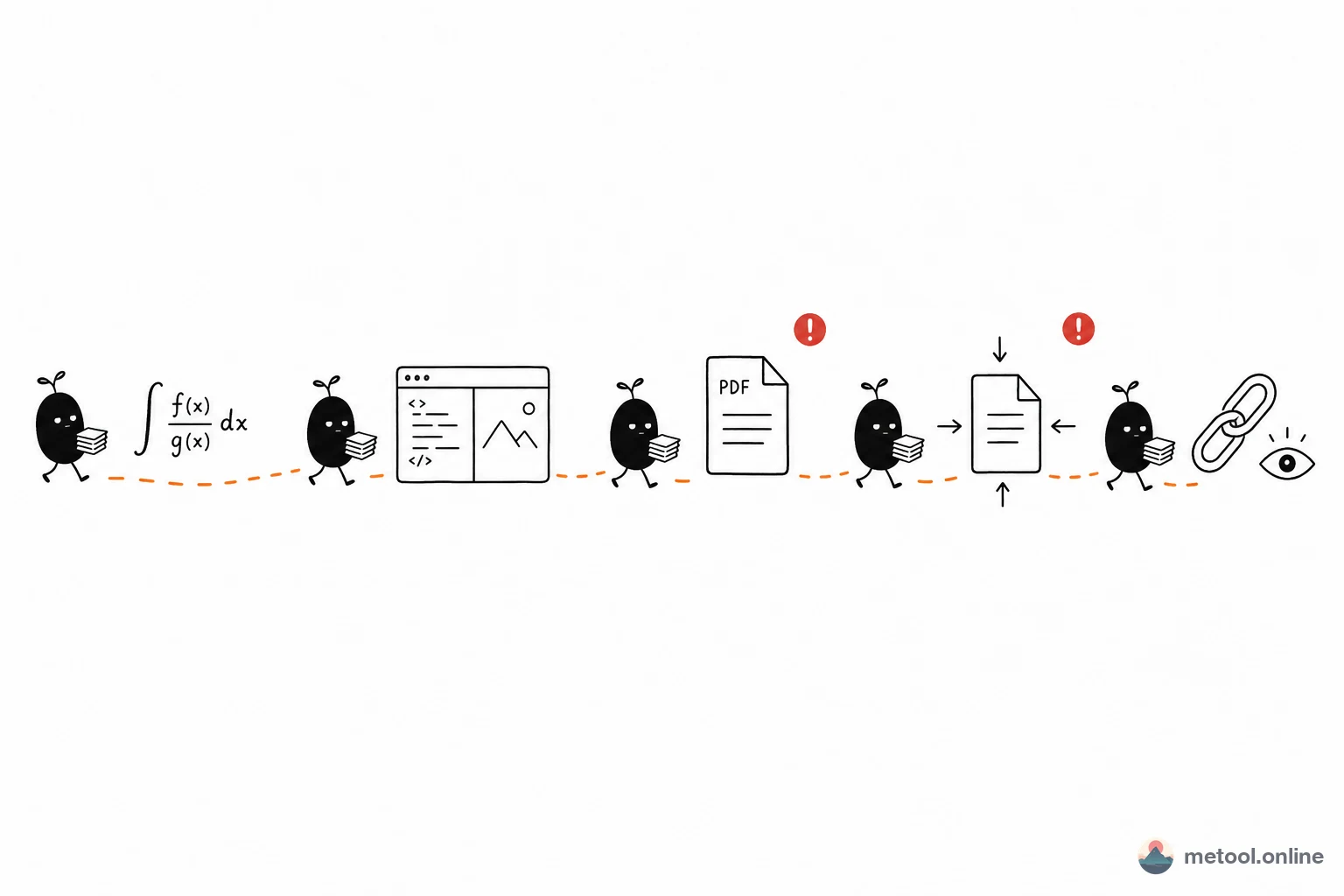
The same need that drives "write once, publish everywhere" in Markdown applies to LaTeX: a .tex draft may need to become a PDF for your supervisor, an HTML page for a website, a PNG screenshot for a chat message, and a .tex backup for your own archive.
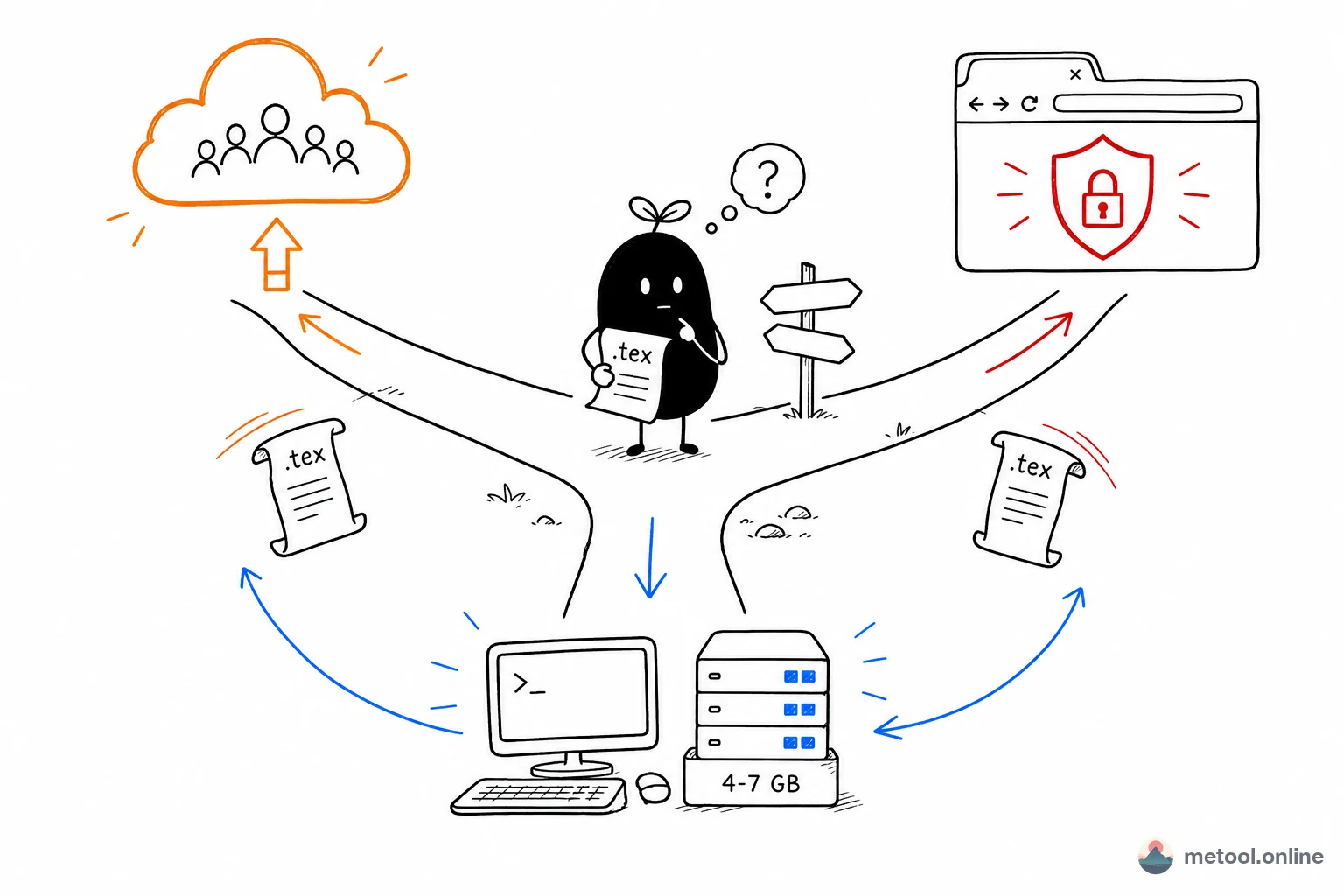
MeTool's LaTeX converter puts all four outputs on one page: paste or upload .tex content, choose a target format, click export, and your browser downloads the file directly. Nothing is uploaded to any server.
When to Use Each Export Format
The most common LaTeX output. MeTool's PDF export uses a page snapshot approach, suitable for previewing and casual sharing. For searchable, print-quality PDFs with precise font rendering, compile locally with a full LaTeX installation.
HTML
Exports as a self-contained HTML file with all inline styles. Opens in any browser without dependencies. Great for embedding in blogs, publishing to websites, or sending to readers who can't handle PDFs.
PNG
A screenshot of the rendered result as a PNG image. Perfect for sharing formulas or tables on social media, messaging apps (WeChat/Slack), or embedding in presentations.
.tex Source File
Downloads the raw .tex source for local archiving, Git version control, or handing off to collaborators who need the original markup.
When should you use an online tool instead of installing TeX Live locally?
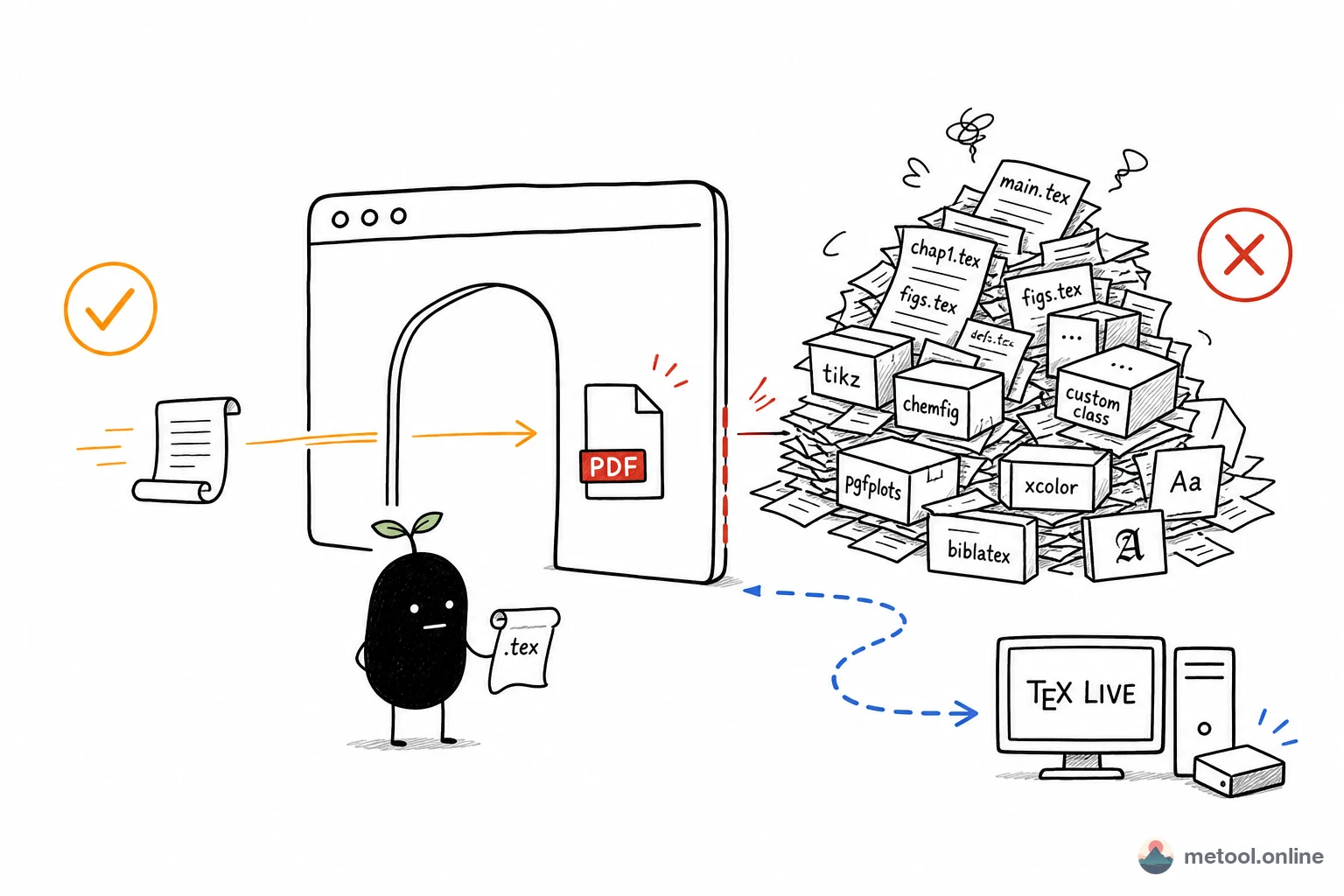
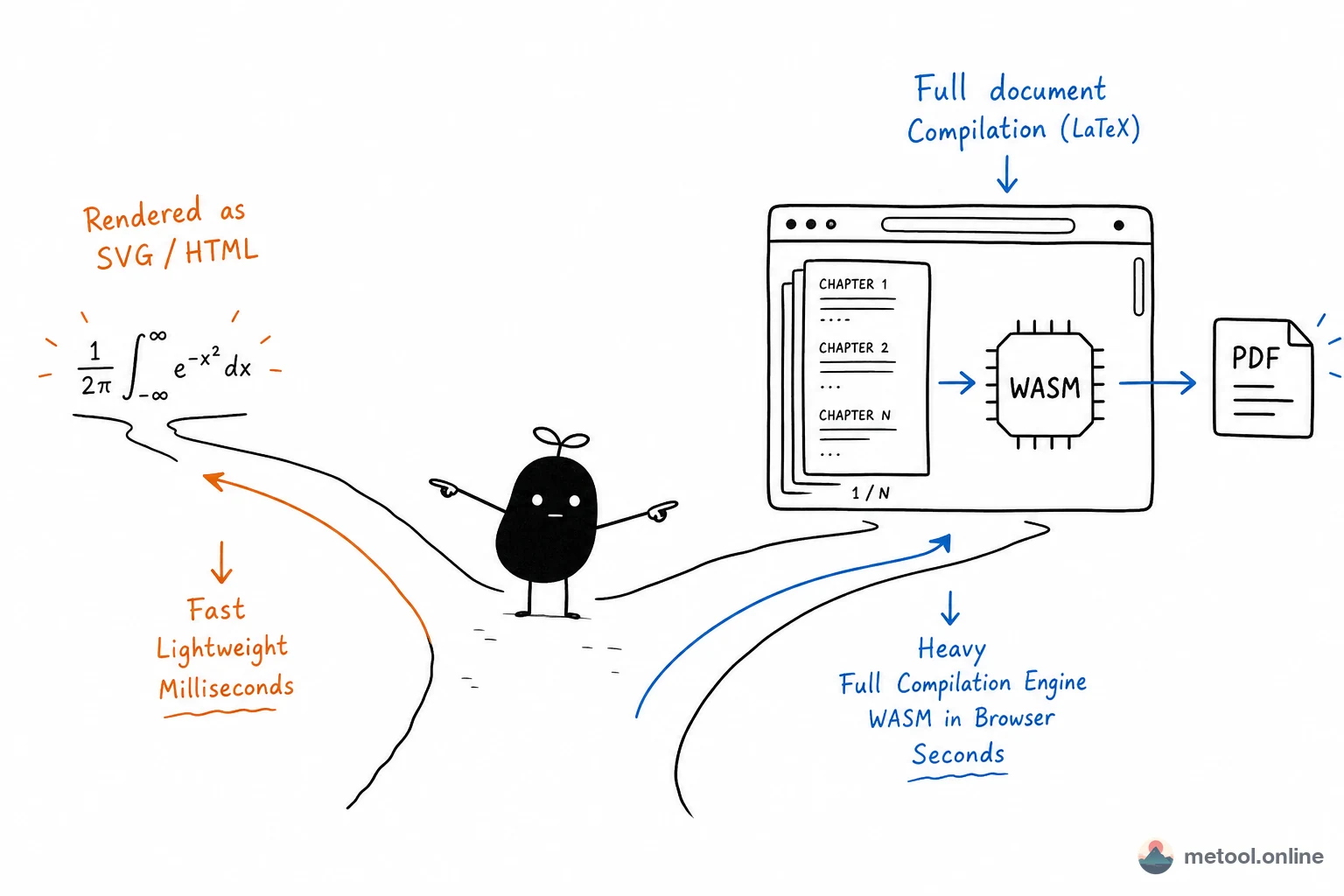
Installing a full TeX Live or MiKTeX environment can take several gigabytes of disk space, and configuring packages or troubleshooting compile errors isn't beginner-friendly. If you just want to quickly check how a formula renders, send a colleague a PDF preview, or process a .tex file on a computer without LaTeX installed, MeTool does it in seconds with zero setup. But if your paper relies heavily on custom packages, complex bibliography management (BibTeX/BibLaTeX), or requires precise control over typographic details, compile the final submission locally for the most standards-compliant typesetting.
What LaTeX syntax does MeTool's renderer support?
The tool is built on a mature browser-based LaTeX rendering engine, supporting common math formulas (inline and display), standard text formatting commands, lists, tables, and other basic layout elements. Advanced typesetting that depends on specific TeX distribution packages (like complex TikZ diagrams or custom document classes) may not render 100% identically in the browser — test with a simple document first to confirm the output matches your expectations.
Frequently Asked Questions
Q: Do I need to sign up or install any software? A: No. Just open the page and paste or upload your .tex content to convert — no sign-up, no software installation required.
Q: Is the converted PDF identical to one compiled locally with pdflatex? A: Not exactly. MeTool's PDF export is based on a rendered page snapshot, great for quick previews and sharing. For formal submissions or when typographic precision matters, use a PDF compiled from a local LaTeX environment as your final version.
Q: Are LaTeX documents containing Chinese text supported? A: Standard Chinese character rendering is supported, but if you use advanced features from specific Chinese typesetting packages (like some ctex features), the rendered result may differ from a local XeLaTeX/LuaLaTeX compile.
Q: Is my file content stored on a server? A: No. All conversion happens locally in your browser — the .tex content you enter is never uploaded to or retained on any server.