Why sharing Markdown is better than sharing HTML in 2026
When you need to share a formatted document with someone who doesn't have a Markdown-aware tool installed, your options have always been awkward: email a .md file they can't read without a viewer, export a PDF that's hard to copy from, or paste it into Notion and hand over edit access. In 2026, there's a cleaner path: generate a shareable preview link directly from the Markdown source.
Markdown has a critical size advantage over HTML. A typical AI-generated report, meeting summary, or technical spec might be 3–8 KB as Markdown. The same content rendered as HTML — with inline styles, fonts, boilerplate — balloons to 30–150 KB. After deflate-raw compression, a 5 KB Markdown document compresses to roughly 2–3 KB of binary, which encodes to a ~4 KB base64url URL — small enough to paste directly into a Slack DM or share via any channel. The rendered HTML equivalent would need an external storage service and a much longer URL.
MeTool's Markdown Share tool handles this automatically: compress → URL encode (no server needed for short content) → fall back to third-party temporary storage → fall back to long URL. The recipient just clicks the link and sees a GitHub-flavored rendered preview in their browser, no account required.
What does the recipient see when they open the link?
Click to view — nothing to install
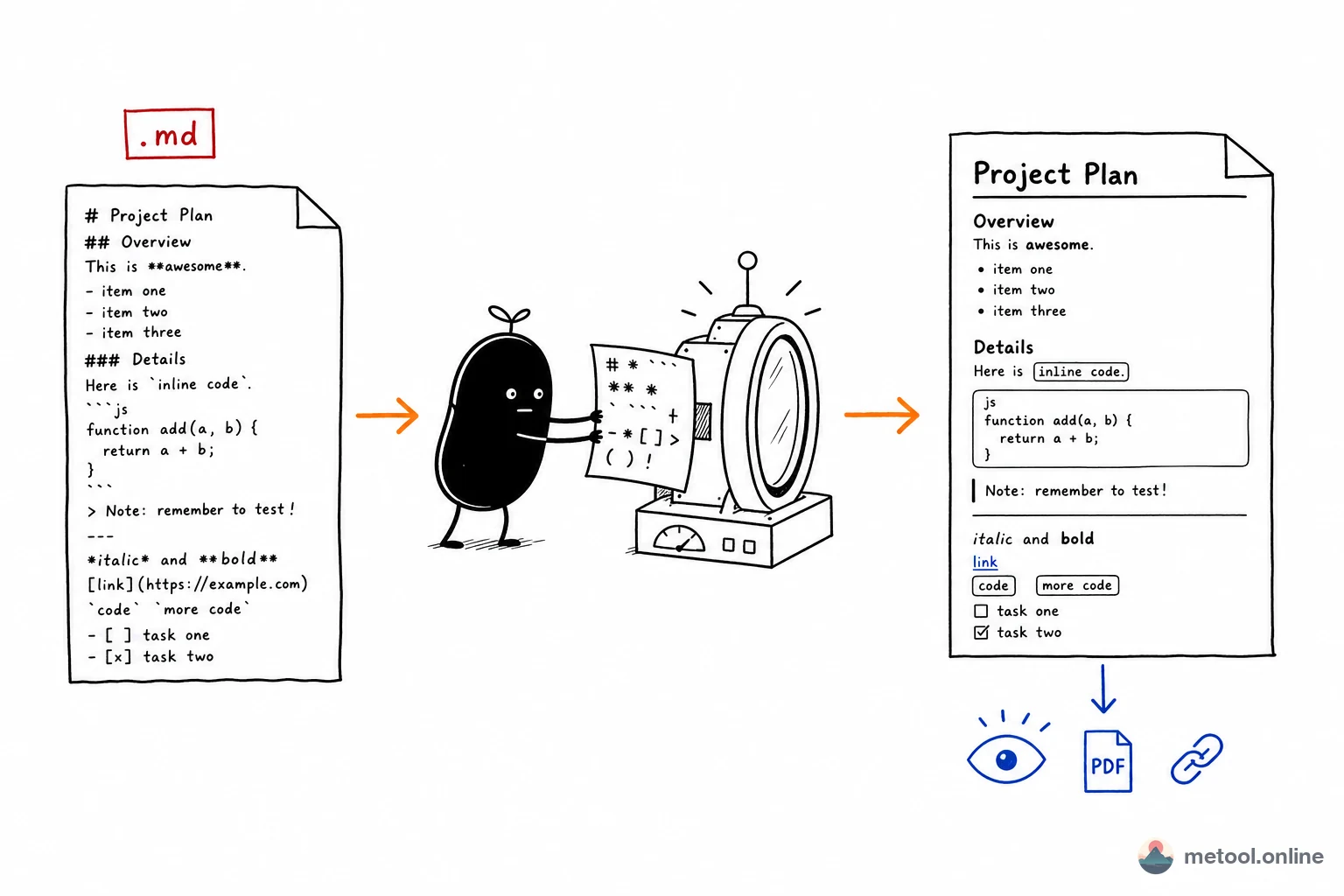
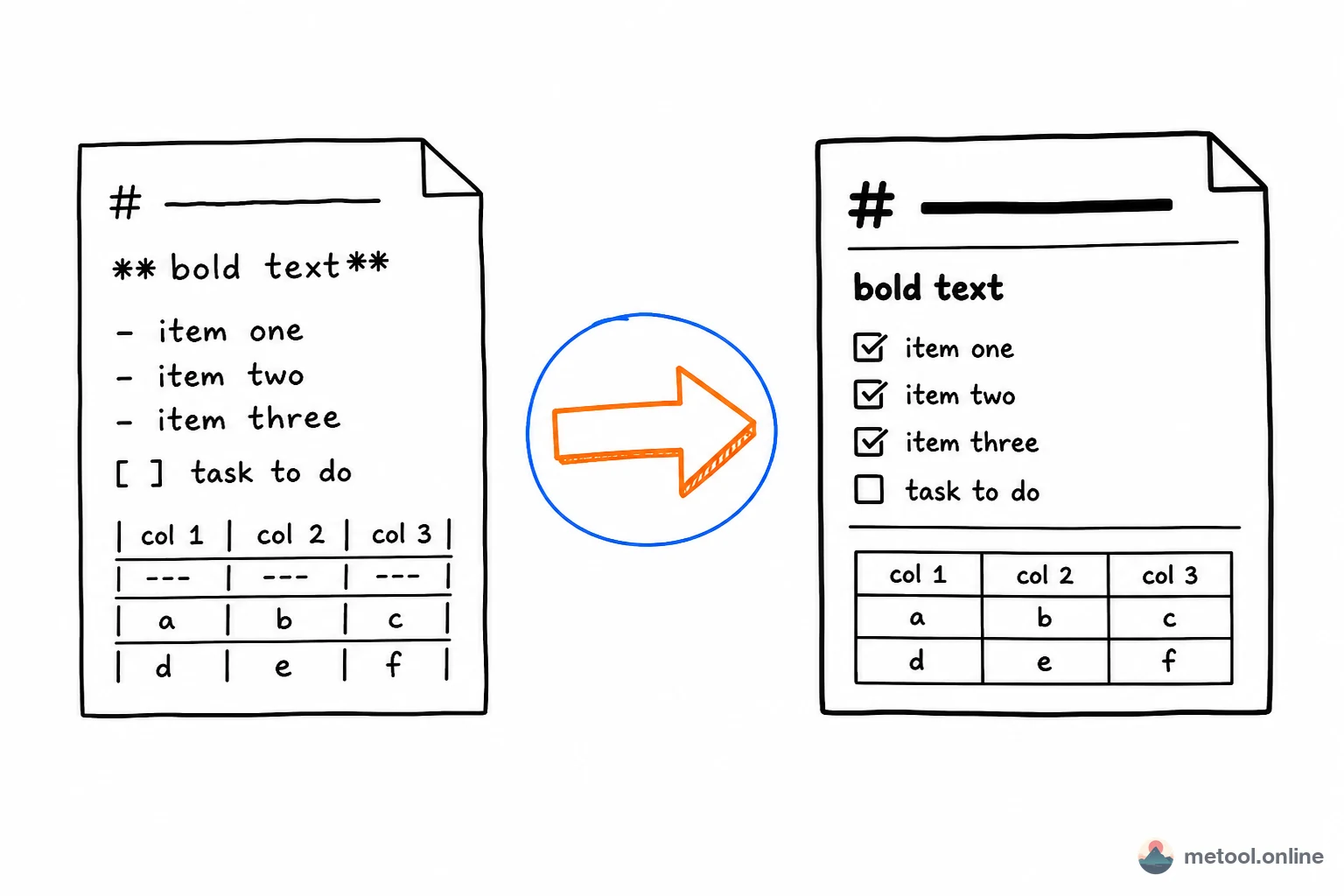
The recipient clicks the link and sees fully rendered Markdown in their browser: headings, tables, code blocks, bold text, blockquotes — all styled just like GitHub. No login, no app, no knowledge of Markdown syntax required.
A safety prompt that builds trust
Before the content loads, recipients see a brief safety reminder: confirm the link came from someone you trust, and never enter sensitive information on the page. This one-step confirmation lets them know it's a legitimate share — not a phishing attempt — before they view anything.
Links expire automatically
Every share link has a built-in expiry date. Once it lapses, the link stops working on its own — no action needed on your end. You can share freely without worrying about the content circulating indefinitely.
Your content stays off MeTool's servers
Short documents are encoded directly into the link — no server ever sees the content. For longer documents that need temporary storage, you're shown a consent checkbox before generating the link, so you always know and decide for yourself.
Practical use cases for Markdown share links
- AI-generated summaries and reports: Claude, GPT, and Gemini regularly produce beautifully structured Markdown. Instead of forwarding the raw text, generate a preview link — the recipient sees proper headings, code blocks, and tables without any markdown syntax clutter.
- Meeting notes and action items: write your notes in MeTool's Markdown editor, generate a share link, and paste it into the meeting chat. Everyone sees the formatted version without needing Notion edit access. New to Markdown? Skim the basics tutorial, paste the samples into the editor, then share.
- Code review context: when opening a pull request across timezones, share a Markdown document with architecture diagrams, decision rationale, and test plan as a preview link. Far easier to read than a wall of PR description text.
- Draft collaboration: share a draft with a reviewer who doesn't use your note-taking app. The 7-day expiry encourages timely feedback and prevents stale links from circulating indefinitely.
- Technical specs for non-technical stakeholders: rendered Markdown looks polished — headings, tables, bold text — without the overhead of a Google Doc or Notion page that requires access management. For math or diagrams, see advanced Markdown — and rasterize to images when the viewer’s platform won’t render those extensions.