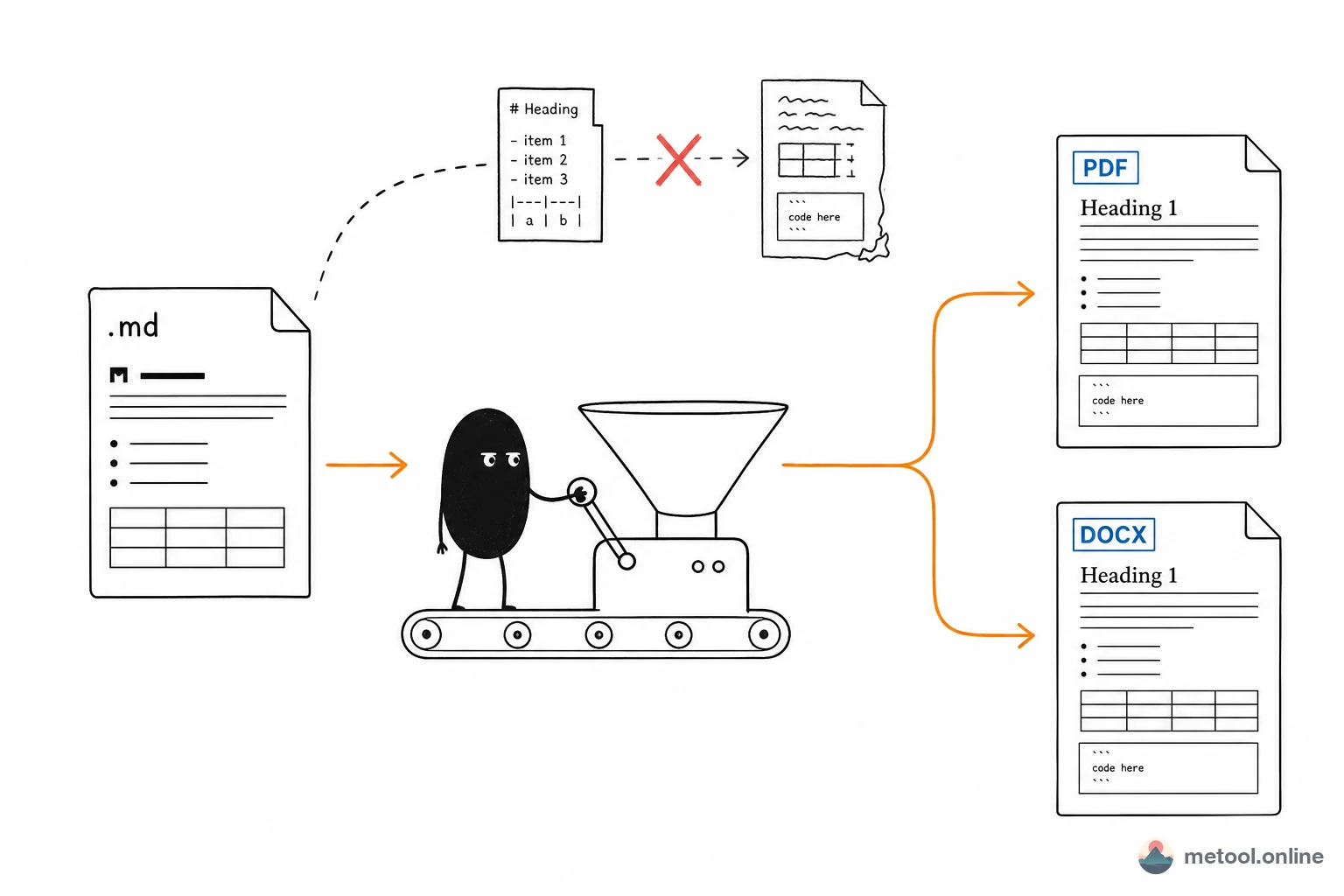
Why Markdown formatting standards matter
Markdown's strength is expressing structure in plain text — but that same simplicity creates a blind spot: different tools have wildly different tolerance for "sloppy" formatting. GitHub will render ##Heading (no space after #) as plain text; markdownlint, Vale, and CI pipelines flag trailing spaces as lint errors; pandoc collapses heading hierarchy when blank lines are missing.
These issues seem trivial at the source but cascade badly in team collaboration, version control, and multi-platform publishing: meaningless whitespace diffs in PRs, CI format checks blocking releases, the same .md rendering inconsistently across renderers. Fixing the format upfront is a form of respect — for your own drafts, and for every downstream tool in your pipeline.
MeTool's Markdown Format Checker & Auto-Fix tool is powered by the industry-standard markdownlint ruleset and runs entirely in your browser — content never leaves your device, making it safe for internal docs and unpublished drafts.
7 common formatting problems the auto-fix handles
① Missing space after # in headings (MD018 / MD019)
Many people habitually write ##Heading. Browser previews often let it slide, but strict renderers treat it as plain text. Auto-fix inserts the required space: ## Heading.
② Missing blank lines around headings (MD022)
A heading that immediately follows body text without a blank line causes some renderers and export tools to "glue" the heading to the paragraph above, breaking hierarchy. Auto-fix inserts a blank line before and after each heading.
③ Trailing whitespace (MD009)
Trailing spaces have special meaning in Markdown (two spaces = forced line break), but unintentional trailing spaces create Git diff noise and CI lint failures. Auto-fix removes them.
④ Inconsistent ordered-list numbering (MD029)
Copy-paste scenarios and certain editors output 1. 1. 1. throughout. GitHub renders it fine, but Word and PDF export tools may get confused. Auto-fix normalises the sequence to 1. 2. 3..
⑤ Incorrect spacing after list markers (MD030)
Spec requires exactly one space after - or *. Some tools produce two or zero. Auto-fix standardises to a single space.
⑥ Missing newline at end of file (MD047)
POSIX requires text files to end with a newline. Without one, Git shows "No newline at end of file", generating spurious diffs in collaborative projects.
⑦ Hard tabs (MD010)
Literal tab characters outside code blocks render at inconsistent widths across renderers. Auto-fix converts them to four spaces (the Markdown indentation standard).
Auto-fix vs. Prettier: which one to reach for
The two tools have different jobs:
- This tool (markdownlint auto-fix): fixes clear rule violations only, never rewrites prose. Best for "clean up the messy .md someone sent me" — minimal diffs, no risk of accidentally re-flowing your text.
- Prettier: a style enforcer that re-lays out the entire document — line width (default 80 chars), punctuation spacing, list indentation all get reset. Great for enforcing consistency across a team codebase via CI, but too aggressive for "just fix a few lint errors".
Recommended workflow: run this tool to fix format errors → polish content in the Markdown editor → publish to WeChat or export to PDF.
Automating format checks in CI / pre-commit hooks
This tool is designed for the manual "fix one .md right now" scenario. If you maintain a Markdown documentation library or docs site, consider pairing it with these automation approaches:
- markdownlint-cli2: run
markdownlint-cli2 "**/*.md"locally or in CI; add--fixto auto-repair fixable issues, and let a non-zero exit code block the pipeline. - Pre-commit hook: combine husky + lint-staged to auto-run markdownlint --fix on changed .md files before every commit, so only clean commits land in the repo.
- GitHub Actions: add a markdownlint-cli2 step to PR workflows, making format compliance a merge gate.
All of these use the same ruleset as this browser tool — fixes produced here will match exactly what the CLI produces.