Cross-Device File Transfer in 2026 — Break Free from Cables and Cloud Storage
In everyday work, we frequently need to transfer files or text between phones and computers, laptops and desktops. Traditional methods either require USB cables, rely on messaging apps like WeChat or Slack file helpers, or need cloud storage logins — these approaches are either inconvenient or involve third-party servers storing your files.
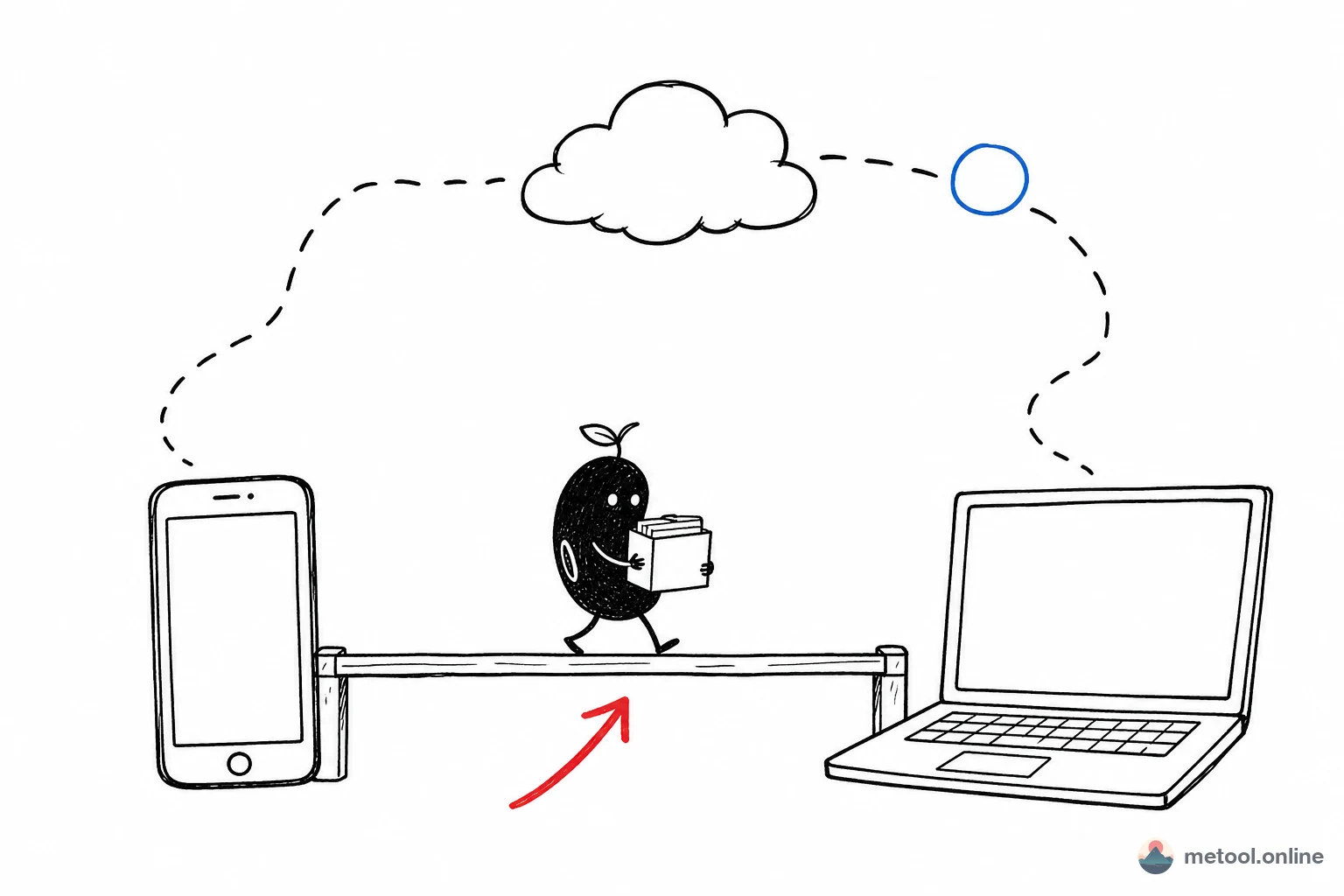
In 2026, with growing privacy awareness, more and more users want a transfer method that is both convenient and secure. P2P (peer-to-peer) transfer technology allows devices on the same local network (WiFi) to communicate directly, with files never passing through any intermediary server.
MeTool's cross-device transfer tool is built on this very principle. As long as your devices are connected to the same WiFi network, you can transfer files and text instantly through the browser — no app installation, no account login, and transfers are encrypted. Truly an "open and use, close and go" experience.
Key Features of MeTool Cross-Device Transfer
P2P Direct Transfer, No Server Required
Uses WebRTC and other P2P technologies for direct device-to-device communication. Your files transfer directly between two devices without passing through any intermediary server for storage or relay — fundamentally protecting your data privacy.
Encrypted Transfer Protection
Data transmission uses encrypted channels. Even on public WiFi networks, your file contents cannot be intercepted or snooped on by others on the network.
File and Text Dual Mode
Supports both file transfers and quick text snippet sharing. Want to send a link or code snippet from your phone to your computer? Simply paste the text and send — no need to create a temporary file.
Zero Barrier to Entry
No apps or client software to install, no accounts to register. Just open MeTool's transfer page on both devices, scan a QR code or enter a connection code, and you are connected. Simple enough for anyone to use.
How to Transfer Files Between Devices with MeTool
- Ensure Same Network: Connect the devices you want to transfer between (phone, computer, tablet, etc.) to the same WiFi network.
- Open Transfer Page: Open MeTool's cross-device transfer tool page on both devices.
- Establish Connection: Scan the QR code displayed on one device with the other, or manually enter the connection code to establish a P2P connection.
- Select and Send: Choose the files to transfer or enter text content, then click send. The receiving device will immediately receive the data and can download and save it.