Let Your AI Use MeTool
Connect the AI assistant you already use, so it can run the tools below for you.
What it does
How the AI does the work
Ask for what you need in your own AI chat, and it works directly on this page in your browser: settings get adjusted, content gets edited, and the result comes back to the chat. No tab juggling, no copy-paste.

You ask for it in your AI chat
Get started
Connect a tool page first
Your AI can only work on the page that is currently connected. Until you click Connect your AI, it does not know where to send data.
Already hooked up your AI? Just tell it what you need. If no tool page is connected, it will ask you to open one and click Connect your AI.
Hook in your AI
The first time around, your AI needs a one-off setup. Cursor, WorkBuddy, Qoder, TraeWork, Claude Cowork, and Codex each have an illustrated guide — set it up once and it stays.
See how to connect each AIPick a tool page
Tools you can hand to your AI
Open any page, flip on Connect your AI there, and the assistant can work on that page. The list keeps growing.
Markdown Tools
HTML Tools
Document Tools
LaTeX Tools
Read more
Related articles
How to let your current AI operate a tool page, and what human–AI cowriting means.
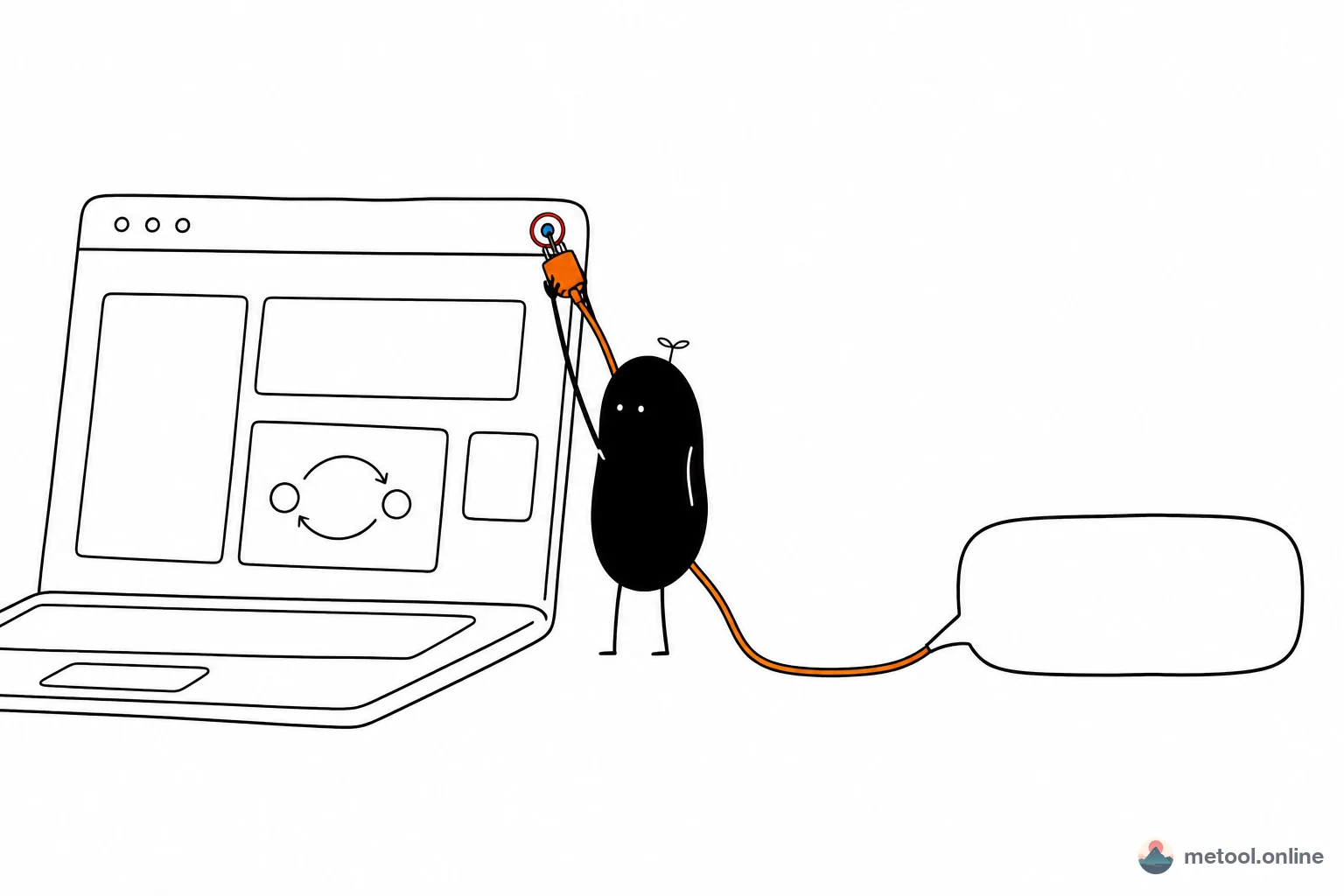
How do I let my current AI operate a web tool?
Human–AI cowriting only works if the assistant is aimed at the current page. This walkthrough follows the real order: open a tool page, click Connect your AI, then hook in the assistant — with screenshots.
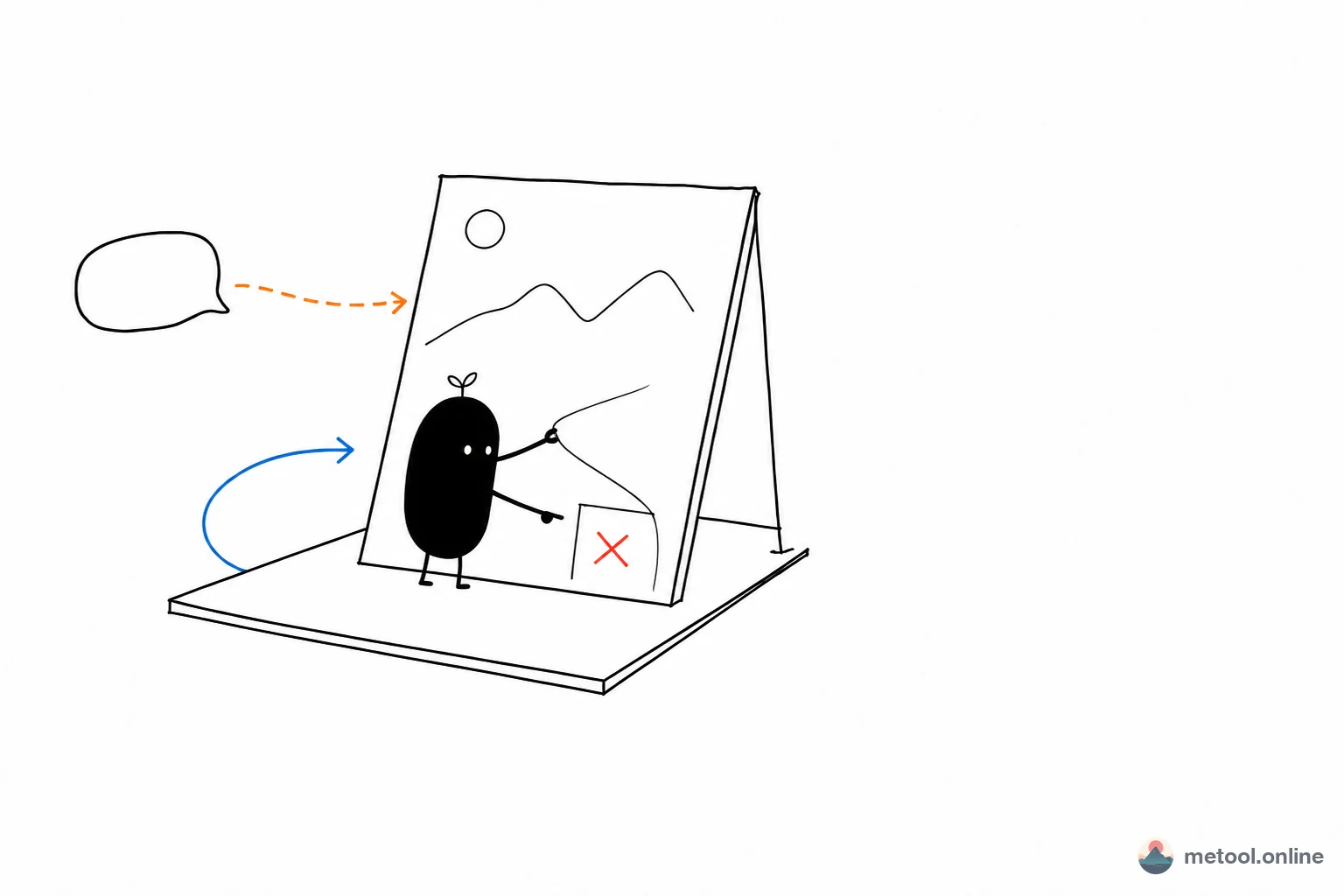
What is human–AI cowriting? Why shouldn't AI finish the work alone?
Human–AI cowriting is not handing the job to a model in the background. AI speeds production; you steer direction and details on a live preview. This article defines the idea, and why a page that takes shape in the browser — like MeTool — is a natural fit.