What Is an Invisible Watermark? Why Do You Need One?
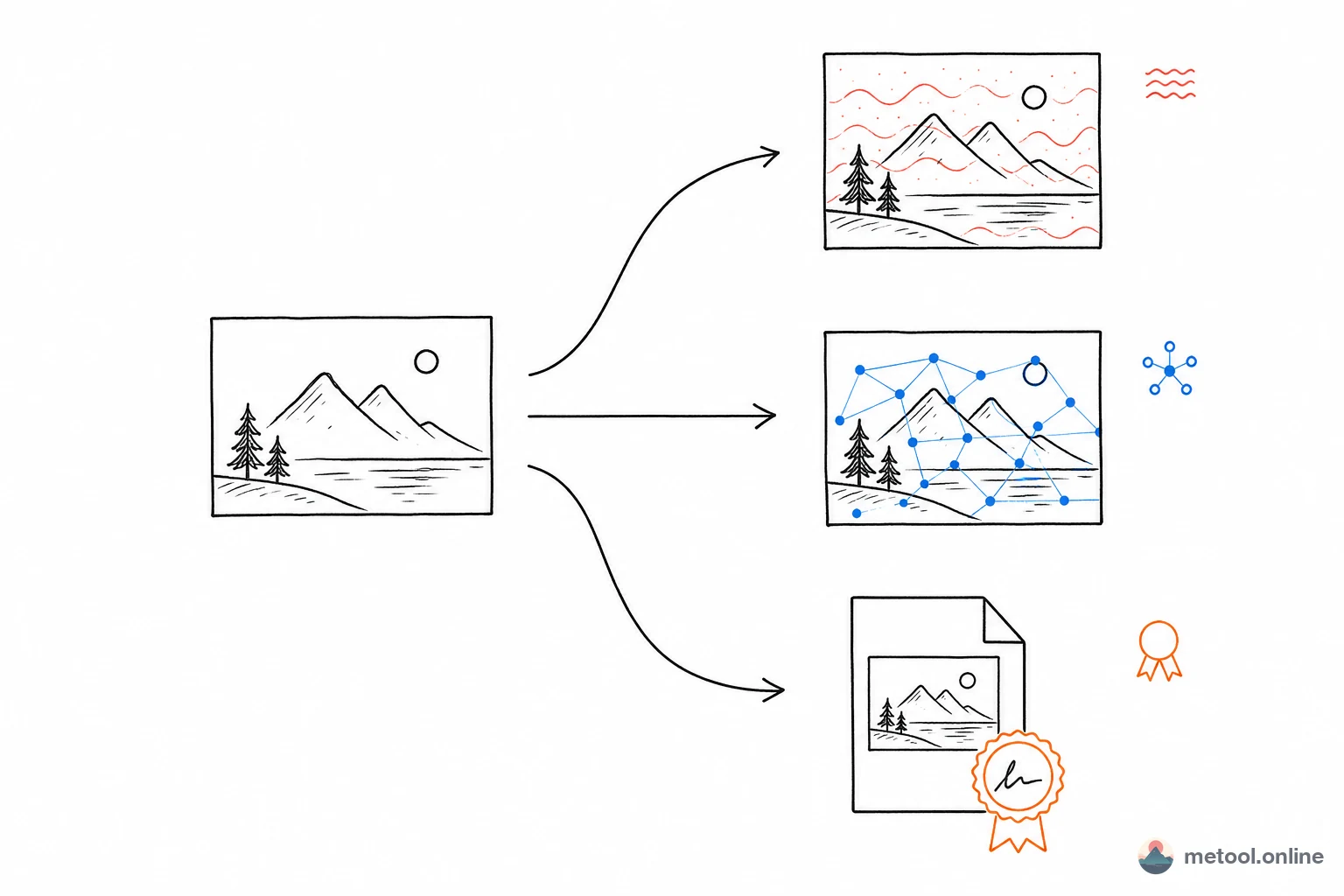
An invisible watermark hides information inside an image — the watermarked image looks identical to the original, completely undetectable by the human eye. Unlike visible watermarks (text overlays, logos) that ruin aesthetics, invisible watermarks leave the image untouched.
The core use case is anti-theft and copyright tracing: if someone takes your photo, you can "extract" or "verify" the watermark you embedded earlier — proving the image is yours. This is powerful evidence in copyright disputes.
Two Modes for Different Protection Needs
MeTool offers two invisible watermark modes — just pick the one that fits your needs:
"Embed Custom Text" Mode
Hides any text you write (copyright notice, your name) in the image — fully readable when verified. Best for proving "who owns this image." Resistant to noise, compression, and masking, but may fail if the image is rotated or heavily scaled.
"Resist Rotation/Scaling" Mode
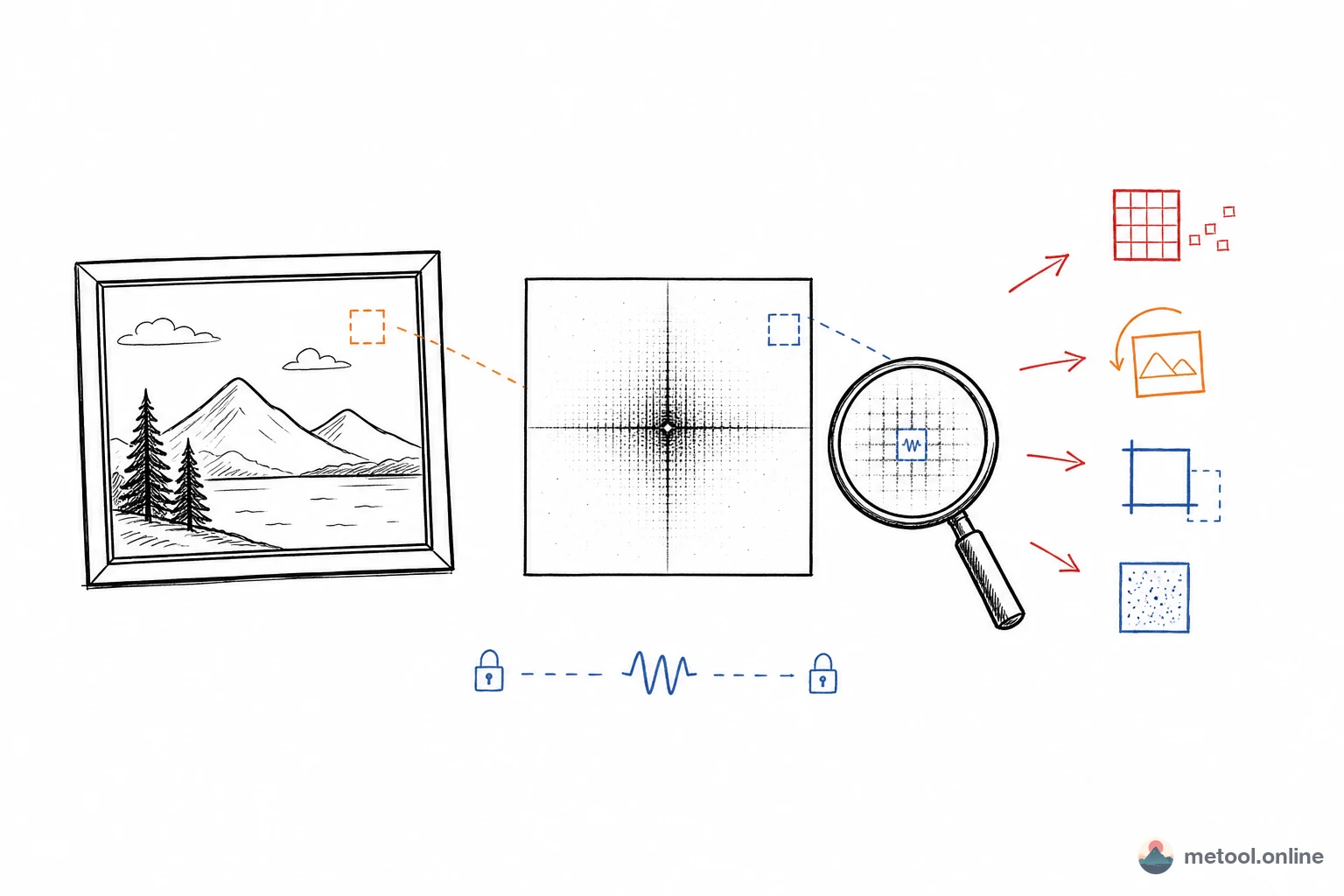
Writes a password-derived invisible fingerprint into the image. Verification with the same password confirms whether the watermark is present. The key advantage: survives rotation and scaling, ideal for images shared across platforms where they may be transformed.
Real-World Comparison
Here's a test using the MeTool logo. First, the watermarked images — visually identical to the original:
 |
 |
 |
|---|---|---|
| Original | Text Embed | Rotation-Resistant |
Then we "edit" the watermarked images to see what survives:
| Edit | After edit | Text Embed | Rotation-Resistant |
|---|---|---|---|
| Brightness +30 |  |
❌ | ✅ 60% |
| 80×80 Mask |  |
❌ | ✅ 73% |
| Rotate 90° |  |
❌ | ✅ 80% |
| Scale 75% round-trip |  |
✅ | ✅ 64% |
| Crop 90% |  |
❌ | ✅ 51% |
| Crop 50% |  |
❌ | ❌ |
How to choose? Need embedded readable text (copyright) → text embed mode. Images might be rotated/scaled → rotation-resistant mode. You can use both on the same image.
Details: Password, Format, and Privacy
Password protection: Both modes use passwords. Embedding and verification require the same password. Default is "metool" — we recommend using your own.
PNG output: Watermarked images are always saved as PNG. JPEG and other lossy formats would destroy the invisible watermark data. PNG is lossless and preserves everything.
100% local processing: All computation happens in your browser. Images are never uploaded to any server — your privacy is guaranteed.
Auto brand suffix: Text embed mode automatically appends "from metool.online" to your watermark text for easy tracing.
Beyond Copyright: Using Invisible Watermarks to Verify Official Documents
Once you understand that screenshots break watermarks, the ideal use case for invisible watermarks becomes clear: verifying the authenticity of original image files distributed through official channels.
Consider this scenario: an organization issues digital certificates as image files — diplomas, training completions, awards. These are trivially easy to forge: anyone can open the image in an editor, change the name and date, and re-save it. Traditional options are either ugly (visible watermarks that can be cropped) or expensive (QR codes linked to a backend database).
With invisible watermarks, the workflow becomes:
- The issuing organization prepares the certificate image and, before distribution, uses MeTool to embed a watermark like "Issued by XYZ Institution · Certificate No. 2026-0042 · Official" using a private password. Output as PNG.
- The watermarked PNG is distributed as the official version — via email attachment, website download, or direct messaging (always as the original PNG file).
- Recipients or verifying parties upload the image to the verify tab, enter the institution's published password, and instantly extract the watermark text. If it reads "Issued by XYZ Institution · Official", the file is genuine. A forged copy cannot contain this watermark without the password.
The key condition: the institution distributes the original PNG file, not a screenshot or re-processed version. As long as the original file stays intact through the distribution chain, the watermark verifies reliably every time.
Real-world applications
① Educational certificates: Online course completions, skill certifications, transcripts as images. Learners can self-verify and share with employers, who can independently check without contacting the issuer.
② Corporate authorizations and scanned agreements: Embed a watermark before sending a scanned authorization letter. The recipient can verify it wasn't fabricated — and can prove it to third parties.
③ Event participation proof: Competition, conference, or exhibition certificates with embedded watermarks let recipients prove authenticity to any third party.
④ Official announcements and statements: Organizations can embed a watermark in an official notice image, making it easy to distinguish "official original" from "screenshot taken out of context."
Comparison with traditional anti-forgery methods
| Method | Visual quality | Verifiable | Cost |
|---|---|---|---|
| Visible watermark / overlay | ❌ Ruins aesthetics | ❌ Can be cropped | Low |
| QR code link | ✅ | ✅ Requires backend database | High (server needed) |
| Blockchain timestamping | ✅ | ✅ | High (on-chain fees) |
| Invisible watermark (MeTool) | ✅ Completely invisible | ✅ Verified locally in browser | Zero (browser-only) |
No server, no database, no fees. Verification runs entirely in the browser on the recipient's device. For small organizations, independent creators, and personal brands, this is the lowest-cost, simplest-to-deploy anti-forgery approach available.
Can You Verify a Watermark After a Screenshot? Understanding the Limits
A common question: if someone screenshots your watermarked image, can you still verify ownership? The answer: don't count on it working reliably. A screenshot doesn't copy original pixels — it re-captures the image after display rendering, color conversion, possible resolution changes, and re-encoding. All of these can damage or weaken the frequency-domain watermark signal.
What does screenshotting destroy?
Resolution changes: Viewing the image scaled in a browser or image viewer, then screenshotting, effectively resamples the pixels. Text embed mode is sensitive to rotation and heavy scaling — the pixel layout after a screenshot differs from the original file, making verification likely to fail.
Color and brightness shifts: Display color profiles, HDR, and night mode alter pixel values. In our tests, a brightness adjustment of +30 was enough to break text embed mode.
Lossy compression: Saving a screenshot as JPEG further destroys watermark data. Use PNG format for screenshots when verifying.
How each mode performs against screenshots
| Scenario | Text Embed | Rotation-Resistant |
|---|---|---|
| Original PNG file verified directly | ✅ Reliable | ✅ Reliable |
| 1:1 display, PNG screenshot | ⚠️ Not guaranteed | ⚠️ Possible |
| Screenshot after scaled display | ❌ Likely fails | ⚠️ Depends on scale |
| JPEG screenshot | ❌ Likely fails | ❌ Likely fails |
Practical advice: Invisible watermarks work best for protecting original file distribution (sending PNGs directly, sharing via cloud storage, etc.). If you're concerned about screenshot theft, layer the rotation-resistant mode as an additional fingerprint — but don't rely on it as your only defense. When verifying, always select the same mode and password used during embedding.
Invisible Watermarks in AI-Generated Images: What ChatGPT, Gemini, and Midjourney Are Doing
In 2026, with the explosive growth of AI image generation tools like ChatGPT / DALL-E, Google Gemini, Midjourney, and Stable Diffusion, tracing and labeling AI-generated images has become a global priority. Major AI companies are already embedding invisible watermarks in their generated images.
Google SynthID
Developed by Google DeepMind, SynthID has been embedded in over 10 billion images generated by Gemini and Imagen. SynthID is a post-hoc system: a trained neural network encoder embeds invisible signals after image generation. Unlike classical DWT-DCT schemes that embed in fixed frequency bins, SynthID's deep learning encoder spreads signals across the entire image, trained specifically to survive cropping, compression, and screenshotting. In late 2025, Google launched a public SynthID Detector for anyone to verify if content was produced by a Google model.
SynthID vs DWT-DCT-SVD: A Technical Comparison
MeTool uses classical frequency-domain watermarking (DWT-DCT-SVD), embedding bits at deterministic wavelet/DCT coefficient positions with a user-defined password. SynthID uses deep learning watermarking with proprietary neural network models — only Google's official decoder can detect it. These are entirely different technical approaches and cannot cross-detect each other. However, they share the same goal: embedding traceable invisible marks without degrading image quality.
C2PA Standard (Content Provenance Alliance)
Initiated by Adobe, Microsoft, BBC and others, the C2PA (Coalition for Content Provenance and Authenticity) standard uses cryptographic signatures and metadata to attach provenance information to images. ChatGPT and Adobe Firefly images now carry C2PA metadata indicating "generated by AI." However, C2PA relies on file metadata, which can be lost when screenshotted or re-saved — which is precisely why pixel-level watermarks like SynthID exist.
Meta Pixel Seal and OpenAI Watermarking Strategies
Meta developed Pixel Seal (part of the Meta Seal suite), a learned encoder-decoder framework embedding 256-bit payloads into images — one of the current state-of-the-art open-source solutions for robustness and imperceptibility. Since 2026, OpenAI embeds both C2PA metadata and SynthID watermarks in ChatGPT and API-generated images, achieving dual-layer provenance.
What This Means for You
If you use AI-generated images for commercial activities or social media, those images likely already contain invisible watermarks. Understanding how invisible watermarks work helps you make informed content decisions. And if you're an original content creator, proactively adding invisible watermarks using tools like MeTool's DWT-DCT-SVD system provides independent provenance evidence in copyright disputes — it works alongside AI vendor watermarks without interference.