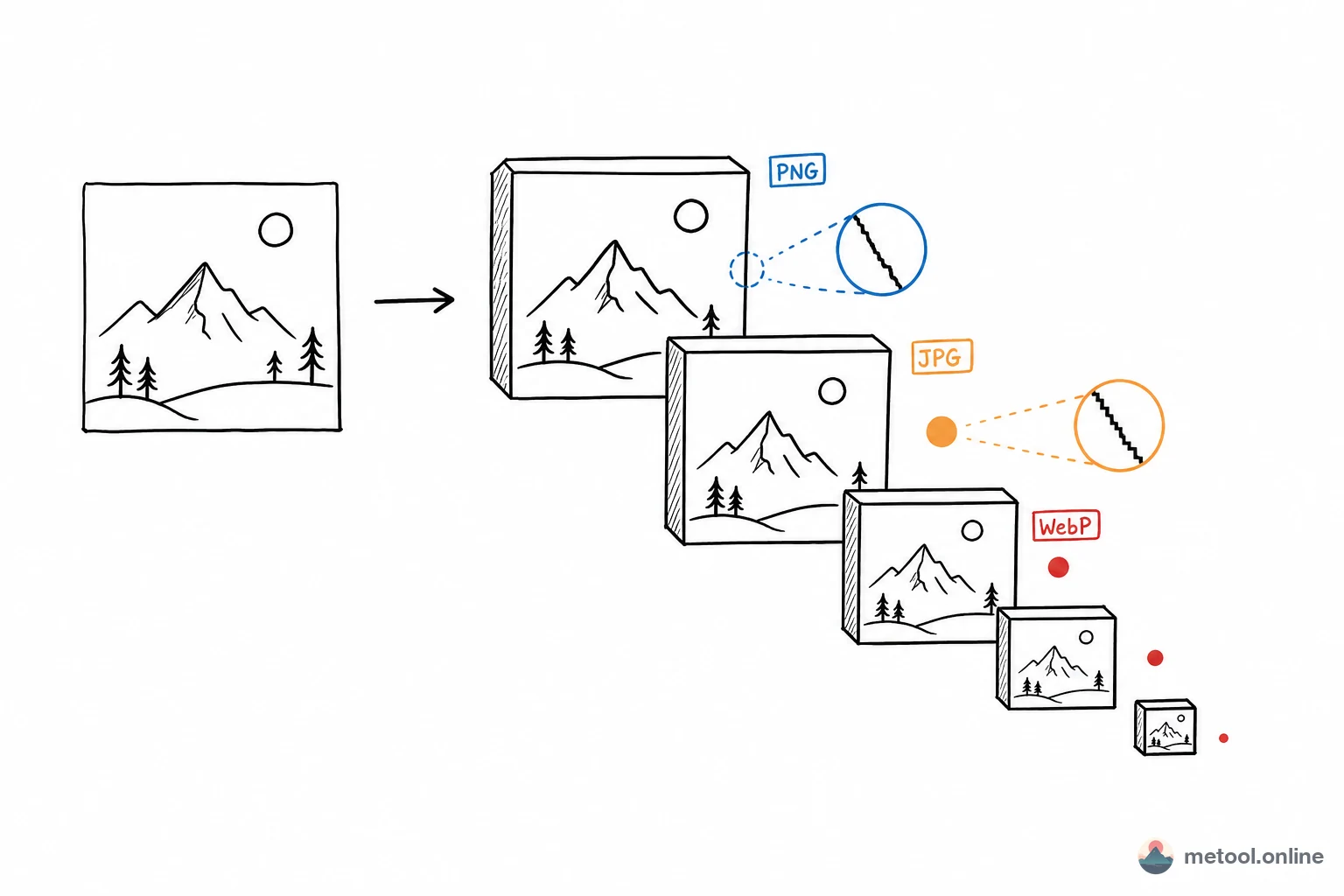
Why You Need an Image Format Converter in 2026
Different platforms and use cases demand different image formats: social media favors JPG for its small footprint, designers need PNG for transparency, modern browsers prefer WebP for faster loading, and Apple's ecosystem increasingly uses AVIF. In 2026, knowing how to convert between image formats is a fundamental skill for designers, developers, and content creators alike.
Traditional format conversion requires installing heavy software like Photoshop or GIMP — complex to learn and cumbersome to operate. Many online converters require uploading your images to remote servers, introducing both latency and privacy risks.
MeTool's image format converter runs entirely in your browser, supporting seamless conversion between JPG, PNG, WebP, AVIF, and more. The process is fast, efficient, and your files never leave your device — making it the ideal format conversion companion.
Key Features of MeTool Image Format Converter
Multi-Format Bidirectional Conversion
Convert freely between JPG, PNG, WebP, AVIF, and other popular formats. Whether you're converting PNG to a smaller WebP for web optimization, or converting WebP back to JPG for legacy system compatibility, MeTool handles it in one click.
Batch Conversion for Maximum Efficiency
Need to unify an entire folder of images to a single format? MeTool supports batch upload and batch conversion — dozens of images processed in seconds, eliminating tedious one-by-one workflows.
Adjustable Output Quality
Fine-tune the output quality parameter during conversion to strike the perfect balance between file size and visual fidelity. Ideal for e-commerce product photos, blog illustrations, and social media assets with varying precision requirements.
Pure Browser-Side Processing
All conversion runs locally in your browser — images are never uploaded to any server. Whether it's a client's design draft or personal photographs, your content receives the highest level of privacy protection.
How to Convert Image Formats with MeTool
- Open the Tool: Go to MeTool's image format converter page — ready to use instantly with no sign-up required.
- Upload Images: Drag and drop or manually select the image files you want to convert. Supports JPG, PNG, WebP, AVIF, and more. Batch upload is available.
- Select Target Format: Choose your desired output format from the dropdown menu and adjust the output quality parameter as needed.
- Download Converted Files: Conversion completes in an instant. Click the download button to save individual images, or use "Download All" to grab everything at once.