Why You Need an Online Image Compression Tool in 2026
In 2026, images are the backbone of web content, social media, and e-commerce platforms. However, high-resolution photos and polished design assets often weigh several megabytes or more, which significantly slows down page load times, fills up device storage, and causes email attachments to exceed size limits.
Google's Core Web Vitals explicitly use page speed as a ranking factor — and uncompressed images are the number one culprit dragging down LCP (Largest Contentful Paint) scores. Studies show that every additional second of load time increases bounce rates by 32%.
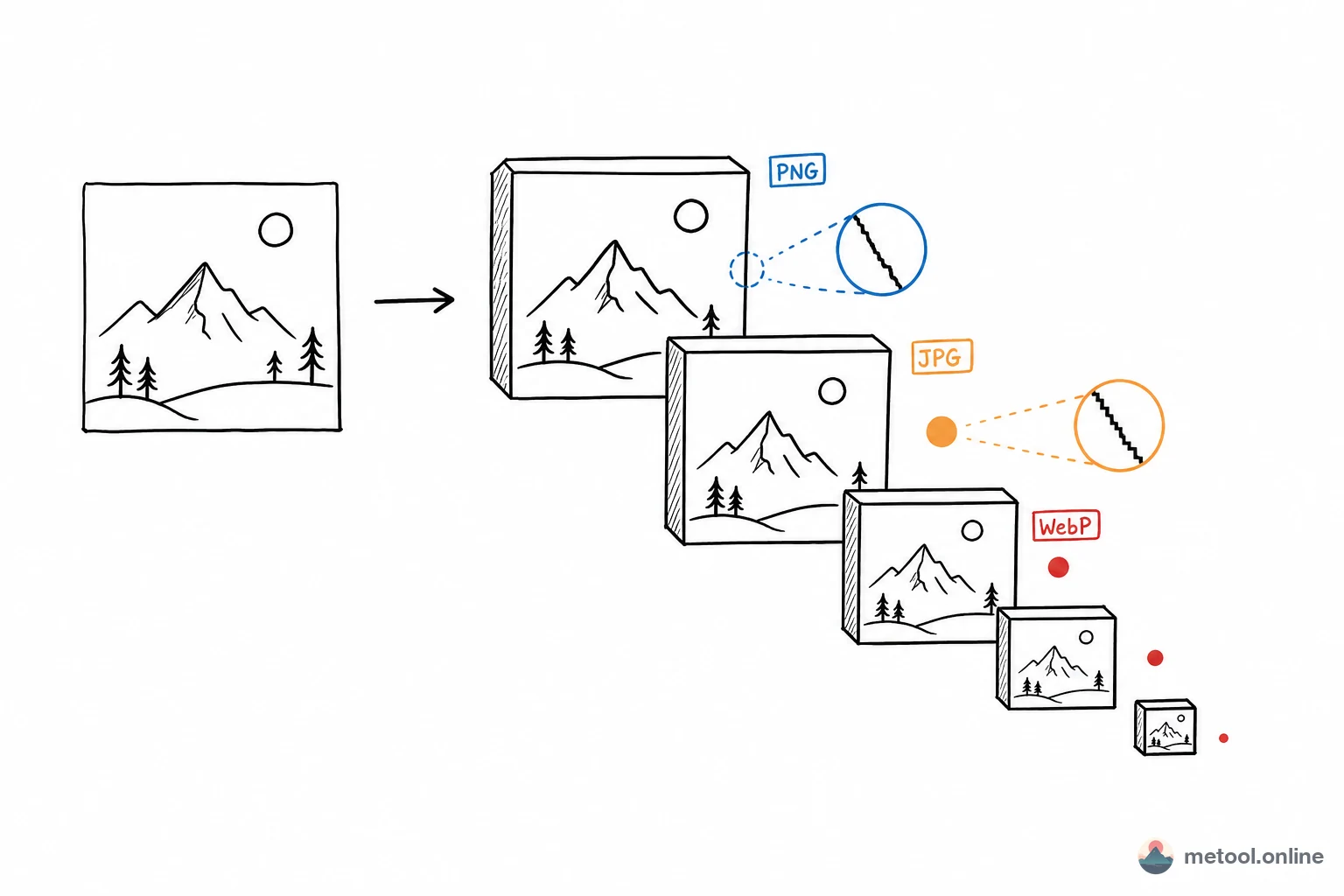
MeTool's online image compressor uses browser-based smart compression algorithms to shrink JPG, PNG, and WebP files by 70% or more while preserving near-identical visual quality. Best of all, the entire compression process runs locally on your device — your images are never uploaded to any server, ensuring complete privacy.
Key Features of MeTool Image Compressor
Smart Lossy & Lossless Compression
MeTool offers two compression modes: lossy compression dramatically reduces file size with virtually imperceptible quality loss, perfect for web and social media use; lossless compression optimizes file structure without discarding any pixel data, ideal for professional workflows requiring original quality retention.
Full Format Coverage
Whether it's the universally used JPG, design-standard PNG, or next-gen WebP, MeTool handles them all. The tool automatically detects each image format and applies the optimal compression strategy — no manual configuration needed.
Efficient Batch Processing
No need to upload images one at a time — drag in dozens or even hundreds of files at once. MeTool processes all files in parallel, and when done, you can download them individually or as a single ZIP archive for maximum efficiency.
100% Local Processing for Total Privacy
All compression happens inside your browser. Your images never pass through any third-party server. Whether it's personal photos, commercial assets, or illustrations from confidential documents, your data stays safe.
How to Compress Images Online with MeTool
- Open the Tool: Navigate to MeTool's image compression page — no registration or login required.
- Upload Images: Drag and drop JPG, PNG, or WebP images into the upload area, or click the button to browse local files. Batch upload of multiple images is fully supported.
- Adjust Compression Settings: Choose your desired quality level — select higher compression for the smallest file sizes, or lower compression to maximize quality retention. The tool shows a real-time preview of the compression result and file size reduction.
- Download Results: Once compression is complete, preview and download images individually, or click "Download All" to save everything as a ZIP package.
Compression Settings Guide by Use Case
Different scenarios have very different requirements for file size and quality. Choosing the right setting makes all the difference:
Social media (WeChat, Instagram, Twitter): Platforms re-compress your images anyway, so there's no point sending a huge original. Compress to around 300KB before uploading. Quality at 80–85% is the sweet spot — visually indistinguishable from the original but small enough to avoid a second round of platform degradation.
Website & blog optimization: This is the most size-sensitive use case. A single uncompressed 2MB hero image can push your LCP score over budget. Target file sizes: above-the-fold images <200KB, body images <100KB, thumbnails <50KB. Quality 75–80% is typically undetectable by eye.
E-commerce product photos: Platforms like Shopify, Amazon, or Etsy often cap image size at 5–10MB while buyers need to see fine product detail. Keep JPG quality above 85%; for images with transparent backgrounds, compress to WebP (supports transparency, smaller than PNG) rather than JPG.
Email attachments: Most email services enforce a 25MB total attachment limit. Compress individual images to under 500KB to avoid bounced messages or server-side re-compression that can degrade quality unpredictably.
Print materials: Printing requires sufficient pixel density (300 DPI+). Use lossless mode here — it optimizes file structure without discarding any pixel data, so print quality is fully preserved.
Online Image Compression vs. Desktop Software: Which Should You Use?
Photoshop, GIMP, Squoosh desktop — there's no shortage of compression options. So why are browser-based tools growing in popularity?
Zero install, instant access: Photoshop is a multi-GB download with a 15-second startup time. An online tool opens the moment you need it — no install, no update prompts, no subscription check.
Cross-platform and cross-device: Works on Windows, macOS, Linux, and iPad. No need to install separate software on every machine you use.
Batch processing on par with desktop: MeTool uses multi-threaded in-browser processing — 10 images compressed simultaneously, with ZIP download for the full batch. Speed is comparable to a local tool.
Better privacy than most "online" tools: Unlike cloud-based compressors that upload your images to their servers (and sometimes retain them), MeTool runs 100% locally in your browser. Your images never leave your device — making it the safer choice for personal photos, client work, or confidential materials.
When desktop software wins: If you need to color-grade, crop, add watermarks, and then compress in a single workflow, a full editor like Photoshop is still the better tool. For the specific task of "make this image smaller," a browser tool is more than capable.