Sharing LaTeX When the Recipient Has No TeX Installation
Sharing LaTeX content has always had an implicit barrier: send a .tex file and the recipient needs a full TeX installation to see correct typesetting; send a PDF and you need to compile it first; send a screenshot and you lose sharpness and editability.
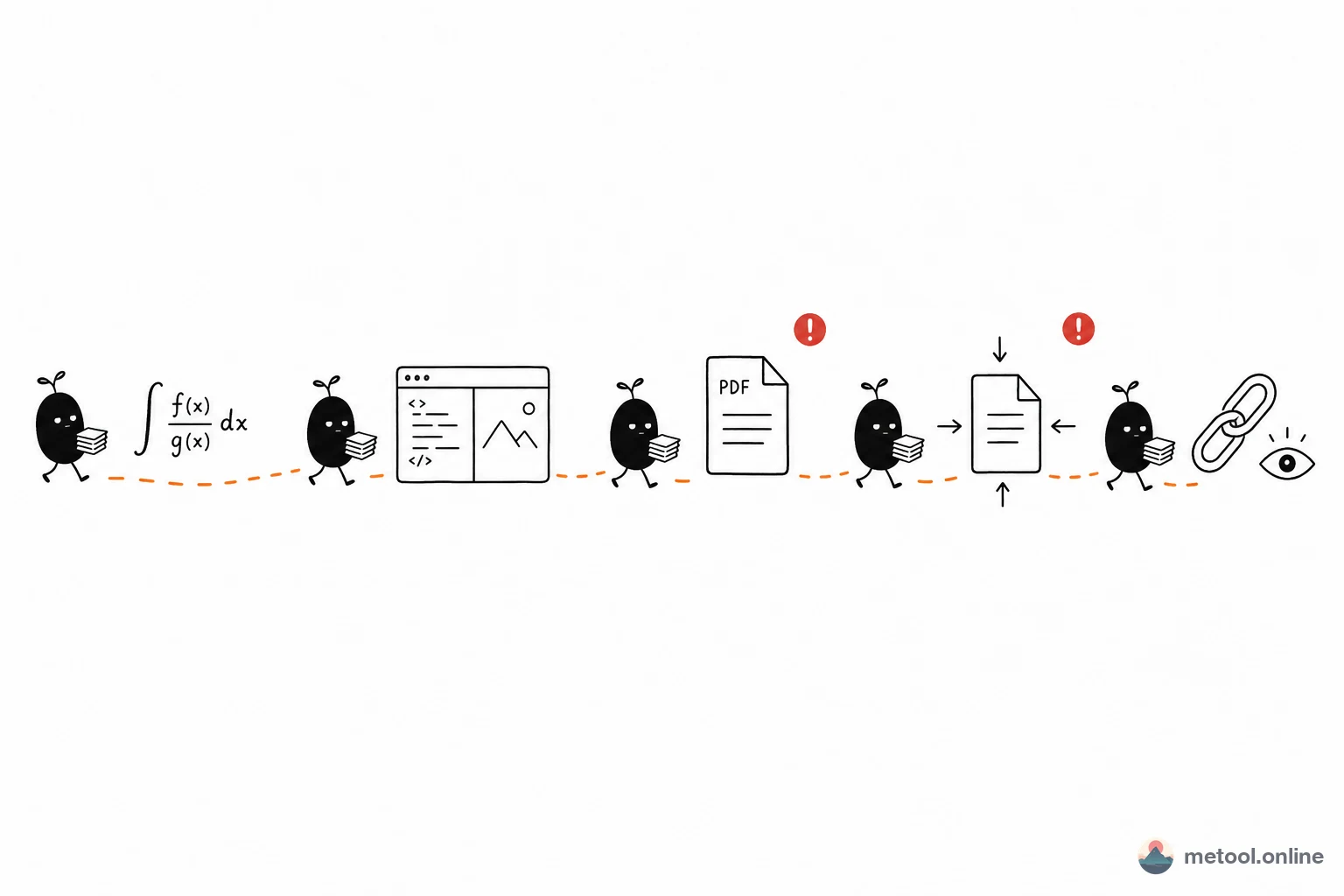
The MeTool LaTeX Share tool solves exactly this: upload or paste .tex source, click "Generate link", and the tool compresses and encodes the content in the browser to produce a shareable URL. The recipient clicks the link, and the LaTeX renders live in their browser — no software to install, no account to create.
What Can You Do with a Share Link? What Are the Limitations?
Who benefits most from LaTeX sharing?
Share links are ideal for: showing a thesis draft to an advisor or classmate; sharing formula-heavy notes with a study group; demonstrating LaTeX typesetting in a blog or community post without asking readers to install anything; or requesting a quick review without sending an attachment.
Is shared content secure?
For smaller .tex content, the share link is generated entirely in your browser — nothing passes through any server. For larger content, the tool will clearly inform you and ask for your explicit consent before proceeding. The process is fully transparent and nothing is uploaded silently.
Limitations of share links
Share links have an expiry date; once expired, recipients can no longer open the link. The link only shows a rendered preview — recipients cannot directly edit the source (you would need to send the .tex file separately). The rendered result may differ from a full local LaTeX environment; advanced packages like tikz drawings and complex bibliography styles are not supported in the preview. Avoid sharing sensitive information through share links, as anyone with the URL can view the content.
How does this compare to sending the .tex file directly?
Sending a .tex file requires the recipient to have LaTeX installed to see the typeset result. Sending a share link lets the recipient open it in any browser with zero setup. Both approaches have their place: links are best for "quickly showing the result," files are best for "deep collaboration and editing."