Why Mermaid became the default diagram language for tech teams in 2026
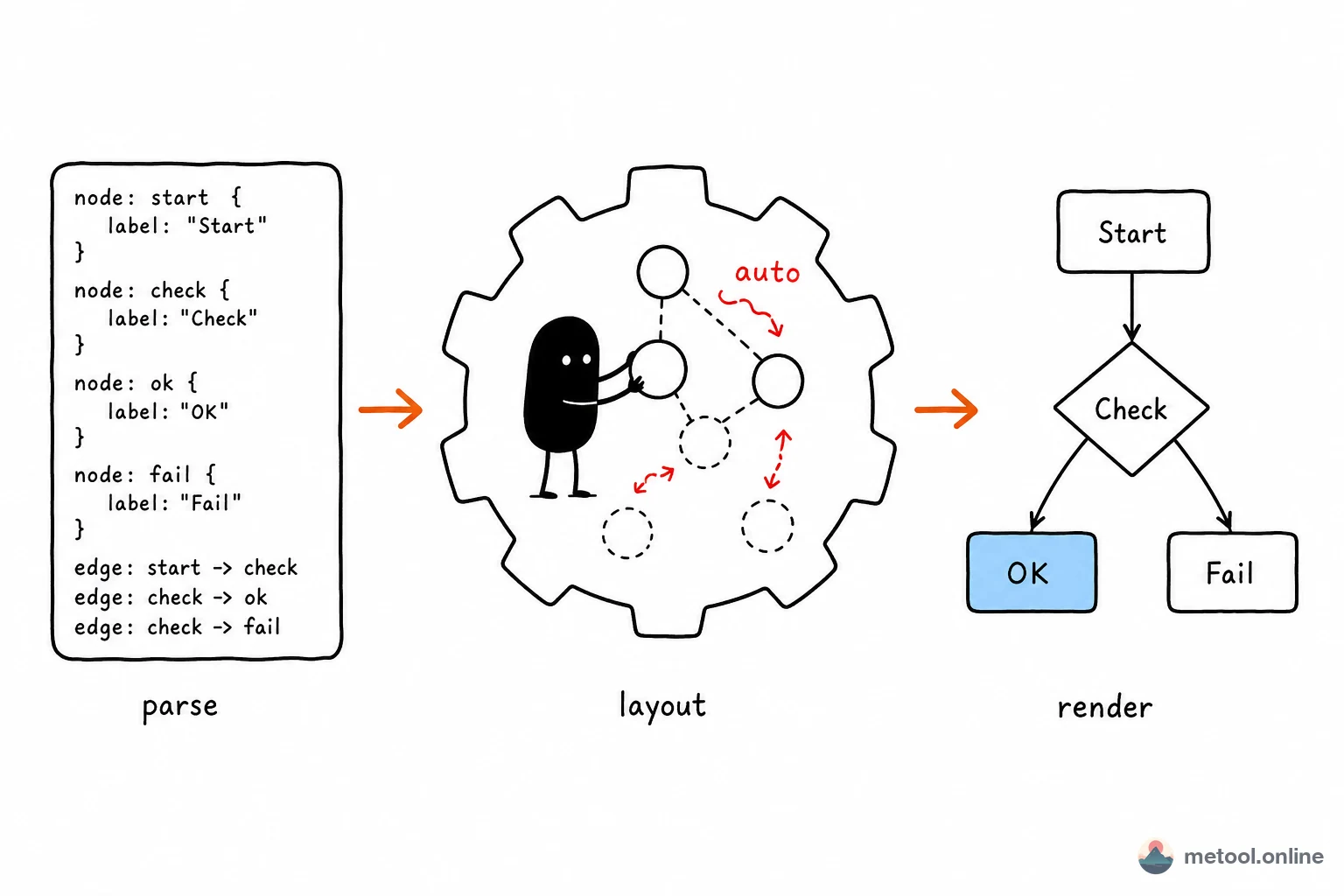
In 2026, more and more technical teams are migrating diagrams away from Visio and Draw.io toward Mermaid — and the reason is simple: Mermaid is code, so diagrams become code too. Just like Markdown makes documentation versionable, Mermaid makes flowcharts, architecture diagrams, and sequence diagrams versionable — diffs are readable, reviews are auditable, history is recoverable.
The trend accelerated when GitHub added native Mermaid rendering in 2022. README files, Issues, Discussions, and Wikis on GitHub all auto-render fenced Mermaid blocks. GitLab, Notion, Obsidian, and Typora followed. Markdown + Mermaid is rapidly becoming the new standard for technical documentation.
MeTool's online Mermaid renderer is built for "quickly iterate on a Mermaid snippet". No Node.js install, no Mermaid CLI — open your browser, write, see the render live, copy the code back into your doc.
A quick-reference guide to Mermaid's 10 diagram types
Flowchart (flowchart / graph)
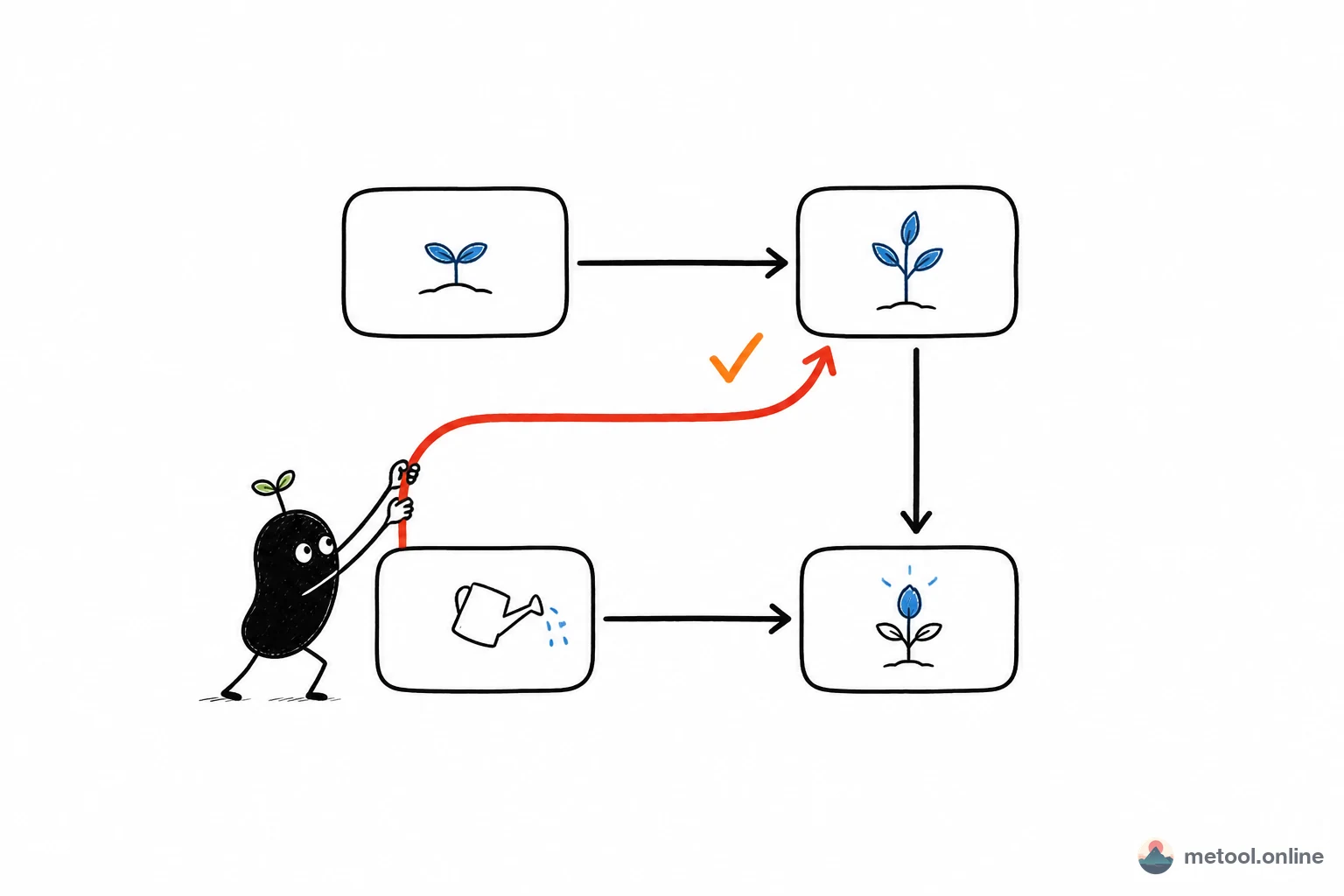
The most-used type. Declare with flowchart TD (top-down) or flowchart LR (left-right). Node shapes: [] rectangle, {} diamond/decision, (()) circle/terminal. Connectors: --> arrow, --- no-arrow line.
Sequence diagram (sequenceDiagram)
Models message exchanges between participants — API call chains, microservice interactions, login flows. ->>+ activates a participant; -->>- returns and deactivates.
Class diagram (classDiagram)
UML class diagrams with attributes, methods, and relationships. <|-- inheritance, *-- composition, o-- aggregation.
ER diagram (erDiagram)
Database entity–relationship diagrams with PK/FK annotations. Cardinality uses symbols like ||--o{ (one-to-many).
Gantt chart (gantt)
Project management timelines. Tasks auto-calculate start/end; after taskName sets dependencies.
Pie chart (pie)
Simplest type. Declare with pie title Label, each entry is "Slice" : value.
State diagram (stateDiagram)
Finite-state machine diagrams showing state transitions, including nested and concurrent states.
User journey (journey)
Models a user's experience journey, with step ratings (1–5) and actor annotations.
Git graph (gitGraph)
Visualises Git commit history and branching strategies. commit, branch, and merge map directly to Git operations.
Mind map (mindmap)
Indentation-based tree structure for knowledge maps and brainstorming.
Integrating Mermaid into your Markdown workflow
- Debug your diagram here: paste Mermaid code into the left editor, watch the render update live on the right. Syntax errors surface as readable messages pointing at the offending line. Once satisfied, export as SVG / PNG or copy the code.
- Embed in your Markdown document: wrap the code in a
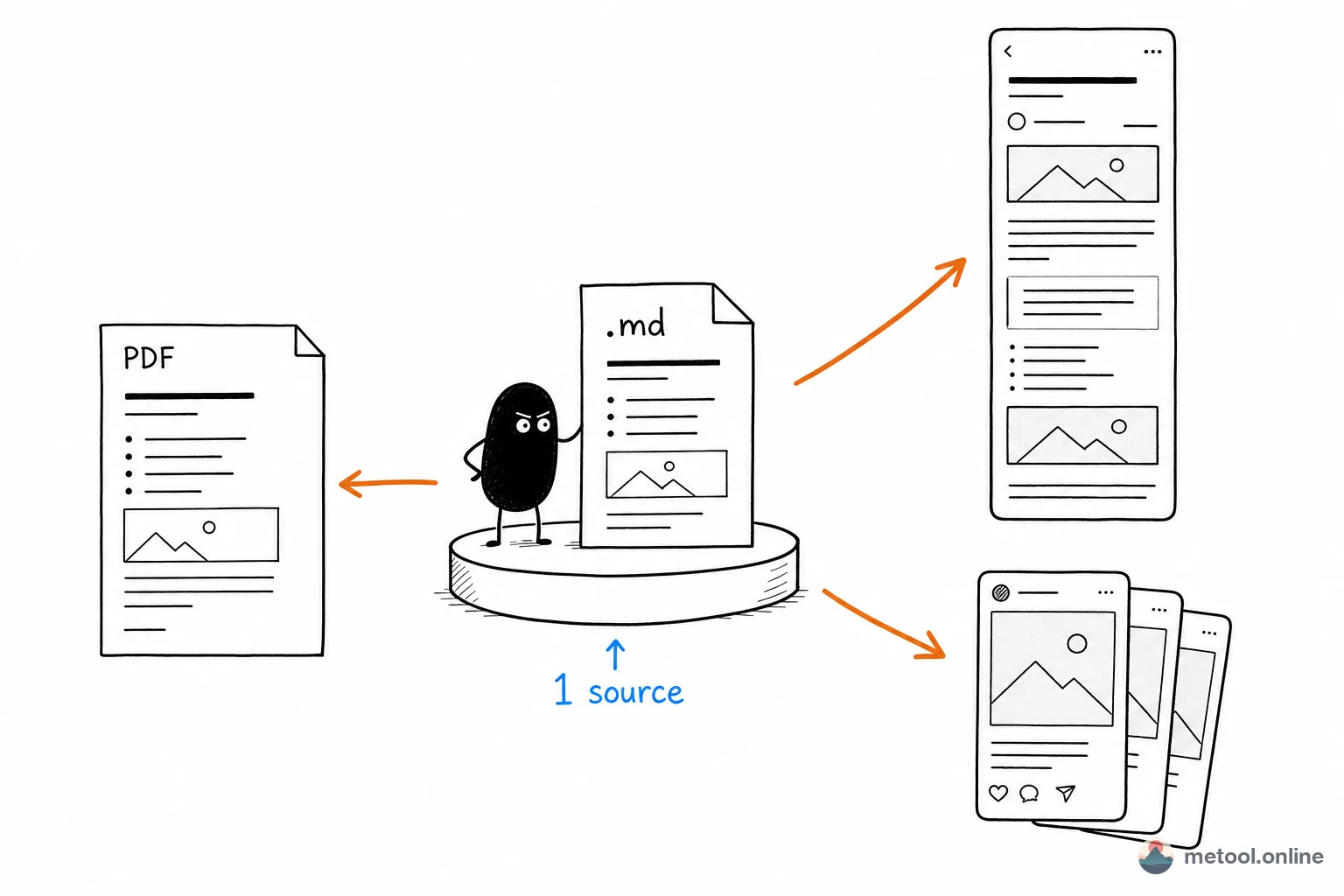
```mermaidfence and paste into GitHub Issues, README, Notion pages, or Obsidian notes — the platform renders it automatically. - Export images for non-Mermaid platforms: if your target platform doesn't support Mermaid rendering (WeChat articles, PowerPoint slides), export as PNG and insert as a regular image.
- Pair with the rest of the Markdown toolchain: write prose in the Markdown Editor, build diagrams here, export a polished document via Markdown → PDF. Brush up on everyday Markdown with the basics guide; for embedding Mermaid in
.md, plus math / collapse and platform-support caveats, see advanced Markdown (includes a copy-paste flowchart sample).
Mermaid + Markdown keeps you entirely in plain text from first draft to final diagram — one of the most valuable tool combinations for 2026 technical content creators.