Why are Markdown notes natural raw material for Xiaohongshu carousels?
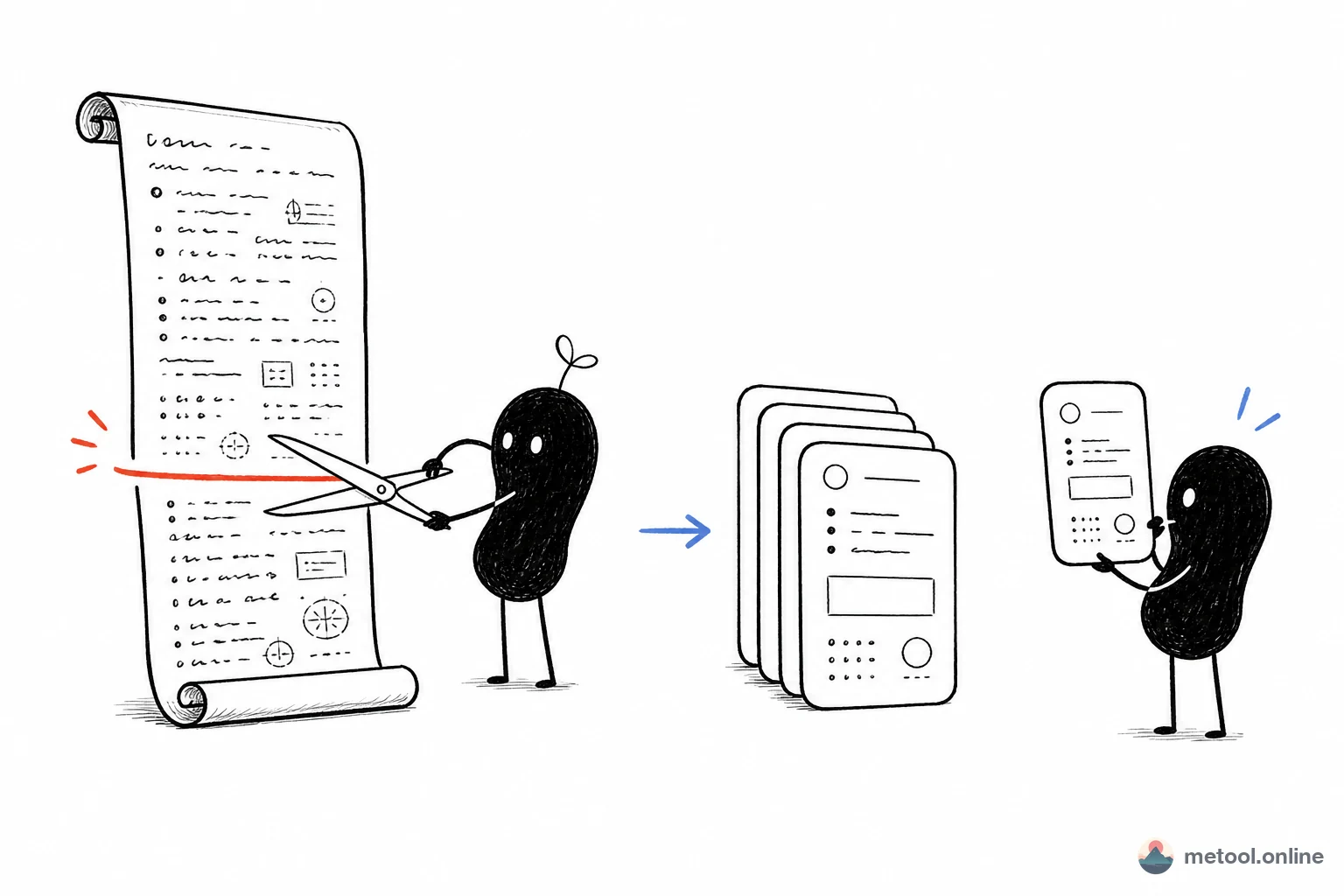
Xiaohongshu's content shape is "image cards": 3:4 / 4:5 ratio images, each carrying one knowledge nugget / one paragraph / one table, with users swiping through. The hidden barrier this creates for content producers is — you have to slice long-form text into multiple images. For long-form writers (WeChat, Zhihu) this often takes more time than writing the article: laying out each card in Photoshop / image-edit apps, aligning fonts, colours, padding.
But if you already write notes in Markdown, you've been slicing all along — using H2 (##) for sections, --- for thought boundaries, lists for key points. These Markdown structures are natively isomorphic to Xiaohongshu's "one card, one idea" model. MeTool's Markdown → Xiaohongshu tool exposes that isomorphism: every H2 you write becomes a card, every --- you insert becomes a page break.
2026's best-fit users for this tool: ① developers writing tech blogs / study notes; ② researchers using Obsidian / Notion / Logseq for personal knowledge management; ③ multi-platform operators repurposing existing WeChat / Zhihu content for incremental Xiaohongshu reach. Conceptually it's "changing the distribution form of your notes from a long-text stream to an image-card stream" — without recreating the content.
How "Markdown → image cards" works under the hood
Auto-pagination by H2 headings
Pages split on ## headings by default: one H2 = one card. So a note with 6 H2 sections produces 6 cards. To merge sections, demote ## to ###. To split further, drop a --- between paragraphs.
Markdown elements supported
Within each card all common Markdown elements work: headings (h1–h6), ordered / unordered lists, bold / italic / inline code, fenced code blocks (with syntax highlighting), tables, blockquotes, images, links. Whatever structure you've already written into your tech notes or reading notes lands on the cards directly.
Themes designed for Markdown writers
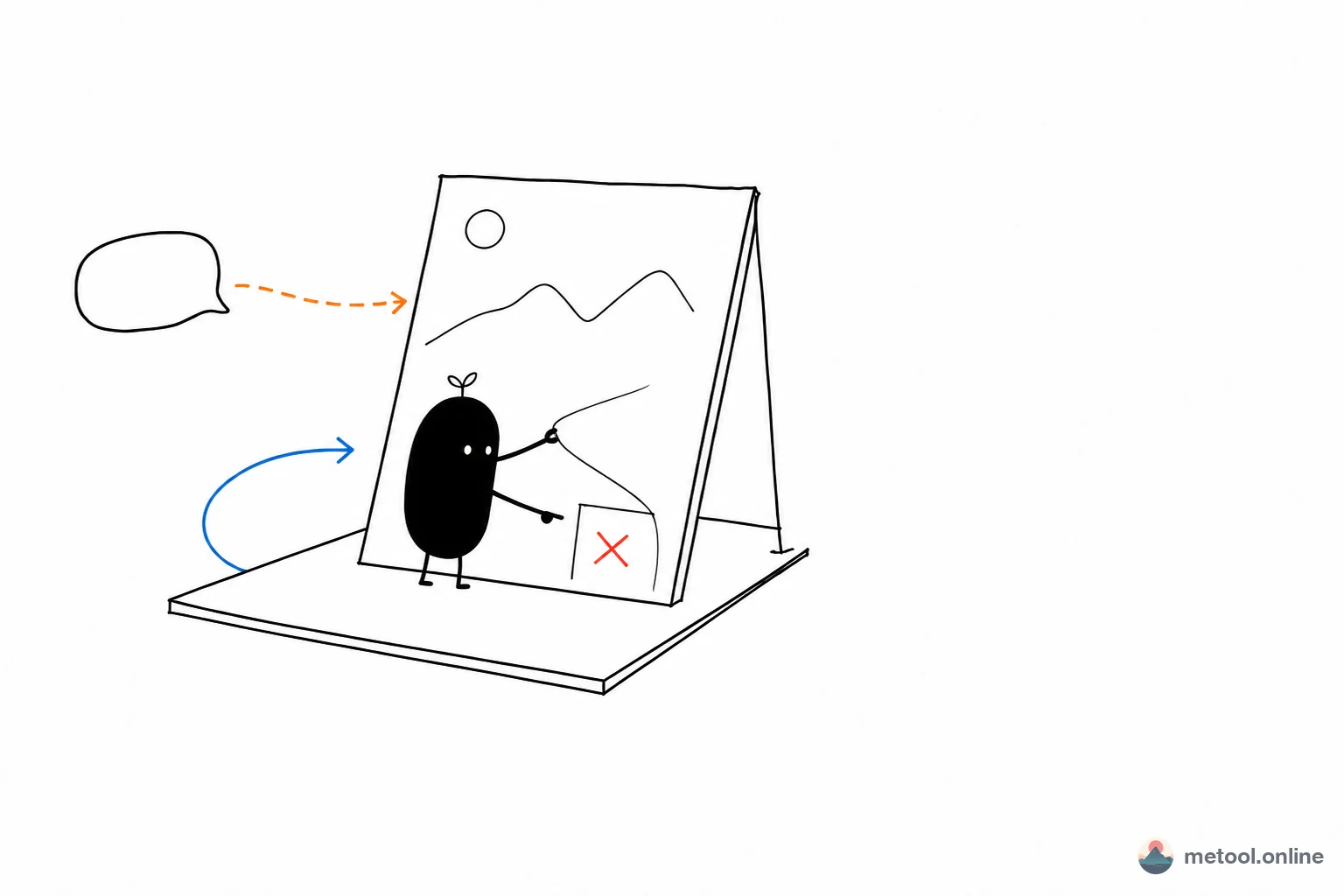
Built-in themes are tuned for "tech / learning / reading" content: candy pastels (study notes), dark dev mode (code / CLI content), retro magazine (book excerpts), minimal white (idea sketches). Chinese-font support includes Source Han Serif, Source Han Sans, LXGW WenKai — covering the vast majority of Chinese writing scenarios.
Export ratios and packaging
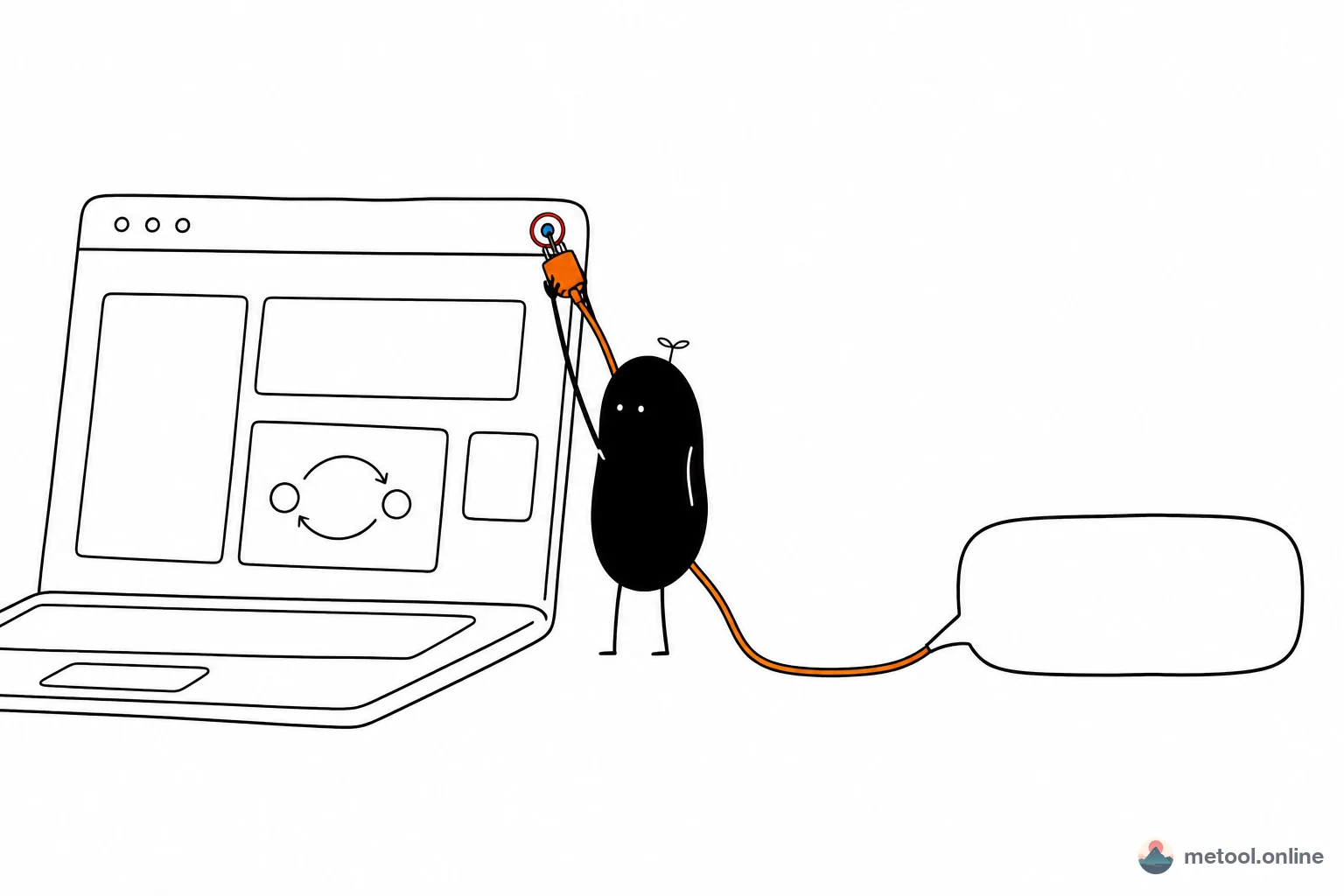
3:4 (Xiaohongshu default), 4:5, and 1:1 ratios supported. Download all cards as a zip, or save individual cards. Generation runs entirely in your browser via Canvas — nothing is uploaded.
What kinds of Markdown content slice well into cards?
- List-style notes: "5 VSCode plugins that speed up your dev loop", "3 underrated CSS selectors" — one point per card, naturally fits Xiaohongshu's swipe rhythm.
- Reading excerpts: "Refactoring — 6 core ideas worth re-reading", one idea per card, with original page references.
- Tech changelogs: "Vue 3.5 new features at a glance", one feature per card with code samples and before/after.
- Daily learning digests: wrap a few new Obsidian notes from a single day into a "today's learning" card set.
- Q&A / FAQ: one Q&A per card, the full set becomes a mini explainer carousel.
Content that doesn't fit cards as well: pure narrative long-form (travel diaries, long interviews) — slicing breaks the reading rhythm. Keep that content in its WeChat / blog original form.
From Markdown notes to a Xiaohongshu post: end-to-end
- Accumulate raw material: keep writing .md notes in the Markdown editor or your Obsidian / VSCode, building a personal knowledge base over time.
- Pick a topic and reorganise: select notes that suit a card format (list-type, Q&A, contrast), and rework the structure with
##. - Slice into cards: paste the .md here, tune theme / font / ratio until the visuals work.
- Download & publish: grab the zipped cards, upload to the Xiaohongshu app or web.
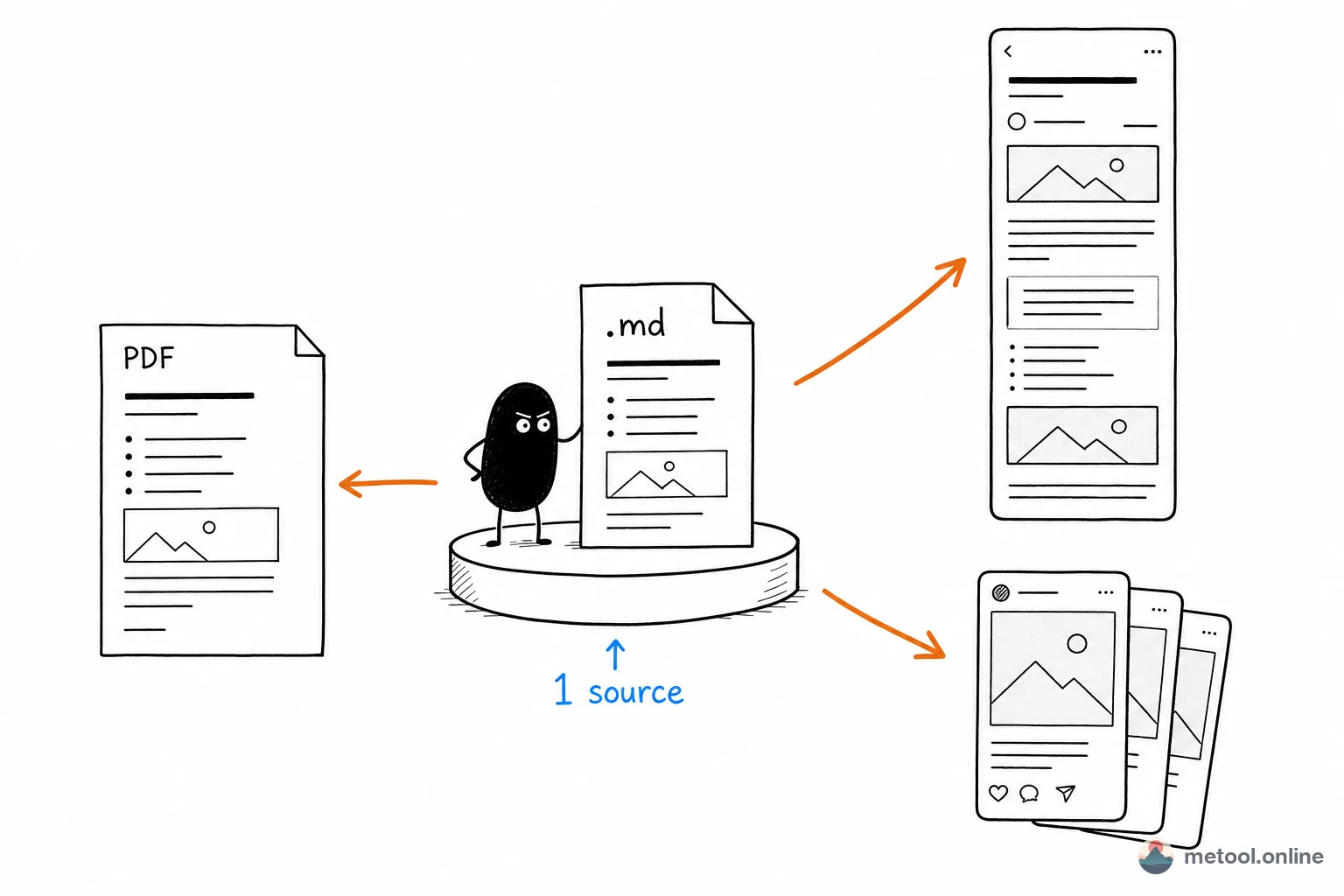
- Sync to other channels: the same .md can go to WeChat as a long-form article, or Markdown → PDF for a personal eBook.
Turning "your notes themselves" into "multi-platform raw material" is the key shift in 2026 that takes content creators from "write hard" mode to "accumulate and reuse" mode.