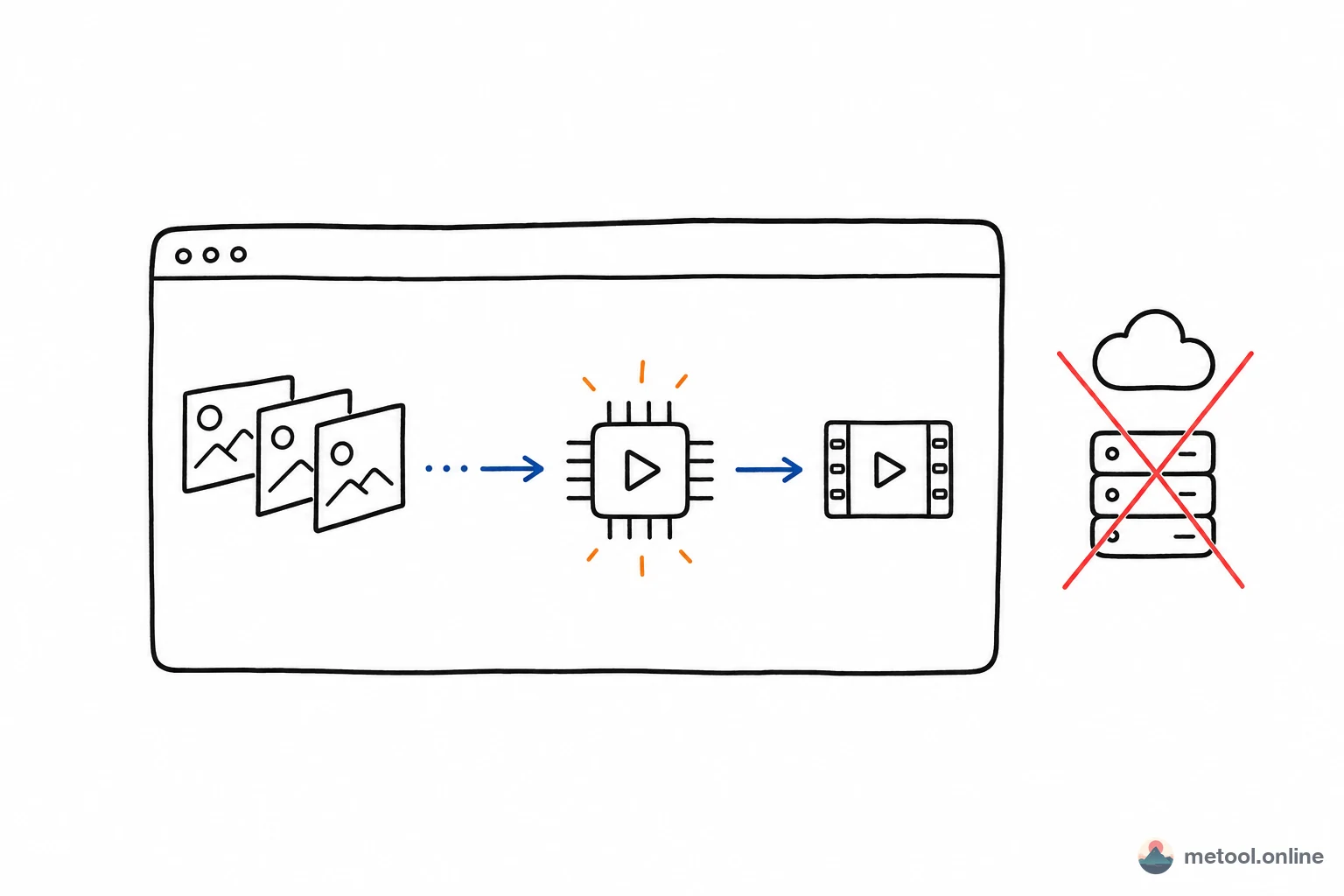
"Edit and transcode in the web" used to mean upload to a server or ffmpeg.wasm soft decode—wait on upload or slow, hot CPU. WebCodecs opens a third path: call device hardware codecs from the page. Understanding its layers and limits shows which tasks fit and which don't.
What Problem Does WebCodecs Solve?
WebCodecs is a low-level browser API exposing OS/hardware video and audio codecs to JavaScript. Before it, front-end video meant server ffmpeg or ffmpeg compiled to WASM in-browser.
Both old paths hurt: server = upload latency, backend cost, data leaves device; ffmpeg.wasm = pure software on CPU, often fraction-of-real-time on 1080p, fans spin. WebCodecs uses dedicated hardware codec blocks—most modern CPU/GPU include H.264/H.265 units.
Where Does It Sit in the Stack?
Understanding limits means seeing video processing layers. Reading a .mp4 to export involves several—WebCodecs only covers encode/decode:
| Layer | Role | Who handles |
|---|---|---|
| Container mux/demux | Parse/package MP4, MOV; split A/V tracks | Not WebCodecs—mp4box.js, etc. |
| Codec | Compressed frames ↔ raw frames (H.264/VP9/AV1…) | WebCodecs (VideoEncoder/VideoDecoder) |
| Raw frame processing | Crop, scale, speed, filters, composite | Canvas / WebGL / app code |
| A/V sync | Timestamps, alignment | Application |
Table is key: WebCodecs gives VideoDecoder (packets → VideoFrame) and VideoEncoder (VideoFrame → packets)—mux, pixels, sync are yours. Not an out-of-box transcoder—high-performance codec building blocks.
A Typical Browser Transcode Pipeline
"Change resolution and re-encode" roughly:
- Demux: container library extracts encoded video packets + timestamps from MP4.
- Decode: feed packets to
VideoDecoder→VideoFrameraw pixels. - Process: draw frames to Canvas/WebGL for scale, crop, speed, etc.
- Encode: processed frames to
VideoEncoderat target bitrate/resolution. - Remux: write new video packets + audio back to MP4.
Pipeline stays in browser process; hardware decode/encode makes steps 2 and 4 near or above real-time—short clips often seconds; data never leaves device.
Why So Much Faster Than ffmpeg.wasm?
Hardware vs. software. ffmpeg.wasm runs full codec logic in WASM on CPU—limited by single-thread/SIMD, struggles at high resolution. WebCodecs offloads to dedicated codec hardware—throughput far exceeds general CPU.
"C fast" has a caveat: only codecs the platform exposes. H.264 is nearly universal; some (partial H.265, AV1 encode) may lack hardware on certain browsers/devices—degrade or fail. Complements ffmpeg.wasm's "everything slow."
Limits and Known Boundaries
WebCodecs is strong at codecs—misapplied elsewhere wastes effort:
- No muxing: MP4/MOV read/write needs mp4box.js etc.; timestamps and track alignment are manual.
- Narrower format coverage than ffmpeg: depends on browser + OS + hardware.
- A/V sync by hand: API gives frames and timestamps—alignment and drop compensation in app.
- Filters self-implemented: crop/scale/speed via Canvas/WebGL—no ffmpeg filter graph.
- Browser compatibility: newer API—feature detect and fallback on old browsers.
Tradeoff in one line: WebCodecs trades narrow format coverage + DIY plumbing for hardware speed and data staying local; ffmpeg.wasm trades slow CPU for near-universal formats.
What Workloads Fit?
Judge by mainstream format?, speed and local data matter?, logic at codec layer?
- Fits: mainstream (H.264 MP4/MOV) transcode, compress, crop, speed change; speed-sensitive, data-local scenarios.
- Marginal: niche formats or heavy filter chains—possible but lots of glue, lower ROI.
- Poor fit: ffmpeg filter chains or codecs hardware doesn't support—server ffmpeg or ffmpeg.wasm better.
Summary
WebCodecs exposes browser hardware codecs—avoiding server upload and slow ffmpeg.wasm soft decode. It only handles encode/decode; mux, pixel work, A/V sync are application responsibilities. Hardware speed and on-device data vs. platform-limited formats and DIY stack. Mainstream transcode/compress/edit where speed and privacy matter is its home; niche formats and heavy filter chains remain ffmpeg territory.