The Best Free Online Video Editor in 2026
In 2026, short-form video and creator content are everywhere, but most people don't need heavyweight tools like Premiere Pro or Final Cut Pro. Trimming a phone recording, extracting a highlight clip, adding speed ramp, cropping to portrait — these everyday needs are often blocked by professional software's steep learning curve and price tag.
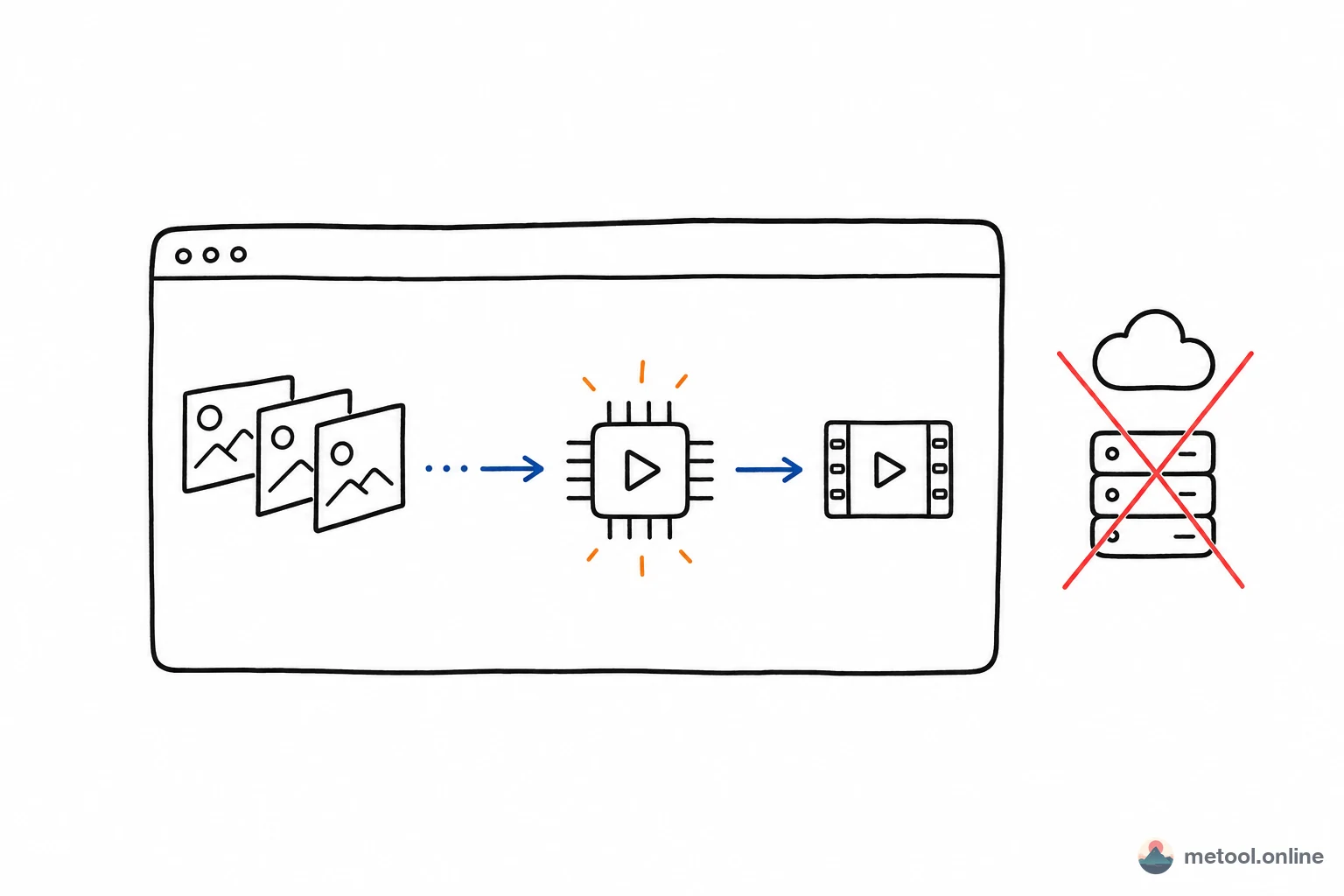
MeTool's Online Video Editor packs professional features into the browser: CapCut-style timeline editing (split, trim, drag-to-reorder), crop with aspect presets (16:9, 9:16, 4:3, 1:1), 0.25x–10x speed ramp, one-click silence removal, and per-clip volume control. Completely free, zero install, video never leaves your device.
Whether you're trimming a phone video for social sharing, producing a short tutorial, or splitting a long recording into chapters, MeTool gets it done in minutes.
What MeTool Online Video Editor Can Do
Timeline Editing
Playhead → split → drag edges to trim → drag to reorder. Follows CapCut/iMovie conventions — zero learning curve.
Crop & Aspect Presets
Free-draw crop or one-click switch to 16:9, 9:16, 4:3, or 1:1. Turn landscape footage into portrait shorts, or wide-screen into square Instagram posts — no extra tool needed.
Speed & Volume
Each clip can have independent 0.25x–10x speed and 0–200% volume. Slow-mo highlights, fast-forward filler, mute specific sections — all in one export.
One-Click Silence Removal
Automatically detects long silent gaps in the audio track, splits the timeline at sound boundaries, and keeps only the speaking parts. Perfect for cleaning up interviews, podcasts, and tutorials.
WebCodecs GPU Export
Browser-native WebCodecs API + H.264/AAC encoding, GPU hardware-accelerated. Video + audio synchronized export.
Who Should Use MeTool Online Video Editor
Quick Phone Video Cuts
Shot a 5-minute phone video but only want the middle 30 seconds? Upload, split, export — three steps, no app install needed.
Content Creators
Short tutorials, vlogs, product showcases. One-click crop to 9:16 for TikTok/Reels, silence removal cleans up dead air, speed ramp controls pacing.
Podcast & Interview Editing
Long recordings full of pauses and silence? One-click silence removal auto-trims the gaps, saving hours of manual cutting.
Social Media Sharing
Trim dead air at the start and end, 2x fast-forward boring parts, crop to the right platform aspect ratio — polished short video in one minute.