Free Online FBX 3D Model Viewer in 2026
FBX is Autodesk's proprietary 3D interchange format, widely adopted in game development, film animation, and architectural visualization. FBX's standout feature is its excellent support for skeletal animations, skinning weights, and camera animations, making it the de facto standard for transferring animated characters and scenes.
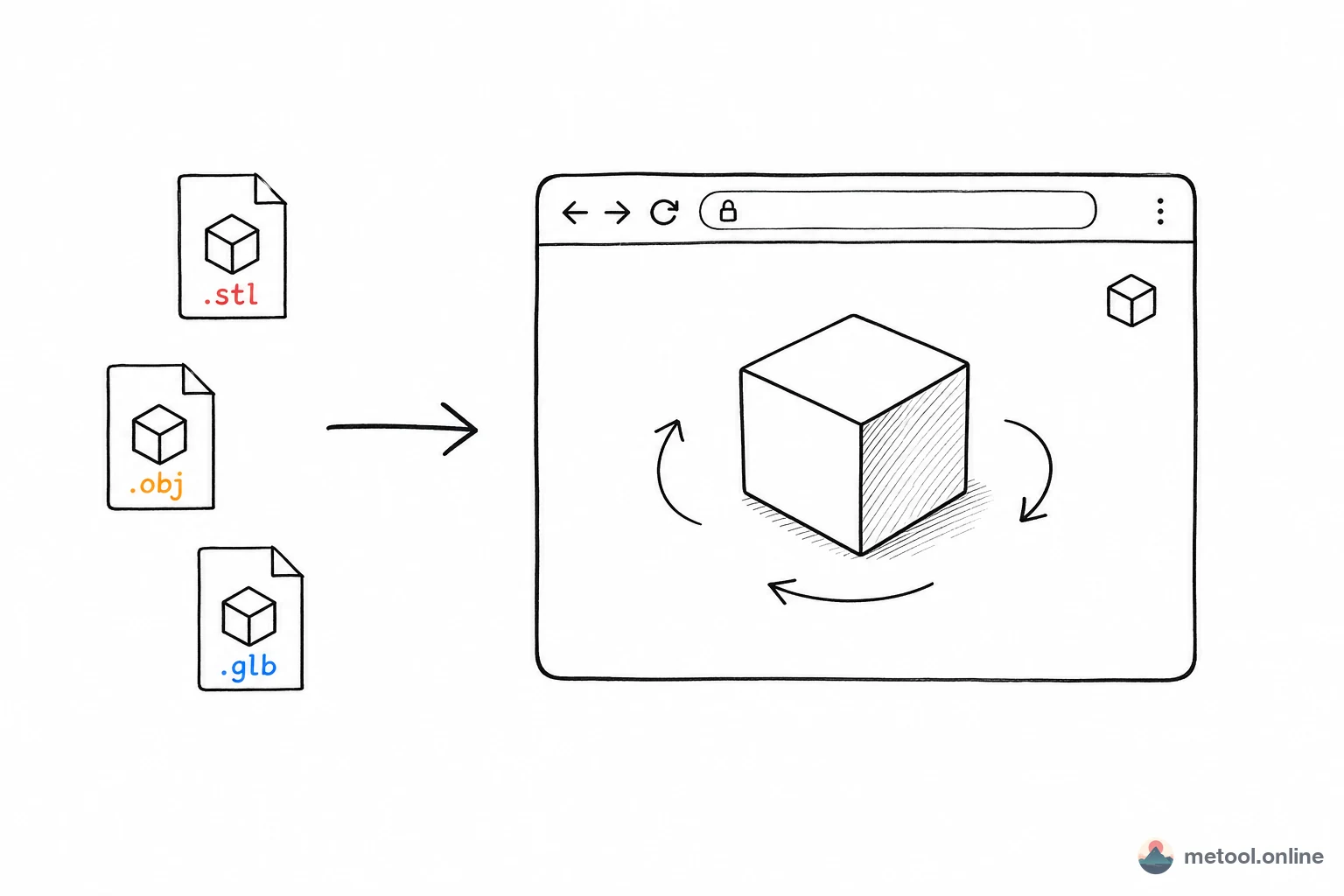
However, viewing FBX files typically requires installing Autodesk FBX Review (now discontinued) or launching heavyweight applications like Maya or 3ds Max. MeTool's online FBX viewer fills this gap — simply open the webpage, upload or paste a URL, and preview your FBX model with skeletal animation playback, multi-clip switching, and six standard orthographic views.
All rendering is performed locally in your browser with no server uploads. Game developers, animators, and technical artists in 2026 can use this tool with confidence that their assets remain private.
Core Features of MeTool FBX Viewer
Skeletal Animation Playback
Full support for skeletal animation data embedded in FBX files. Upload an animated FBX model and play, pause, or scrub through animations to verify character movements meet expectations.
Multi-Clip Switching
A single FBX file may contain multiple animation clips (e.g., idle, walk, run). MeTool's viewer automatically detects all clips and provides a switching interface, letting you review each action individually.
Six Standard Orthographic Views
Front, back, left, right, top, and bottom views help you inspect model details from precise angles. Particularly useful for checking symmetry, joint positions, and proportional accuracy.
Model Information Export
View and export basic model information including mesh count, material list, and bone hierarchy — making it easy to share model overviews with your team.
How to Preview FBX 3D Models Online
- Open the Tool: Navigate to MeTool's FBX online viewer page.
- Upload Your Model: Drag and drop a .fbx file into the upload area, or paste the URL of an online FBX file.
- Play Animations: If the model contains animations, use the playback controls to play/pause, and switch between different animation clips via the dropdown menu.
- Switch Views: Click the standard view buttons to inspect the model from orthographic angles, or freely drag to rotate to any perspective.