A colleague sends
.glb, the print shop wants.stl, AR needs.usdz—but you have no Blender or CAD, and double-click says "can't open." You may not need pro software: know what each format stores, then view in the browser—most cases resolve in minutes.
What Does Each 3D Format Store?
One line: formats differ mainly in whether they store color, textures, and animation—not just geometry. That determines what you see when opened.
| Format | Geometry | Materials/textures | Animation | Typical use |
|---|---|---|---|---|
| STL | ✓ | ✗ | ✗ | 3D printing, CAD export |
| OBJ | ✓ | ✓ (needs .mtl + maps) | ✗ | General exchange |
| PLY | ✓ | ✓ (vertex color possible) | ✗ | Scan point clouds, research |
| glTF / GLB | ✓ | ✓ (PBR) | ✓ | Web/real-time, AR |
| FBX | ✓ | ✓ | ✓ (skeletal) | Film, game pipelines |
| USDZ | ✓ | ✓ | ✓ | iOS AR Quick Look |
STL is lightest—shape only, enough for printing; GLB and FBX are fullest, animation included. This table explains "no color," "no animation" confusion.
Why Gray, No Color, No Animation?
The format didn't store that—not the viewer's fault. Common cases:
- STL is monochrome: STL has no color/material fields—triangles only. Any viewer uses default material → gray. Format limitation; any app behaves the same.
- OBJ missing textures: Materials and maps are separate—geometry in
.obj, parameters in.mtl, images as files..objalone without.mtland maps → no texture. Send the full set. - GLB/FBX animation not playing: Animation may be present but needs a player that supports it—switch clip/animation in a capable viewer.
View Without Installing Software
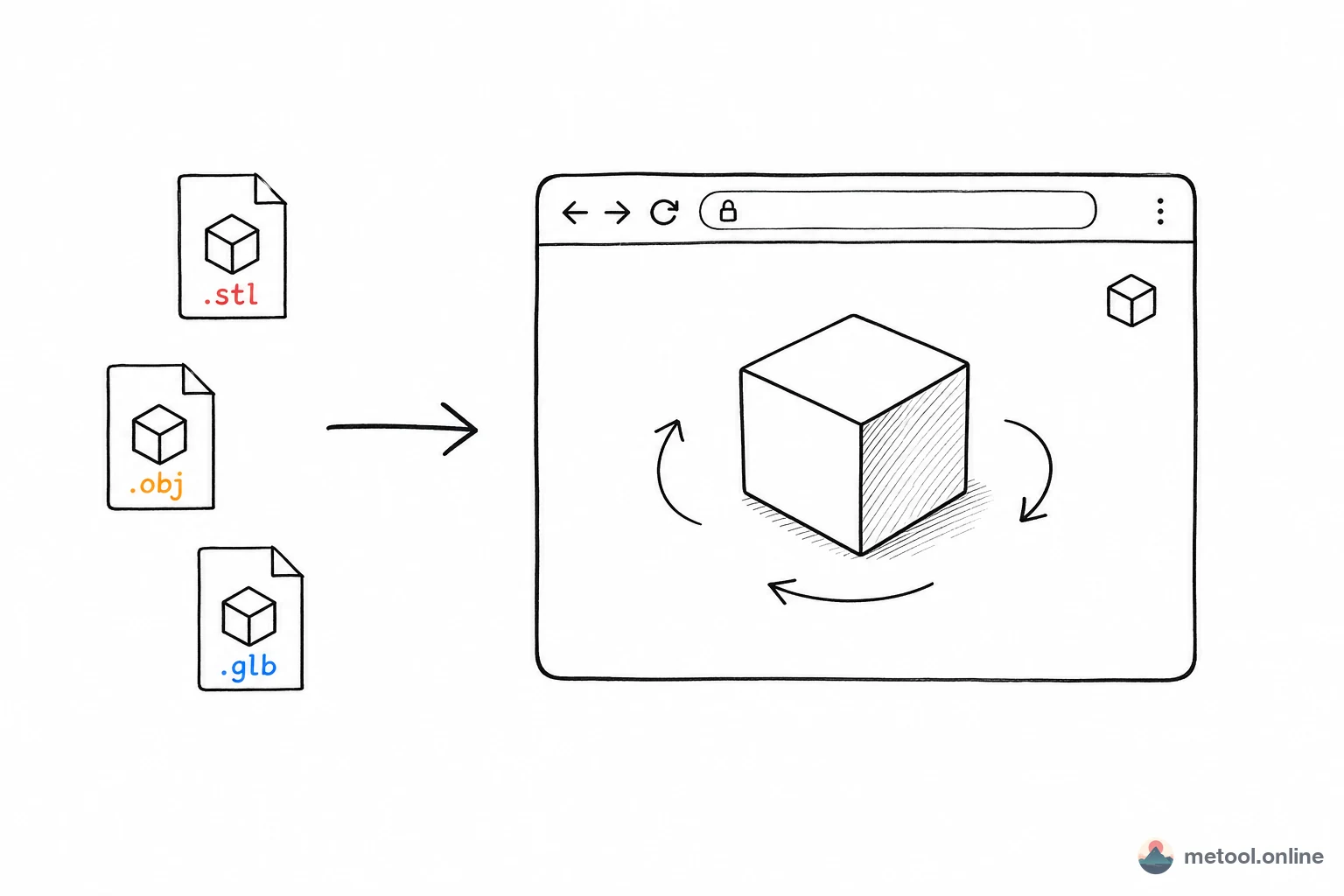
Modern browsers run WebGL—upload, rotate, zoom in-page, no pro software. Match format:
.glb/.gltf→ GLB/glTF online preview—materials and animation.stl→ STL online viewer—check geometry before printing.obj→ OBJ online viewer.fbx→ FBX online preview—multiple animation clips
Viewers often show vertex count, face count, bounding box size—complexity and scale at a glance. Local rendering, no upload—fine for unreleased designs.
Wrong Format—Recipient Needs Something Else?
Often "I have A, they only accept B." Success depends on whether target format can hold source information:
- Print shop wants STL, you have GLB/OBJ: convert OK—STL only needs geometry; downgrade loses nothing STL never stored.
- iOS AR wants USDZ, you have GLB: GLB → USDZ is smooth—both support PBR materials.
- Animated GLB → STL: geometry converts; animation and materials lost—STL can't hold them; format limit, not conversion error.
3D model format conversion converts among STL, OBJ, GLB, glTF, PLY, FBX, DAE and exports GLB / USDZ / STL / OBJ / PLY—local, no upload. Before converting: downgrading to "less information" loses data; upgrading doesn't invent data.
When You Still Need Pro Software
Online view/convert covers "look once, change container." Still need Blender/CAD for:
- Editing the model (modeling, retopology, UV unwrap, rigging).
- Broken or non-standard exports—repair or re-export.
- Rendering quality requirements—pro lighting, baking, material tuning.
Rule: see clearly, measure, swap format → browser enough; modify the model → install pro tools.
Summary
3D formats differ by color, textures, animation: STL is geometry-only (gray when opened, fine for printing); OBJ needs .mtl and maps; GLB/FBX/USDZ include animation. No install: browser GLB, STL, OBJ, FBX viewers for inspect and stats; wrong format → model format conversion—remember downgrades lose data. Only when you need to edit the model reach for Blender.