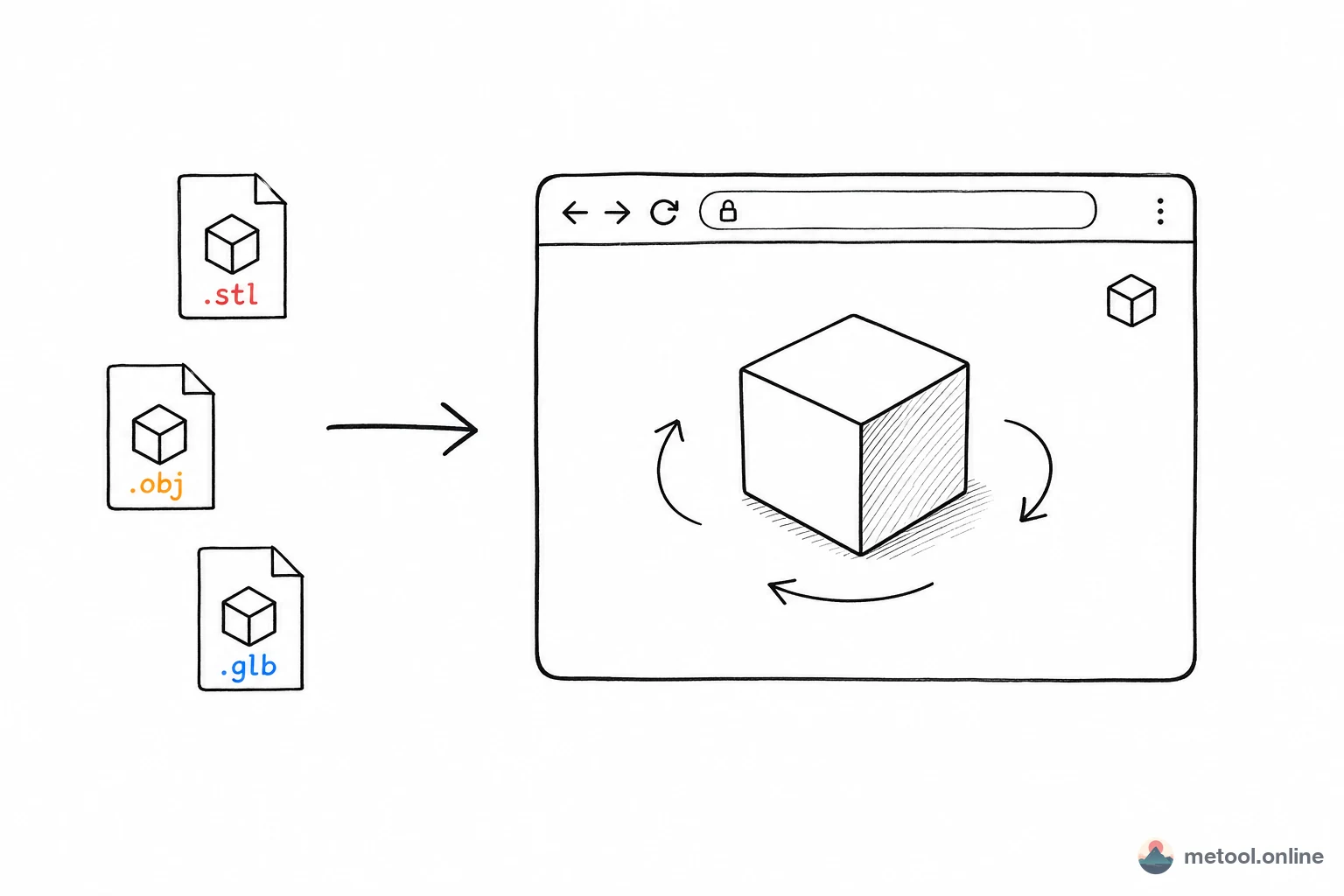
Free Online OBJ 3D Model Viewer in 2026
OBJ (Wavefront) is one of the oldest and most universally compatible 3D model formats in the industry. From Maya, Blender, and 3ds Max to ZBrush, virtually every major 3D software supports OBJ import and export. However, quickly previewing an OBJ file typically requires launching heavyweight 3D applications.
MeTool's online OBJ viewer lets you preview OBJ 3D models directly in your browser without installing any software. It supports 360° rotation, zoom, pan, and displays model statistics including vertex count, triangle count, and bounding box dimensions. All rendering happens locally — your model files are never uploaded to any server.
In 2026, whether you're a 3D designer doing quick model checks, a developer verifying exported OBJ assets, or a student studying 3D geometry — this tool saves you significant time.
OBJ Format Features and Use Cases
About the OBJ Format
Developed by Wavefront Technologies, OBJ stores 3D model data in plain text, including vertex coordinates, texture coordinates, normals, and face definitions. Its simple structure makes it the universal language for 3D data exchange.
OBJ and MTL Files
OBJ files are typically paired with MTL (Material Template Library) files that define material properties like colors and texture map paths. MeTool's viewer focuses on geometry preview with automatic default material rendering.
Use Cases
OBJ is widely used in CAD design review, 3D scan data viewing, game asset inspection, and educational 3D model display. Its universality makes it the preferred exchange format for cross-software collaboration.
When is an online viewer better than opening dedicated software?
If you just want to quickly confirm an OBJ file's content is correct (a model a colleague sent, an asset downloaded from a library, output from an export script), opening Blender or Maya means waiting for the app to launch, creating a new scene, and importing the file — the whole process can take a minute or two. MeTool's online viewer lets you drag a file onto a webpage and see the render in seconds. But if you need to edit mesh topology, adjust UVs, or rig a skeleton, you'll still need dedicated 3D modeling software — the online viewer is positioned for "quick preview and verification," not editing.
How do you know if an OBJ model is suitable for 3D printing or a game engine?
The vertex and triangle counts shown in the viewer are key indicators of model complexity. Real-time rendering game assets typically need to stay within a reasonable polygon budget (the exact threshold varies by platform, with mobile games being more sensitive to poly count). 3D printing models are more concerned with whether the mesh is watertight (no holes) and free of non-manifold geometry — these issues require dedicated mesh-checking tools in professional software for a thorough diagnosis; the online viewer mainly provides basic statistics as an initial reference.
Frequently Asked Questions
Q: What model file formats does the viewer support? A: Primarily .obj files, which can be loaded alongside a matching .mtl material file for more accurate rendering.
Q: Can I load a remote model via URL? A: Yes — besides local drag-and-drop upload, you can paste an online URL to a model file to load and view it directly.
Q: What information is included in the exported JSON? A: Typically the model's vertex count, triangle count, bounding box dimensions, and other basic statistics — useful for recording or sharing with team members for verification.
Q: Will very large model files (tens of MB) cause lag? A: Rendering performance depends on your device's hardware and browser WebGL capability. Higher polygon counts reduce loading and interaction smoothness — if you experience lag, simplify the mesh in modeling software before previewing.