Best Free Online GLB/GLTF 3D Model Viewer in 2026
GLB and GLTF are the dominant 3D model formats for the modern web, widely used in e-commerce product visualization, architectural walkthroughs, game asset previewing, and AR/VR content creation. However, previewing a GLB file traditionally requires installing Blender, Maya, or other heavyweight 3D software — a significant barrier for non-3D professionals.
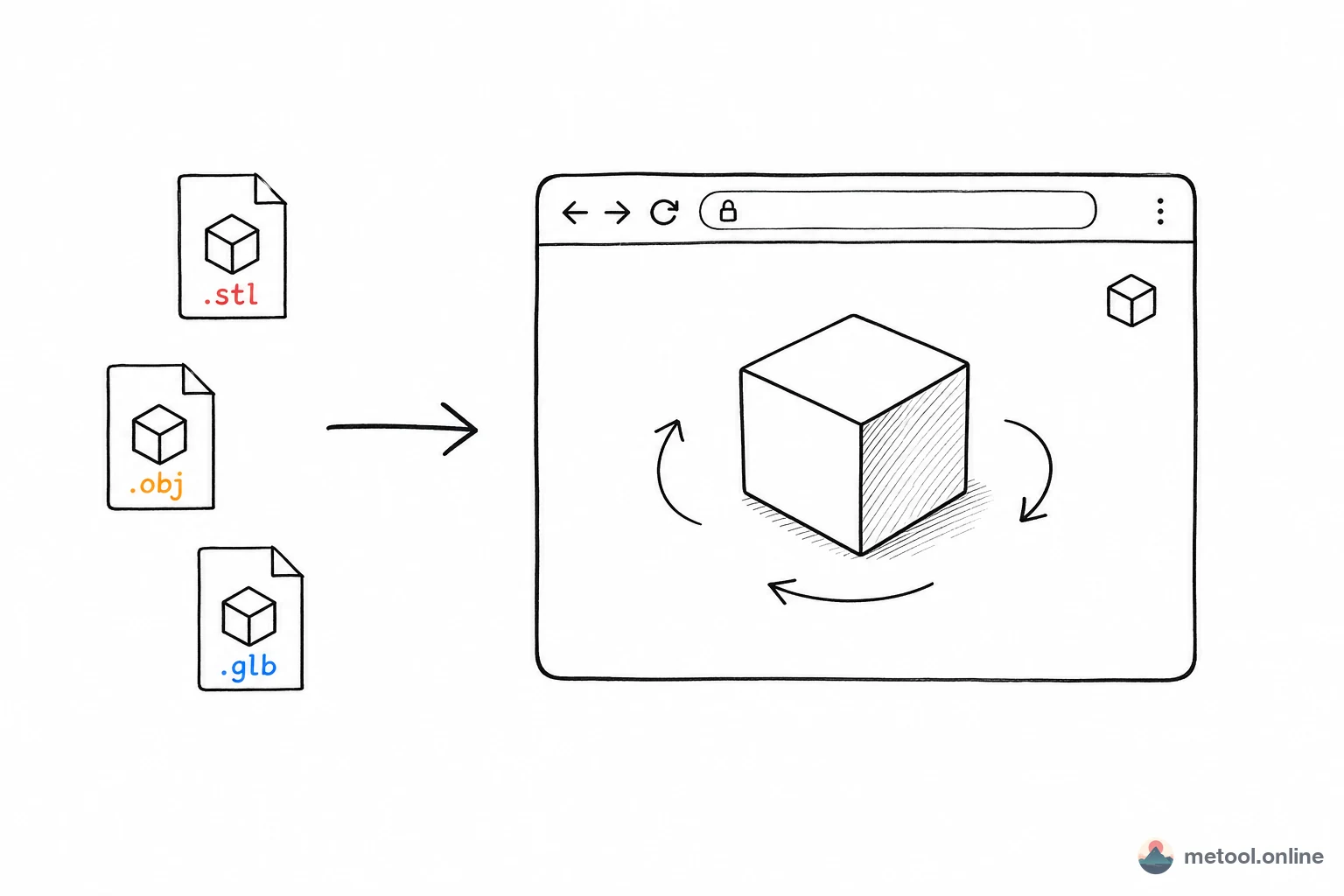
MeTool's online GLB/GLTF viewer lets you preview 3D models instantly without installing anything. Simply open the webpage and drag in your file. It supports 360° rotation, zoom, pan, embedded animation playback, environment map switching, and screenshot export. All rendering happens locally in your browser — your model files are never uploaded to any server.
Whether you're a 3D designer doing quick QA on deliverables, a product manager confirming model quality, or a developer debugging a WebGL scene — this tool will save you significant time in 2026.
What Is the Difference Between GLB and GLTF?
GLTF — The JPEG of 3D
GLTF (GL Transmission Format), created by the Khronos Group, is often called "the JPEG of 3D." It uses a JSON-based scene description with external references for textures and geometry data. GLTF's human-readable structure makes it ideal for development and debugging.
GLB — The Binary-Packed Version
GLB is the binary version of GLTF, bundling the scene description, geometry, and textures into a single file. This results in smaller file sizes and faster loading times, making GLB the preferred format for production and online delivery.
MeTool's viewer supports both GLB and GLTF formats seamlessly. No matter how your model is delivered, you can drag it in and start previewing — no format conversion needed.
How to Preview GLB Models Online with MeTool
- Open the Tool: Navigate to MeTool's GLB online viewer page — no account required.
- Upload Your Model: Drag and drop a .glb or .gltf file into the upload area, or use the file picker to browse your local files.
- Interact with the Model: Left-click and drag to rotate, scroll to zoom, right-click to pan. Touch devices support two-finger zoom and rotation.
- Advanced Features: Switch environment maps to change lighting, play/pause model animations, and click the screenshot button to export the current view as a PNG image.