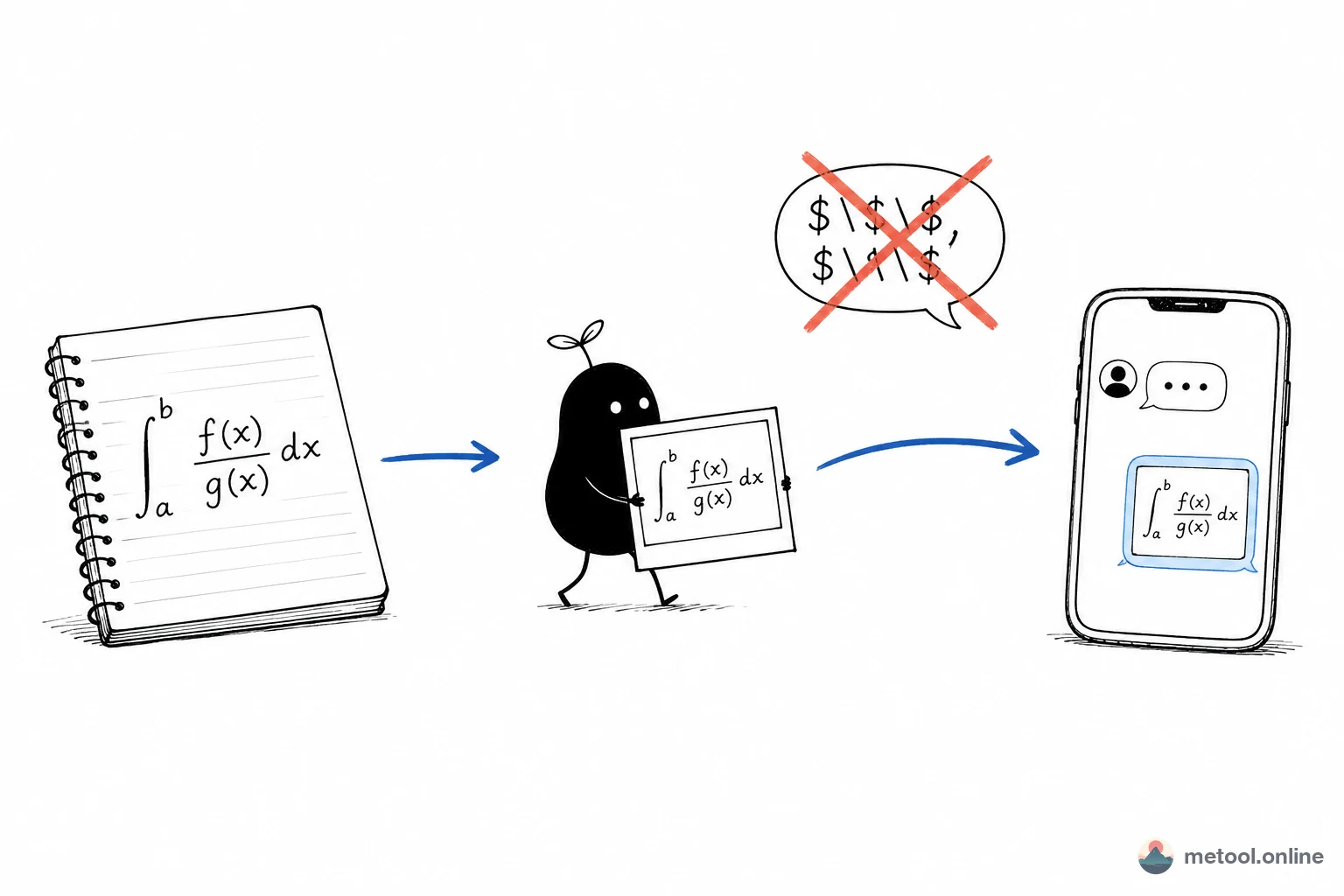
A formula that “looks right” in notes only means your notes app rendered it. Slack, chat apps, and homework boxes often will not. Do not paste
$...$into a thread. Extract that one expression, preview it, then send an image—so the other person sees math, not code.
Why does a formula look fine in notes and become code when I send it?
Because rendering happens inside the notes app you are using, and does not travel with copy. Obsidian, Typora, and VS Code preview turn $E=mc^2$ into math. Slack, Discord, a Canvas box, most email—they treat it as ordinary characters. The other person gets dollar signs and backslashes.
The formula is not wrong. The same source is an expression on a page that runs KaTeX / MathJax, and code on a plain-text channel. Homework, a course channel, a key equation in a doc—same failure.
Another common miss is dumping the whole note (headings, lists, several $…$ runs) into a box that accepts one expression. Several formulas truncate or error. Copy only the expression you will send, and drop the wrapping $.
Inserting the same figure into Word, PowerPoint, or a CMS is How do I insert a math formula in Word or PowerPoint?. How to write math in Markdown source is Markdown advanced syntax. This article only covers “the notes already have the expression; the receiver does not render math.”
How do I render one formula as an image before I send it?
Extract that one expression, preview it alone, then export—do not copy source from notes into chat.
- Copy only the expression body from the note (no
$, no surrounding sentences); - Paste into a live LaTeX preview and check subscripts, fractions, and matrices;
- Unclosed braces or
\Sigmamixed with\sigmashow up in the preview—fix before export; - Download one format that the receiver can open, and send it as an image.
Without a local formula editor, Markdown LaTeX formula is step 2: one expression, then export after the preview passes. \documentclass or \section means a full paper—use a LaTeX editor, not a single-formula box.
| Where you are sending it | Safer format | Why |
|---|---|---|
| Slack / Discord, an LMS upload | PNG | Sent as an image; no math engine required |
| Slides you will zoom | SVG | Stays sharp when enlarged |
| Still editing in Obsidian | Keep source in the note | Images are hard to edit |
| A CMS that rejects SVG | PNG | Details in the insert-into-documents article |
KaTeX covers everyday homework and notes, not full TeX. TikZ, rare packages, and long derivations will not fit a single preview; compile a document or split into several images.
When must I export an image, and when can I still paste source?
When the other person’s app does not render LaTeX, you need an image. When they use the same kind of notes app, or the platform documents math support, you can keep pasting source.
| Situation | Suggestion | Why |
|---|---|---|
| Course chat, a parent group | Export PNG | The receiving end is chat |
| Homework that only takes images or Word | PNG in the doc, or submit the image | Source will be treated as body text |
| Keep writing in Obsidian / Typora | Leave $...$ in the note |
Local render, fast to edit |
| Same expression stays in notes and goes to chat | Source in the note, plus one export | Each place uses its own form |
A single-formula preview does not do bibliographies or cross-references. Whether a subscript is right in the subject still needs your eye before you send—a wrong image in a channel is harder to retract than a notes edit.
Wrap-up
A formula that looks right in notes only means local render worked. Before chat, Docs, or an LMS, extract that one expression, preview it, then send an image. Taking $$ or a whole Markdown note into the renderer is the usual wrong shape. Source stays for you to edit; images are for people whose apps cannot render.