
Online LaTeX Formula Editor: Real-time Preview, Quick Insert & One-click Export
MeTool's LaTeX formula editor combines code editing, live rendering, quick symbol insertion, and image export in a single page — no TeX distribution or desktop software required.
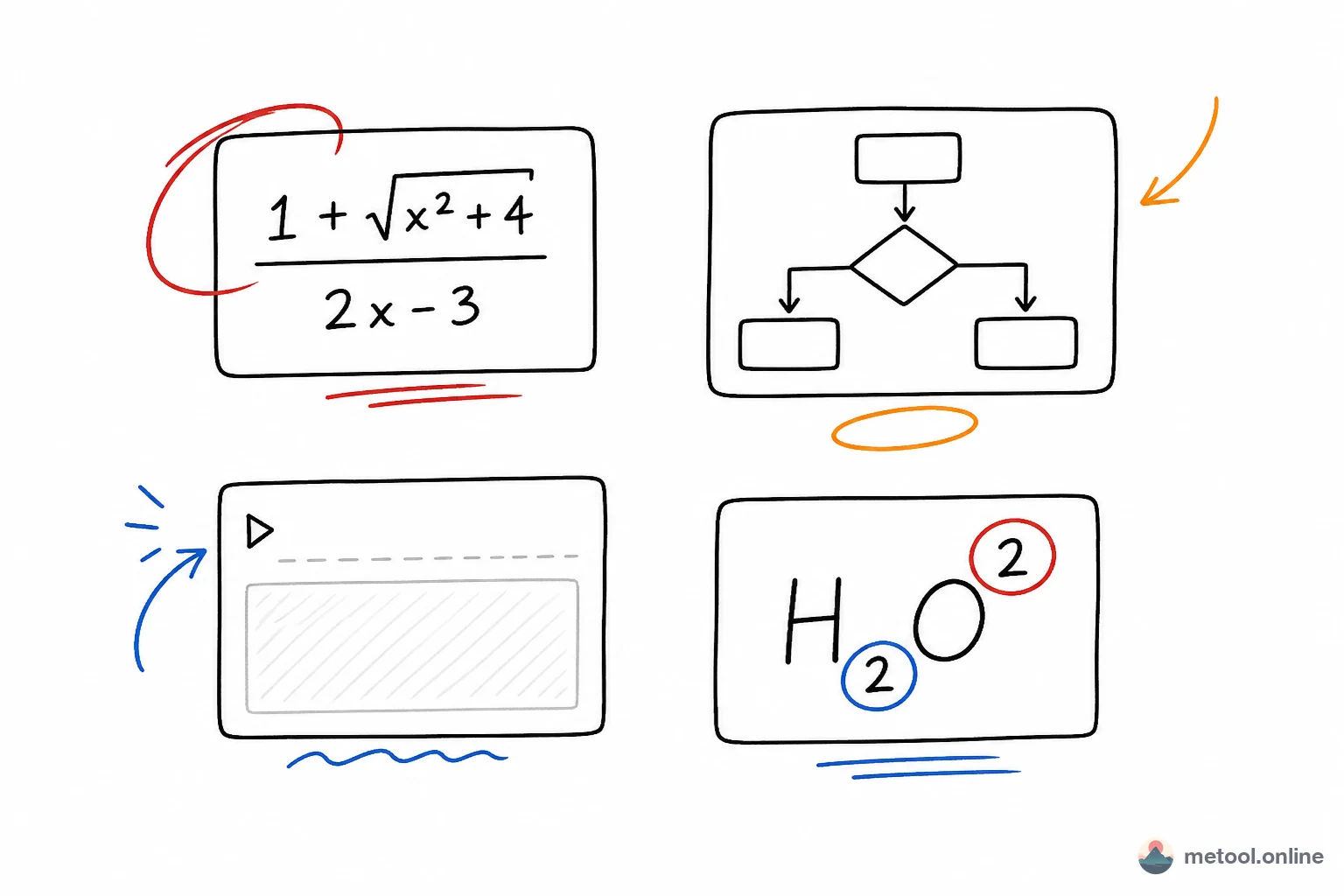
The layout is split into two sections: the preview area at the top renders your formula in real time as you type; the editor area below has a LaTeX code editor (CodeMirror 6 with syntax highlighting) on the left and a categorised symbol panel on the right — Greek letters, operators, sub/superscripts, fractions, summation, integrals, matrix templates and more, all inserted on click.
Rendering is powered by KaTeX (open-sourced by Khan Academy), the fastest in-browser LaTeX rendering solution available. It covers calculus, linear algebra, probability, electromagnetism and virtually all undergraduate-to-graduate STEM mathematics. All rendering happens locally — your formulas never leave your device.
LaTeX Formula Syntax Quick Reference
Subscripts & Superscripts
- Superscript:
x^2; multi-char:x^{n+1} - Subscript:
x_i; multi-char:x_{ij}
Fractions & Roots
- Fraction:
\frac{a}{b} - Square root:
\sqrt{x}; nth root:\sqrt[n]{x}
Summation, Integrals & Limits
- Sum:
\sum_{i=0}^{n} i^2 - Integral:
\int_a^b f(x)\,dx - Limit:
\lim_{x \to 0} \frac{\sin x}{x}
Matrices
text\begin{pmatrix} a & b \\ c & d \end{pmatrix}
pmatrix (parens), bmatrix (brackets), vmatrix (determinant bars), cases (piecewise functions).
Multi-line Aligned Equations
text\begin{aligned}
  a &= b + c \\
  d &= e + f
\end{aligned}
& is the alignment anchor; \\ breaks the line; [4pt] increases row spacing.
Common Greek Letters
\alpha \beta \gamma \delta \theta \lambda \mu \pi \sigma \omega \Sigma \Omega \nabla \partial
Using the Quick-Insert Symbol Panel
The symbol panel has two tabs: Symbols and Templates.
- Symbols: Greek letters (α β γ…), operators (± × ÷ ≤ ≥ ∈ ∇ ∂…), accent marks (x̄ x̂ ẋ…) — click inserts the command at the cursor.
- Templates:
\frac{}{},\sqrt{},\sum_{i=0}^{n},\int_{a}^{b}, matrix, determinant, piecewise function, aligned environment — composite structures where the cursor jumps to the first parameter after insertion.
On mobile, the editor and symbol panel are on separate tabs. Switching to the symbol panel, clicking an item, then automatically returns you to the code tab so you can see the updated code immediately.
Exporting LaTeX Formulas as Images: Platform-by-Platform Guide
WeChat articles, PowerPoint, Word, and many other platforms can't render LaTeX directly. The universal workaround is exporting as an image. Three export formats are available:
- PNG (2× HiDPI): for Word documents, WeChat screenshots, and social media. Output is 2× the screen pixels, crisp on Retina and high-DPI displays.
- SVG (vector): for PowerPoint, Figma/Sketch, and technical blogs. Infinitely scalable, small file size, and can be sized with CSS when embedded in HTML.
- Copy LaTeX source: for platforms with native LaTeX support — GitHub (README, Issues), Notion, Obsidian, Jupyter Notebook, Typora. Wrap inline formulas in
$...$and block formulas in$$...$$; the $…$ button adds the delimiters automatically.
Regardless of whether your UI is in light or dark mode, the export is always white background with black formula text, so it drops directly into white-background documents.