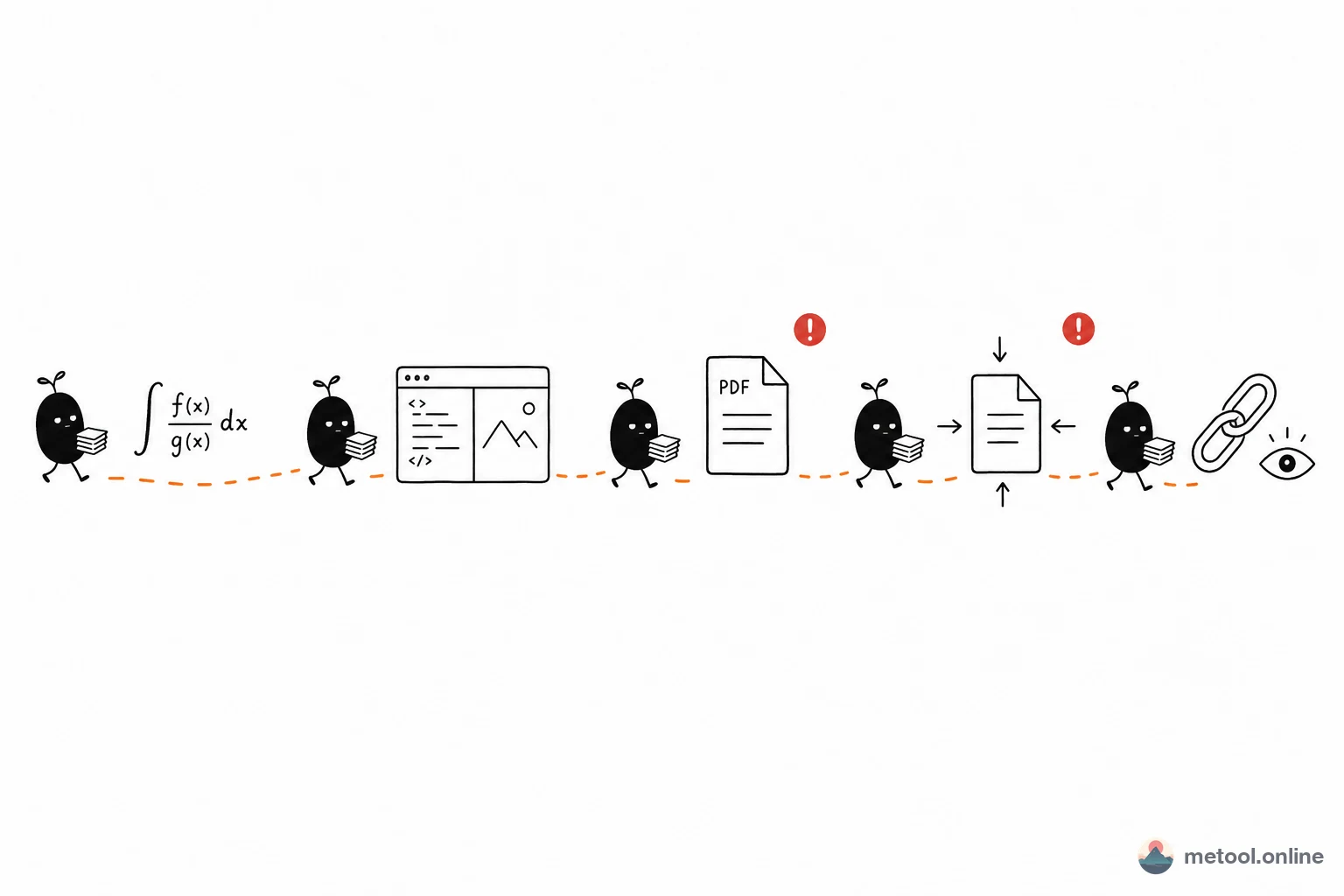
You do not need a full TeX install before the first paragraph. Split “formulas to submission” into five steps. The point is where each step fails, and which article owns the deep dive—not a tool link in every heading.
Who Is This Pipeline For—and Who Should Skip It?
It fits assignments, course reports, single-file drafts, and borrowed machines where installing TeX is painful. It does not fit multi-hundred-page, multi-file projects with obscure packages—those need local TeX Live / MacTeX (~4–7 GB) or Overleaf. If double-clicking .tex does nothing, start with How do I open a downloaded .tex file?. This article assumes you can already read the source.
Why Validate Formulas Before Writing the Body?
Syntax errors in math are the slowest failures, and they often appear only at the end. Write the key expressions where you get a live preview, then drop them into \begin{document}—you avoid “the prose is done, the compile dies on one line.” Matrices and aligned rows are usually faster from a symbol panel than from memory. The same expression in PowerPoint or a CMS is How do I insert a math formula in Word or PowerPoint?—not this pipeline’s primary query.
While Editing the Body, How Do You Avoid Forgetting to Check Layout?
Source on the left, compile on the right; change a paragraph, glance once. When you receive a template or a classmate’s .tex, confirm the main file, figures, and .bib sit in one project before you edit. Drafts can stay on disk or in the browser. \ref printing ?? or a TOC off by a page is usually a single-pass compile; see LaTeX references show ??.
When Must PDF Export Move to Local TeX?
Routine math, tables, and sections compile with common packages in the browser or locally. Tofu for Chinese, missing packages, custom classes, or many \input files mean you have left “everyday single file”—switch to a full distribution or read LaTeX to PDF without TeX Live. That article owns “convert to PDF.” Here it is only step 3 of a handoff.
If the Upload Cap Is Tight, How Far Should You Compress?
Read the limit and stop just below it. Figures dominate size; over-compression blurs them. Text-heavy pages can usually take more. Compression answers “can I send it,” not “why did compile fail.”
If the Advisor Has No TeX, How Do They See Layout Instead of Source?
Do not send only .tex. Send a PDF, or a preview that shows typeset pages. Source as the deliverable sends them back to “double-click does nothing.” A preview link fits drafts still changing; a locked PDF still wins for print and systems that only take attachments.
How Do the Five Steps Map?
| Step | This step only | Details live in | Main pitfall |
|---|---|---|---|
| 1 Formulas | Key math compiles first | Insert-formula article if you need a figure | Syntax left until the full compile |
| 2 Body | Check layout while writing | Cross-reference article | Edits without a re-run |
| 3 Export | Paginated PDF | To-PDF limits article | Chinese / missing packages |
| 4 Compress | Attachment cap | — | Images crushed |
| 5 Non-TeX readers | Result, not source | Open-.tex article | Sending only .tex |
Related tool cards at the end map to landing pages. Overleaf versus local versus in-browser is which LaTeX setup to use.
When Should You Leave This Lightweight Path?
The premise is routine typesetting, one file, and packages the engine actually has. Obscure packages, custom classes, or bibliography chains that need many passes will keep failing in the browser—go back to local TeX or a full cloud environment. If step 3 repeatedly misses packages or draws tofu, change environment; do not hop between five small tools.
Summary
The pipeline’s value is order: math first, body with eyes on layout, export that respects limits, moderate compression, results for non-TeX readers. Opening files, converting to PDF, and choosing an environment each have their own URL. This one keeps “submission order.”