The
??in your PDF and the table of contents that's off by a page are almost never a syntax mistake. They mean the document hasn't been compiled enough times. LaTeX needs the auxiliary files left behind by the previous run to work out the right numbers, so a single pass is always missing half the information.
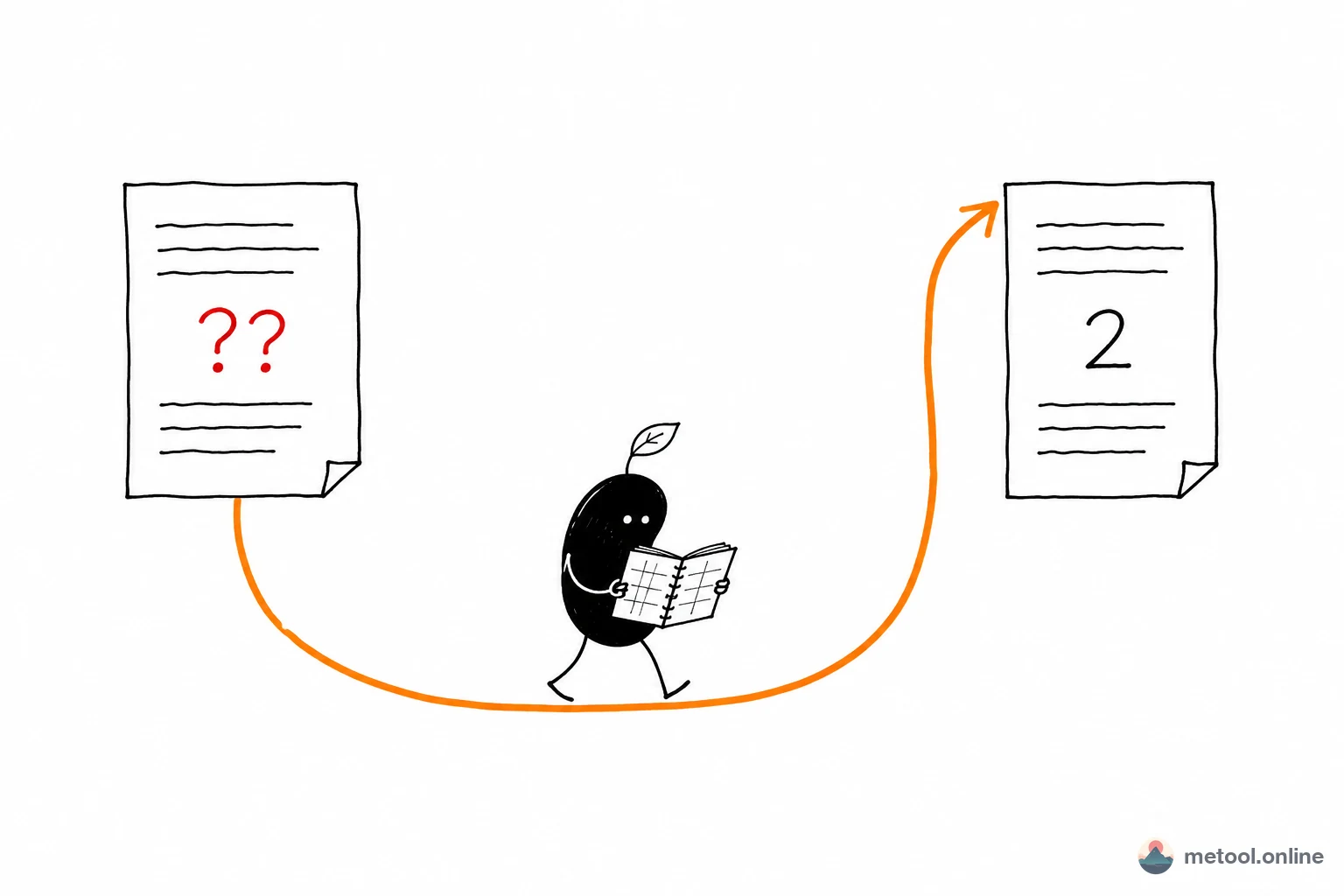
Why does \ref print ??
Because the label doesn't exist yet on the first pass. LaTeX processes a document in one forward sweep: when it hits \ref{fig:result} on page 3, the \label{fig:result} on page 12 hasn't been read, so there is no way to know which figure that will be or where it lands. LaTeX prints ?? as a placeholder and writes everything it learned along the way into an .aux file.
On the second pass that .aux file is already on disk. LaTeX reads it up front, so every \ref becomes a simple lookup. This "record now, look up next time" cycle is the key to every multi-pass problem in LaTeX.
The same mechanism drives \pageref page numbers, \cite citation numbers, \tableofcontents (stored in .toc), lists of figures and tables (.lof / .lot), and the PDF bookmarks hyperref generates (.out). What they share: the answer is only known after the whole document has been processed, yet it must be printed somewhere in the middle.
Why is the table of contents off by a page
Because the contents page takes up space itself. Say the body is 30 pages; the second pass inserts a one-page table of contents and pushes everything after it down by one. But the page numbers printed in that contents were computed on the first pass, before it existed — so every entry is off by one. A third pass typesets the contents again with correct numbers.
The pathological case is oscillation: a section heading sits exactly on a page boundary, so one extra contents line pushes it to the next page; the next pass the line disappears and it moves back. Such a document may never converge and needs a manual nudge, such as a bit of flexible spacing at the trouble spot. It's rare, but it exists.
So how many passes do you need
It depends on what the document uses. Minimum passes for common combinations:
| What the document contains | Minimum passes | Why |
|---|---|---|
| Body text only, no refs or contents | 1 | Nothing has to be filled in retroactively |
\ref / \pageref cross-references |
2 | First writes .aux, second reads it |
\tableofcontents |
2–3 | The contents shifts page numbers and may need to settle |
\cite with BibTeX |
4 steps (see below) | A BibTeX run goes in the middle |
| hyperref bookmarks | +1 | A changed .out triggers a rerunfilecheck warning |
That column is the minimum. Running an extra pass is harmless — once the document has converged the output is byte-identical — while running one too few leaves ?? behind. Hence the traditional advice to just run it three times.
Why a bibliography takes four steps
Because BibTeX is a separate program that has to sit between two LaTeX runs. The full sequence is xelatex → bibtex → xelatex → xelatex:
- First xelatex: records the keys used by
\cite{knuth1984}into.aux. No bibliography exists yet. - bibtex: reads those keys from
.aux, looks them up in your.bib, formats them according to\bibliographystyle, and writes a.bblfile. - Second xelatex: pulls
.bblin at the end of the document, so the reference list appears, and writes "which entry is number what" into.aux— but the\citecommands in the body read the previous.auxduring this same pass, so they still show[?]. - Third xelatex: the numbers are in
.auxnow, so[?]finally becomes[1].
Plenty of people stop at step three: the bibliography is visible, so it looks finished, yet the body is full of [?]. One more pass fixes it.
With biblatex the middle command changes — you run biber instead of bibtex — but the pass logic is identical.
Reading the log to know you're done
Search the log for rerun notices. When LaTeX or a package detects that this pass disagrees with the last one, it says so explicitly. These are the messages you'll see verbatim:
textLaTeX Warning: There were undefined references.
LaTeX Warning: Label(s) may have changed. Rerun to get cross-references right.
Package rerunfilecheck Warning: File `main.out' has changed.
(rerunfilecheck)                Rerun to get outlines right
Package hyperref Warning: Rerun to get /PageLabels entry.
While any of those are present, run it again. Convergence looks like their absence, plus rerunfilecheck switching to an Info line:
textPackage rerunfilecheck Info: File `main.out' has not changed.
(rerunfilecheck)             Checksum: 53F1C61ABCC06CF9FD3B6F1940CE0C3D;330.
That checksum is how rerunfilecheck decides: it stores the MD5 of the previous .out, recomputes it, and compares. Deciding whether the table of contents has settled works the same way — compare the .toc written this pass against the one from last pass, byte for byte.
You don't have to count passes by hand. Locally, latexmk -xelatex main.tex loops until no rerun signal remains, with an internal cap so an oscillating document can't spin forever. The default recipe in VS Code's LaTeX Workshop is latexmk for exactly this reason.
The same logic applies in the browser: the advanced mode of the online LaTeX editor runs a WebAssembly build of XeLaTeX that scans the log for those signals after each pass and compares .toc / .lof / .lot between passes, running as many as the document needs without you clicking compile a second time.
When to delete .aux and start over
After renaming a label or switching document classes. .aux is a cache, and caches go stale: if you change \label{fig:old} to \label{fig:new}, the old fig:old entry is still sitting in .aux and can mask a genuine error, leaving you convinced the reference still works.
Likewise, switching document class — from article to a journal template, say — can leave counter definitions in the old .aux that don't match the new class, producing errors that make no sense against your source. Whenever you hit "the code looks fine but the error is nonsense," deleting .aux, .toc, .out, and .bbl before recompiling is the highest-yield thing to try.
Summary
?? isn't an error; it's LaTeX telling you it doesn't know that number yet. Three things are enough to remember: cross-references and tables of contents need at least two passes, a bibliography needs four steps, and the log tells you whether to keep going by whether Rerun to get still appears. Automate it with latexmk locally, and clear the intermediate files first whenever an error looks absurd — between them, that covers nearly every "the output looks wrong" situation.