The slow part of posting long notes to Xiaohongshu is not “generation.” It is judging pagination and tone on the cards themselves. Do not let the AI finish a whole carousel in chat. Let it write faster into the page you have open; you decide which card is cramped and which line does not sound spoken — that is human–AI cowriting.
Why does pasting a note into Xiaohongshu always need a rewrite?
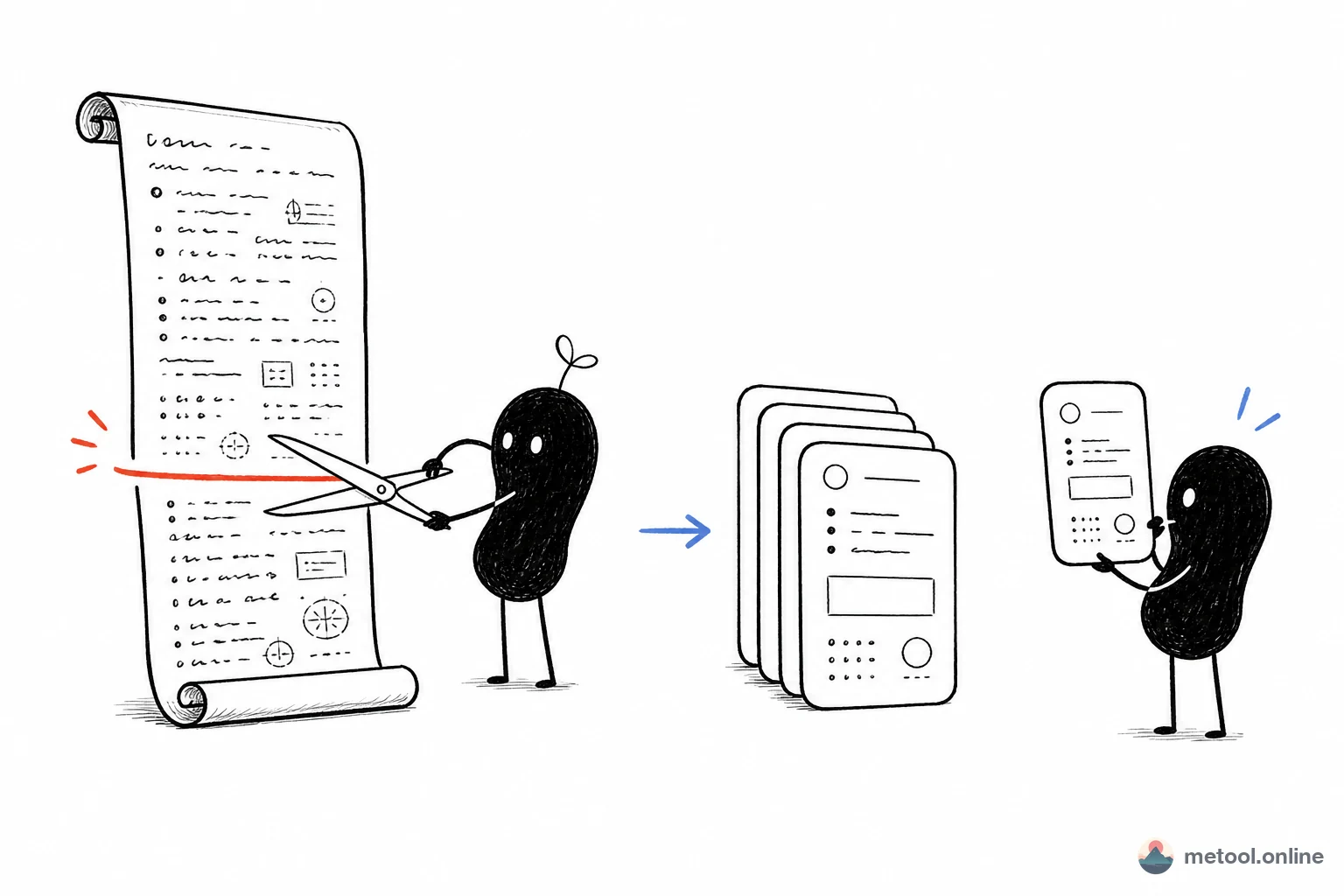
Xiaohongshu wants a carousel of images. A note wants a long text stream. Those two forms disagree about how long a paragraph can be. In Obsidian, a blog, or meeting notes, eight hundred words under one heading is normal. A vertical Xiaohongshu card usually holds a title plus a few bullets; more than that is cramped, less looks empty.
So the failure is almost never “bad copy.” It is not seeing the split before you post. Ask an AI in chat to “make this Xiaohongshu-ready” and you often get still-too-long prose, or a set of images you cannot fix one at a time. Whether pagination works, and whether a card sounds spoken, has to be judged on the card.
Technical notes add friction: code, jargon, and lists that work in a long article turn into a wall of type once they sit on a card. Regenerating the whole set from a new prompt often rewrites the cover card you already liked.
How are the cards split?
By default each second-level heading (##) becomes one card; insert --- when you need a harder break. A note with six ## headings usually becomes six images — merge by demoting ## to ###, split by breaking a section and inserting ---.
That rule is stabler than “let the model pick the page count,” because pagination follows structure you already wrote, not the model’s mood that day. Common fixes:
| What you see | Likely cause | What to change in the source |
|---|---|---|
| One card is too dense, no whitespace | The paragraph under this ## is too long |
Insert --- in the middle, or turn a paragraph into a list |
| Two cards that should be one | The second ## should not stand alone |
Change the later ## to ### |
| Thin cover, then too many fragments | No short title card at the top | Add a ## that is only a title and one-line takeaway |
| Tone reads like a paper, not spoken | Long sentences, passive voice, stacked jargon | Edit only that card’s paragraphs; do not rewrite the whole note |
For knowledge notes, 3:4 or 4:5 vertical is common; lists and one-liners can go 1:1. Theme and typeface can wait — get pagination right before you chase looks, or a new skin will not save a card stuffed with three paragraphs.
How do I let my current AI edit the card page?
Have the assistant write into the card editor you already have open, not a second draft in chat, and not a finished image set you only review afterward. Open Markdown to Xiaohongshu cards, paste the note, turn on Connect your AI, keep the tab open, then go back to Cursor, Claude, or whichever assistant you already use.
One round looks like this — the AI speeds the split and the tone; you watch the preview and decide which card is good enough:
You:
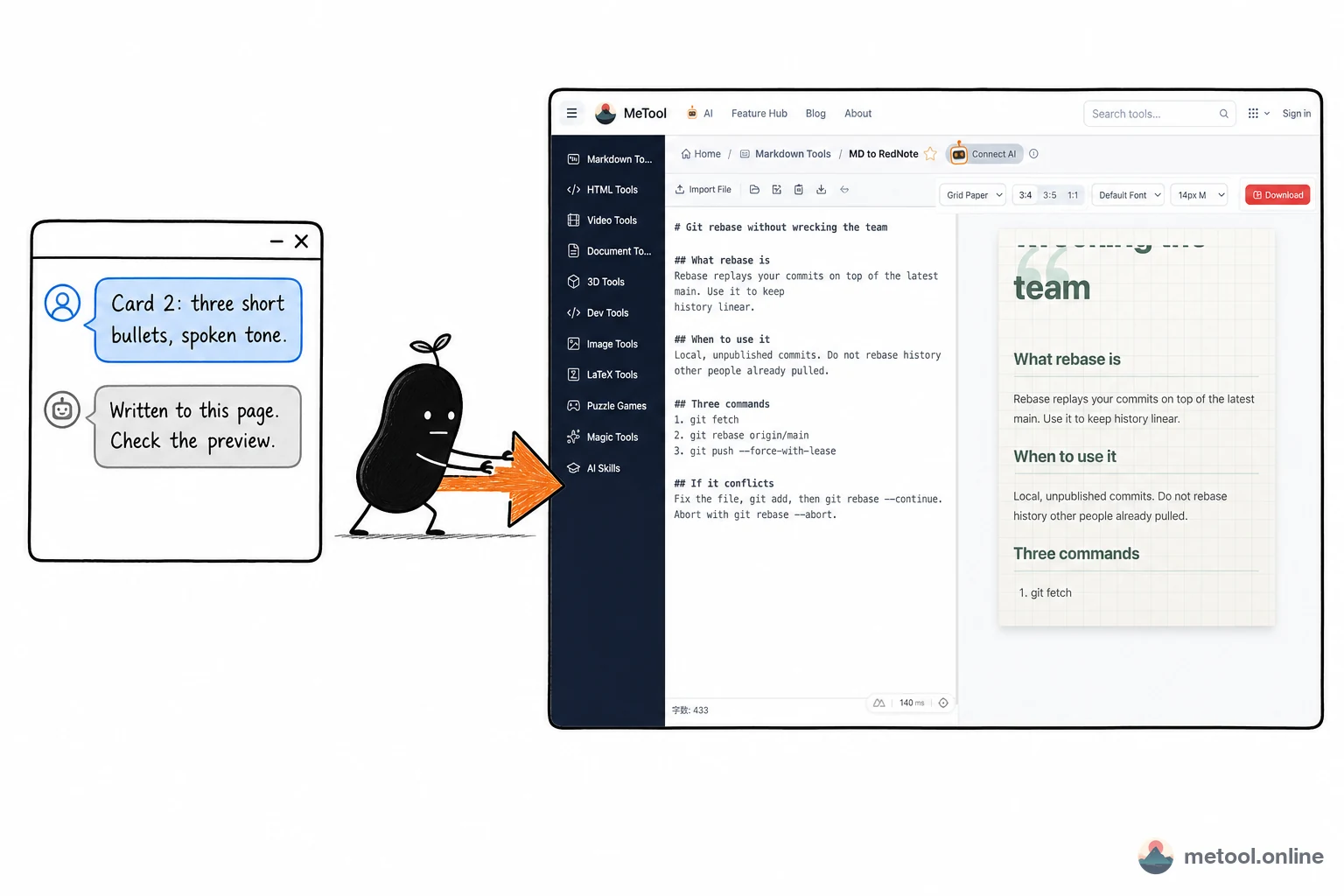
Split this Git note into cards by second-level headings. Card 2 should keep only three short bullets in a spoken tone. Leave the later cards alone for now.
Assistant:
Already written to the card page you have open. The preview now shows 4 cards; card 2 is three bullets. Check length and tone on the cards — if one is off, name the number and I will only change that card.
Stop there. Do not imagine what the page looks like — chat on the left, an arrow to the tool page on the right, preview already refreshed from that write:
If one card is cramped, do not say “start over.” Say “split card 4 from the second paragraph.” Theme and ratio can wait — pagination first, looks second. That is cowriting on this page: production speeds up on the assistant side; quality stays on a preview you can see. Concept: What is human–AI cowriting?. Setup: How do I let my current AI operate a web tool?. Hub: Let Your AI Use MeTool.
On this page the assistant sees a virtual file main.md. You can also say:
- “Add one takeaway line on the cover card. Do not touch the later cards.”
- “Card 4 is cramped. Split it from the second paragraph.”
On export, ask the assistant to list options first: pack all cards, or download only one. Then trigger the browser download — image bytes do not come back through chat; the final filename is whatever the save dialog uses.
What is worth slicing into cards, and what is not?
Notes that already have heading structure are worth slicing. Unstructured dumps, or pieces that must keep long copy-paste code, are not.
| What you have | Better path | Why |
|---|---|---|
Obsidian / technical blog with clear ## |
Slice first, then let AI fix one card | Pagination matches the original structure |
| A wall of text with no headings | Ask AI to add ## first, then slice |
Without ##, the default is a handful of oversized cards |
| Meeting notes, SOP, step lists | The docs-side knowledge-card flow | More 3:5 / 1:1 explainers; see How do I turn a Markdown doc into knowledge cards? |
| Must show long copyable code | Do not force it onto images | Code on a card is hard to copy; readers bounce |
| One caption, no carousel | Write it in Xiaohongshu directly | The split cost is not worth it |
Boundaries: the connection aims at this tab only; close it and the assistant has no destination. Cards render in the browser, for notes you are about to post — not for bulk-slicing someone else’s unpublished writing. AI can speed tone and breaks. It cannot tell you whether a card will be swiped past in the feed — that glance is still yours.
Wrap-up
Long notes on Xiaohongshu start from a form mismatch: a text stream has to become a carousel, split on ## and ---. Put the note on a card page with a live preview, let AI edit the same main.md faster, and you point at the card that is wrong. Do not let the model finish the whole set in chat — structure first, theme later. The middle you skip is usually the rework.