The point of human–AI cowriting is to let AI speed production while you keep final control — not to let a model finish the work quietly on disk. Interaction and rendering let you change direction and details before the product is done.
What does human–AI cowriting mean?
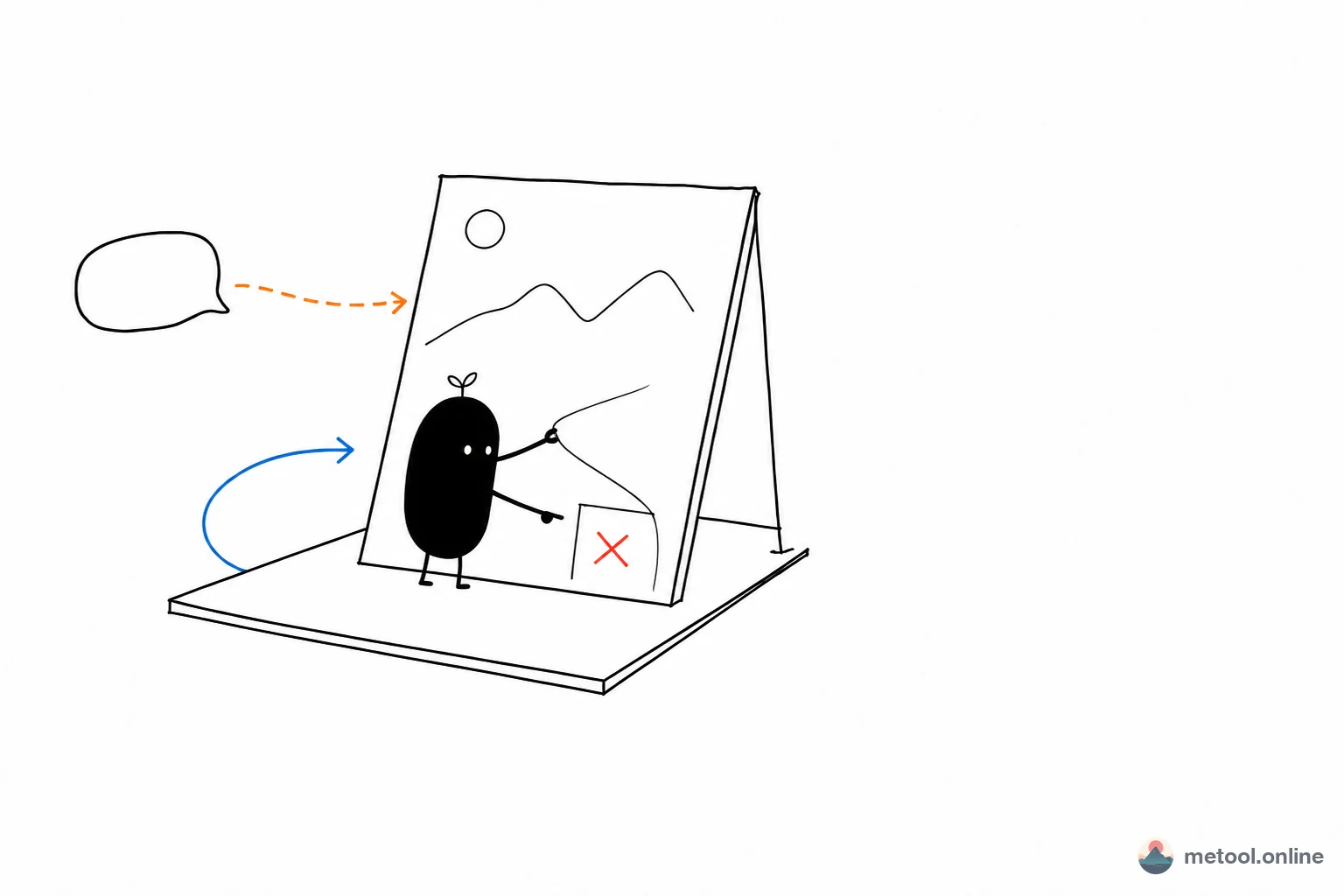
Human–AI cowriting means you and an AI are writing the same product while it is still taking shape: the AI speeds drafting, revising, and splitting; you decide on a visible interface whether it is right, where it should go, and how the details should change. The question is not whether you know how to use AI. It is where the product takes shape.
Many people hear “cowriting” and picture two people taking turns on a document, or dropping a brief and waiting for a finished delivery. Both are missing a half. The first has no acceleration. The second keeps the human out of the middle of production. Cowriting wants a third path: speed to the AI, direction and details to the human — and that control has to happen while the product is still alive and still changeable.
So cowriting is not opening another chat window, and it is not dropping files into a local script that batches images. A chat window is only words. A local script usually runs to the end, and you only review afterward. What actually makes it cowriting is two things on the same canvas at once: the AI is still writing, and you can already see what it wrote.
Why shouldn't you let AI finish the work in the background?
If AI finishes the work in the background or on your machine, you can only accept or reject. One-shot generation, export-and-done, a script that writes a folder — these are fast, but they postpone “is this right?” until the product has already set.
That creates three concrete problems:
- You discover a wrong direction too late. How many Xiaohongshu (Little Red Book) cards you need, or which step a flowchart should open with, is often obvious only on a preview. “Done” in the chat is not the same as “standing” on the page.
- Details cannot be touched; you can only redo. If a title is too big, one card is too dense, or an arrow points the wrong way, and there is no mid-process surface, you regenerate the whole piece — including the parts you already liked.
- You become QA, not an author. The point of speeding production is to spend human attention on judgment, not on a full rewrite after the fact.
Human–AI cowriting starts from a plain fact: direction and details can only be judged against the finished look. If that look exists only at the moment generation ends, you have no middle. Bring rendering into the process, and you can speak in the middle.
Does mid-process control depend on interaction and rendering?
Yes. Cowriting holds together because of the layer you can see and touch — on-page preview (rendering) and on-page controls (interaction) — not because of a stronger model. Without those two layers, you and the AI are still trading copy-paste. Cowriting collapses into taking turns in a chat.
Rendering solves “seeing.” After Markdown becomes cards, length, whitespace, and pagination have to be judged on the card preview, not in the source. After a flowchart is drawn, collisions and wrong arrows have to be seen on the diagram, not in a text description.
Interaction solves “intervening.” You can change a title, delete an extra card, or pick another export without throwing the whole product away. The AI can keep writing on the same page: what you just changed is still there, and the next edit stacks on top instead of starting from zero.
| Approach | When you see the result | When you can change it | Feels like |
|---|---|---|---|
| One-shot generation in chat | After everything finishes | Restate the brief and generate again | Handing in work for review |
| Local script / background batch | After files are written | Change parameters and rerun | A production line |
| Human–AI cowriting (on-page render + interaction) | Mid-process; the preview updates | Direction and details, anytime | Writing on the same canvas |
The third row is the point of cowriting: acceleration happens on the AI side; control happens on the side you can see. Both have to be present.
Why is MeTool a natural fit for human–AI cowriting?
MeTool is a natural fit because its tools are already a canvas that takes shape on the page: change the left, see the right immediately; click, delete, or rephrase anytime — instead of waiting for a chat or a script to deliver a finished bundle. The mid-process rendering and interaction that cowriting needs exist on these pages before any AI is connected.
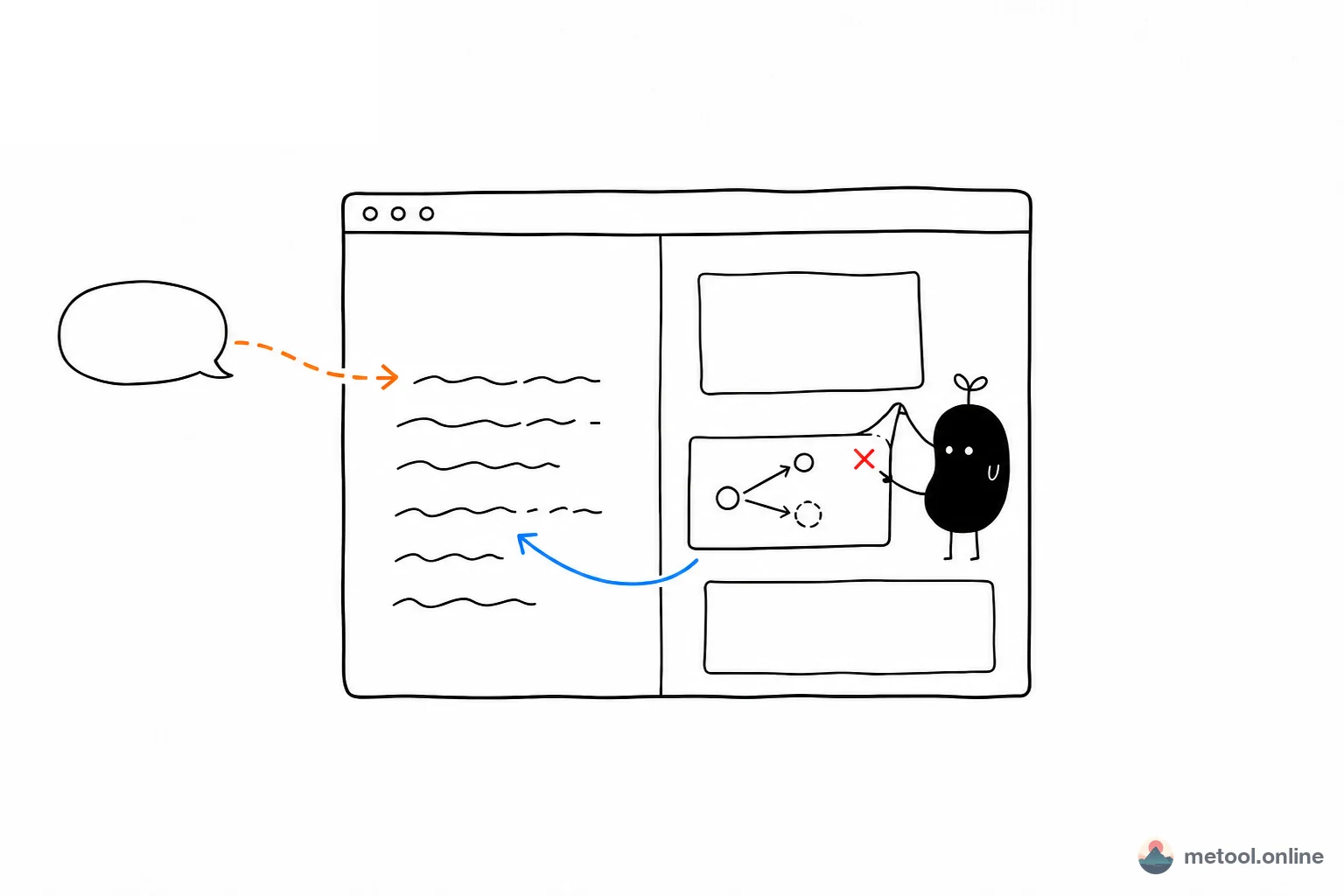
Most AI use looks like this: you ask in a chat, the model writes somewhere you cannot see, then it hands back words or a file. MeTool is the other way around. The page does not depend on AI — without an assistant it is already a complete tool: input and preview sit side by side, and the result stays in view. Once an assistant is connected, the AI only writes faster onto that same canvas. It does not move production into the background. You still judge against the preview. You can still change one detail yourself.
Fit is not about model strength. It is whether the page already does these three things:
| Cowriting needs | Already on a MeTool page | If it is missing |
|---|---|---|
| The product is visible mid-process | Source changes, preview follows | You only review at the end |
| You can intervene without the AI | Titles, pagination, and export are on the page | Changing one thing means restating the brief |
| AI and human share one canvas | The assistant reads and writes this page, not a separate copy | Each side writes its own version |
The pages that can cowrite are no longer just a few pilots. Source on one side and a finished look on the other already includes Xiaohongshu cards, docs to knowledge cards, the Markdown editor, Mermaid diagrams, single-formula preview, LaTeX project compile, and visual HTML editing. Which card is cramped, which arrow wraps the wrong way, which stretch of TeX failed to compile — you only know against the on-page result. Change that stretch; do not start the whole file over. How to talk to each page, and where it breaks, is in the matching scene article. The hub is Let Your AI Use MeTool.
The rule is then clear: a page with no mid-process preview and no direct human edits is only remote typing, even after you connect an AI. MeTool fits this pattern because the page is a tool for people first, and only then invites an assistant onto the same page to go faster — not because AI finishes the work locally and then shows you a result.
How to hook in the assistant you already use is an operations question; this article does not walk through it. For a step-by-step, see How do I let my current AI operate a web tool?.
When is human–AI cowriting a good fit?
Human–AI cowriting fits mid-process work you can only judge by looking at the output. It is a poor fit for one-shot tasks that can ship without anyone watching the making.
| What you need | Better fit | Why |
|---|---|---|
| Slice a long note into cards and tune the voice as you look | Human–AI cowriting | Pagination and tone only make sense on a preview |
| Turn a process or relationship into a diagram and reshape it | Human–AI cowriting | Overlaps, hierarchy, and arrows have to be seen |
| A plain-text reply with no layout | One-shot generation in chat | There is no mid-process render to watch |
| A hundred near-identical images, no mid-checks | Background / local batch | Human control is unused; speed wins |
| Fix one typo on an existing page | Click it yourself | You do not need to invite AI |
The boundary is also honest: you usually cowrite against the current page only. Close it, and the assistant no longer knows where to write. Tools that have not wired preview and write-back should not pretend they already cowrite. Cowriting speeds the stretch of production that still needs judgment. It does not move the whole pipeline into the background in place of you.
Takeaway
Human–AI cowriting is not a more obedient automaton. It is AI for speed, you for control: the product is rendered on the page, and you change direction and details through interaction while it is still forming. Letting AI finish locally or in the background leaves you with review only — a hand-in, not cowriting. MeTool fits because the page itself is a canvas you can see and change. Once that shape is right, it is worth connecting an assistant.