A finished SOP, tutorial, or recap does not need to be written again. It needs to be compressed into knowledge cards that each say one thing. AI speeds grouping and compression; you check density, jargon, and whether it can go public — do not let the model finish the whole layout in chat.
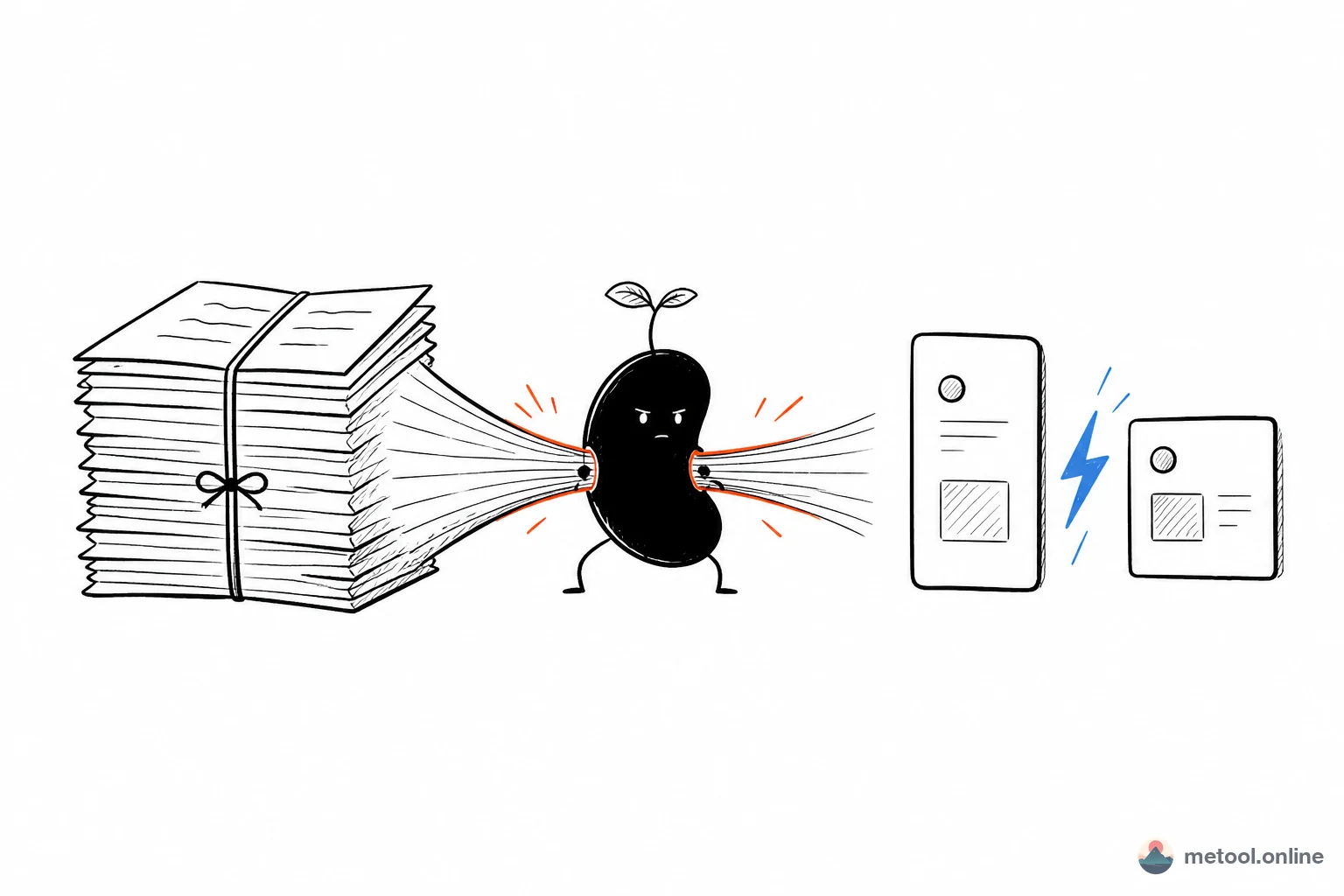
Why does a document still need a second version for Xiaohongshu?
Because a document’s reader opens an attachment and scrolls. A Xiaohongshu reader stops for three seconds in a feed. The same “five steps for day one” can be a numbered list with links in Notion; on a card, each step must stand alone, and one card should not also hold background, exceptions, and a contact person.
A common office failure is pasting the whole Markdown into a design tool and boxing text by hand. The content is already structured — headings, lists, bold — and still treated as “no design file.” The other failure is letting AI emit images directly: the step order is right, but one card crams four steps, or an internal acronym stays on a public card.
So the problem is one sentence: explainer documents need grouping and compression, not a rewrite. How creative long notes split on ## is in Long notes into Xiaohongshu cards. This article only covers “the document already exists; it just has to become postable cards.”
Which ratio should a knowledge card use?
Steps and tutorials use 3:5 vertical. Lists and takeaways use 1:1 square. Do not mix both ratios in one draft and decide later. 3:5 holds a title plus four to six short lines — “step one… step two…”. 1:1 is lower density: covers, comparison tables, one-line conclusions.
Before you pick a ratio, label each block as one kind of card:
| This block in the doc | Card type | How to write it |
|---|---|---|
| Procedures, install flows | 3:5, 1–2 steps per card | One # or ## per major step; ordered lists |
| Checklists, pros/cons | 1:1 | Short title + bullets, at most seven items |
| Definitions, how-it-works | 3:5 | One plain-language title, three lines, no background dump |
| Cover / conclusion | 1:1 | Title and one takeaway, no list |
You can still break pages with ---. Unlike long-note slicing, headings here are already short. The risk is a card stuffed with “also, by the way.” If type hits the edge in the preview, delete the exception first — do not shrink the font. Exceptions go on the next card, or stay in the original doc and never get posted.
Bold only the words a reader must remember. Code and deep links barely work on a card; rewrite them as action sentences like “open this setting.”
How do I let AI lay out this docs-to-cards page?
Put the document on a converter with a live preview and let your current assistant edit the Markdown on that page — not a set of images in chat that you cannot fix one at a time. Open Markdown to Xiaohongshu, paste the document, turn on Connect your AI, keep the tab open.
One round can look like this — the assistant speeds compression; you watch whether each card stands:
You:
This is an onboarding SOP. Split it into cards, at most two steps each. Reword jargon so it makes sense outside the company. Keep exception notes off the cards.
Assistant:
Written to the current page. Three cards now: what to bring, how accounts get opened, first-week checklist. Check the preview for type hitting the edge — if one is still cramped, name the number and I will only change that card.
Do not imagine the layout — chat on the left, an arrow to the tool page on the right, cards already updated from that instruction:
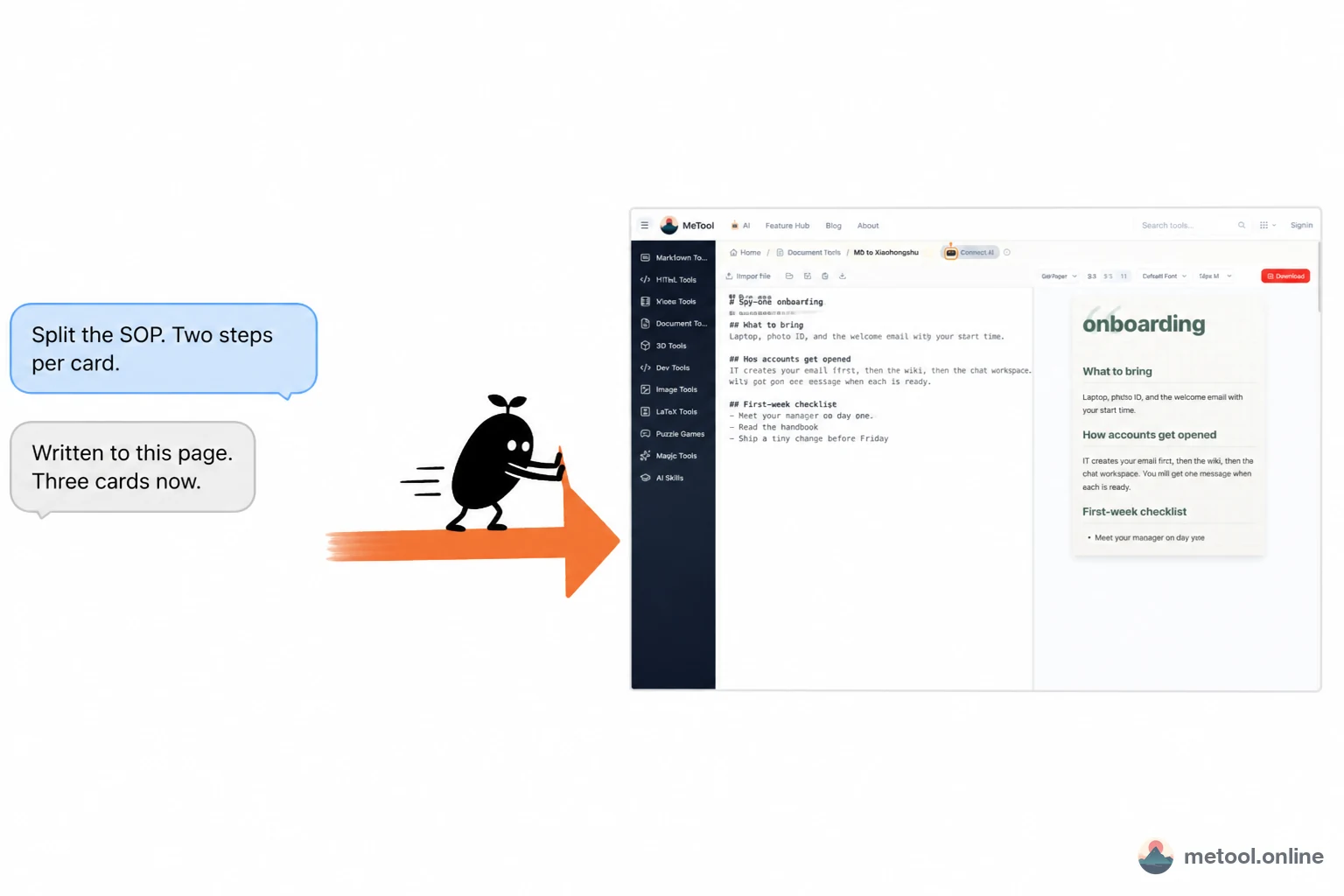
If one card crams four steps, do not regenerate the set. Say “card 2 should keep only the three account-setup steps.” Ratio (3:5 / 1:1) can wait. Cowriting here means: speed on the AI, judgment on the preview. Concept: What is human–AI cowriting?. Setup: How do I let my current AI operate a web tool?.
This page also uses main.md as the source. You can also say:
- “Make the cover a 1:1 one-line takeaway; keep later steps at 3:5.”
- “Delete the exceptions in section 3. They should not appear on a card.”
Before download, have the assistant ask: zip everything, or export one PNG. Files save through the browser, not as chat attachments. Internal processes, names, and links still need a human pass before export — the model will not classify information for you.
Which documents should not become knowledge cards?
Documents that cannot be executed without context, or cannot legally go public, should not become cards. A card cuts “the definition in the last section” and “the table in the attachment.” Only fragments that already read on their own belong here.
| Material | Suggestion | Why |
|---|---|---|
| Public tutorials, FAQs, open SOPs | Make cards | Each step is understandable alone |
| Internal flows with access rules | Redact first, then consider | Card screenshots forward easily |
| Ops that need a table, a large figure, or code | Keep the document | A card cannot hold checkable detail |
| Drafts still under discussion | Do not post | Cards spread fast and are hard to retract |
| A long article in a new skin | Use the long-note slicing path | The structure problem is different |
One connection serves the current tab. After you close the page, “keep editing that document” has no destination. Cards are for spreading already-final explainers, not for being the only knowledge base — full exceptions, links, and version history should stay in the original Markdown.
Wrap-up
Office docs to Xiaohongshu is compression: one idea per card, 3:5 for steps, 1:1 for lists. Put existing Markdown on a preview page, let AI edit the same source faster, and you check density, jargon, and whether it can go public. Do not let a one-shot image dump in chat own the layout. When you need heading-based slices of a long note, switch to slicing notes into cards — do not force one instruction onto both kinds of draft.