When you edit a webpage, source in chat cannot show box model and wrapping. Do not dump the whole page on AI for another generation. Have it write into the page you are already previewing; you click-tweak after you see the render. Hands for small edits; the assistant for structure.
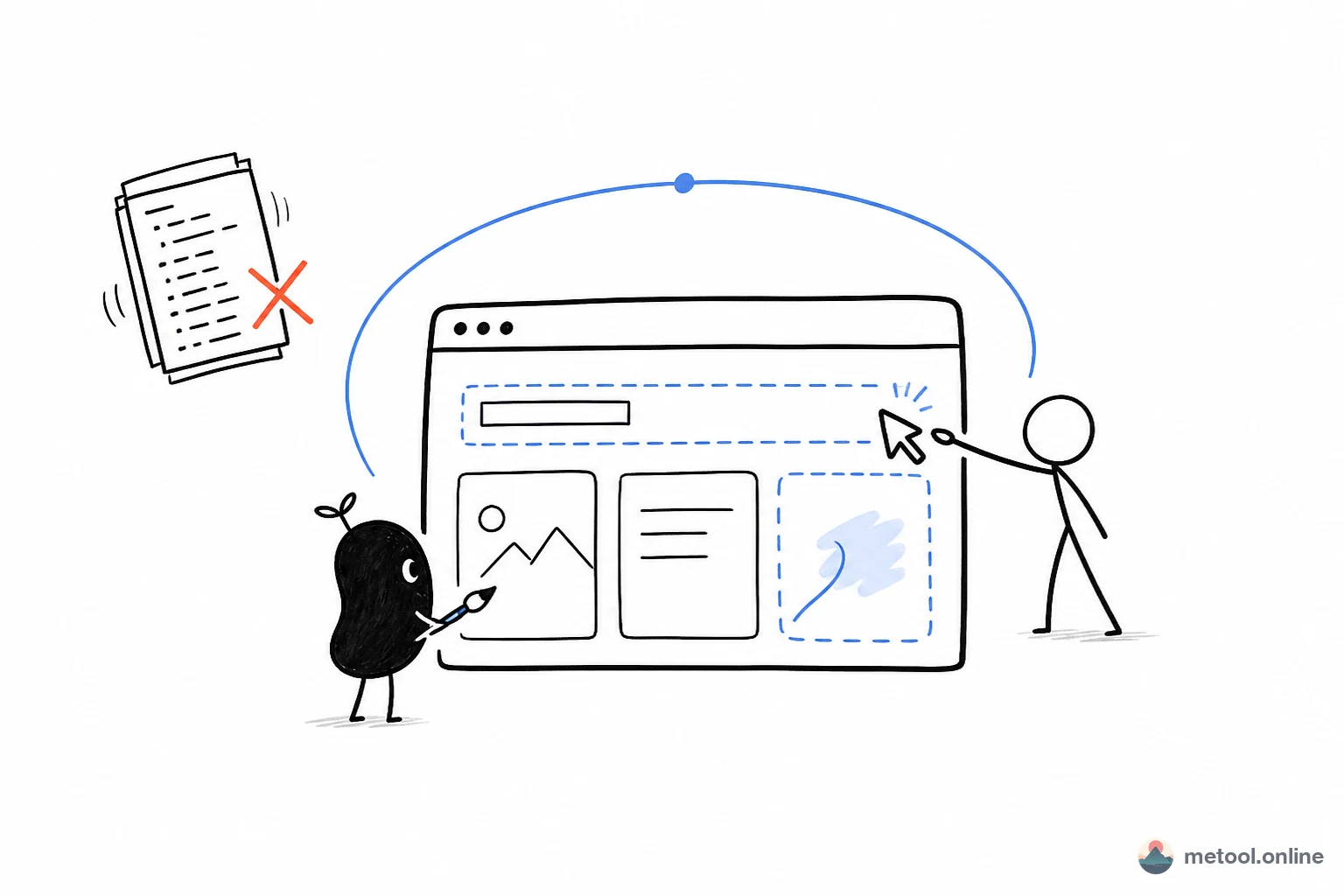
Why does editing HTML in chat take so many pastes before layout looks right?
Because what the browser renders (wrapping, spacing, mobile width) cannot be “seen” from source characters. Each time the model hands you a full HTML file, you can only replace the whole page and then hunt for diffs. Colors, images, and the heading you already liked can vanish in “another version.”
Smaller edits should not go back to chat at all. A button label, an image swap, deleting an extra block — click once on the rendered page. That half is already written: Do I have to re-prompt to change a word on an AI-generated page?. This article is the other half: structure still needs a large change — add a section, change nav, split pages, unify CSS. That is when your current assistant belongs on the same canvas, not in a new generation session.
Cowriting on a webpage is concrete: the assistant writes files; you see a preview; words you click-edited on the canvas should be in the entry file the next time it is read. If each side edits a different copy, you get two pages.
How do I let AI write this page without wiping what I already clicked?
Open the visual HTML editor, load existing HTML or start blank, turn on Connect your AI, keep the tab open. The assistant should list files first, then read the entry page (usually index.html). Entry content comes from the current preview, so a heading you just click-edited is already in the file.
One round can look like this — AI speeds adding a section; you steer titles and spacing on the canvas:
You:
Under the first screen, add a section with three traits: Fast, Clear, Reversible. Do not change existing colors. Write it to the current page; I will click-tweak against the preview.
Assistant:
Written to the homepage. Check whether the three cards crowd each other on the canvas — change a title by clicking; you do not need me to regenerate the whole page.
Do not imagine the layout — chat on the left, an arrow to the visual editor on the right, the three traits already on the canvas:
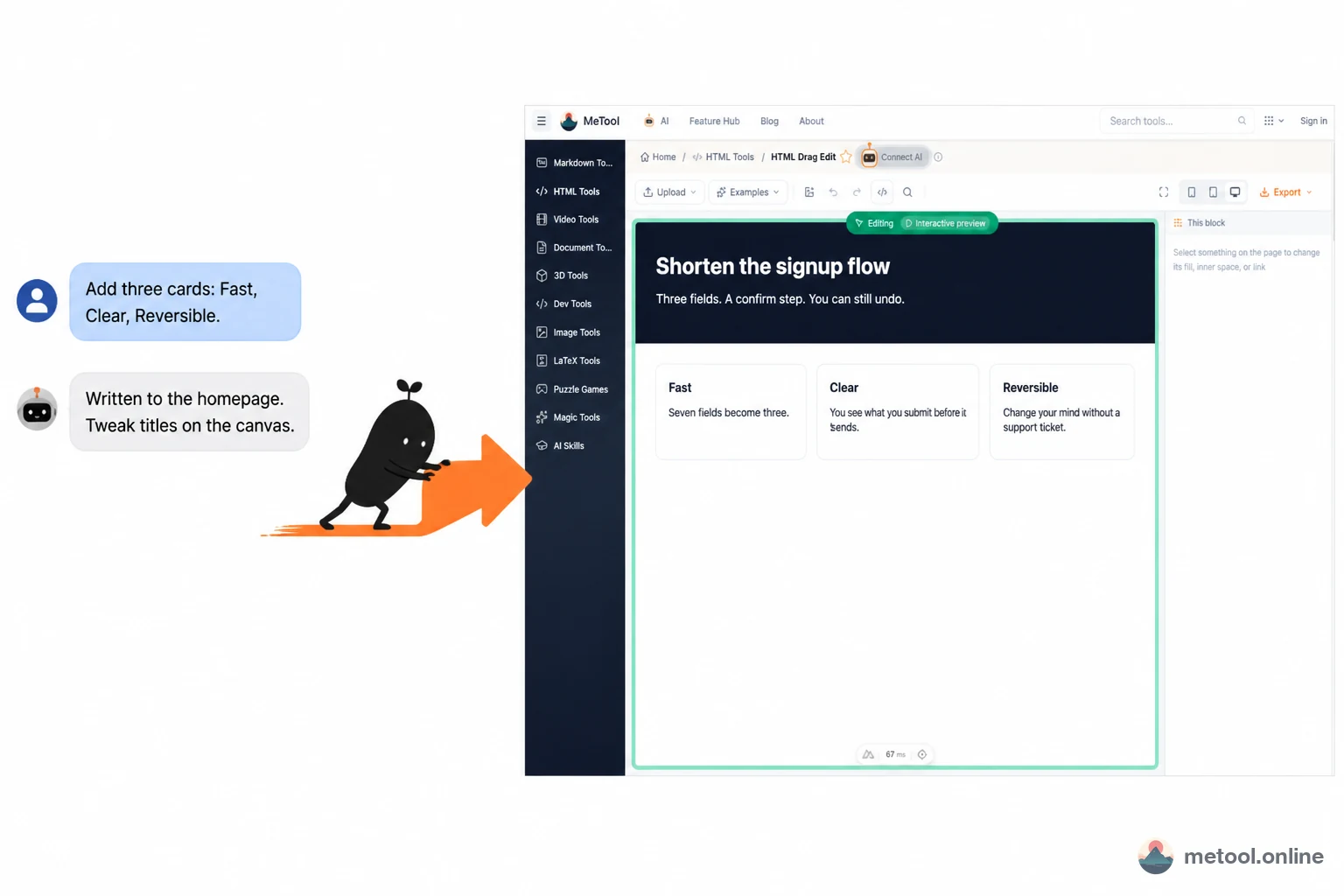
If a title is one word off, click it. If structure still needs a large change, have the assistant write in few batches. Cowriting here is speeding production and steering details on the same canvas. Setup: How do I let my current AI operate a web tool?. Concept: What is human–AI cowriting?.
When writing files, remember one engineering limit: every write reloads the preview and clears undo history. “Turn the footer into three columns and unify button color” in the same round should be few edit/write calls, not one transfer per color. Fine click-edits come after the assistant’s round.
Going from a single page to a small site is also one write: after adding about.html or css/style.css, the current document sits next to index.html and project mode opens. Text files (html/css/js/svg/md and similar) are read-write; images and fonts you uploaded are read-only — bytes do not go to the model over the relay. A single text file over the relay should stay under about 180 KiB. No remote delete or rename — delete files on the page yourself.
You can say:
- “Pull repeated styles into css/style.css; keep only structure on the homepage.”
- “Using the copy now on the canvas, only fix mobile spacing.”
Which edits should I click, and which should the connected AI do?
If you can point at it on the canvas, click. If you must change structure and multiple files, hand it to the assistant.
| What you want | Better fit | Why |
|---|---|---|
| Heading, image swap, delete a block, type size | Canvas click | Seconds, does not clear whole-page undo |
| Add a section, change nav information architecture | Connected AI, few writes | Source-level structure |
| Split pages, extract CSS | AI writes new paths | Enters a multi-file project |
| A poster-style full-page screenshot | Export screenshot on the page | No need to send an image through chat |
| Generate a completely different page from scratch | New generation, then import here | Cowriting is “this draft,” not “any new draft” |
Boundaries: closing the tab disconnects. Do not let the model invent binary image paths it has not seen. Screenshots and source download locally; what MCP returns is not file bytes. Complex front-end framework repos (build chains, node_modules) are not this page’s target — this is a canvas for a single page or a small static site.
Wrap-up
Letting AI change a webpage means swapping “invisible source round-trips” for “write into the current preview.” Do not dump the whole page back on a large model to regenerate alone. Click small edits; batch large ones into few writes, because a remote write clears undo. Images stay read-only in the browser; what you take away is a source pack or a screenshot. Click-edits you already like can coexist with cowriting — the grain size is different.