How to Efficiently Create Xiaohongshu Knowledge Cards in 2026
Xiaohongshu (Little Red Book, 小红书) has become a major platform for young people to discover knowledge and lifestyle inspiration. According to official data, the platform has over 300 million monthly active users, and knowledge-sharing content sees 47% higher engagement rates than standard posts. Polished layouts, clear structure, and eye-catching designs dramatically boost a post's visibility and interaction.
However, creating high-quality knowledge cards typically requires design tools like Canva or Figma — for creators without a design background, a single card can take 10-20 minutes, and a set of 5 knowledge cards can consume an hour or two.
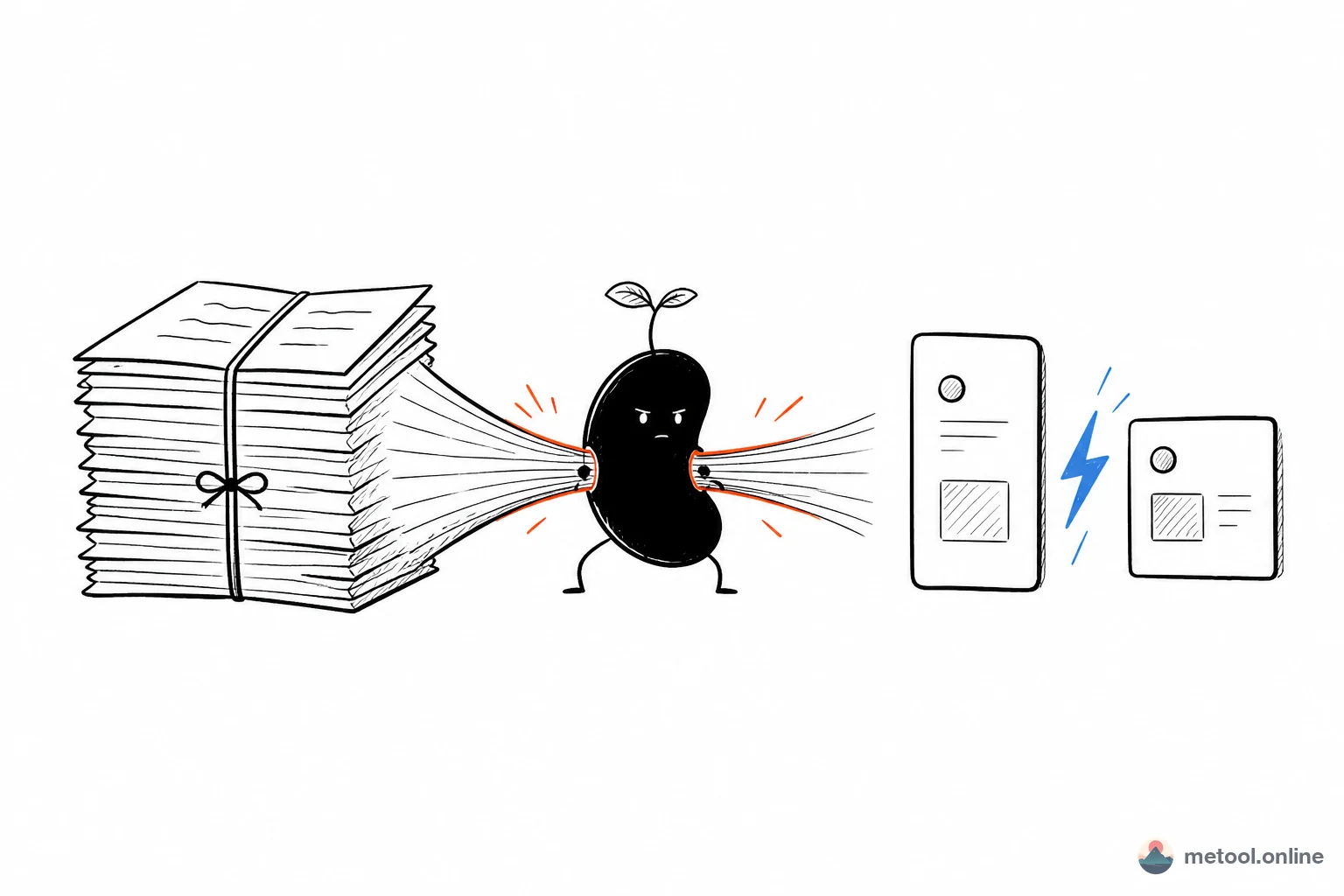
MeTool's Markdown to Xiaohongshu Cards tool, available in 2026, lets you generate professional-grade visual knowledge cards using simple Markdown syntax in under 30 seconds. Write your text, choose a card template, and export beautiful multi-page images with one click — creating viral Xiaohongshu posts has never been this easy.
Key Features of Markdown to Xiaohongshu Cards
Smart Page Layout
Automatically calculates optimal page breaks based on Markdown content, keeping each page at ideal content density for readability and visual comfort in the Xiaohongshu feed. You can also use --- separators for manual page breaks. Headings, body text, lists, and code blocks are automatically arranged for best results.
Multiple Card Templates
Built-in card templates in authentic Xiaohongshu style, including knowledge explainers, step-by-step tutorials, and checklist formats. Color schemes and fonts are carefully curated to match the platform's aesthetic preferences — research shows that using platform-aligned design templates can earn posts higher recommendation weights.
High-Resolution Image Export
Generated cards are exported as high-resolution PNG images meeting Xiaohongshu's quality requirements. Supports 3:5 (portrait, ideal for knowledge explainers) and 1:1 (square, perfect for checklists). Multiple cards can be batch-downloaded or packaged as a ZIP file for direct upload.
Auto Cover Generation
Automatically generates an attention-grabbing cover card from your article title. Use Markdown bold syntax (**keyword**) in the title for a highlighter effect that helps your post stand out in the feed.
How to Create Xiaohongshu Cards from Markdown (Step-by-Step)
- Enter Content: Paste or write Markdown content in the editor. Use headings (##) to organize chapters, lists for key points, and bold (**) for emphasis.
- Choose Template & Ratio: Browse the card template library and select a design that fits your content type. Choose 3:5 or 1:1 ratio.
- Preview & Adjust: The right panel displays a real-time preview of generated cards. Adjust your text and use
---for manual page breaks until you're satisfied with the layout. - Export Images: Click the export button to download all card images (individually or as a batch ZIP). Upload directly to Xiaohongshu to publish.
Best Practice: Keep each page under 100-150 words, use lists and bold text for readability. Keep cover titles under 15 characters, bold keywords for the highlighter effect — this effectively boosts cover click-through rates.
What Content Types Work Best for Xiaohongshu Cards?
MeTool's Markdown to Xiaohongshu cards tool is especially suited for:
- Tech Sharing: Turn coding tutorials, tool recommendations, and tech comparisons into clean knowledge cards for Xiaohongshu's tech community.
- Book Notes: Distill core insights, quotes, and reflections from books into elegant cards that help others quickly grasp key takeaways.
- Study Summaries: Exam prep, course notes, industry knowledge frameworks — structured card format makes information easier to remember and share.
- Career Tips: Workplace skills, interview strategies, and industry insights presented as visual cards for intuitive sharing.
- Lifestyle Guides: Travel itineraries, recipes, fitness plans, and other lifestyle checklists work perfectly in 1:1 square card format.
Everything runs locally in your browser — 100% free, no registration needed, unlimited usage. Turn your creative content into viral Xiaohongshu posts in seconds.