Why Convert Word to a Long Image?
Word is the most common document format for everyday work, but a vertical long image is often more practical for WeChat sharing, social posts, mobile reading, or video production. Exporting the full document as one JPG or PNG lets readers scroll through everything without opening an attachment.
MeTool's Word to long-image converter parses and renders .docx files directly in your browser — no Office install, no uploads, and your document stays private.
Key Features of MeTool Word to Long Image
One Image for the Full Document
Powered by docx-preview, the entire Word document is stitched into a single vertical image in JPG or PNG format.
Multiple Render Resolutions
Choose Standard (1×), High-res (2×), or Ultra-HD (3×) for different sharing and archiving needs.
One-Click Download
After conversion, download the long image with an automatic _long filename suffix.
When should you convert Word to a long image?
Sharing text content on WeChat Moments or public accounts
Many content creators write a long article in Word and then screenshot it for social sharing. Manual screenshots often need to be stitched together, resulting in visible seams. A single full-document image is generated in one pass, giving a scrolling experience closer to a normal article.
Quick previews of resumes or notices
Recruiters or group admins often need to quickly check a Word resume or notice on their phone, but many phones don't have Office or WPS installed and can't open .docx directly. Once converted to an image, it can be previewed as a thumbnail directly in chat apps without downloading.
Archiving and version snapshots
Convert a specific version of a Word document into an image for archival purposes, so later edits don't overwrite the record of what an earlier version looked like.
Will the layout stay the same after converting to a long image?
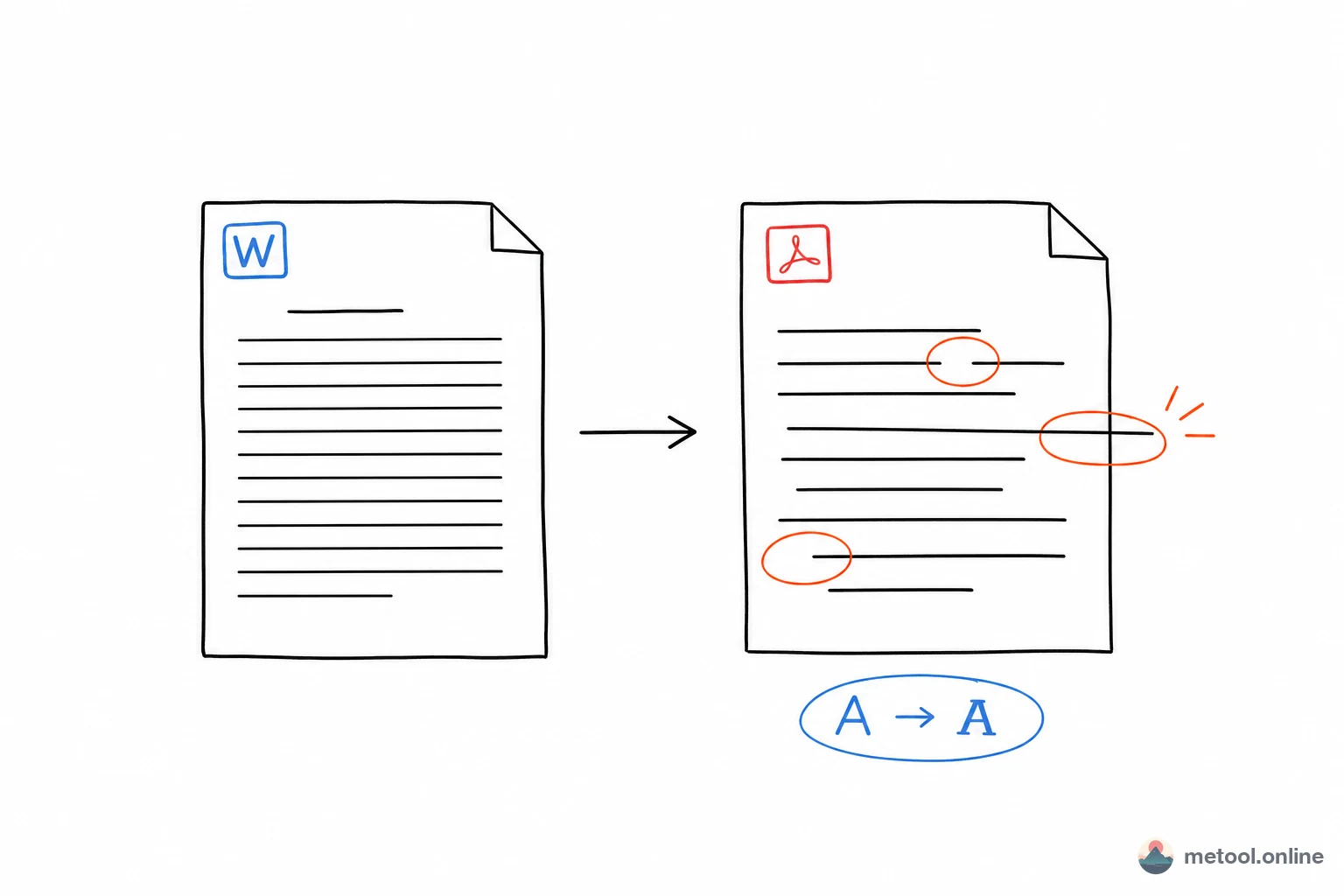
MeTool uses the docx-preview engine to parse paragraphs, fonts, tables, and images, aiming to closely replicate how Word displays the document. Since the browser rendering engine isn't identical to Microsoft Word's underlying layout engine, some complex layouts (special fonts, fine table border styles, headers/footers) may show minor differences. For documents that are mostly text and standard tables, the conversion typically matches the original very closely.
Frequently Asked Questions
Q: Do converted images preserve hyperlinks from the Word document? A: No. Images are static pixels and can't preserve clickable links — link text will appear as plain styled text. If you need clickable links preserved, share the original .docx file instead.
Q: Can I convert very long documents (dozens of pages) in one go? A: Yes, but more pages mean a larger output image and longer render/export time. Ultra-HD (3×) mode may take noticeably longer for very long documents, so choose a resolution that matches your actual use case.
Q: Will images and tables in the Word file display correctly? A: Yes. docx-preview parses embedded images and tables and renders them into the final long image.
Q: Is the legacy .doc (97-2003) format supported? A: Currently only .docx is supported. If your file is a legacy .doc, save it as .docx in Word or WPS first, then upload it for conversion.