Why Do You Need an Online Word to PDF Converter in 2026?
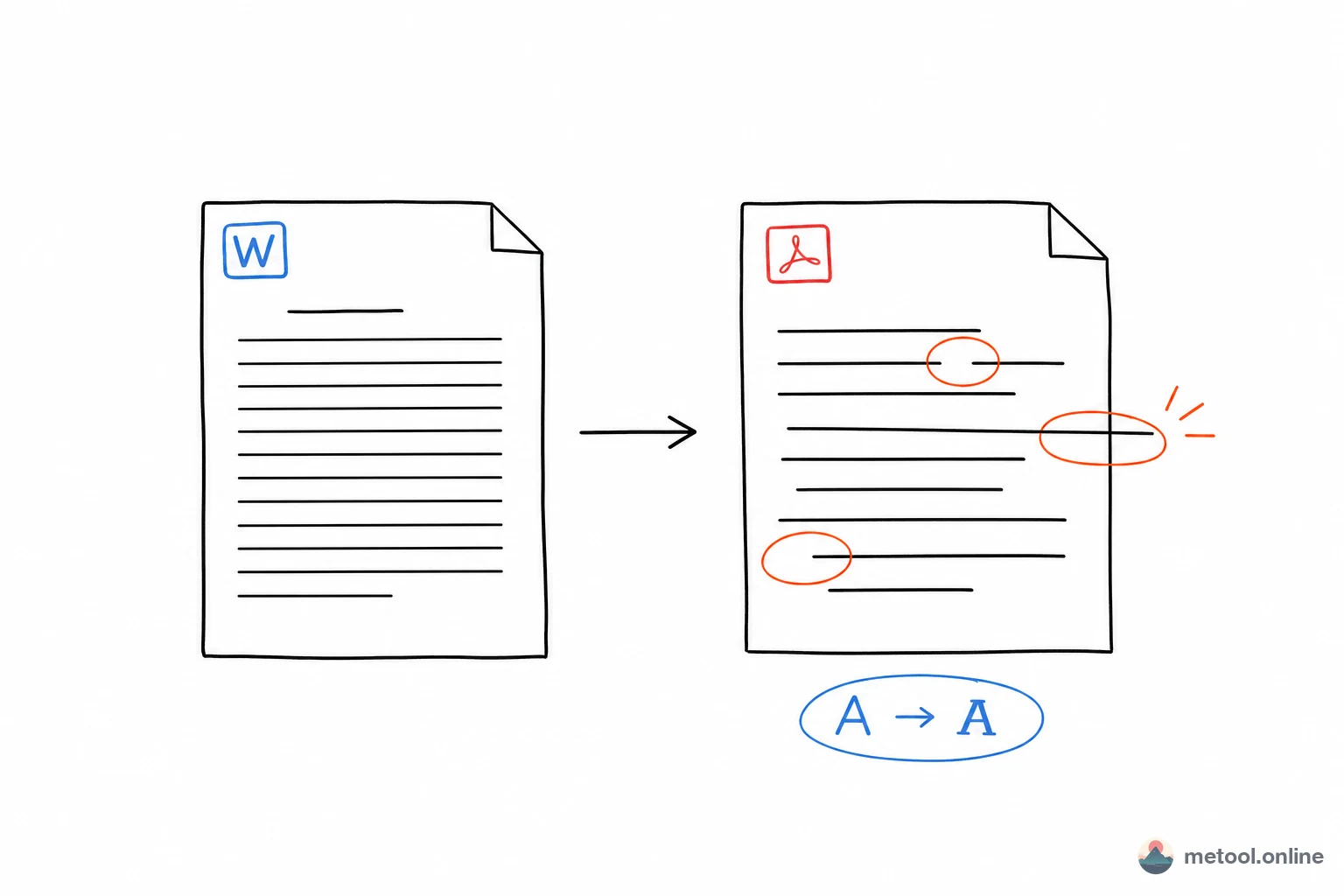
PDF (Portable Document Format) remains the gold standard for sharing professional documents across devices and platforms. While Microsoft Word (.doc / .docx) is excellent for editing, it frequently suffers from font substitution, layout shifting, and page break errors when opened on different operating systems or devices.
In 2026, with remote work and cross-platform collaboration being the norm, converting Word to PDF is essential for ensuring your documents look exactly as intended — regardless of the recipient's setup. PDF also prevents accidental edits, making it ideal for contracts, resumes, and official reports.
MeTool's Word to PDF converter uses client-side processing technology, meaning your files are converted entirely within your browser. Unlike traditional online converters, your sensitive data never leaves your device — providing a seamless, high-speed, and 100% private conversion experience.
Key Features of MeTool Word to PDF Converter
100% Free with No Hidden Costs
Many online tools lure users with a "free" tag, only to add watermarks or paywalls at download time. MeTool's Word to PDF converter is truly free — no subscriptions, no watermarks, and no file count limits.
Privacy & Security First
Your documents stay on your device. MeTool processes all conversions locally in your browser, so file contents are never transmitted to any server. Your business secrets, personal privacy, and intellectual property receive the highest level of protection.
Powerful Batch Processing
No need to upload files one by one. MeTool lets you select multiple Word documents at once, processing them in parallel. Once complete, download files individually or as a single ZIP archive.
Smart Layout Preservation
Our conversion engine intelligently parses tables, images, headers, footers, and font styles from your Word documents, faithfully reproducing the original layout. The vast majority of standard office documents achieve high-quality conversion results.
How to Convert Word to PDF with MeTool
- Open the Tool: Navigate to MeTool's Word to PDF page — no registration or login required.
- Upload Files: Drag and drop your .doc or .docx files into the upload area, or click the file selector to browse. Multiple files can be uploaded at once.
- One-Click Convert: Click the "Start Conversion" button. Conversion happens instantly in your browser with no server wait time.
- Download Results: Preview the PDF output, then download files individually or use "Download All" for a bundled ZIP download.
Common Use Cases for Word to PDF Conversion
Word to PDF conversion is widely used in everyday work and study:
- Job Resumes: Convert your Word resume to PDF to ensure recruiters see perfect formatting on any device.
- Contracts & Agreements: PDF documents resist tampering, making them ideal for formal signing and archiving.
- Academic Papers: Convert papers to PDF before submission to avoid formatting issues across different systems.
- Project Reports: Share PDF versions of reports in team collaboration to ensure consistent viewing for all members.
- E-books & Manuals: Convert Word-authored content to PDF for universal compatibility across reading devices.
Whether you're using MeTool on Windows, Mac, iPad, or your smartphone, you'll enjoy a consistent, high-quality conversion experience. In 2026, skip the hassle of desktop software installation and embrace lightning-fast browser-based conversion.