Online HTML live preview: the fastest way to view HTML in the AI era
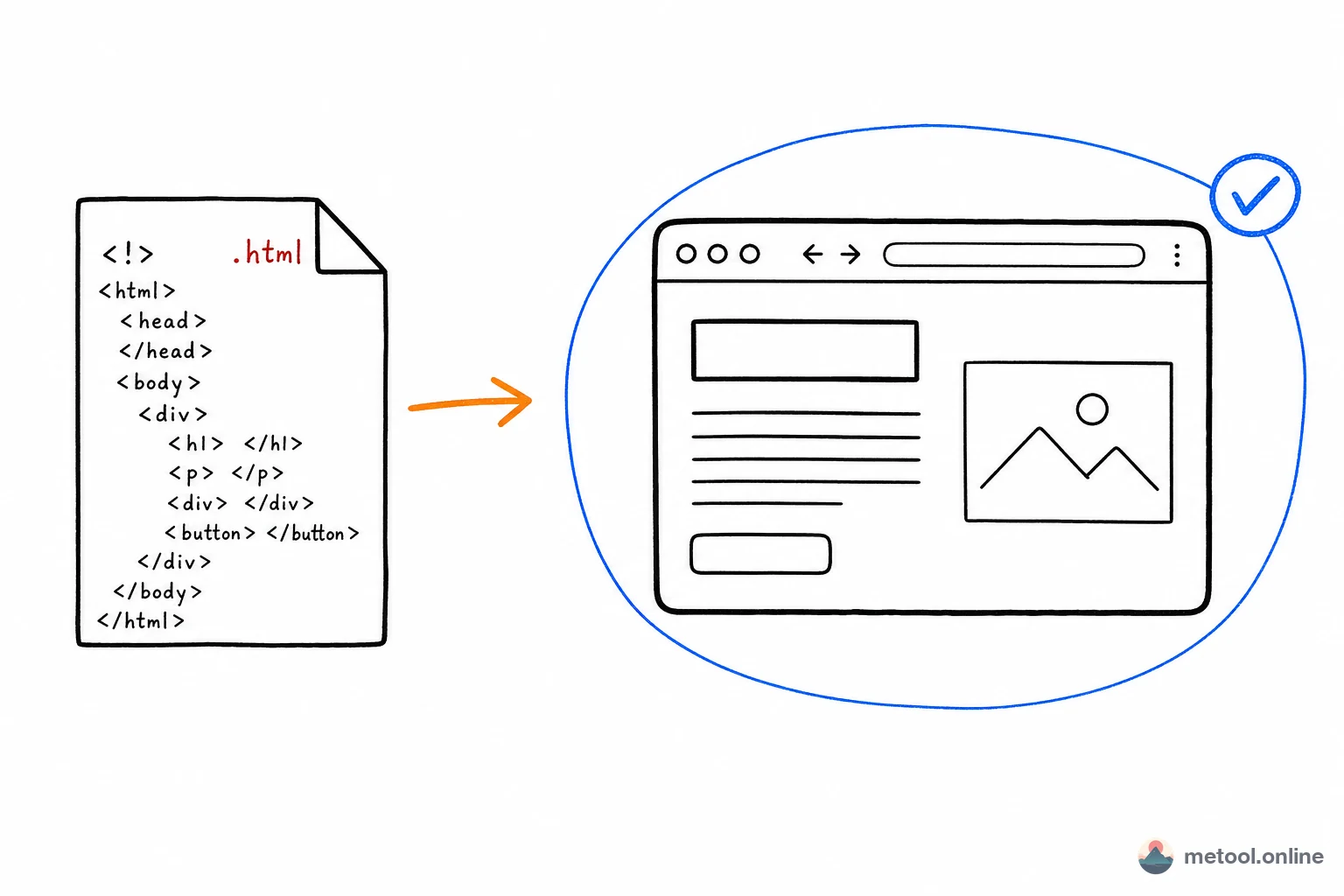
AI generates more and more HTML, but the traditional way to view it — saving a .html file and opening it in a browser — is clunky. MeTool HTML Live Preview removes that friction: paste or upload, see it rendered instantly, switch between mobile / tablet / desktop viewports, and export screenshots — all locally in your browser, with no upload.
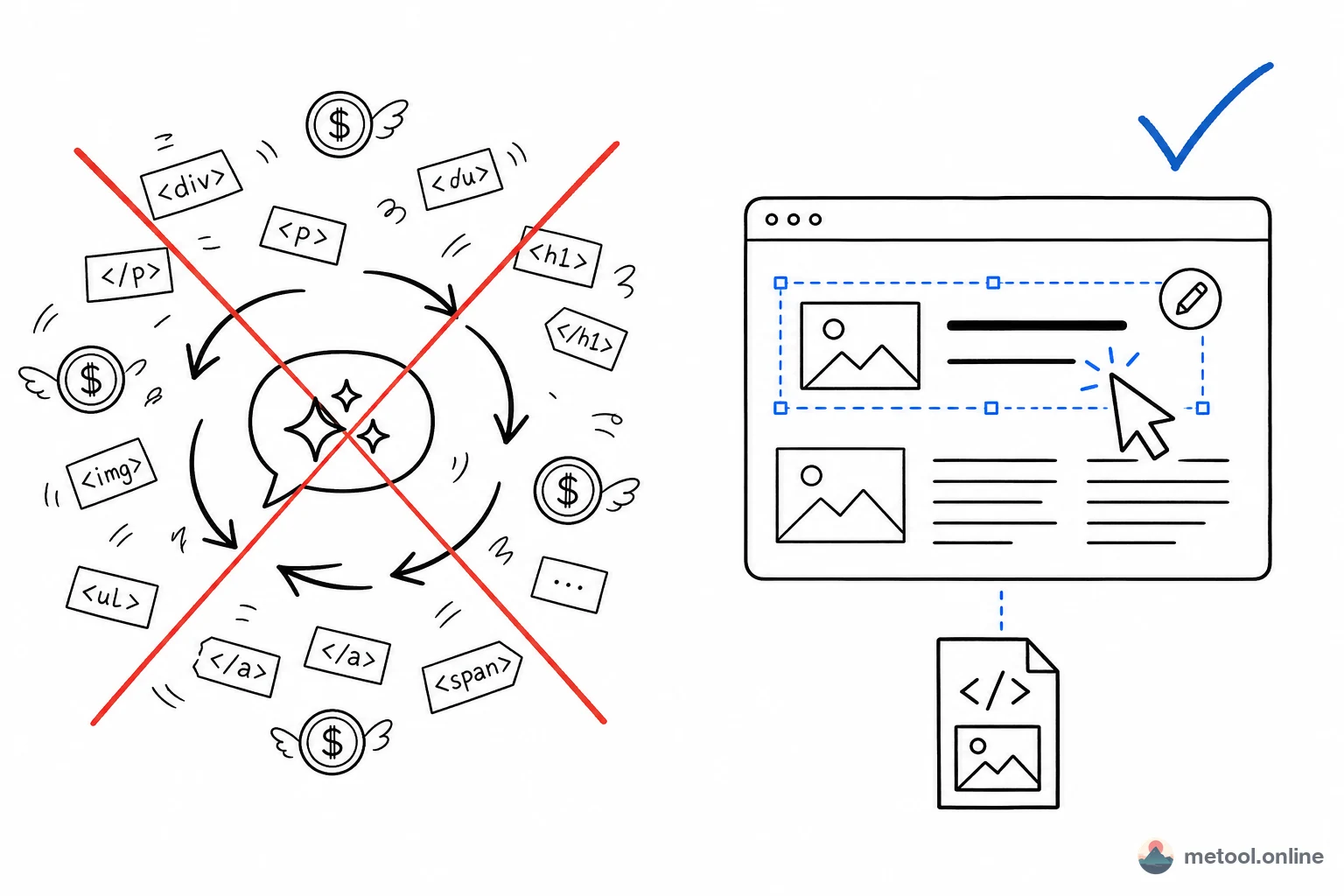
If you want to do more than view — edit text, swap images, adjust layout — use the Visual HTML Editor in the same category; to send a finished page to others, use the HTML Share Link.
When would you use HTML live preview?
Verifying AI-generated code
After asking ChatGPT, Claude, or DeepSeek to generate a landing page or component, the fastest way to check it isn't copying it into a local project and running it — just paste it into the previewer and see the real rendering in seconds. If something's off, go back and refine the prompt.
Checking responsive layouts
Many AI-generated pages break on mobile: text overflow, misaligned buttons, and so on. MeTool offers one-click switching between mobile, tablet, and desktop viewports, so you can confirm the layout works across screen sizes without opening browser dev tools.
Snippets pasted from email or chat
A colleague sends you an HTML snippet in Slack or Teams and you want to see it rendered without creating a local file. Paste it into the previewer instantly — much faster than "create a .txt file and rename it."
How is this better than just double-clicking a local .html file?
Opening a local file by double-clicking is the most basic approach, but it has limitations: you need to save the content as a file first; some browsers restrict script execution and cross-origin requests under the file:// protocol; and you can't easily switch between mobile/tablet/desktop viewports. MeTool's previewer renders in a proper web environment without these restrictions, and lets you export a clean screenshot in one click — sharper and more complete than a manual screen capture.
Frequently Asked Questions
Q: Does the pasted HTML get uploaded to a server? A: No. Rendering happens entirely in your browser. The code you paste is never transmitted to any server, and nothing is retained once you close the page.
Q: Are external CSS and JS references supported?
A: Yes, resources loaded via <link> or <script src="https://..."> work as long as they allow cross-origin loading. Inline <style> and <script> blocks have no restrictions.
Q: Can I preview pages with forms or basic JavaScript logic? A: Yes. The previewer renders the page inside an isolated iframe, supporting clicks, input, and most JavaScript logic — useful for validating AI-generated pages with basic interactivity.
Q: Does the screenshot export the whole page or just the visible area? A: By default it exports the visible viewport for quick sharing. If you need to preserve the full page code for later editing, use HTML Share Link or download the .html source file instead.
Q: Does switching between mobile/tablet/desktop viewports re-render the page? A: Yes. Each time you switch viewports, the preview area recalculates the layout for that device's screen width and re-renders — closely matching how the page would look on a real device, so you can use it to check whether your responsive breakpoints are set correctly.