
Why you need a visual HTML editor in 2026
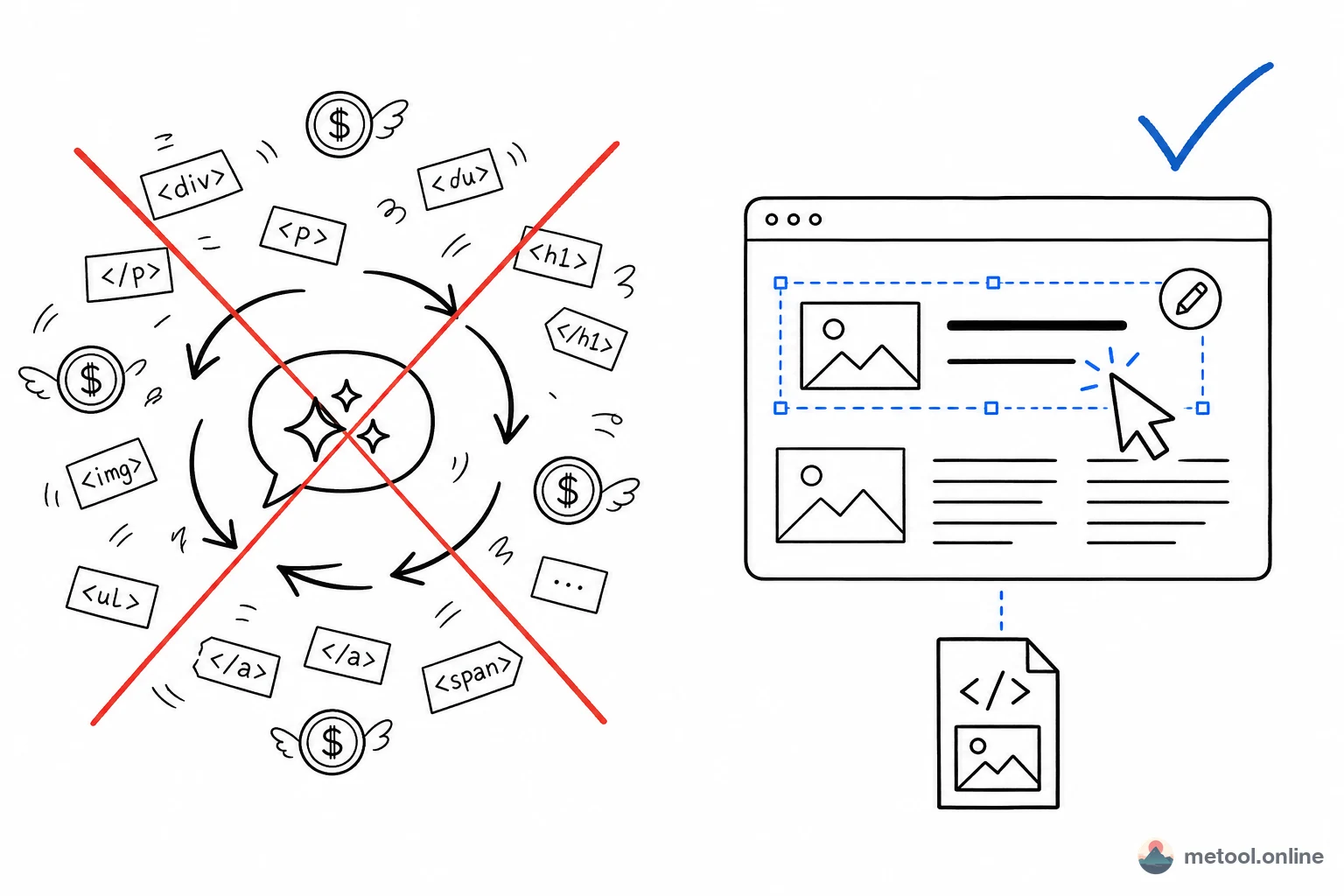
As ChatGPT, Claude and Gemini get better at outputting HTML directly — landing pages, reports, prototypes, slides — a new pain point appears: once you have the HTML, you only want to change a word or swap an image, yet you have to spin up another AI conversation. That's slow, burns tokens, and the AI might break something else while regenerating.
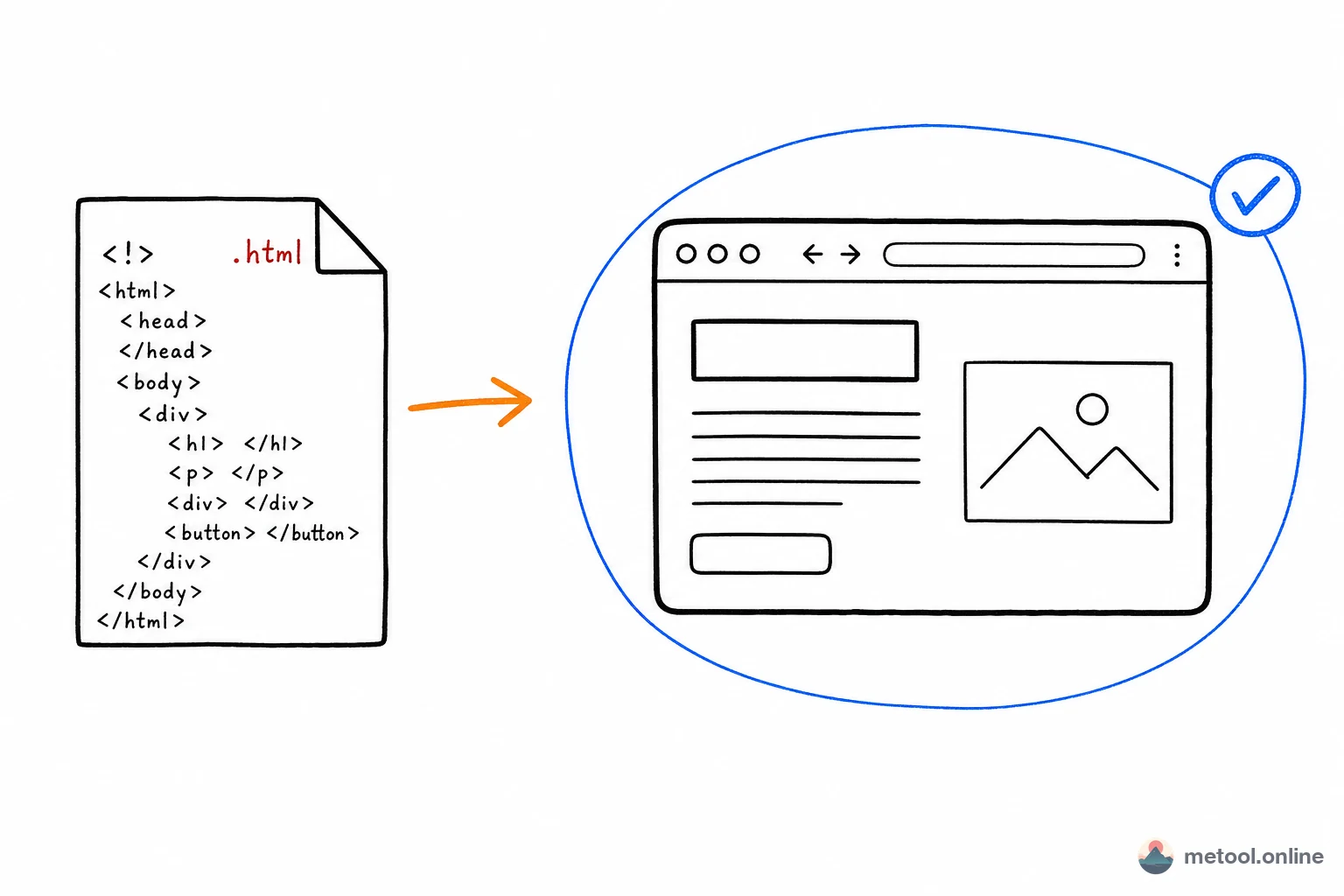
The MeTool Visual HTML Editor's answer is simple: if you can fix it with a click, don't bother the AI. Upload a single HTML file, a ZIP, or a whole static HTML project folder; see it rendered, click any element to edit text, change fonts and colors, swap images, and drag to reorder — without reading a single line of code. This is exactly the "last 10% of polish after AI generates code" that tools like HtmlDrag and HeyHTML emphasize.
Key features
Click to edit text
Click any element and double-click to edit its text — rewrite copy as easily as editing a document.
Fonts, sizes, colors & alignment
Select an element and the floating toolbar lets you instantly adjust font family, size, color, alignment and bold — what you see is what you get.
Replace images (base64 embedded)
Select an image, upload a new one, and it's embedded as base64 — the downloaded file shows every image correctly anywhere, no separate image files required.
Smart drag reordering
Elements in flex / grid flow use reorder-style dragging that snaps back into the original layout rules and stays responsive; absolutely-positioned decorative elements can be freely dragged anywhere.
HTML slide deck editing
AI-generated HTML slide decks — built on reveal.js, custom deck layouts, or any other approach — load directly into the editor. Pause editing to flip through slides freely, then resume to edit text, swap images, or tweak layouts on any slide. Export as a multi-page PDF or a ZIP of per-slide PNGs.
Multi-file HTML project workspace
Import a ZIP or folder and the editor detects index.html; if the project contains several HTML pages, choose the entry page yourself. A file tree preserves the project structure and opens editable HTML, CSS, JavaScript, JSON, and SVG files. Relative styles, scripts, images, and fonts load as a project, then export as a ZIP with every dependency included.
Delete, undo/redo, find & replace
Delete extra elements with one click, up to 50 steps of undo/redo, and a global find-and-replace to update all matching text at once.
How to use the MeTool Visual HTML Editor
- Upload HTML or a project: click "Upload" and choose an .html file, ZIP, or project folder. Choose the entry HTML for multi-page projects.
- Click & edit: click any element to select it, then use the floating toolbar to edit text, fonts, colors, swap images, delete, or drag.
- Download: single files export as clean HTML; project mode exports a ZIP with HTML, CSS, JavaScript, and project assets.
Visual editing vs conversational AI edits: which when?
Manual visual editing and conversational AI edits aren't mutually exclusive — each fits different needs:
| Need | Recommended | Why |
|---|---|---|
| Change a phrase / number | Visual editor | One click, instant, zero tokens |
| Swap an image | Visual editor | Upload and embed, WYSIWYG |
| Reorder sections | Visual editor | Just drag; layout stays responsive |
| Add a whole section / restructure | Conversational AI | Structural changes suit AI rewriting |
| Change design system / palette | Conversational AI | Systematic style changes are faster in one prompt |
In short: use the visual editor for content, call the AI for structure. Save the expensive AI calls for where they're truly needed.