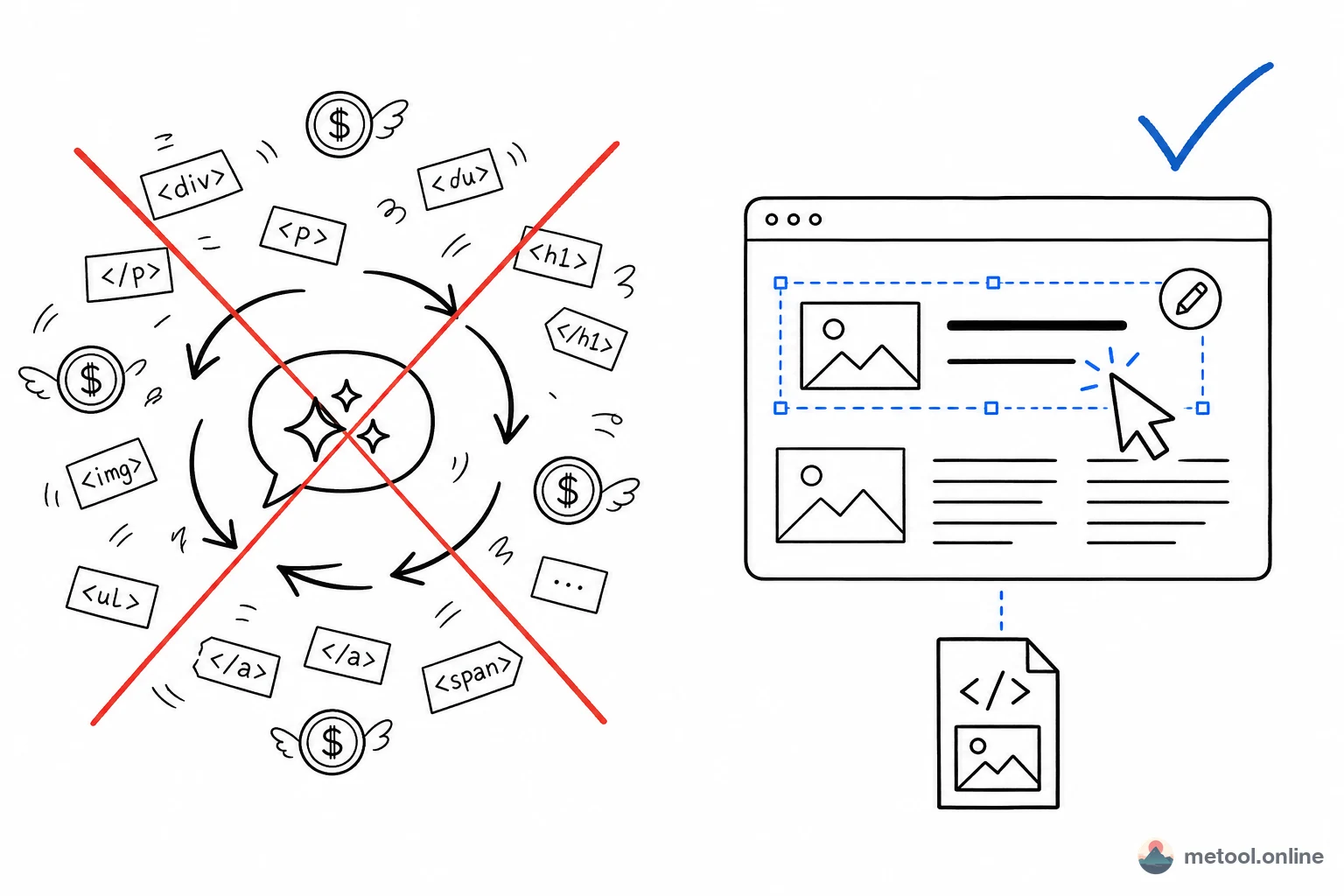
HTML share links: send an AI-generated page to anyone in one click
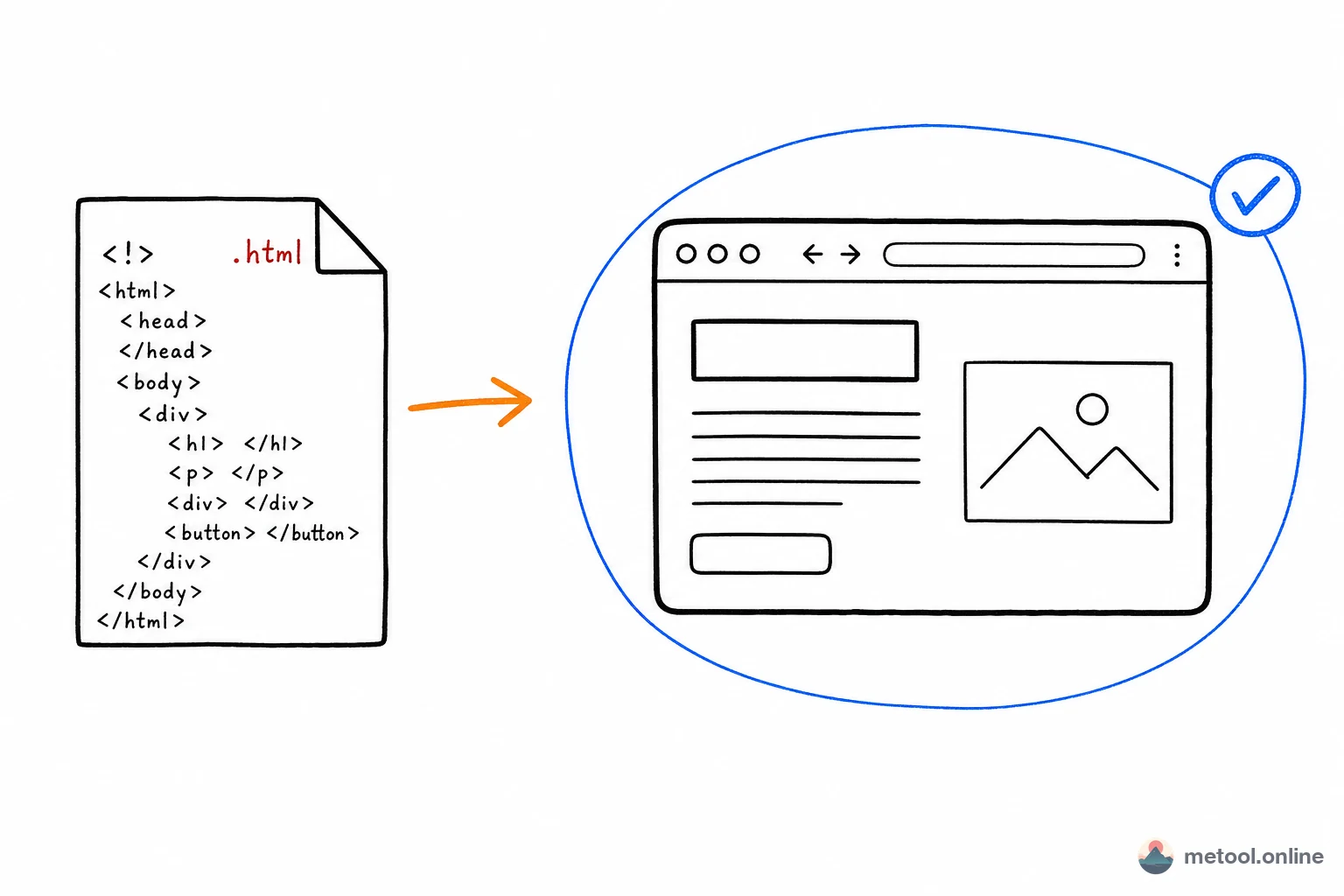
Finished an HTML report, prototype or deck and want to send it to a colleague or client — without making them install anything? MeTool HTML Share turns it into a single link: upload HTML, generate a shareable link, and the recipient opens it in any browser. It expires automatically after 7 days.
Smaller HTML is compressed and encoded into the link itself, never touching a server; only larger files are stored in a third-party temporary store with your explicit consent. Together with the Visual Editor and Live Preview in the same category, it completes the HTML workflow: edit → preview → share.
When should you use a share link instead of sending a file?
Sending to non-technical clients or managers
Sending a .html file as an attachment usually confuses recipients (and some email clients even flag HTML attachments as suspicious). A clickable link opens instantly in any phone or desktop browser — no extra steps needed.
Temporary content that doesn't need to persist
Many AI-generated reports and prototypes are one-off artifacts from a single conversation. MeTool's share links expire automatically after 7 days by default, so you're not left maintaining a permanently live page, and sensitive content isn't accessible indefinitely.
Quick cross-device checks
You built an HTML page on your computer and want to verify it looks right on your phone right away — scanning or forwarding a link is much faster than transferring the file and opening it manually.
How does the share link keep your content private?
MeTool prioritizes a "link contains the content" approach: smaller HTML is compressed and encoded directly into the URL fragment, so the server simply forwards the link — it never stores or reads your HTML content. Only when the content exceeds URL length limits does the tool, with your explicit consent, temporarily store it in a third-party service with an automatic expiration. Once expired, the content is deleted rather than retained indefinitely.
Frequently Asked Questions
Q: Does the recipient need to sign up or install anything to open the link? A: No. They just click the link and see the rendered page directly in their browser — no login, no plugin, no client software.
Q: Can I recover the content after the link expires? A: No, expired content is deleted and cannot be recovered. If you need to keep it long-term, save the original HTML file locally when you generate the link.
Q: Can MeTool or a third party see what I share? A: Smaller HTML content exists only as encoded data within the link itself — MeTool's servers never store or read the actual content. Larger files stored temporarily are only used for expiration-limited forwarding, not viewed or repurposed by anyone.
Q: Will sharing fail if the file is too large? A: The tool automatically detects content size and picks the appropriate sharing method. If your content is unusually large (e.g. lots of embedded Base64 images), trim the image assets first or use the HTML Editor to compress images before sharing for faster loading.
Q: Can I update the content of a link I've already shared? A: Each link is a snapshot of the content at generation time and can't be edited in place. If you need to update it, generate a new share link and send the new address.