Letting AI edit a paper is not pasting the whole file into chat and letting it finish alone. It is having it edit files in the project you have open, then compile on the same page — the PDF is generated in the browser; you read layout and logs. The assistant saying it is done is not the same as a PDF already existing.
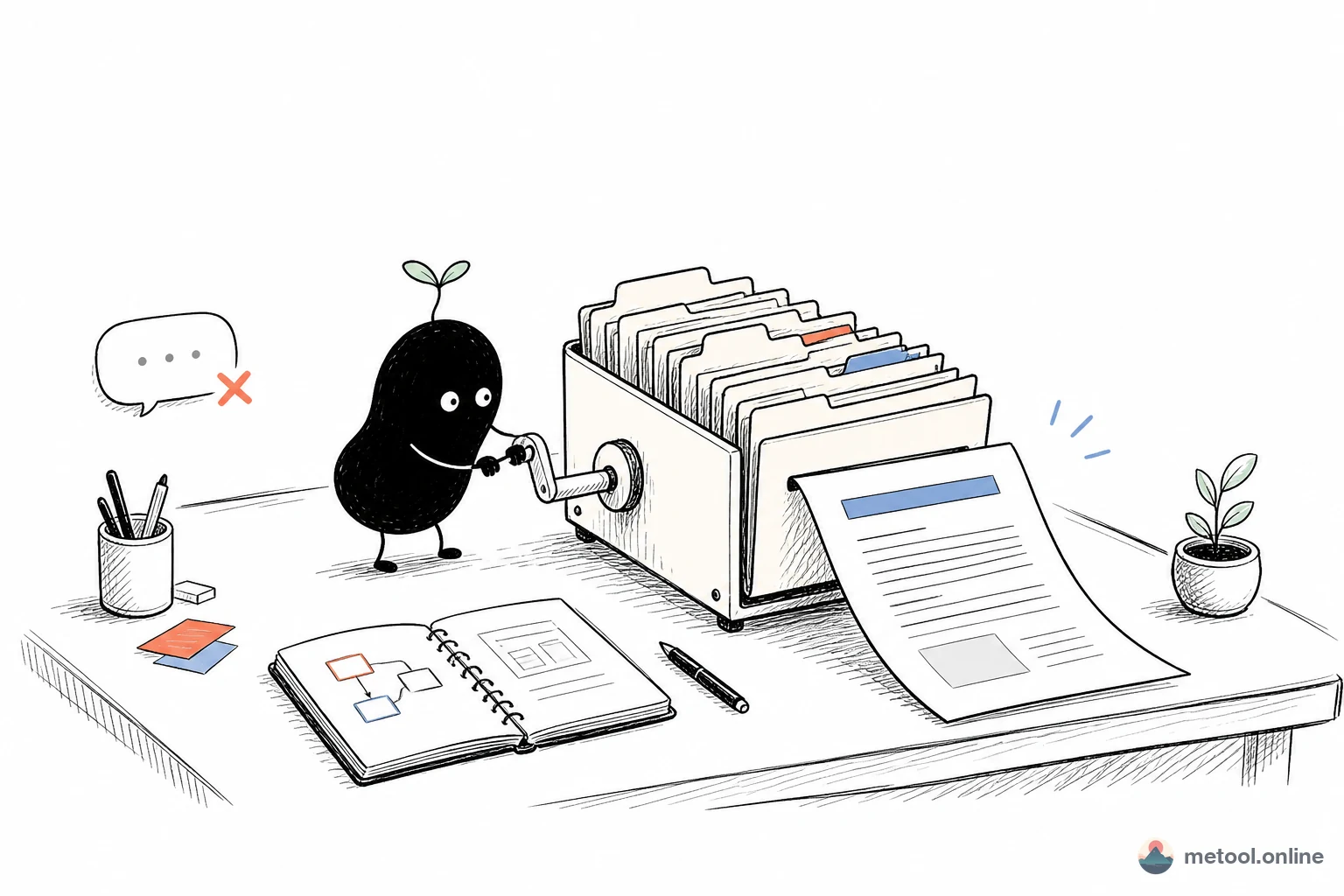
Why does editing a paper in chat scatter the structure?
Because a LaTeX paper is usually not one file. Main document, chapters, .bib, template, images each have paths; \input and \includegraphics depend on that tree. A chat window is one text blob. After the model edits, citation paths, figures, and custom commands easily stop lining up.
Compile is a separate job. Changing source is not the same as getting a PDF: XeLaTeX has to run (especially with CJK), missing packages, unresolved cross-references, missing images all show up in the log. “I already fixed it” in chat only means the model emitted new text. It does not mean this page has compiled successfully.
What you can do converting .tex to PDF without installing an environment is in LaTeX to PDF online. The pipeline from writing formulas to submitting is in LaTeX paper workflow. This article only adds one link: how an assistant joins this project’s edits and compiles.
How do I let AI edit files against the project and trigger compile?
Open the LaTeX editor, import a single file or a whole project, turn on Connect your AI, keep the tab open. The assistant should find the entry file first, then read the .tex / .bib it needs to change, prefer local replace, and avoid one overwrite that wipes a paragraph you just tuned.
One round can look like this — AI speeds one section; you decide pass/fail on the preview and the log:
You:
Only change the introduction: explain how the capacitor voltage decays after the RC circuit is switched off. Leave equation numbers. Then compile on the current page.
Assistant:
Local replace on the introduction is done, and compile is started. Check the right-hand preview and the log — if layout is off, point at the paragraph; if a package is missing, send the log and I will only fix that.
Do not imagine the compile result — chat on the left, an arrow to the paper page on the right, source and preview already updated from that introduction round:
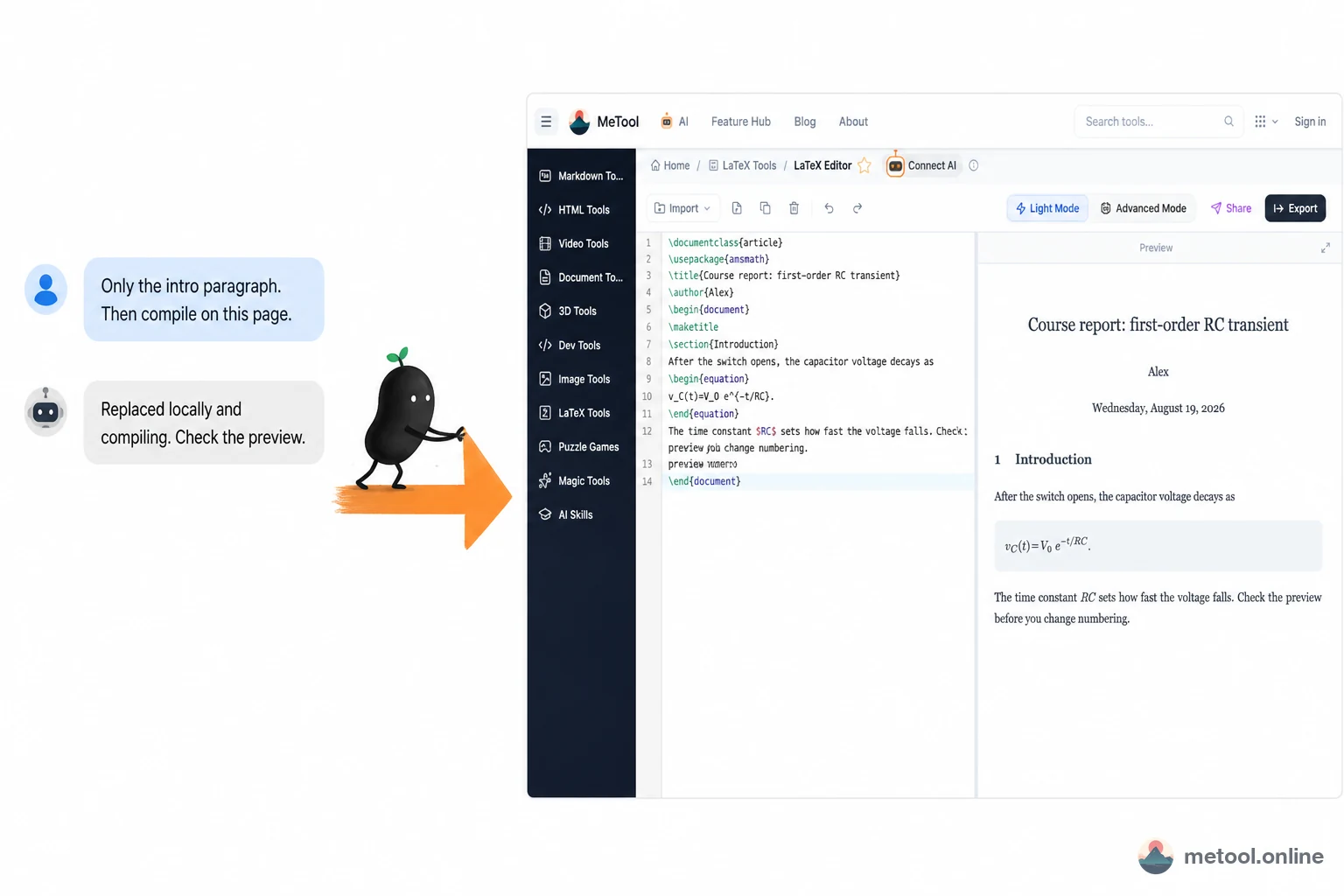
Lightweight preview fonts may differ from the final PDF; that is an engine difference, not this round breaking the paper. Cowriting here means the paper is still alive in the project; you can still read the PDF and change details. Setup: How do I let my current AI operate a web tool?.
Constraints on this page are project facts, not UI decoration:
- Text files (
.tex,.bib, common style files) can be read and written; a single file over the relay should stay under about 180 KiB (envelope ~200 KiB). Larger chapters: edit in chunks. - Images, fonts, and existing PDFs appear in the file tree but are read-only: bytes stay in the browser; the assistant cannot see pixels and cannot overwrite them over MCP.
- No remote delete, move, rename, or changing the entry file. Change structure on the page yourself, or have the assistant only edit citation paths.
compile_documentonly starts compile and returns immediately — the browser may still be fetching the XeLaTeX engine. Whether the PDF is ready is when that item in the artifact list becomes ready, or when you read the on-page log.
You can say:
- “Only the third paragraph of the introduction. Do not touch equation numbers.”
- “Change this bib entry’s year to 2024, then compile.”
- “The log says an environment is unclosed. Only fix that.”
After a successful compile, have the assistant list downloadable items: source is TEX for a single-file project, ZIP for multi-file; PDF is a separate item. You pick, then trigger the browser save. Setup: How do I let my current AI operate a web tool?. Whether CJK fonts and packages are enough still depends on the engine built into this page, not on the model promising “any template will pass.”
Which papers fit on-page cowriting, and which need local TeX?
Short drafts, ordinary templates, edits that need to see a PDF again and again — on-page cowriting. Heavy projects — a local distribution.
| Situation | Better fit | Why |
|---|---|---|
| Homework, a course paper, a single draft | Editor + AI local edits + compile | Fast preview, no environment to install |
| A borrowed laptop, cannot install TeX Live | Online project | Local install is about 4–7 GB |
| Hundreds of pages, deep subdirs, rare packages | Local TeX | The online engine may miss packages; the relay is a poor fit for giant files |
| Lots of raw images the AI should “see and edit” | You change figures on the page; AI only edits text | Binaries are read-only |
| Only one formula as an image | Formula editor page | No need to compile the whole paper |
Boundaries: one connection per current tab; after you close the page the assistant cannot keep compiling. Do not let the model invent image filenames that are not in the tree — missing figures fail compile. Cross-references sometimes need another compile pass; that is old TeX behavior, see Why LaTeX has to run twice. Whether an unpublished manuscript goes into the model you use is between you and your school or journal; the tool cannot decide that.
Wrap-up
AI editing a LaTeX paper should face the project, not the chat log: list files, locally edit text, start compile, read logs and the PDF. Do not dump the whole paper on the model to finish alone. Images stay read-only in the browser; downloads go through the local dialog. Short drafts and ordinary typesetting are worth cowriting this way; heavy projects and rare packages still belong on local TeX Live. The model saying it is done is not the same as a PDF already existing.